A suspicious login at 2:13 a.m. may not feel urgent until an employee arrives to find files encrypted, email unavailable, or customer information exposed. Cybersecurity monitoring for small businesses gives leaders visibility into those early warning signs, so a potential incident can be investigated and contained before it becomes a disruptive business event.
For a growing business, security is not just an IT concern. It affects payroll, customer trust, employee productivity, vendor relationships, and the ability to serve clients without interruption. The goal is not to create a complicated security program that slows people down. It is to put practical oversight around the systems your team relies on every day.
What Cybersecurity Monitoring Actually Does
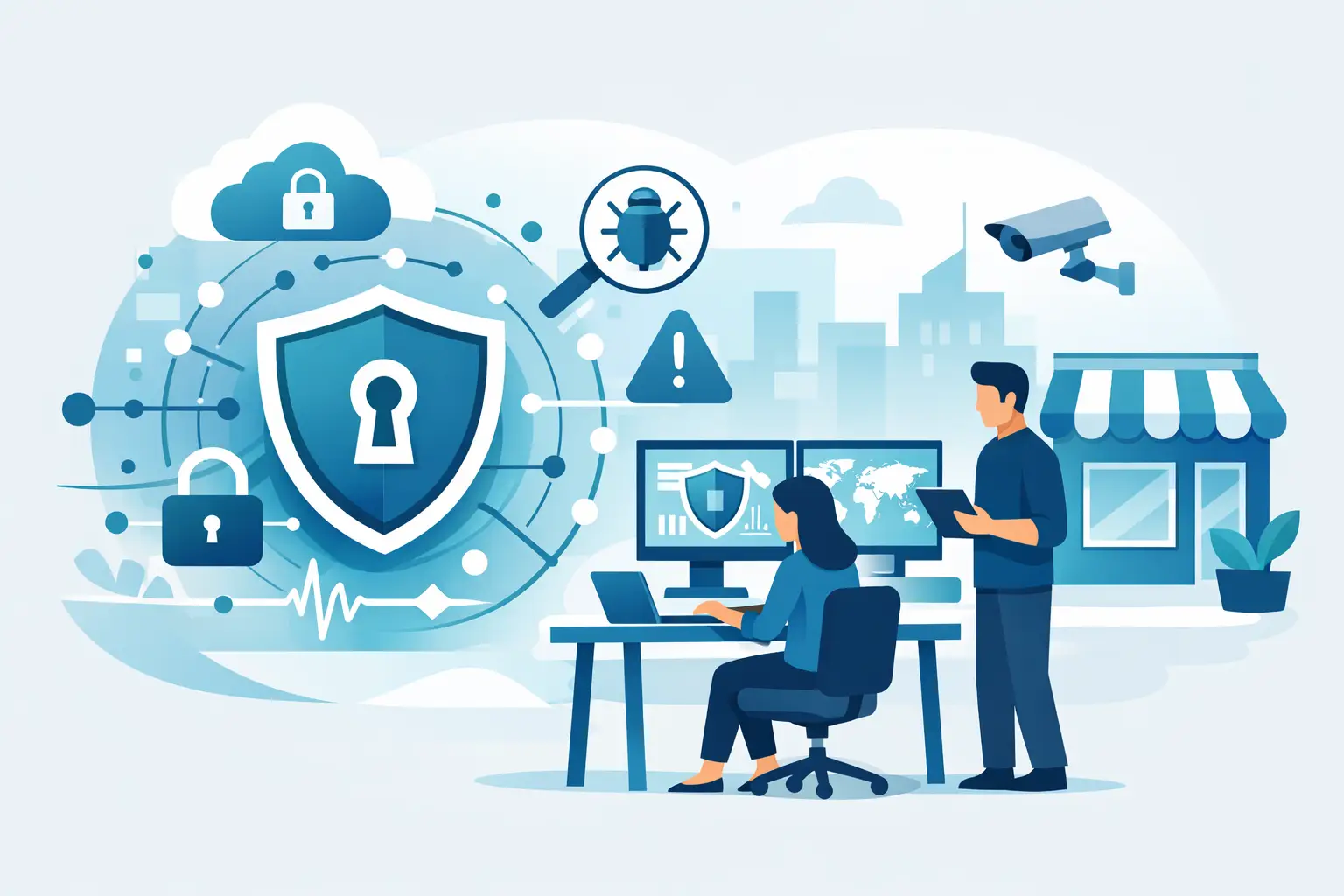
Cybersecurity monitoring is the ongoing review of systems, networks, devices, accounts, and security alerts to identify unusual activity. It combines technology that detects potential threats with experienced people who can determine whether an alert needs action.
A good monitoring program watches for events such as repeated failed login attempts, sign-ins from unfamiliar locations, unexpected changes to user accounts, malware activity, missing software updates, and unusual data movement. It can also reveal risky conditions that may not be an active attack yet, such as a former employee account that is still enabled or a computer that has not checked in for weeks.
This is different from installing antivirus software and assuming the work is done. Security tools generate alerts, but alerts alone do not protect a business. Someone needs to review what happened, understand the context, and respond appropriately. A login from another state may be a traveling employee. Or it may be a compromised password. Monitoring helps distinguish between the two before an issue is ignored or overreacted to.
Why Small Businesses Are Frequent Targets
Small businesses often assume attackers are focused on large enterprises. In practice, many criminals look for the easiest path to money, data, or access. A smaller organization may have fewer dedicated IT resources, inconsistent security policies, and employees who are managing multiple responsibilities. Those conditions can make a phishing email, stolen password, or unpatched device more effective.
Florida businesses also face a wide range of operational risks. A medical office, professional services firm, contractor, retailer, or nonprofit may store client records, payment information, contracts, financial documents, and employee data. Even when the data is limited, losing access to it can stop operations quickly.
The cost of an incident extends beyond technical repairs. A ransomware event can delay invoicing and payroll. A compromised email account can send fraudulent payment requests to customers or vendors. A data exposure can require notification, legal guidance, and difficult conversations with clients. Early detection reduces the time an attacker has to move through the environment and cause damage.
The Areas That Need Ongoing Visibility
Effective cybersecurity monitoring for small businesses should cover the technology people actually use, not just the office network. For many organizations, that includes laptops, cloud email, shared files, mobile devices, Wi-Fi, line-of-business applications, and remote access tools.
Identity and email accounts
User accounts are a common entry point for attackers. Monitoring should identify suspicious sign-ins, repeated password failures, unusual mailbox rules, changes to multi-factor authentication settings, and unexpected account permissions. Email deserves close attention because phishing remains one of the most common ways criminals gain access.
Multi-factor authentication significantly reduces risk, but it is not a substitute for monitoring. Attackers may use social engineering to convince an employee to approve a fraudulent login or can gain access through a session token. Watching account activity helps catch those situations faster.
Devices and software updates
Every computer is a potential doorway into the business. Monitoring confirms that endpoint protection is active, critical software patches are installed, hard drives are encrypted where appropriate, and devices are reporting normally. A laptop that has missed updates for months is not simply behind schedule. It may carry a known vulnerability that an attacker can exploit.
Patch management requires judgment. Some updates must be installed immediately, while others should be tested or scheduled to avoid disrupting specialized applications. A trusted IT partner can make those decisions with your business workflow in mind.
Network activity and access
Your network should not be a place where every device can communicate with every other device without limits. Monitoring can identify unfamiliar devices, unusual traffic patterns, failed access attempts, and configuration changes that weaken protection.
For businesses with guest Wi-Fi, cameras, phone systems, remote workers, or multiple locations, network visibility becomes even more valuable. The right configuration separates traffic appropriately and makes it easier to investigate a concern without taking the entire business offline.
Backup status and recovery readiness
Backups are not monitoring in the strictest sense, but they are inseparable from business continuity. A backup that fails quietly may not be discovered until it is urgently needed. Ongoing oversight should confirm that backups complete successfully, are protected from unauthorized changes, and can be restored.
Recovery expectations should be clear. It depends on the business: a firm that can tolerate a few hours without a shared drive has different requirements than a practice that needs patient schedules available all day. Monitoring and backup planning work together to protect the systems that matter most.
Monitoring Is Valuable Only When Response Is Clear
The most overlooked question is not, “What tools do we have?” It is, “Who acts when a tool finds something?” A security alert at night, on a weekend, or during a busy workday needs an established response path.
For lower-risk events, the response may be to verify activity with an employee and document the result. For higher-risk events, it may include disabling an account, isolating a device, resetting credentials, blocking a malicious domain, and reviewing whether other systems were affected. The best response is measured, fast, and communicated in plain language to the people responsible for the business.
This is where managed monitoring is often a better fit than asking an office manager or internal employee to check security dashboards. Those employees may be highly capable, but security review is rarely their only job. Alerts can be missed, and the pressure to interpret them correctly during an active incident is significant.
How to Build a Right-Sized Program
Small businesses do not need to purchase every security product on the market. They need protection that reflects their data, business model, compliance responsibilities, and tolerance for downtime. Start by identifying which systems would cause the greatest disruption if compromised or unavailable.
Then establish the basics: managed endpoint protection, multi-factor authentication, reliable backups, secure network configuration, regular patching, account access controls, and employee phishing awareness. Monitoring connects these safeguards by showing whether they are working and where attention is needed.
It also helps to define responsibilities in advance. Decide who can approve account changes, who should be contacted if suspicious activity is found, which vendors may need to be involved, and how employees should report a questionable email or device issue. These decisions are far easier to make before a problem occurs.
Avoid treating compliance as the only measure of security. Meeting a requirement can be useful, particularly for businesses handling regulated information, but a checklist does not guarantee that someone will notice a real threat in time. Security should support business continuity, not become a binder that sits untouched until an audit.
Questions to Ask a Monitoring Provider
When evaluating outside support, ask what is actively monitored, how alerts are prioritized, and who responds after normal business hours. Request a clear explanation of what happens when a threat is confirmed, including how the provider communicates with your team and coordinates with third-party vendors.
You should also understand what is included versus optional. Some providers monitor devices but not cloud accounts. Others may provide alerting without hands-on response. There is no single model that fits every organization, but the scope should be clear enough that there are no assumptions during an incident.
TechFusion helps Central Florida businesses connect cybersecurity oversight with responsive IT support, backup management, network management, and practical guidance for employees. That coordinated approach matters because security events rarely stay confined to one device or one software platform.
A useful next step is to review your current security alerts, backup reports, employee access list, and incident contacts with the same attention you give to your most important business operations. The problems you find may be small, but addressing them early is often what keeps them from becoming the interruption your business cannot afford.