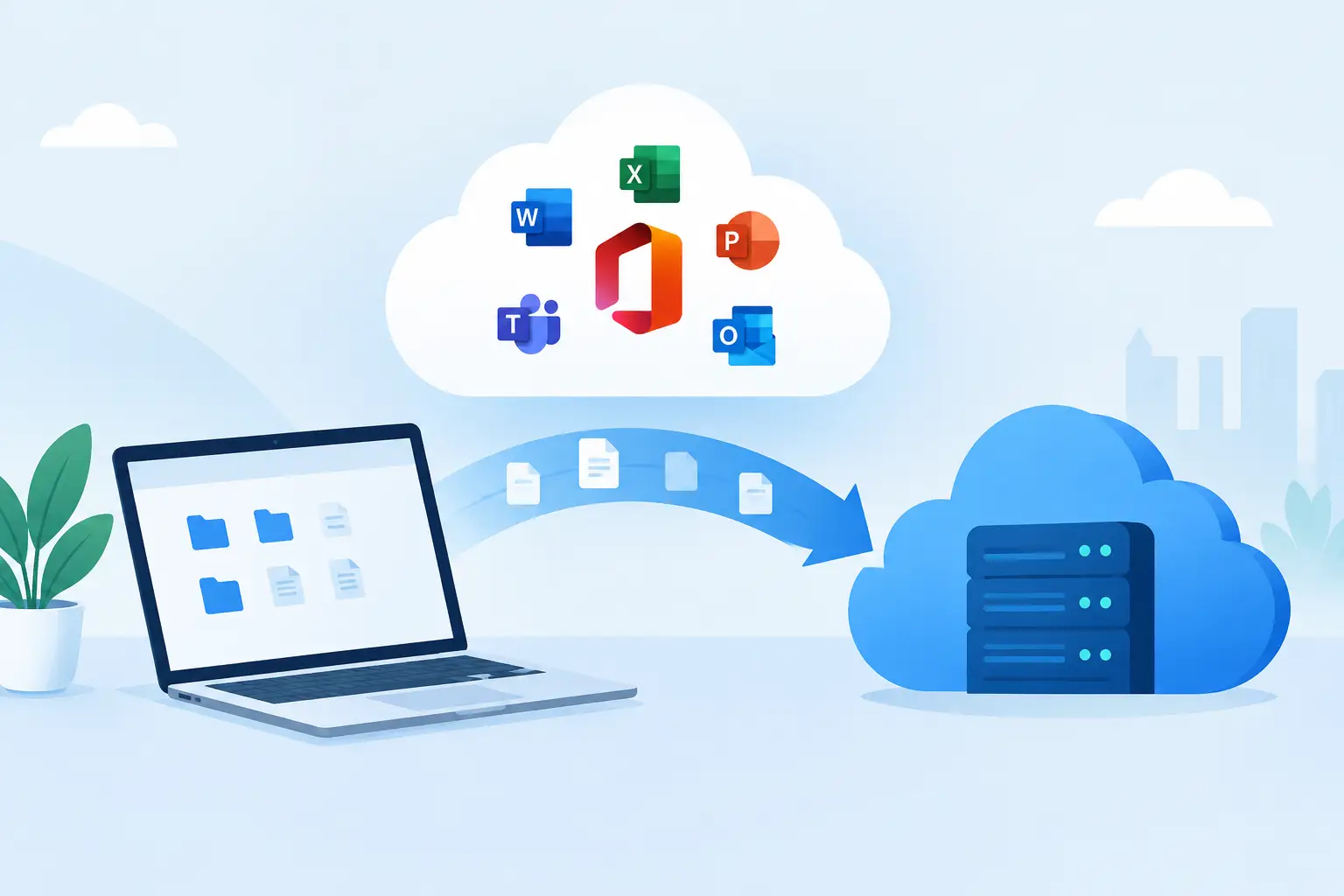
A Microsoft 365 move can look simple from the outside: transfer email, copy files, create accounts, and start working. For a growing business, it is rarely that simple. Microsoft 365 cloud migration services must protect the information your team relies on while preventing avoidable interruptions to email, customer communication, payroll, shared documents, and daily operations.
The difference is planning. A well-managed migration gives employees a clearer, more secure way to work. A rushed one can leave behind missing files, duplicate data, broken permissions, confused users, and support requests that pull leadership away from the business.
Why Microsoft 365 migrations need a business-first plan
Microsoft 365 combines familiar tools such as Outlook, Teams, OneDrive, SharePoint, Word, Excel, and Microsoft security controls. It can reduce reliance on aging servers, make remote and hybrid work easier, and provide stronger control over company information. Those benefits depend on how the environment is designed before anyone moves a mailbox or uploads a folder.
Small and midsize businesses often begin a migration because they have outgrown a basic email provider, inherited an outdated file server, opened a second location, or need more dependable support for remote employees. Others need to improve cybersecurity after recognizing that shared passwords, personal file-sharing accounts, and unmanaged devices create unnecessary risk.
The right approach starts with business questions, not software settings. Which employees need access to sensitive financial or client records? Which shared mailboxes support sales, scheduling, or customer service? What files must remain available during the workday? Are there compliance, retention, or insurance requirements to meet? The answers shape the migration plan.
It also helps to recognize that moving to Microsoft 365 is not automatically a security solution. The platform provides valuable tools, but default settings may not match your business’s risks. Identity protection, multi-factor authentication, device policies, email filtering, and backup planning need deliberate configuration.
What Microsoft 365 cloud migration services should include
A dependable migration service is more than data transfer. It should cover discovery, design, migration, validation, user preparation, and ongoing support. Each stage protects a different part of your operation.
Start with an inventory, not assumptions
Before the move, your IT team should document the current environment. This includes email accounts, aliases, distribution lists, shared mailboxes, calendars, contacts, file shares, permissions, applications that send email, and employee devices.
This discovery phase often reveals details that are easy to miss. A copier may scan invoices to a specific email address. A website contact form may send messages through an old mail server. A former employee’s account may still receive customer requests. An accounting folder may be accessible to more people than intended.
Finding those dependencies early keeps the migration from becoming a troubleshooting exercise after the changeover. It also creates an opportunity to remove inactive accounts, clarify ownership, and reduce unnecessary licensing costs.
Design access around how people actually work
Microsoft 365 gives businesses several places to store information, and choosing the right one matters. OneDrive is generally suited to an individual’s working files. SharePoint supports shared departmental or company documents. Teams can organize collaboration around projects, departments, or clients.
The goal is not to move every old folder structure into a new location unchanged. Some legacy structures are difficult to navigate, filled with outdated versions, or built around employees who no longer work for the company. A migration is a practical time to create simpler permissions, naming conventions, and ownership rules.
There are trade-offs. Reorganizing everything during the migration can delay the project, while copying everything without review can carry old confusion into the new system. For many businesses, a phased cleanup works best: move active operational data first, archive what must be retained, and address deeper restructuring after employees are working successfully in the new environment.
Protect identities, devices, and data
Email remains one of the most common paths into a business network. That makes identity security central to any Microsoft 365 project. At a minimum, users should have multi-factor authentication, strong account recovery procedures, and clear processes for reporting suspicious messages.
Security should extend beyond the login screen. Device management can help ensure that laptops and mobile devices accessing company email meet basic security standards. Conditional access policies can limit risky sign-ins. Email protections can reduce exposure to phishing, impersonation, and malicious attachments.
Your backup strategy deserves equal attention. Microsoft 365 provides service availability and recovery features, but businesses may still need independent backup and retention controls based on their operational needs. Deleted files, accidental overwrites, compromised accounts, and retention obligations require a plan that is understood before an incident occurs.
Move data in controlled stages
A migration does not have to happen all at once. For many organizations, moving a pilot group first is the safest choice. It gives the project team a chance to verify email delivery, file access, mobile device setup, and user experience with a smaller group before the wider rollout.
Email migration may include messages, calendars, contacts, shared mailboxes, and archive files. File migration requires more than copying folders. Permission mapping, file names, large files, duplicate content, and unsupported characters can all affect the result. A professional team checks the migrated data, compares counts where appropriate, and resolves exceptions before declaring the project complete.
The final email cutover should be scheduled around business needs. A professional services firm may prefer an evening or weekend transition. A business with extended operating hours may need a staged plan with a defined support window. There is no single schedule that fits every company, but there should always be a clear communication plan and someone accountable for responding if an issue occurs.
Employee adoption is part of the migration
The technical work can be completed correctly and still create frustration if employees are left to figure out the new tools on their own. People need practical guidance: where to find shared documents, how to use Teams appropriately, how to access email on a phone, and how to identify a phishing attempt.
Training should match the team. Executives may need quick guidance on secure mobile access and document sharing. Administrative staff may need help managing calendars and shared mailboxes. Department leaders may need to understand Teams channels, ownership responsibilities, and file permissions.
Clear instructions reduce help desk requests, but responsive support matters just as much. Employees will have questions after the first day, not only during the migration window. A technology partner that remains available after implementation helps the organization get value from Microsoft 365 instead of treating it as another system employees tolerate.
Common migration mistakes that create avoidable disruption
The most expensive migration errors are usually not dramatic technical failures. They are overlooked details that affect everyday work. Moving email without testing business applications, granting overly broad file permissions, skipping multi-factor authentication, or failing to tell staff what will change can all create problems that are preventable.
Another common issue is treating the migration as a finish line. Microsoft licensing, security threats, employee turnover, and business requirements change over time. New hires need correctly configured accounts and devices. Departing employees need access removed promptly. Permissions need periodic review. Backups and recovery processes need testing.
That ongoing work is where managed support has real value. TechFusion can help businesses plan the move, coordinate vendors, protect data, support users, and continue managing the Microsoft 365 environment as the organization evolves.
Choosing a partner for Microsoft 365 cloud migration services
Look for a provider that speaks clearly about both the technical plan and the business impact. They should be able to explain what will move, what may need cleanup, when users may notice changes, how security will be configured, and who will provide support after the cutover.
Ask how the provider handles validation, rollback planning, backups, user communication, and post-migration support. A trustworthy partner will not promise that every environment is identical or that a migration requires no preparation. They will identify risks early, set realistic expectations, and build a plan around your operations.
A successful Microsoft 365 migration should leave your employees better supported, your data better controlled, and your leadership more confident that technology is helping the business move forward. The best time to build that foundation is before the first mailbox is moved.