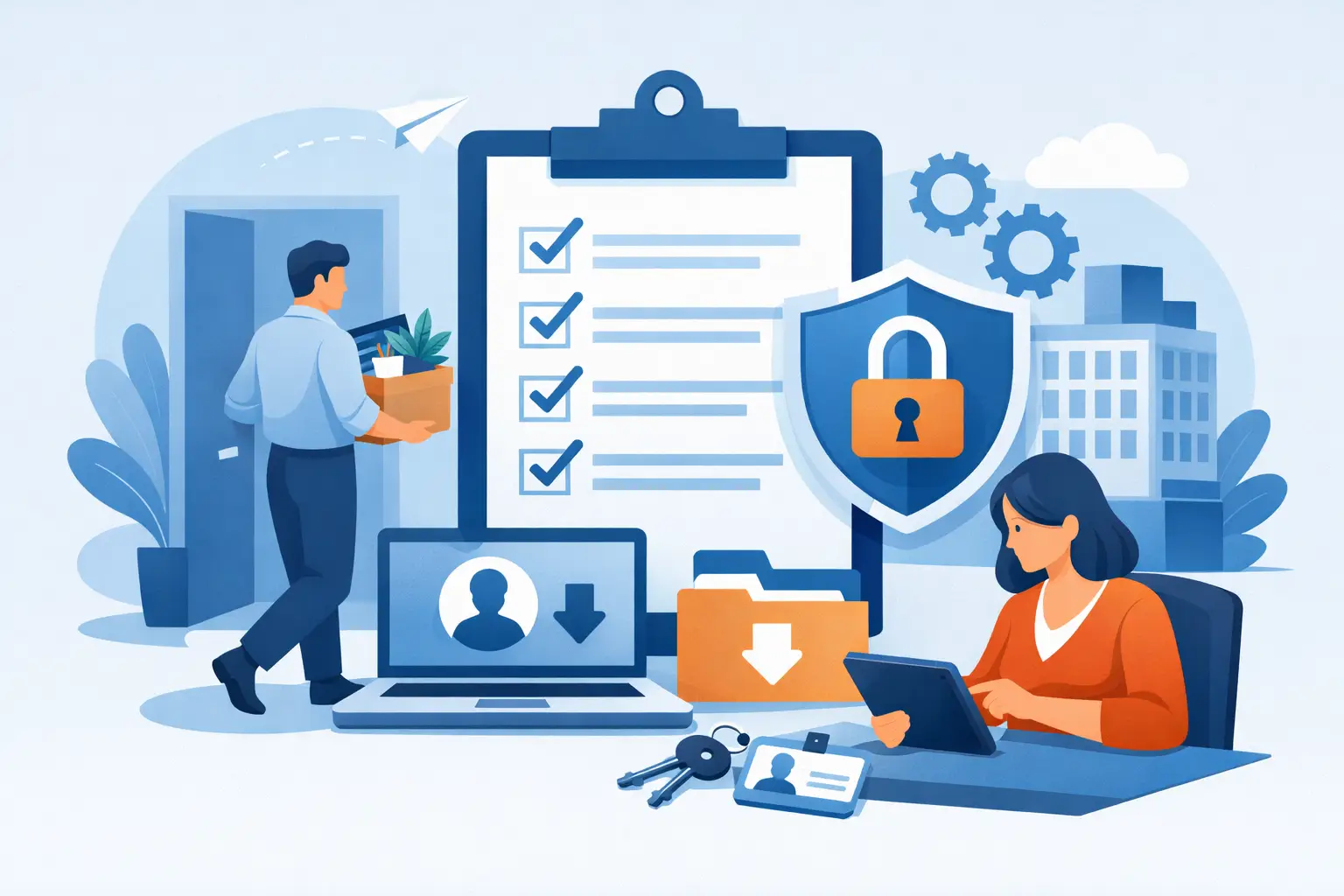
A departing employee can create a security gap in a matter of minutes. One active email account, saved browser password, unreturned laptop, or missed vendor portal can expose sensitive information long after the employee has left. A secure employee offboarding checklist gives your business a repeatable way to close those gaps while keeping the transition professional, orderly, and fair.
For small and midsize businesses, offboarding is rarely handled by one department alone. Leadership, HR, supervisors, finance, and IT may each own part of the process. Clear ownership and timing matter because the most common failures happen in the handoff between those teams.
Why secure offboarding deserves a formal process
Employee departures are not all the same. A planned retirement allows time to transfer responsibilities and review access. A voluntary resignation may require quick coordination. An involuntary termination can demand immediate action to protect systems, preserve records, and prevent disruption.
The goal is not to treat every departing employee as a threat. It is to protect the business consistently, regardless of why someone leaves. A documented process reduces the chance that personal information, client records, financial data, intellectual property, or administrative credentials remain accessible by mistake.
It also protects the employee experience. When managers, HR, and IT follow the same process, employees receive clear instructions for returning equipment, transferring work, and resolving final questions. That consistency supports a respectful exit while maintaining business continuity.
Secure employee offboarding checklist: start before the last day
The strongest offboarding process begins as soon as leadership or HR confirms the departure. Do not wait until the final hour to discover which systems the employee can access.
First, assign an offboarding owner. In many organizations, HR confirms the employment details, the manager identifies responsibilities and files to transfer, and IT manages access, devices, data, and security records. A single owner should verify that each task is completed and documented.
Next, establish the employee’s final working time and the exact time access will change. For a standard departure, disabling access at the end of the last working day may be appropriate. For a termination or a role with privileged access, account changes may need to happen during the meeting or immediately beforehand. The right timing depends on risk, job responsibilities, and legal guidance.
Create an inventory of what the employee uses. Do not rely on memory or a generic software list. Review the person’s role and identify business applications, shared drives, cloud storage, email groups, customer relationship management platforms, accounting tools, phone systems, remote-access tools, company social accounts, physical access credentials, and vendor portals.
Protect accounts without losing critical business information
Disabling a user account is necessary, but it is not the entire task. Businesses need to preserve the information and workflows attached to that account.
Revoke access in the right order
Start with high-risk systems: email, identity provider accounts, remote desktop or VPN access, password managers, administrator dashboards, financial platforms, cloud consoles, and security tools. If the employee held an administrative role, remove elevated permissions first, then disable the account. This avoids leaving powerful credentials active while the rest of the offboarding is being completed.
Review multi-factor authentication carefully. Remove the employee’s authenticator app enrollment, hardware token, personal phone number, recovery email, and backup codes. Resetting a password alone is not enough if a personal device can still approve sign-in attempts.
Then remove access to role-specific systems, shared folders, project workspaces, communication channels, and third-party services. Remember the tools that often sit outside central IT management, such as scheduling software, marketing platforms, payroll portals, online banking permissions, domain registrars, and industry-specific applications.
For clarity, verify these account actions:
- Disable or suspend the employee’s primary identity, email, VPN, and remote-access accounts.
- Remove group memberships, shared mailbox rights, cloud folder permissions, and application licenses.
- Revoke administrator roles, API keys, delegated access, saved sessions, and multi-factor authentication methods.
- Change shared passwords the employee knew, especially for vendor, social media, and operations accounts.
- Document the date, time, and person responsible for each action.
Preserve email, files, and ownership
Before deleting anything, determine what must remain available to the business. Transfer ownership of cloud files, calendars, customer records, shared documents, and active projects to a manager or designated employee. Review the departing employee’s mailbox for active client conversations, contractual notices, invoices, and operational communications.
Set an automatic response only if it fits the situation and company policy. Keep it brief, professional, and directed to the appropriate contact. Forwarding every future email to another employee can create privacy and compliance concerns, so use it selectively and for a defined period.
Retention requirements vary by industry. Your business may need to preserve emails, financial records, client communications, or project documentation for legal, contractual, or operational reasons. When uncertainty exists, preserve the records and consult appropriate legal or compliance guidance before deleting data.
Recover devices and secure local data
Company equipment can hold more business data than leaders realize. A laptop may contain synced cloud folders, downloaded client files, browser sessions, local passwords, and cached email. Phones and tablets may retain authentication apps, text messages, contacts, and access to collaboration tools.
Maintain an asset record that identifies every item issued to the employee, including laptop, desktop, monitors, mobile devices, chargers, headsets, security keys, access cards, and any specialized equipment. Confirm the serial number and condition when the equipment is returned.
Before reissuing a device, IT should back up required business data, verify that the device is no longer needed for an investigation or retention purpose, and securely erase it according to company policy. Reinstalling the operating system without reviewing encryption, local accounts, and management controls can leave unnecessary risk behind.
For personally owned devices used for work, the approach is more nuanced. The company should remove business accounts, managed applications, and company data without deleting the employee’s personal information. This is much easier when mobile device management and clear bring-your-own-device policies are already in place.
Physical security belongs in the same conversation. Collect keys, badges, parking passes, building codes, alarm credentials, and access to secure areas. Notify property management or building security when necessary, particularly if access cards are managed outside your organization.
Transfer knowledge before access is removed
Security and continuity should work together. Managers need a structured handoff of active projects, client commitments, recurring tasks, vendor contacts, deadlines, and the location of key documents. A short transition meeting is often more valuable than a large collection of notes that no one reviews.
Ask the departing employee to identify single points of failure. This may include a report they run manually each month, a vendor relationship they manage, a spreadsheet with operational logic, or a process known only to them. The objective is not to gather personal knowledge indiscriminately. It is to ensure the company can continue serving customers and operating effectively.
Where possible, have the receiving employee test access to the required files and systems before the departure date. A project transferred on paper but inaccessible in practice is not a completed handoff.
Review activity and keep a defensible record
For positions with elevated access, sensitive data exposure, or unusual circumstances, review recent activity before and after the departure. This may include login history, large file downloads, forwarding rules, external sharing permissions, newly created accounts, and changes to security settings. Handle these reviews consistently and in accordance with your policies and applicable employment laws.
Keep an offboarding record that shows what was reviewed, what access was removed, which equipment was returned, where business information was transferred, and whether any follow-up is required. This documentation supports audits, helps resolve questions later, and gives leadership confidence that no step was assumed complete.
A final post-offboarding check is worthwhile 24 to 72 hours after the departure. Confirm that accounts remain disabled, email routing works as intended, licenses have been recovered, and team members can access transferred files. This is also a good time to review whether the exit revealed a broader issue, such as too many shared passwords or excessive administrative permissions.
Make offboarding repeatable, not reactive
The best time to improve offboarding is before the next departure. Maintain a current list of approved applications, assign system owners, use individual accounts instead of shared credentials, and apply least-privilege access so employees receive only what their roles require. These practices make each transition faster and safer.
A managed IT partner can also help maintain account inventories, device records, access controls, backup coverage, and a tested offboarding workflow. TechFusion helps businesses put practical controls around employee transitions so security tasks do not get missed when a busy team is already managing change.
Every completed offboarding process is a chance to strengthen the next one. Treat the checklist as a living operational document, refine it after real-world departures, and make secure transitions part of how your business protects its people, customers, and future work.