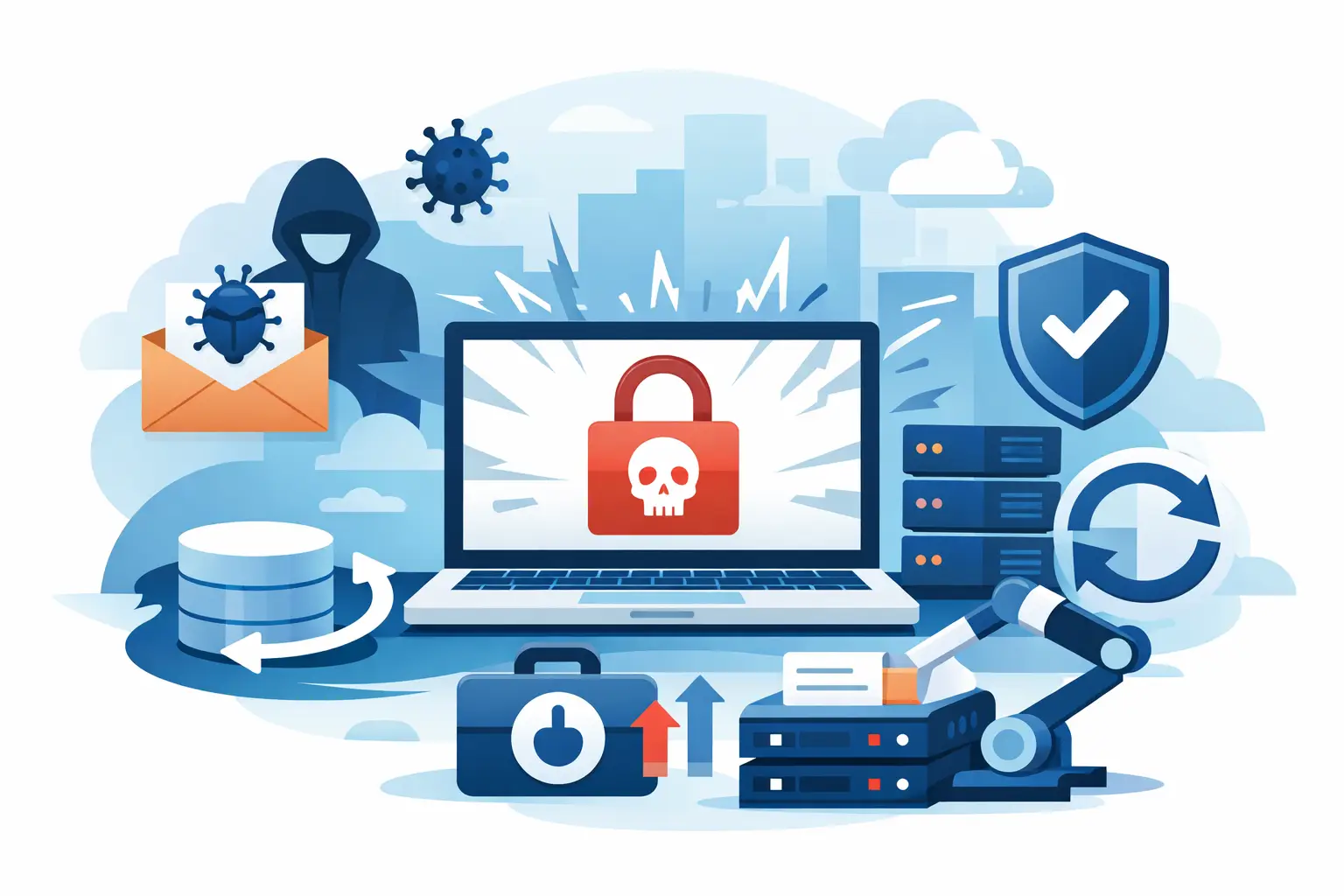
A ransomware attack rarely begins with a dramatic warning. An employee may notice that a shared folder will not open, a line-of-business application starts returning errors, or a screen displays a payment demand. The ransomware recovery examples below show what separates a contained disruption from a business-wide outage: preparation, fast decisions, and recovery systems that attackers cannot easily reach.
For small and midsize businesses, recovery is not just an IT task. It affects payroll, customer communication, scheduling, inventory, compliance, and the confidence employees have in the company’s ability to keep operating. The best response is shaped long before an attack happens.
Why ransomware recovery looks different for every business
Ransomware recovery is not a single action, such as restoring a backup. A successful recovery may require isolating infected devices, confirming how the attacker entered, protecting clean systems, restoring prioritized data, resetting credentials, and communicating with employees and customers.
The right sequence depends on where data lives and how the business operates. A professional services firm may need access to client files and email first. A manufacturer may prioritize its production systems. A medical or dental office may need its practice management platform and patient communications restored before anything else. Recovery time objectives should reflect those operational realities, not a generic IT checklist.
The following examples are representative scenarios based on common small-business recovery challenges. They illustrate the choices leaders may face when an incident interrupts normal operations.
Ransomware recovery examples from common business scenarios
A financial services office restores files from protected backups
A 25-person financial services office discovers that files on its primary server have been encrypted overnight. The attackers also attempt to delete local backup files, a common tactic designed to make a ransom payment seem like the only option.
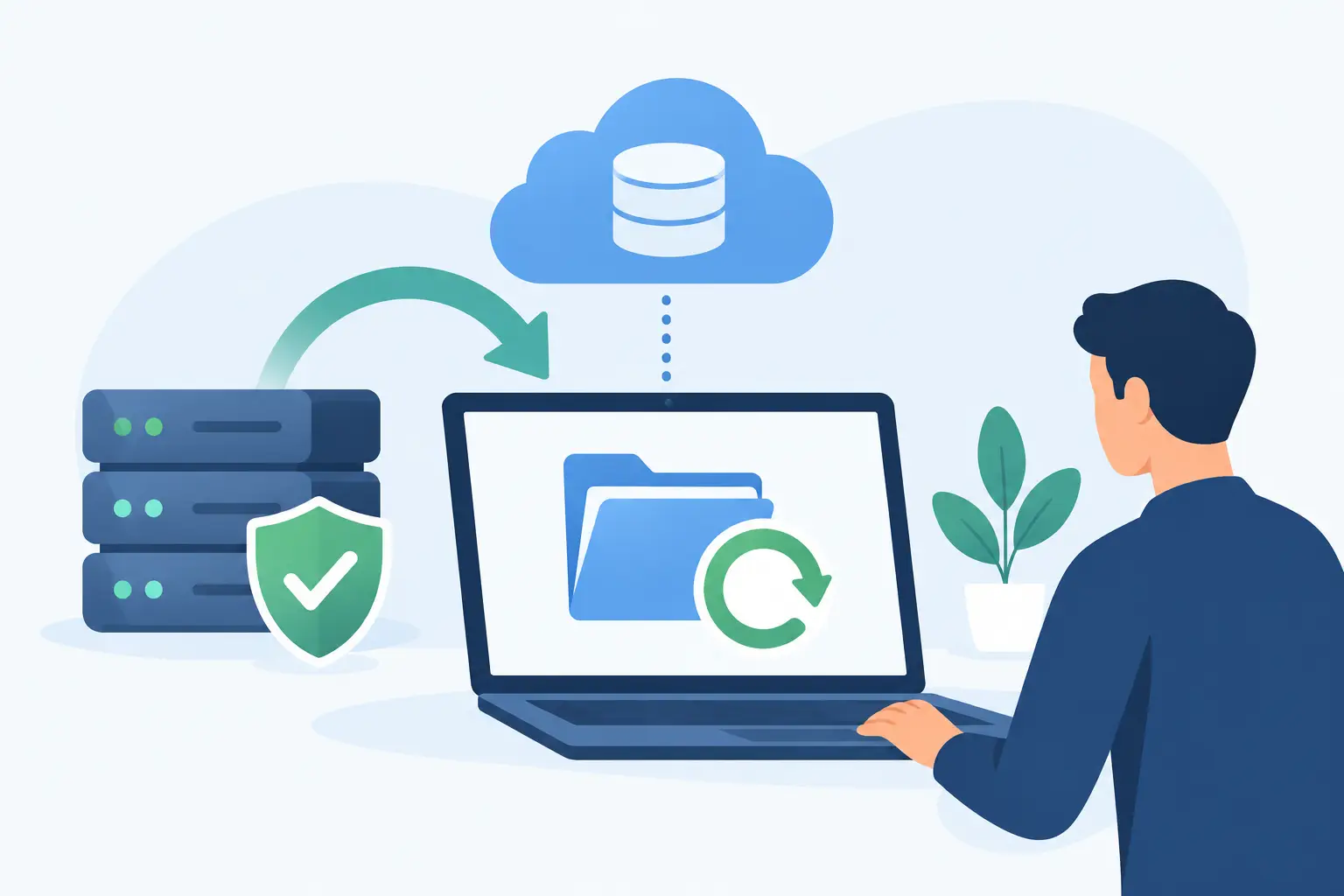
Because the company has maintained encrypted backups separate from its production network, its IT team does not immediately reconnect systems or begin restoring everything at once. First, they isolate affected workstations and the server, preserve evidence, and identify the last known clean backup point. They then rebuild the server environment and restore the client document system, accounting data, and shared files in order of business priority.
The trade-off is time. A careful rebuild and validation process takes longer than copying files back to the original server. But restoring data into a still-compromised environment can trigger a second encryption event. The office resumes essential work using clean devices and restored files, while lower-priority archives are recovered afterward.
The lesson is not simply “have backups.” Backups must be monitored, protected from unauthorized deletion, and tested often enough that the business knows how long restoration actually takes.
A distribution company keeps shipping with a temporary workflow
A regional distributor is hit by ransomware that affects its file server and several office computers. Its inventory and shipping platforms are cloud-based and remain available, but employees cannot access the shared folders where they store packing notes, special customer instructions, and vendor documents.
Rather than waiting for every workstation and folder to be restored, management activates a temporary operating procedure. Shipping staff use clean loaner devices to access the inventory platform. Customer service records critical order notes in a controlled temporary location. The IT team restores the shared file environment from a clean backup while monitoring for signs that the attacker still has access.
This approach creates extra work and requires disciplined communication. Staff cannot use personal email accounts or unapproved file-sharing tools as a shortcut, because doing so can introduce new security and recordkeeping problems. Still, the temporary process allows the company to ship high-priority orders and give customers accurate updates.
This example shows that recovery planning should include manual or alternate workflows. A backup can restore data, but it does not automatically tell employees how to serve customers during the restoration window.
A professional office discovers its backup is not enough
A law office experiences ransomware after a compromised employee credential is used to access a remote system. The firm has backups, but they are connected to the same network and are encrypted along with the live files. A cloud storage account contains some documents, yet version history has already been altered by the attack.
The firm can recover portions of its data from older retained copies and client portals, but the process is slower, more expensive, and less complete than expected. More importantly, the incident reveals that a recovery plan focused only on files overlooked identity security. If compromised accounts remain active, restored systems can be exposed again.
The recovery effort includes rebuilding affected devices, changing passwords, enforcing multifactor authentication, reviewing remote access, and verifying that no unauthorized email rules or user accounts remain. The office also redesigns its backup strategy to include protected copies that cannot be modified by ordinary network credentials.
The hard lesson is that recovery cannot be separated from security. A clean backup is valuable, but it must be paired with a clean environment, protected accounts, and a clear process for verifying that the attacker is out.
What these ransomware recovery examples have in common
The strongest recoveries start with business priorities. Leadership identifies which systems must return first, what data loss is acceptable, who can authorize major decisions, and how employees will receive instructions if normal email or phone systems are unavailable.
They also recognize that recovery is a controlled process, not a race to turn everything back on. Restoring a server before identifying the source of the intrusion may shorten the initial outage but increase the chance of reinfection. In some cases, rebuilding devices or systems from known-good configurations is safer than attempting to clean them individually.
A dependable recovery plan should account for four connected areas:
- Protected backups: Maintain backup copies that are separate from the primary network, encrypted, retained according to business needs, and checked for successful completion.
- Recovery testing: Test restores of files, applications, and entire systems. A backup report that says “successful” does not prove that an application will operate correctly after restoration.
- Identity and access controls: Use multifactor authentication, limit administrative access, review remote access tools, and remove accounts promptly when employees leave.
- Communication and continuity procedures: Define who contacts staff, customers, insurance providers, legal counsel, and technology vendors. Give employees approved alternatives for essential work.
Questions leaders should ask before an attack
A business owner does not need to become a cybersecurity specialist to make sound recovery decisions. The key is asking direct operational questions. How long could your company work without access to its files, email, phones, accounting platform, or customer database? Which systems would create the greatest financial or customer impact if unavailable for a day? Can your team restore those systems from protected copies, and when was that process last tested?
It also helps to understand who owns each part of the response. Many businesses rely on several vendors for internet service, phone systems, cloud applications, security tools, and line-of-business software. During an incident, unclear responsibility can waste critical hours. A managed IT partner can coordinate those parties, keep leadership informed, and make sure technical actions support the business recovery plan.
Paying a ransom may appear to offer a faster answer, but it carries serious uncertainty. There is no guarantee attackers will provide a working decryption key, delete stolen data, or avoid targeting the business again. Legal, insurance, regulatory, and law enforcement considerations may also apply. Each incident requires informed guidance, but a tested recovery capability gives leaders more options than a payment deadline on a screen.
Build recovery confidence before you need it
Ransomware preparation is most valuable when it feels routine: backup reviews, access checks, patching, employee awareness, and restoration tests performed on a schedule. Those actions are less visible than emergency response, yet they are what make an emergency manageable.
For Central Florida businesses that need ongoing support rather than a one-time setup, TechFusion can help align backup, cybersecurity monitoring, device management, and business continuity planning with the way the company actually works. The goal is not to promise that an attack will never occur. It is to ensure that one criminal event does not get to dictate how long your business stays down.