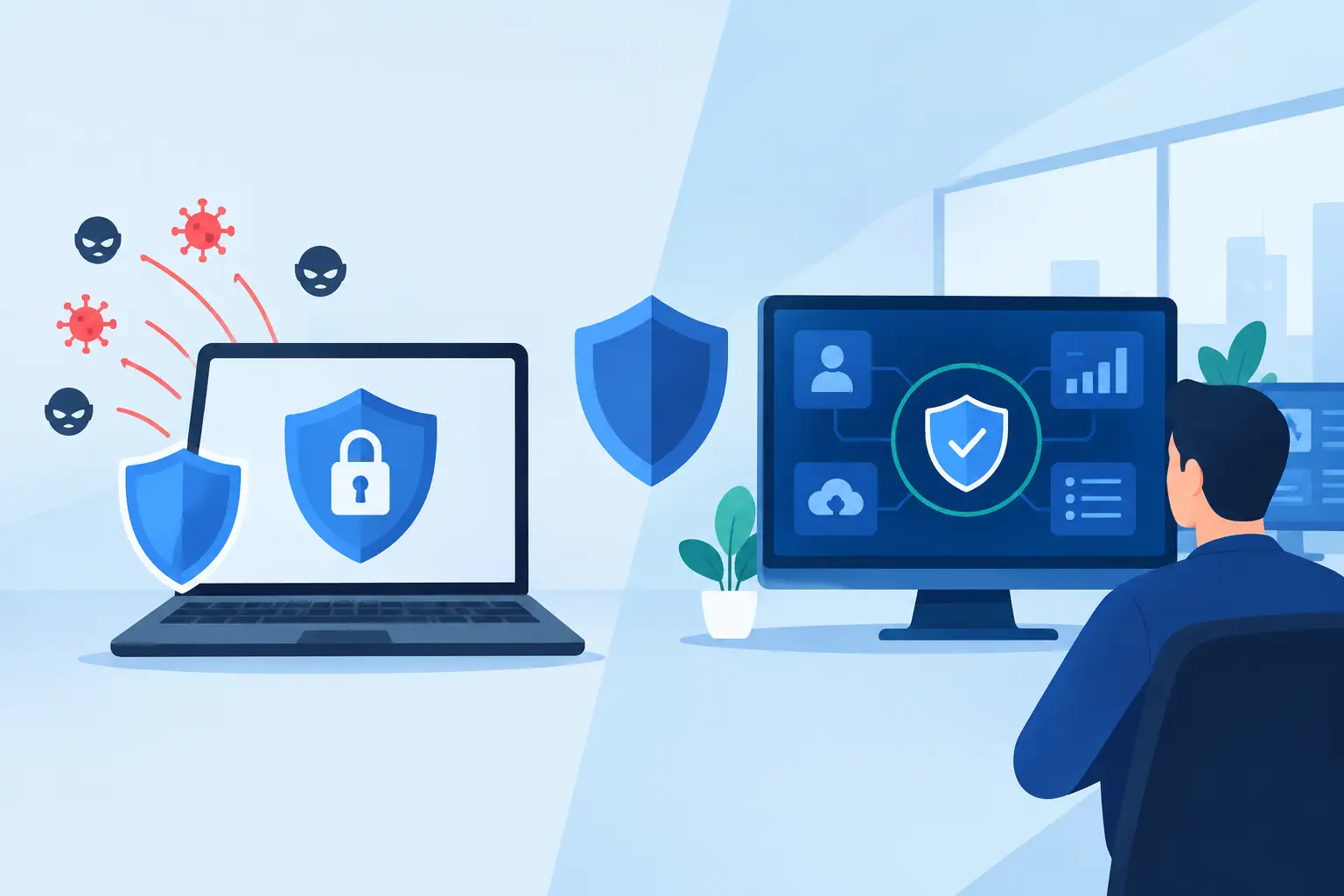
A ransomware incident does not need access to every system to cause a serious business interruption. If one employee device can reach your accounting platform, file server, security cameras, phone system, and backup storage, a single compromised password or phishing click can create a much larger problem. This network segmentation guide explains how small and midsize businesses can limit that exposure without making daily work harder for employees.
Network segmentation is the practice of dividing a business network into separate, controlled sections. Instead of allowing every connected device to communicate freely, you define which users, devices, and systems need access to each other. The goal is practical: reduce the path an attacker can take, protect critical operations, and make network issues easier to contain.
Why Flat Networks Create Bigger Business Risks
Many businesses begin with a flat network because it is simple to set up. Computers, printers, phones, Wi-Fi devices, servers, cameras, and guest devices all connect to the same network and can often see one another. That arrangement may work at first, but it creates unnecessary exposure as the business grows.
Consider a common situation: a visitor connects to guest Wi-Fi, an employee uses a personal phone, and an internet-connected camera has outdated firmware. On a flat network, any one of those devices may provide a route toward systems that hold sensitive files or support daily operations. Even without a cyberattack, a misconfigured device, broadcast traffic, or a failing piece of equipment can affect more users than it should.
Segmentation creates boundaries. A problem in one area stays in that area whenever possible. That gives your team more time to investigate, respond, and keep essential services available.
What a Segmented Network Looks Like
A segmented network does not require every department to have its own complicated environment. For many small businesses, a few well-planned network zones provide meaningful protection and easier management.
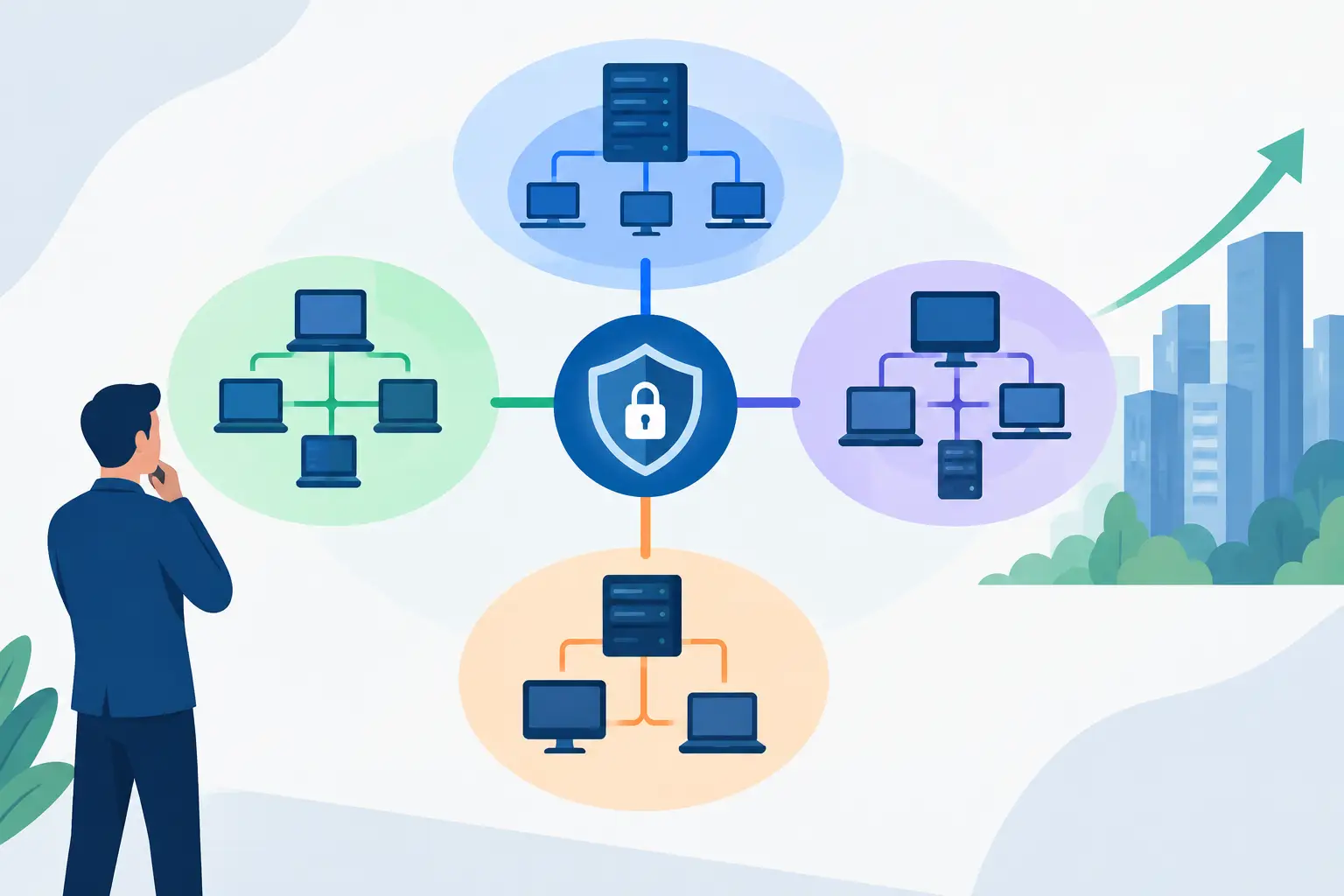
An employee network typically supports company-managed computers, approved printers, and business applications. A separate server or critical-systems network can hold file servers, line-of-business software, backup appliances, and other resources that need tighter access controls. Voice systems, security cameras, building access controls, and Internet of Things devices often belong in their own segments because they use different hardware and may not receive updates as consistently as computers.
Guest Wi-Fi should be separate from all business systems. Visitors should be able to access the internet without being able to discover shared drives, printers, cameras, or employee devices. The same principle applies to personal devices when a bring-your-own-device policy is in place.
The technology behind these divisions may include virtual LANs, firewall rules, managed switches, separate wireless networks, and access-control policies. The tools matter, but the design matters more. Every segment should have a clear purpose and documented rules for what can communicate across it.
Network Segmentation Guide: Start With Business Priorities
Before creating new VLANs or changing firewall settings, identify the systems your business cannot afford to lose. This is where segmentation becomes a business continuity decision, not simply a technical project.
Start with the assets that support revenue, operations, and compliance. For a medical office, that may include practice management software, patient records, diagnostic devices, and secure communications. For a professional services firm, it may be client files, accounting applications, cloud identity systems, and remote access tools. A warehouse or retail operation may prioritize point-of-sale systems, inventory equipment, cameras, and internet-connected devices.
Then consider who truly needs access. Not every employee needs to reach every shared folder, administrative interface, or device. Access should reflect job responsibilities. An office manager may need access to accounting software but not camera administration. A vendor may need temporary remote access to a specific system, not a broad connection to the entire network.
This process often uncovers overlooked risks. Old devices may still have broad permissions. Former vendors may retain remote access. Backup storage may be reachable from the same systems it is designed to protect. Finding those gaps is one of the most valuable outcomes of a segmentation review.
Build Segments Around Function, Not Convenience
The most effective approach is usually to separate systems by function and risk level. Avoid creating segments simply because devices happen to be located in the same office or connected to the same switch.
A practical design may include a protected segment for servers and backups, a standard employee segment, a voice segment, an IoT segment for cameras and smart devices, and a guest wireless segment. Businesses with more complex needs may also separate finance, production, development, or regulated data environments.
Each segment should have rules that answer three questions: What devices belong here? What resources do they need? What connections should be blocked? For example, cameras may need to communicate with a recording system and approved management workstation, but they generally do not need access to employee laptops or accounting data.
More separation is not always better. Too many segments can become difficult to maintain, especially when rules are undocumented or employees rely on workarounds to get their jobs done. The right design balances security with usability. A good plan protects sensitive systems while keeping essential workflows straightforward.
Control Traffic Between Segments
Segmentation only works when traffic between zones is intentionally controlled. Simply placing devices on different networks is not enough if broad rules allow all communication between them.
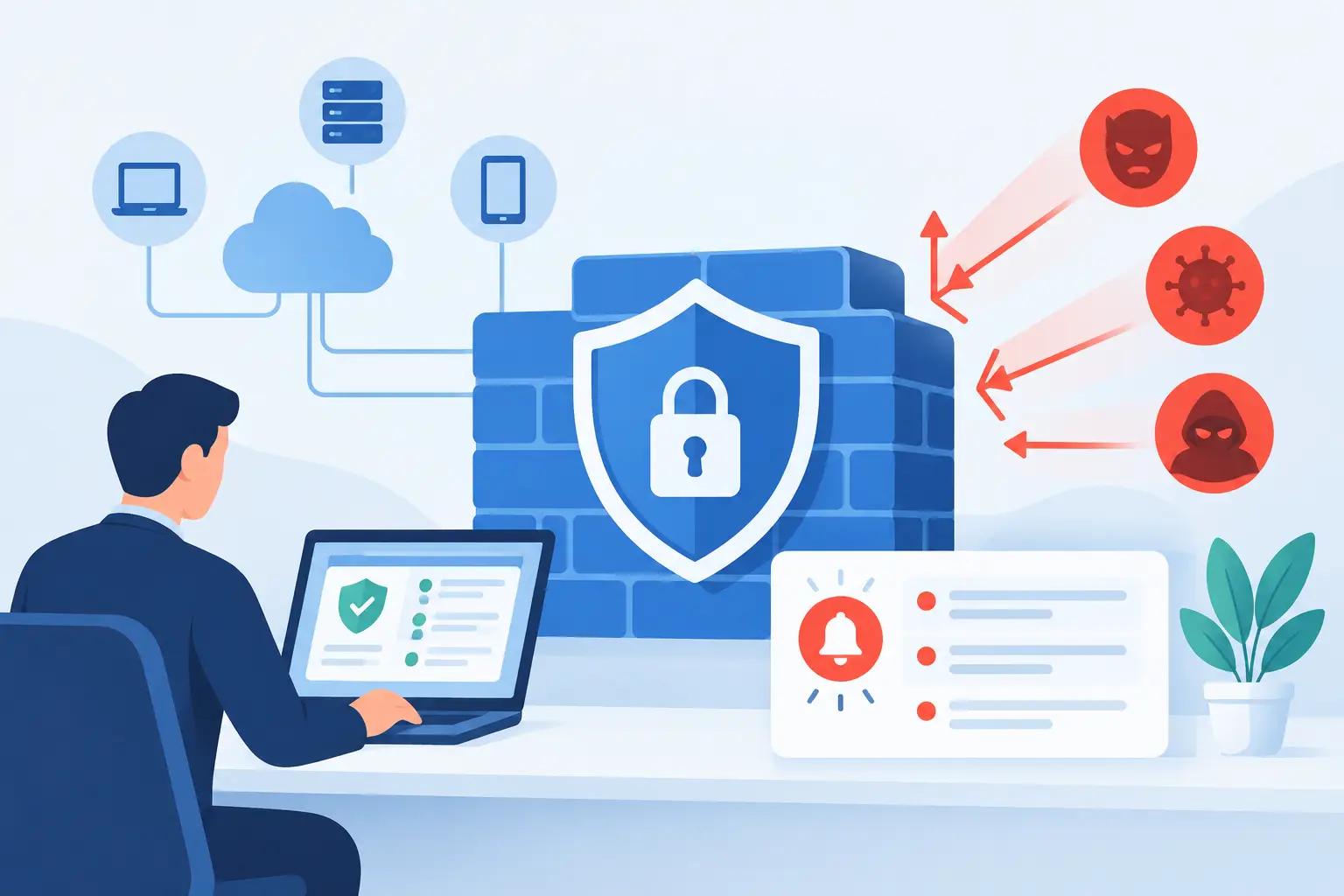
A firewall should enforce least-privilege access. That means allowing only the connections necessary for a business function. An employee computer may be permitted to reach a file server through approved services, for example, while the file server is blocked from initiating unnecessary connections back to employee devices. Guest Wi-Fi should be allowed to reach the internet but denied access to internal network ranges.
These rules require careful testing. A printer may need a specific connection from employee devices. A phone system may need access to a vendor service. Backup software may need controlled access to servers. The answer is not to permit everything when one application fails. Instead, identify the exact requirement, document it, and allow only what is needed.
This level of control also helps during an incident. If a workstation shows signs of malware, support staff can isolate its segment or device quickly while preserving access to critical business systems.
Do Not Forget Wireless, Remote Access, and Vendors
Network boundaries can break down when wireless networks and remote access are treated as separate projects. They are part of the same security design.
Employee Wi-Fi should use strong authentication and connect users to the appropriate internal segment. Guest Wi-Fi should remain isolated. Personal devices should not automatically receive the same access as company-managed computers, especially if they lack endpoint protection, security monitoring, or consistent updates.
Remote workers and third-party vendors also need controlled entry points. Remote access should use multi-factor authentication and provide access only to the systems required for a role or support task. Vendor access should be reviewed regularly and removed when a contract, project, or maintenance relationship ends.
For businesses that use cloud applications, identity controls matter just as much as network controls. Strong sign-in policies, role-based permissions, and device management help extend segmentation principles beyond the office network.
Document, Monitor, and Test the Design
A segmented network is not a set-it-and-forget-it configuration. Employees change roles, new software is added, vendors rotate, and devices reach end of life. Without documentation and review, even a well-designed network can slowly become overly permissive.
Maintain an updated network diagram that shows major segments, key systems, and internet connections. Keep a record of firewall rules and the business purpose behind them. That documentation helps support teams resolve problems faster and prevents risky changes made without understanding the impact.
Monitoring is equally valuable. Unusual traffic between segments, repeated failed sign-in attempts, unknown devices, or a camera trying to reach a file server can all signal a configuration issue or potential threat. Security monitoring provides visibility that a basic internet connection alone cannot offer.
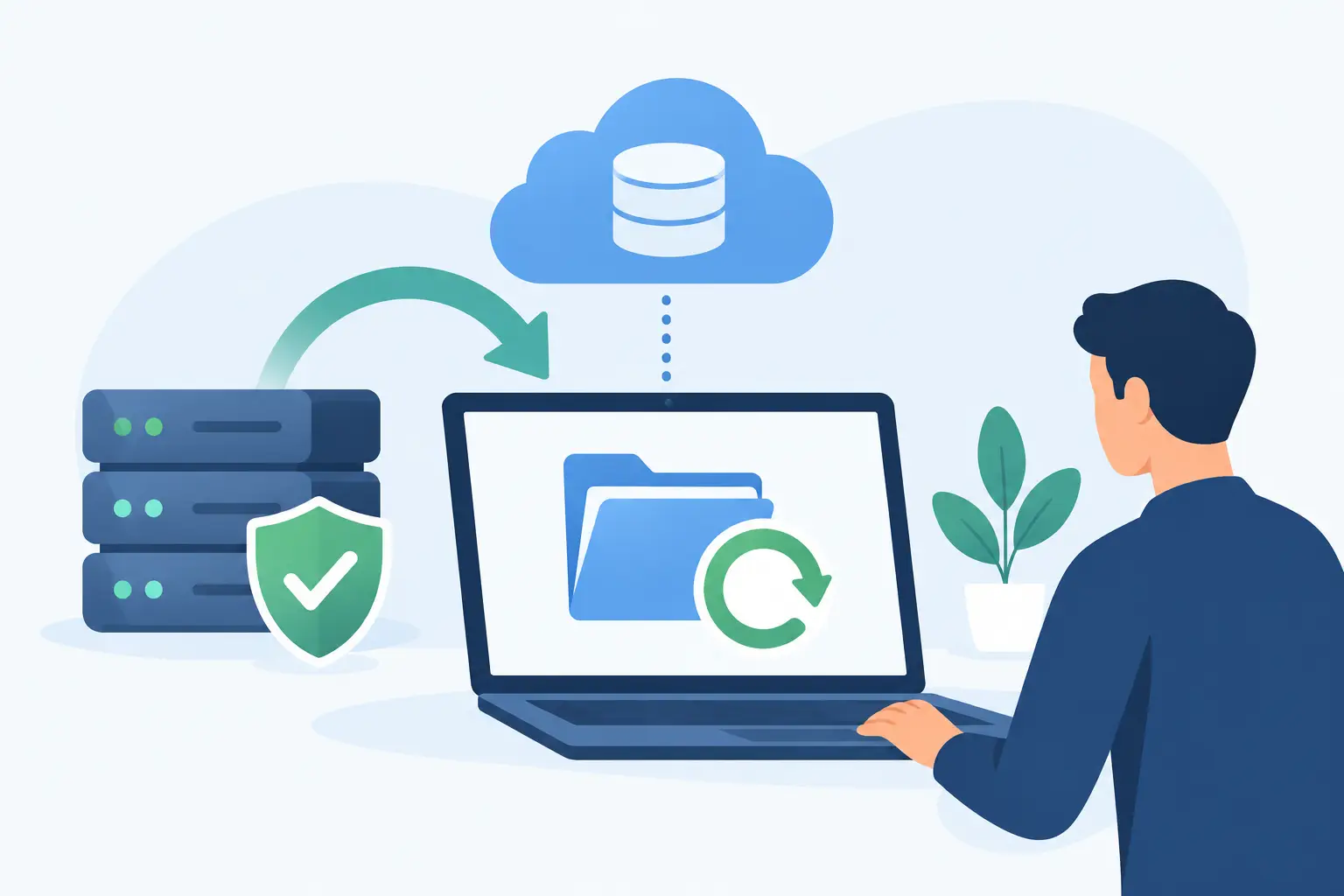
Testing should include more than checking whether employees can print or access files. Review whether guest devices can reach internal systems, whether backups are protected from routine workstation access, and whether a compromised device can move beyond its intended zone. Periodic testing turns assumptions into verified controls.
When Professional Planning Makes Sense
Small businesses often inherit networks built over years by different internet providers, application vendors, and former employees. In that situation, changing settings without a plan can interrupt phones, printers, cloud applications, or specialty equipment. A staged approach is safer.
A managed IT partner can inventory connected devices, map communication needs, identify unnecessary exposure, and implement segmentation with minimal disruption. TechFusion helps businesses coordinate these changes alongside ongoing monitoring, endpoint protection, backup planning, and responsive user support, so security improvements continue to support daily operations.
The best next step is not necessarily a major network overhaul. Start by identifying the one connection that would create the greatest disruption if it were compromised, then place meaningful controls around it. That practical first move can protect your business while creating a clear path for stronger security over time.