A deleted folder, failed server, ransomware alert, or damaged office can turn a normal workday into a business interruption within minutes. When evaluating cloud backup versus local storage, the question is not simply where your files live. It is whether your team can restore the right data quickly enough to keep serving customers, processing payroll, communicating with vendors, and operating with confidence.
For many small and midsize businesses, the right answer is not choosing one method over the other. It is building a backup strategy that accounts for the risks your business actually faces, from accidental deletion to a hurricane-related outage.
Cloud Backup Versus Local Storage: The Core Difference
Local storage keeps backup data on equipment your business controls at or near its location. This may include a network-attached storage device, an external hard drive, a dedicated backup server, or storage connected to an on-site server. Because the data is nearby, local backups can often be restored quickly, particularly when recovering large files or an entire system.
Cloud backup stores encrypted copies of data in a remote data center through an internet connection. Your files are kept away from your office, so a local event such as theft, fire, flooding, power damage, or hardware failure is less likely to affect both your production systems and your backup copy.
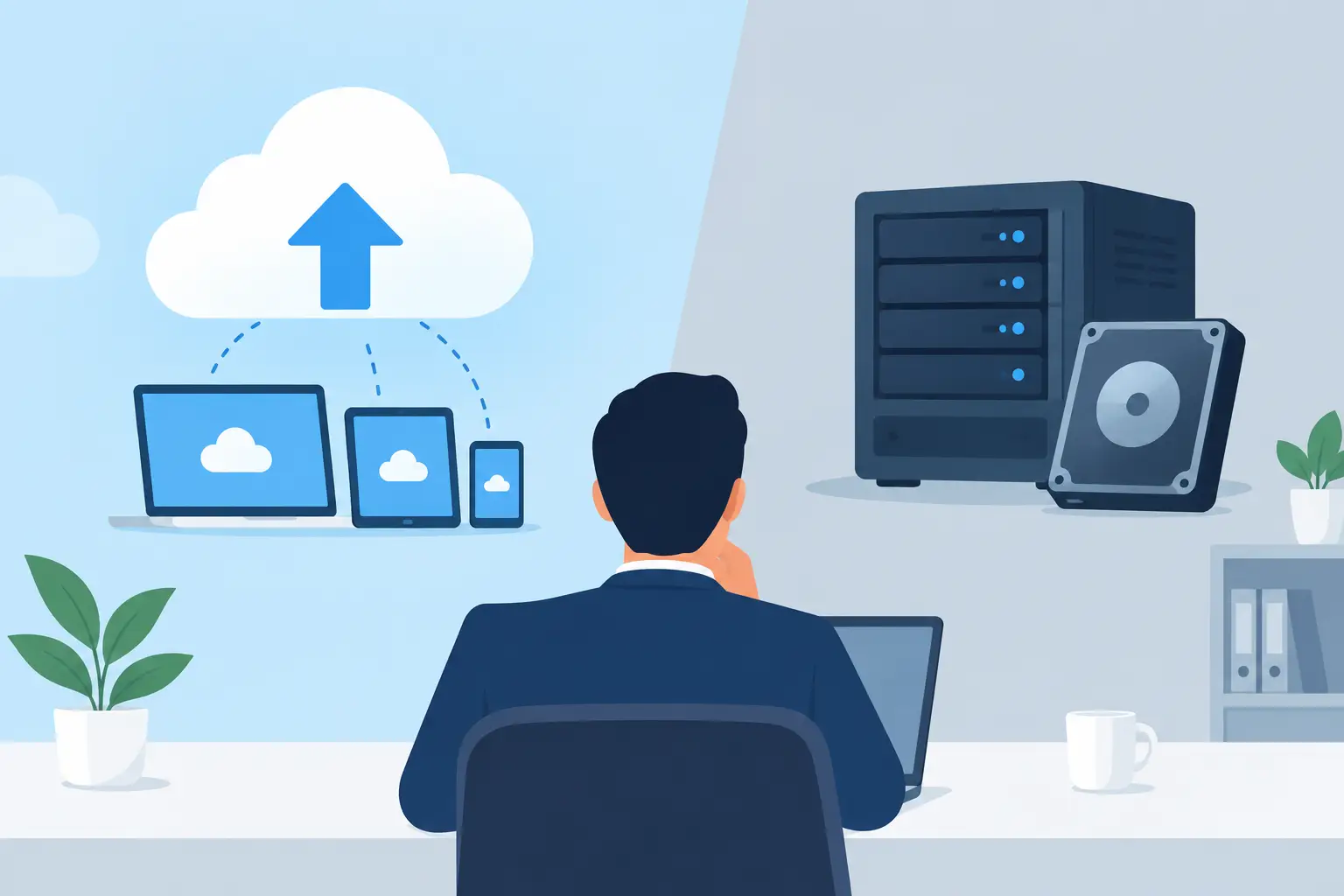
The practical distinction is proximity versus separation. Local storage can offer speed. Cloud backup offers geographic protection and access beyond a single office. A dependable business continuity plan must consider both.
Where Local Storage Works Well
Local backup storage remains valuable for businesses that need fast restoration. If a staff member accidentally deletes a large shared folder, or a server needs to be rebuilt after a hardware problem, recovering from an on-site device may be considerably faster than downloading terabytes of data over an internet connection.
This is especially relevant for organizations working with large files, including design firms, engineering companies, video teams, healthcare practices managing image files, and businesses with active databases. A properly configured local backup can reduce the time required to get a server or shared drive operational again.
Local storage also gives your business direct control over the equipment. You can determine its capacity, replacement schedule, retention settings, and physical security. There are no ongoing download limits imposed by a third-party cloud platform, although there are still costs for equipment, maintenance, monitoring, and replacement.
However, local storage has a serious weakness: it can be exposed to the same event affecting your primary systems. If a server, its backup appliance, and the office housing them are all impacted by fire, water damage, theft, or a major electrical event, the business may lose both its working data and its recovery point.
Local backups can also fail quietly. A drive may reach capacity, a backup job may stop, or a device may fail without anyone noticing. A backup that has not been monitored and tested is not a recovery plan.
When Cloud Backup Is the Better Fit
Cloud backup is designed to keep a protected copy of critical data away from your business location. That separation is its greatest advantage. If your office becomes inaccessible after a severe storm or building issue, remote backups can support recovery to replacement equipment, a temporary workspace, or another approved location.
Cloud platforms can also make it easier to maintain off-site copies without relying on someone to rotate external drives or transport equipment. Backups can run automatically on a schedule, with reports and alerts showing whether jobs completed successfully. For busy operations managers and owners, this reduces the risk that essential protection depends on a manual task being remembered every day.
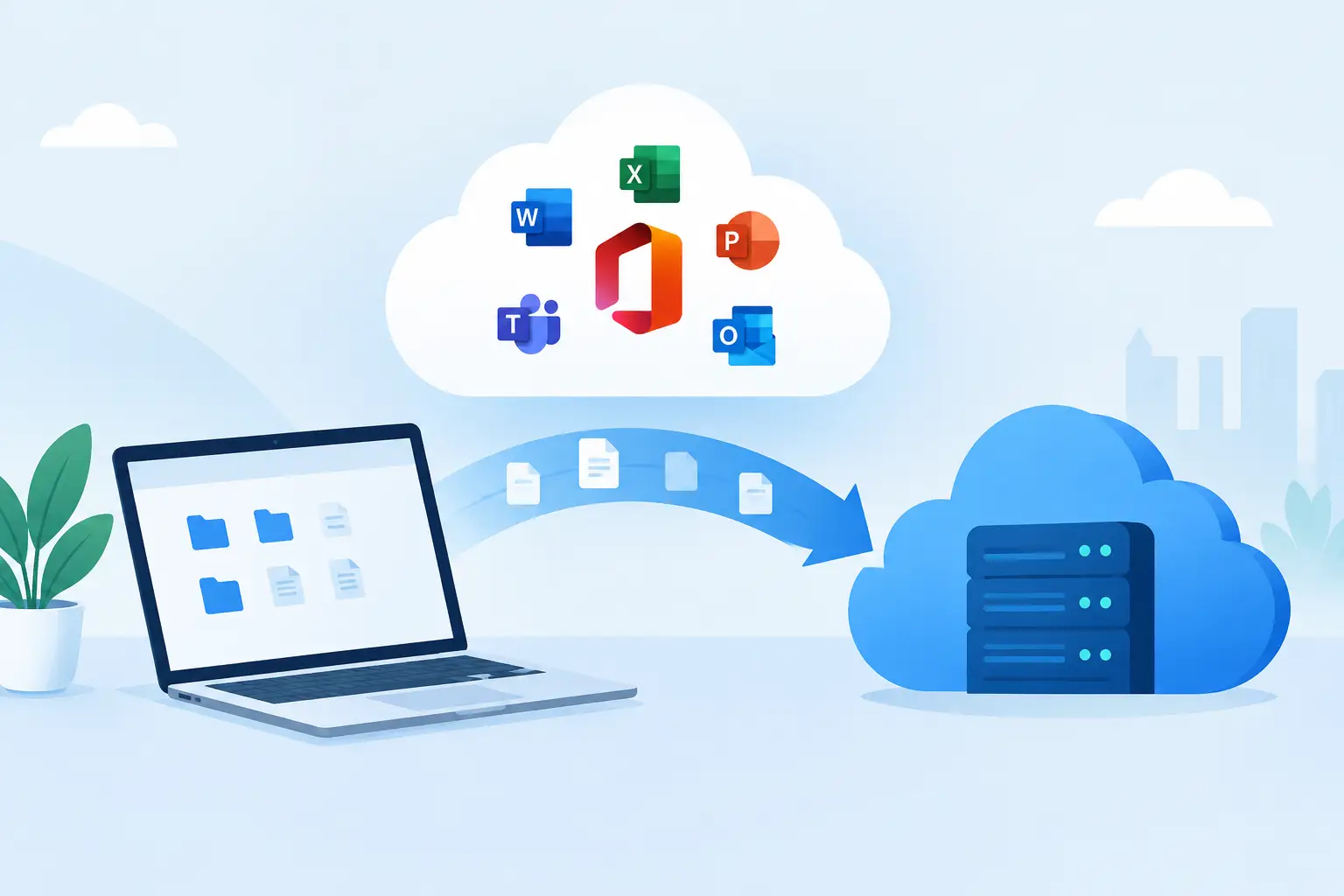
Cloud backup is often a strong option for Microsoft 365 data, cloud applications, remote employees, and organizations with multiple locations. It can help protect files and systems even when staff are not working from the office.
Still, cloud backup is not automatically the fastest recovery option. The time needed to restore depends on the amount of data, the available internet bandwidth, the type of backup, and the recovery method. Restoring a few documents may be quick. Rebuilding a multi-terabyte server environment from the cloud can take much longer if the connection is limited.
There is also a shared-responsibility issue. Many business applications provide some level of availability or retention, but that does not always mean they provide the backup history, granular restore options, or long-term protection your business needs. Your organization should understand exactly what is retained, for how long, and how quickly it can be restored.
Security Matters in Both Approaches
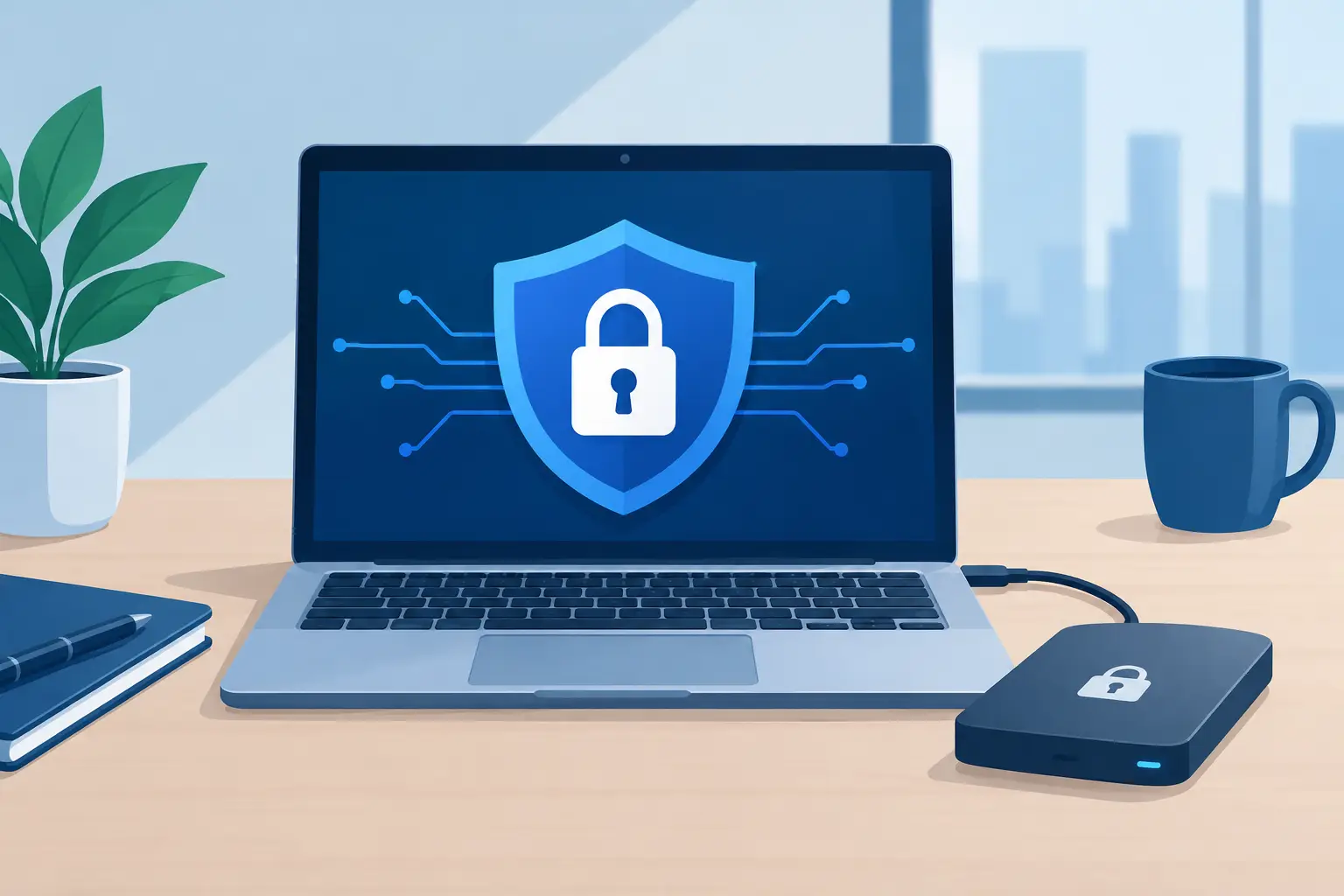
Backup data is valuable because it contains the information your business cannot afford to lose. That makes it a target. Whether data is stored locally or in the cloud, security should include encryption, access controls, multifactor authentication, monitored backup jobs, and restricted administrative permissions.
Ransomware changes the conversation further. If malicious software encrypts files on your network and reaches connected backup storage, a standard local backup may be at risk as well. For this reason, businesses should consider backup copies that cannot be altered or deleted by compromised credentials. This is commonly called immutable backup storage.
Cloud backup providers may offer immutability and isolated storage options, but configuration matters. Local storage can also be protected through segmentation and limited access. Neither method is secure simply because it exists. Protection depends on how it is designed, managed, monitored, and tested.
The Cost Comparison Is More Than a Monthly Fee
Local storage usually requires an upfront investment in hardware, along with future replacement costs. Your business also needs to account for power, physical security, maintenance, capacity planning, and the staff time required to manage the environment. A less expensive backup appliance may become costly if it fails during a recovery or lacks the capacity to retain enough backup history.
Cloud backup generally shifts more of the expense into recurring monthly costs based on storage volume, protected devices, retention requirements, and recovery features. That can make budgeting easier, but it is still necessary to review how costs change as data grows. Some providers also charge for certain recovery activities or long-term retention tiers.
The more meaningful comparison is the cost of downtime. Consider what it would cost if your accounting system, line-of-business application, customer records, or shared files were unavailable for a day, a week, or longer. Lost productivity, delayed customer service, missed revenue, regulatory exposure, and reputational damage can quickly exceed the cost of a properly managed backup solution.
Why a Hybrid Backup Strategy Often Makes Sense
For many Central Florida businesses, the strongest approach combines local and cloud backup. A local copy can support fast recovery from common day-to-day problems. A cloud copy provides off-site protection when the office, local equipment, or network is unavailable.
This approach follows a practical version of the 3-2-1 backup principle: maintain multiple copies of important data, keep them on more than one type of storage, and ensure at least one copy is stored off-site. Depending on the business, a further protected or immutable copy may be appropriate for ransomware resilience.
A hybrid strategy is not about adding technology for its own sake. It is about matching recovery options to business priorities. For example, a company may need its file server restored within hours, while archived records can tolerate a slower recovery. Another business may prioritize rapid recovery of cloud email, financial data, and customer databases while keeping local copies of large operational files.
Questions to Ask Before Choosing a Backup Plan
Before deciding between cloud backup, local storage, or a combination of both, start with the systems your employees cannot work without. Identify where the data resides, how much information must be protected, and how quickly each system needs to return after an outage.
You should also ask how much data loss is acceptable. If backups run once each night, a failure late in the day could mean losing a full day of work. Some systems may require more frequent backups or continuous protection. Retention is equally important. A business may need to recover a file deleted yesterday, but it may also need a version from several months ago for legal, financial, or operational reasons.
Finally, confirm who receives backup failure alerts, who reviews them, and when recovery testing occurs. Successful backup reports are helpful, but only a tested restore proves that data can be recovered when it matters.
Build for Recovery, Not Just Backup
The best backup approach is the one that supports your actual recovery goals. Local storage may provide the speed your team needs after routine disruptions. Cloud backup may provide the separation needed to withstand a serious local event. Together, they can give your business stronger protection against both.
TechFusion helps businesses evaluate their critical systems, automate backup processes, monitor results, and prepare for recovery before an emergency forces rushed decisions. A clear plan today gives your team a far better path forward when technology does not go as planned.