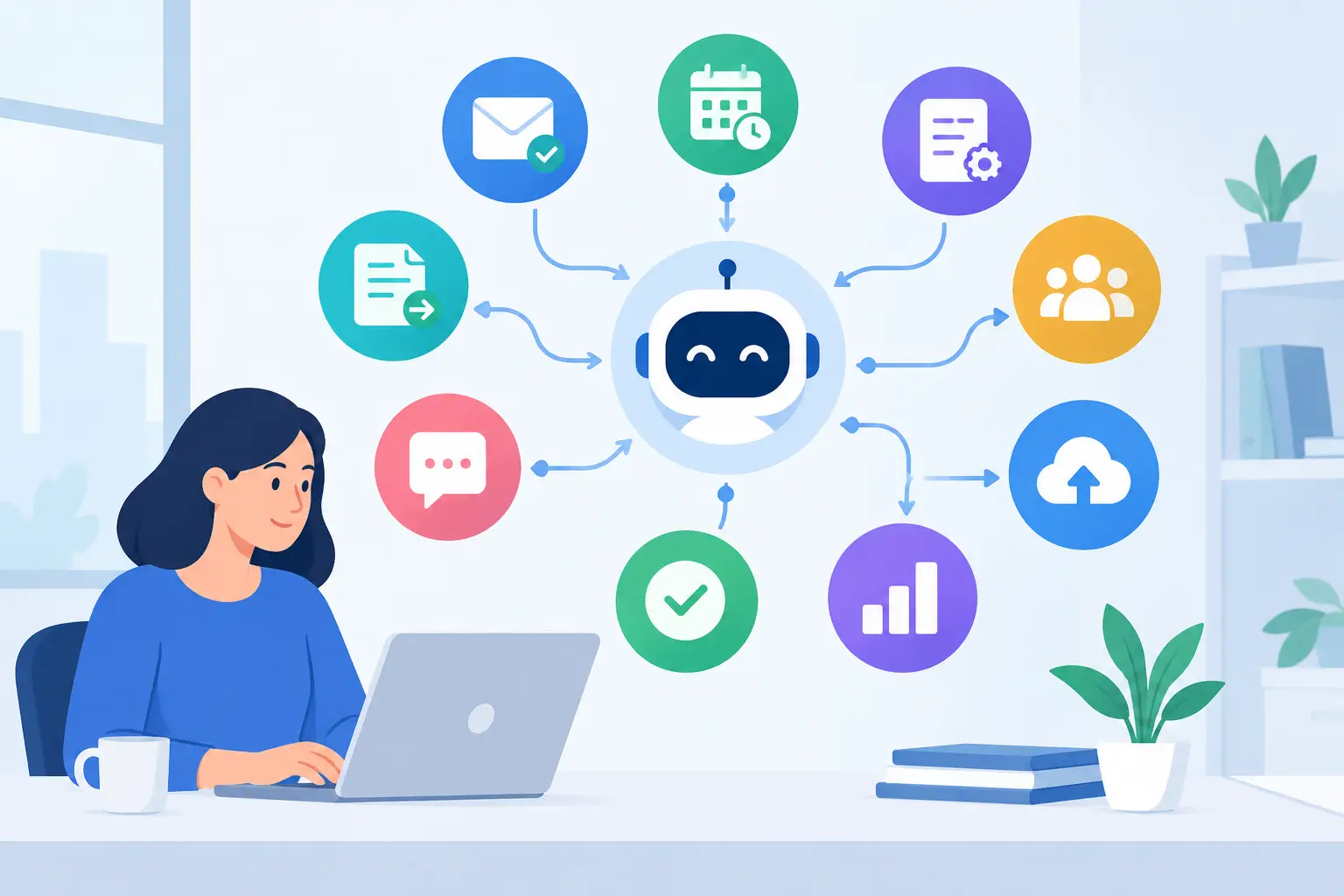
A new AI tool can look impressive in a demo and still create confusion on Monday morning. Employees may use it to draft emails, summarize notes, or research ideas, but without clear guidance, they may also enter sensitive information, trust inaccurate output, or spend more time experimenting than solving customer problems. AI training for business teams turns curiosity into productive, secure habits.
For small and midsize businesses, the goal is not to make every employee an AI expert. The goal is to help people make better decisions, reduce repetitive work, and use approved tools in a way that protects the business. Done well, training gives teams practical confidence without adding another complicated system to manage.
Why AI Training for Business Teams Needs a Business Focus
Generic AI training often starts with features. Employees learn what a chatbot can do, how to write a prompt, and which new capabilities are available. That information can be useful, but it does not answer the questions a business leader needs answered: Which tasks should our team use AI for? What information must stay out of these tools? Who reviews the results? How do we know it is saving time?
A business-focused program begins with the work already happening across the organization. An operations manager may need help turning meeting notes into action items. A sales team may want first drafts of follow-up messages. An executive assistant may need a faster way to organize research. A service coordinator may benefit from converting common requests into clear response templates.
Those are practical use cases because they connect AI to a defined outcome. The training should show employees how to use the tool within the real limits of their roles, systems, customers, and approval processes.
AI is not equally useful for every task. It can accelerate early drafts, organize information, and surface ideas. It is less reliable when a decision requires current facts, legal judgment, financial accuracy, or a nuanced understanding of a customer relationship. Teams need to understand that difference before AI becomes part of their routine.
Start With the Work That Creates Friction
The most valuable training usually begins with a short assessment of recurring bottlenecks. Ask employees where work slows down, which tasks are repetitive, and where information gets lost between meetings, email, and business systems. This keeps the program focused on useful improvements rather than novelty.
A good starting point is to select a small number of repeatable tasks that are low risk and easy to review. For example, a team might use AI to create an outline from internal notes, turn a rough list into a customer-friendly draft, or summarize a nonconfidential meeting transcript. Employees can compare the result with their usual process and identify whether the tool actually improves speed or quality.
This approach also reveals where AI should not be used. If a workflow involves protected customer records, passwords, employee data, financial account details, contracts, health information, or confidential business plans, the company needs clear rules before anyone enters that information into an external AI platform. Convenience is not a reason to weaken data protection.
Define Approved Tools and Clear Boundaries
Employees should not have to guess which AI tools are approved. A simple policy should identify the platforms the business has reviewed, the types of information that can be entered, and the situations that require manager or subject-matter review.
The policy does not need to be full of legal language to be effective. It should be direct: do not enter confidential data into unapproved tools; do not use AI output as final advice on legal, HR, financial, or security matters; and do not present generated content as verified until a qualified person has checked it.
This is especially important for businesses that handle client information or operate in regulated industries. The right level of control depends on the organization, its data, and its obligations. A marketing team working from public material may have more flexibility than an accounting or healthcare office. Training should reflect those differences instead of applying one vague rule to everyone.
Teach Employees How to Check AI Output
AI can produce polished writing that sounds certain even when it is incomplete or wrong. That makes review a core skill, not an optional final step. Employees should be trained to treat AI output as a draft or a starting point, not as an authority.
A practical review process asks four questions: Is the information accurate? Does it include confidential details? Does it match our voice and business standards? Is there a person accountable for the final result?
For research, employees should confirm key claims using reliable source material. For customer communications, they should check names, dates, pricing, promises, and tone. For internal documents, they should make sure the content reflects current company procedures rather than assumptions generated by the tool.
Training is more effective when people practice this with examples from their own work. Show a weak AI-generated email and have the group identify unsupported claims. Provide a summary that misses a critical action item. Ask employees to improve prompts, review the response, and decide what should be edited before it is used. These exercises build judgment that a slide presentation cannot.
Build Prompting Skills Without Making It Complicated
Employees do not need technical language to get better results from AI. They do need enough context to give the tool a useful assignment. A vague request such as “write an email” often creates generic output. A clear request explains the audience, purpose, source information, desired tone, and boundaries.
For example, an employee can ask for a concise follow-up email to a prospective client after a meeting, using provided notes, with a professional tone and no claims beyond the information supplied. The employee should then review and personalize the draft before sending it.
Training should also help employees recognize when to stop refining a prompt. There is a point where repeated experimentation costs more time than doing the work directly. AI should reduce friction, not become another distraction. Teams need permission to choose the simpler method when it is faster or more accurate.
Make AI Adoption Part of Ongoing Operations
One training session can create interest, but it rarely creates consistent habits. New tools change quickly, employees have different comfort levels, and real-world questions appear after people begin using AI in their daily work. Ongoing support matters.
Set a regular check-in cadence, even if it is brief. Department leaders can collect examples of successful use cases, questions about policy, and tasks that are not producing value. This gives the business a way to improve guidance before risky workarounds become standard practice.
It also helps to assign ownership. Someone should be responsible for maintaining the list of approved tools, communicating policy changes, and coordinating with IT or security personnel when a new platform is being considered. That does not mean one person must become the AI expert for the whole company. It means there is a clear path for employees to get an answer.
For many organizations, AI training works best when it is connected to broader technology management. The same team that supports user access, cybersecurity practices, cloud tools, and employee onboarding can help ensure AI use fits the company’s operational standards. TechFusion helps businesses take this practical approach by aligning AI education with the systems, security expectations, and day-to-day workflows employees already rely on.
Measure Value Beyond Excitement
AI adoption should be evaluated like any other business improvement. Look for measurable signals: time saved on repeatable tasks, fewer delays in producing first drafts, more consistent documentation, faster internal communication, or reduced manual data organization. Employee feedback matters too, particularly when it identifies a process that remains frustrating despite the new tool.
Be careful not to measure success only by how often people use AI. High usage can indicate a helpful tool, but it can also indicate unclear processes or unnecessary dependence. The better question is whether the team is producing stronger work with less avoidable effort while maintaining appropriate oversight.
The best next step is usually small and specific. Choose one workflow that wastes time, establish the data and review rules around it, and give the people responsible a practical way to test AI safely. When employees see that the business is investing in guidance rather than simply handing them another tool, they are more likely to use AI with confidence, care, and purpose.