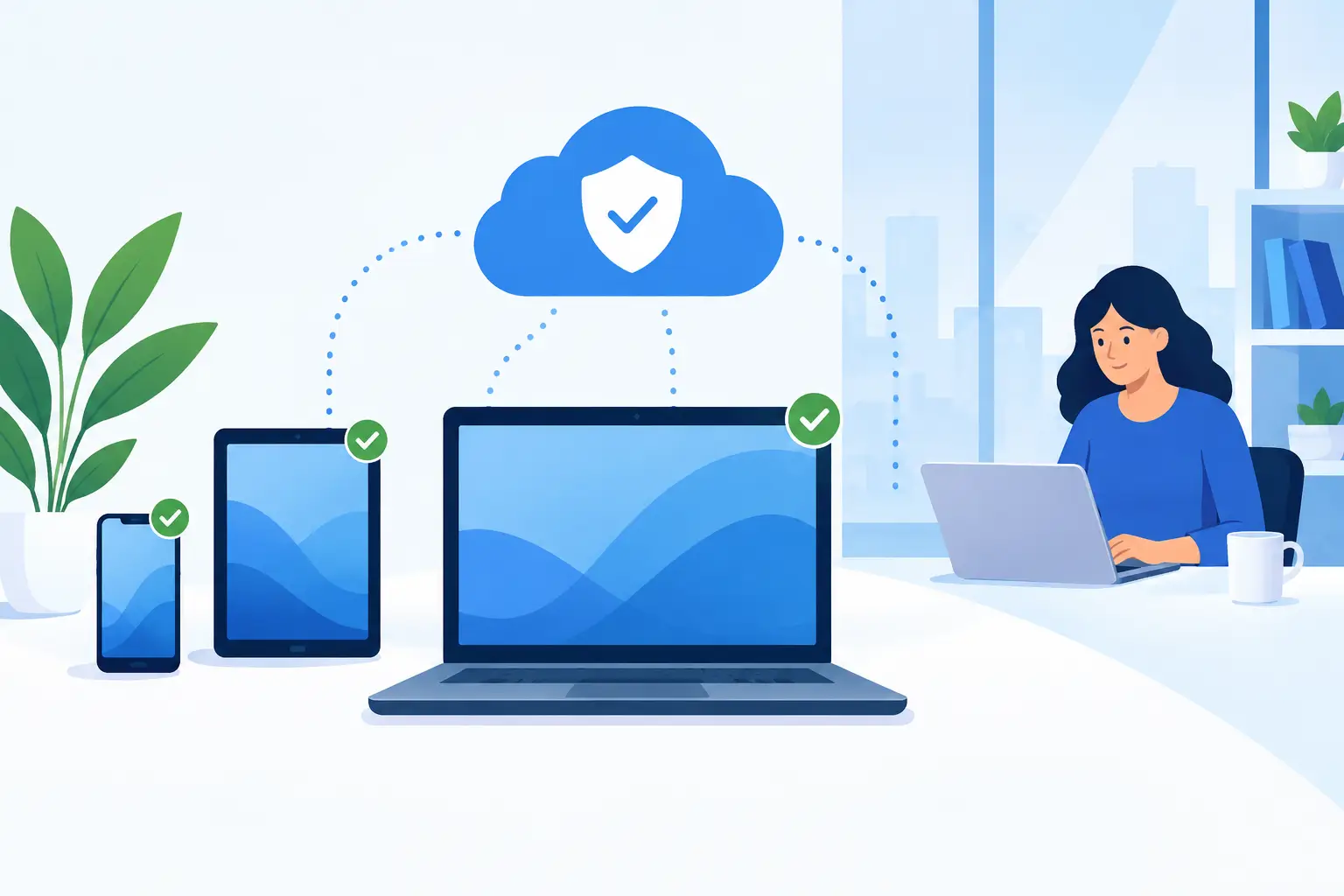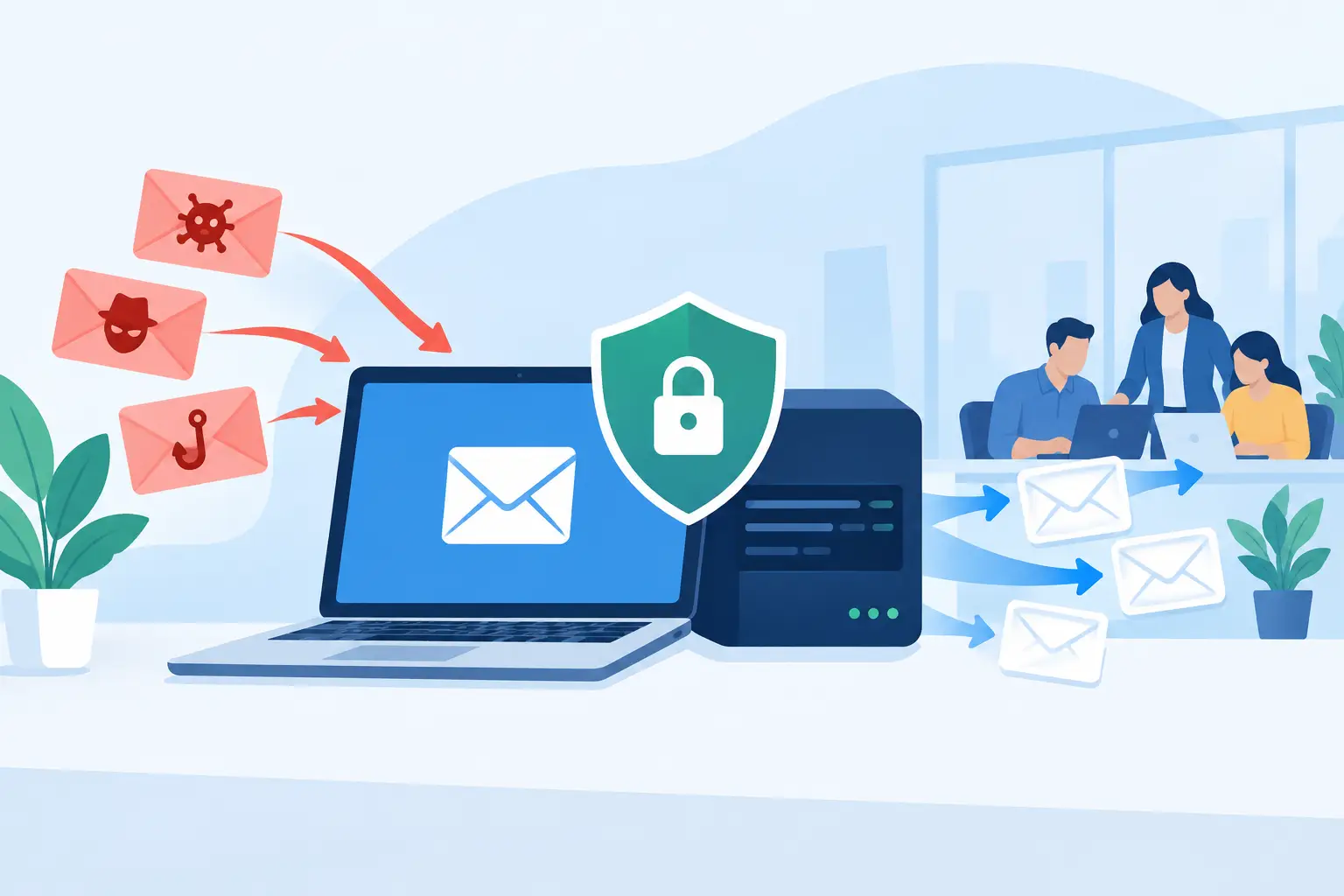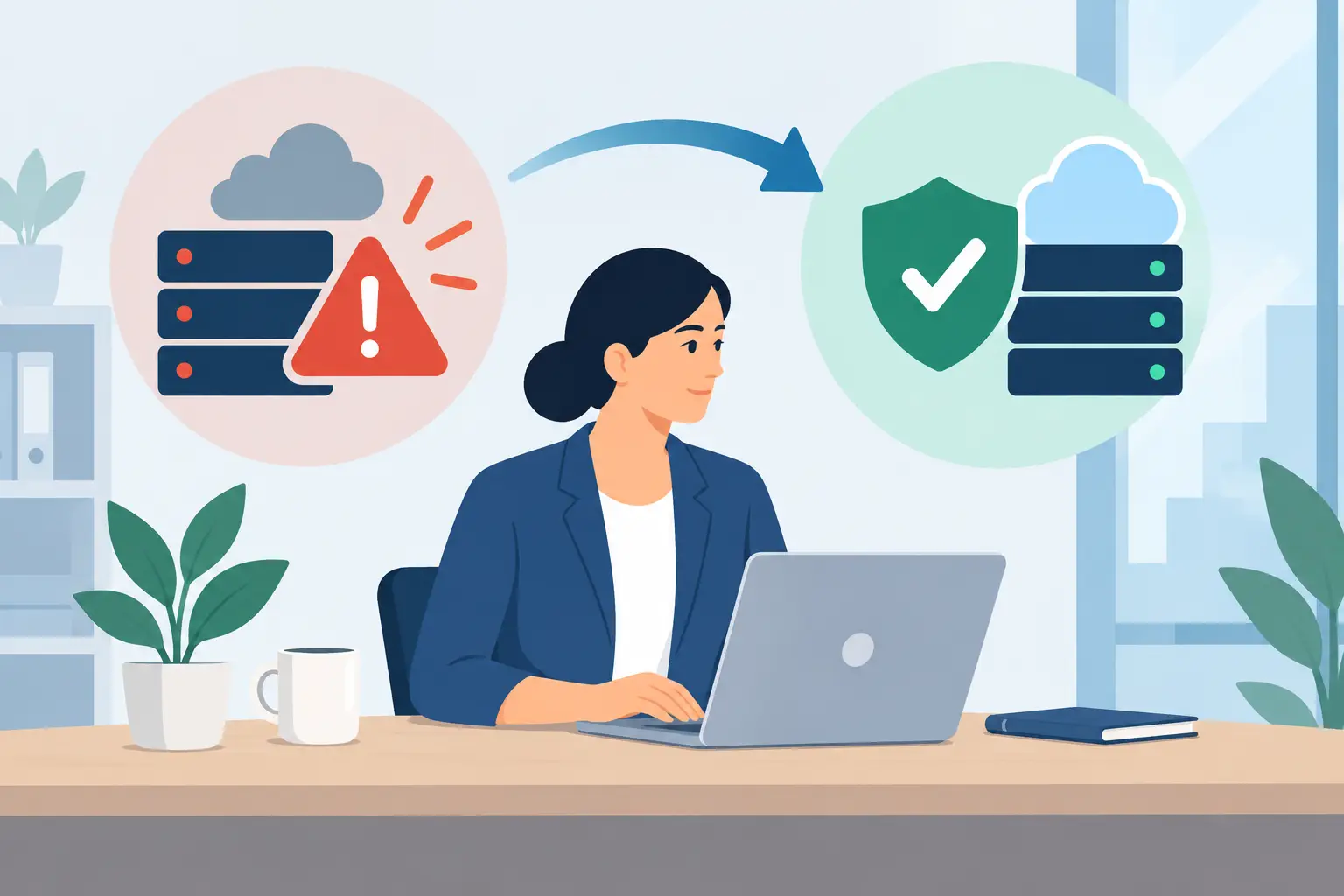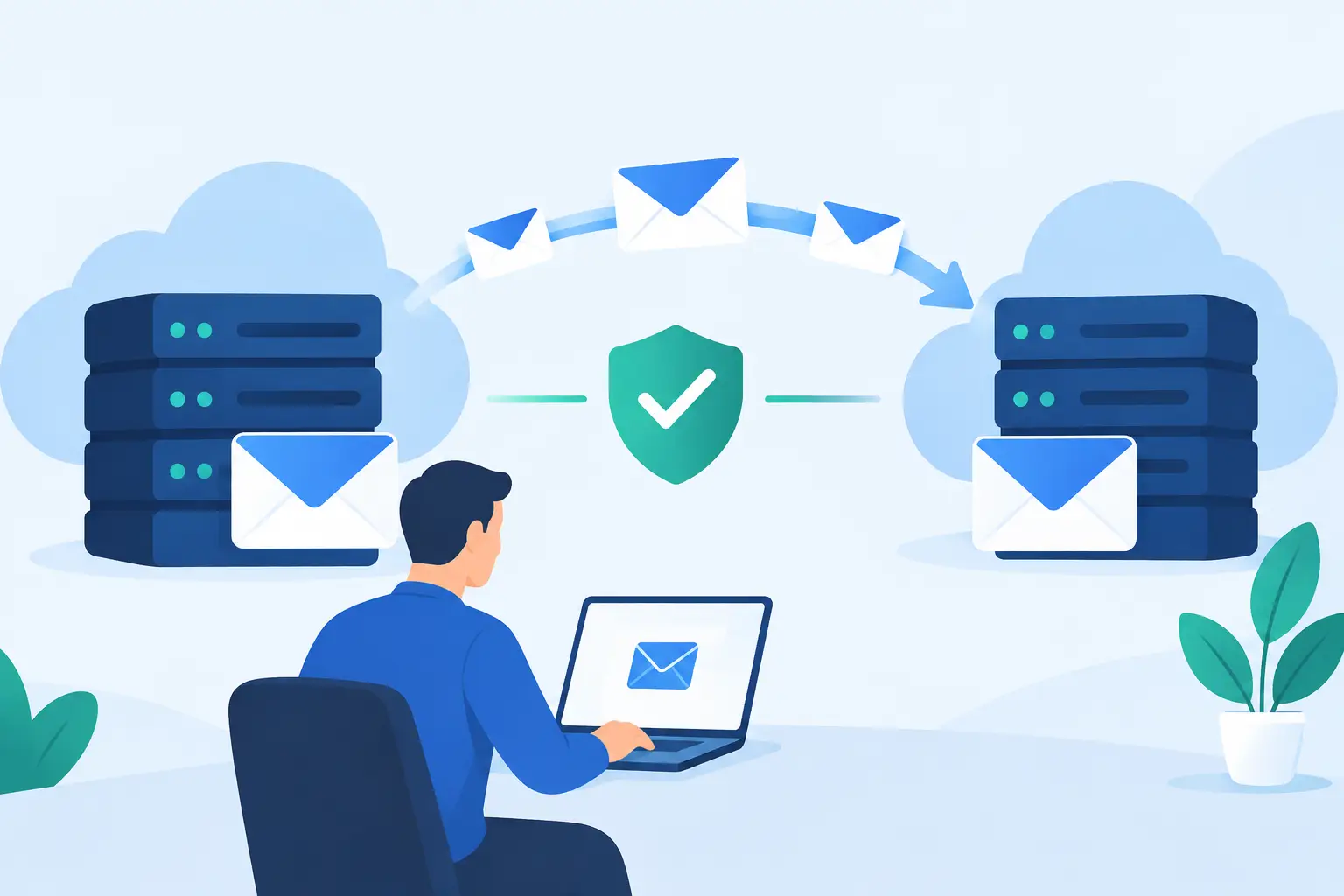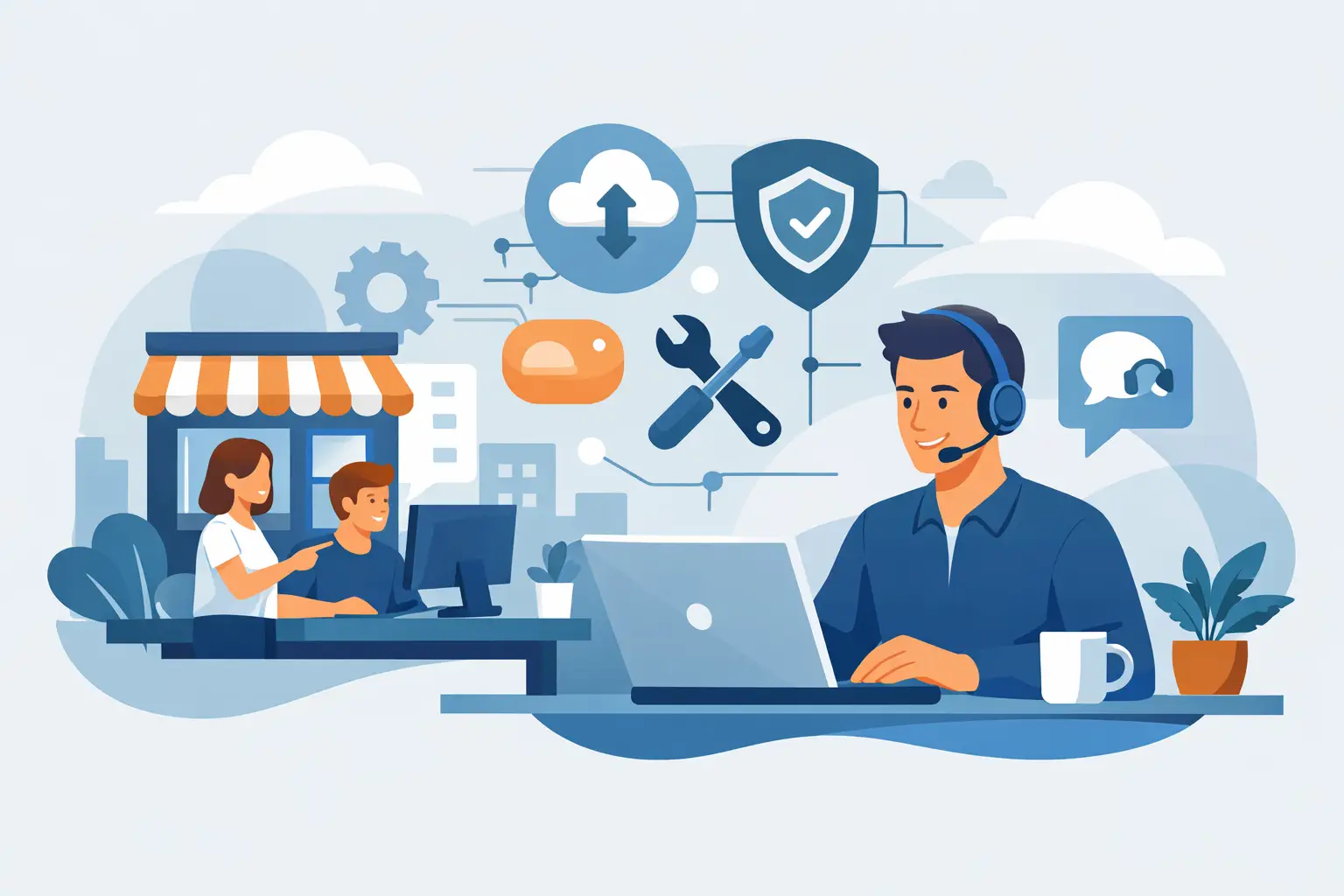
A Monday morning should not begin with employees unable to access files, a slow internet connection, or a suspicious email spreading through the office. Yet for many growing companies, technology problems become urgent only after productivity has already stopped. Effective IT support services for small business change that pattern by maintaining systems, protecting data, and giving employees a dependable place to turn when something goes wrong.
For business owners and operations leaders, the real value is not simply having someone who can fix a laptop. It is knowing the network, devices, accounts, backups, phone systems, and security controls are being actively managed by people who understand how your business operates.
What Small Businesses Need From IT Support
Small businesses rarely need a large internal IT department, but they do need the same fundamental protections and operational discipline as larger organizations. Customer information still needs to be secured. Employees still need reliable access to email, cloud applications, phones, and shared files. New hires need accounts and equipment ready on day one, while former employees need access removed promptly.
The challenge is that technology responsibilities often land on someone whose primary job is not IT. An office manager may be coordinating an internet provider, troubleshooting a printer, and trying to determine whether a security alert is legitimate. An owner may be approving software purchases without clear visibility into compatibility, risk, or long-term cost.
A trusted IT partner takes those responsibilities off the business’s shoulders. That means responding when an issue affects an employee, but it also means looking ahead: applying updates, watching for threats, testing backups, documenting systems, and recommending practical improvements before small gaps become costly disruptions.
IT Support Services for Small Business Should Be Proactive
Break-fix support has a place. If a computer fails or an application suddenly stops working, you need help quickly. But relying only on emergency repairs can lead to unpredictable costs and recurring problems. The same network issue returns. Devices age without a replacement plan. Security patches are missed because no one owns the process.
Proactive support focuses on reducing the number and impact of those incidents. It commonly includes remote monitoring, routine maintenance, patch management, antivirus and endpoint protection, user support, and oversight of critical systems. When an issue can be detected early, it may be resolved before employees notice it at all.
This approach also gives leaders better information for planning. Rather than replacing several computers unexpectedly, a business can budget for a phased refresh. Rather than discovering that an aging firewall cannot support remote work or a new cloud application, the company can address capacity before it creates a bottleneck.
Proactive service does not mean problems will never occur. Internet outages, failed hardware, and human error are facts of business life. It means there is a clear response plan, current documentation, and a team accountable for restoring operations as quickly as possible.
Support the Technology Your Team Uses Every Day
The best support relationship begins with the systems that keep work moving. For most Central Florida businesses, that includes computers, wireless networks, email, cloud platforms, shared files, business phones, and internet service. A provider should be prepared to support users with different levels of technical comfort, without making them feel dismissed or confused.
Responsive Help for Employees
Employees need a straightforward way to request help when they cannot print, access a folder, join a video call, or use a business application. Prompt support matters because a minor issue can consume hours when a staff member is left to search for answers alone.
Good support also looks for the cause behind repeated tickets. If several employees are losing Wi-Fi access in the same area, the answer may be network configuration or equipment placement, not repeated device troubleshooting. If a team continually struggles with a new application, the solution may include setup guidance or training.
Network, Phone, and Vendor Coordination
Businesses often have several technology vendors: an internet carrier, phone provider, software companies, security tools, copier support, and cloud platforms. When service fails, it can be frustrating to determine who owns the problem.
An accountable IT partner helps coordinate those conversations. They can review network performance, communicate technical details to outside vendors, and keep the issue moving toward resolution. This saves time for leadership and avoids the familiar cycle of being passed from one support desk to another.
Security and Backup Are Business Continuity Services
Cybersecurity is not limited to companies with a large IT footprint. Small businesses are frequent targets because attackers expect fewer defenses and less formal oversight. A compromised email account, fraudulent invoice, ransomware incident, or lost device can affect customer trust and daily operations quickly.
A practical security program combines technology and habits. Technical protections may include managed endpoint security, updates, secure account settings, multi-factor authentication, email filtering, and ongoing monitoring. Just as important, employees need clear guidance on phishing emails, suspicious links, password practices, and how to report concerns without hesitation.
Backup and disaster recovery deserve the same attention. A backup is valuable only if it is protected, monitored, and recoverable when needed. Businesses should know what information is backed up, how often it is captured, how long restoration may take, and which systems must return first after a serious disruption.
The right recovery plan depends on the organization. A medical office, law firm, construction company, retailer, and professional services firm may all have different priorities, compliance concerns, and tolerance for downtime. The important question is not whether a business can afford a full enterprise-level system. It is whether its backup and recovery approach matches the cost of losing access to critical information.
Make Employee Changes Less Risky
Employee onboarding and offboarding are easy to underestimate. When a new hire starts without a configured computer, email account, phone access, or application permissions, their first day can become unproductive. When access is not removed promptly after an employee leaves, the business carries an unnecessary security risk.
A managed process creates consistency. New employees can receive the equipment, accounts, permissions, and guidance they need to begin work. Departing employees can have access removed, devices recovered, and business data handled appropriately. These steps protect the company while creating a more professional experience for the team.
This is also where documentation matters. A provider that understands your user roles, software, device inventory, and account structure can make changes faster and with fewer surprises.
Choose a Partner, Not Just a Help Desk
Not every IT provider offers the same type of support. Some specialize in one-time projects, such as installing a network or moving files to the cloud. Those services can be useful, particularly when a business has a defined technical need. However, implementation alone does not provide ongoing monitoring, employee assistance, security oversight, or planning after the project is complete.
When evaluating a long-term provider, ask how they handle response times, recurring issues, data protection, vendor coordination, and technology planning. Ask whether they explain recommendations in business terms and whether support is designed around your actual workflow rather than a generic package.
Cost should be evaluated in that same context. The lowest monthly price may exclude critical protections or leave the business paying extra whenever support is needed. A higher level of service can be worthwhile when it reduces downtime, prevents security incidents, and gives leadership a clearer technology roadmap. The right fit depends on your size, industry, existing systems, and growth plans.
TechFusion works as an ongoing technology partner for businesses that need responsive support, managed security, reliable backup, network guidance, and practical help for their employees. The goal is not to add complexity. It is to make technology easier to depend on.
Build Technology Around How Your Business Operates
Technology should support your business goals, not create another set of problems to manage. That requires more than closing support tickets. It requires a team that understands which systems are essential, where your risks are, and what changes will help employees work efficiently.
If your staff is losing time to recurring issues, your backups have not been tested, or vendor coordination has become a regular burden, it may be time for a more active approach to IT. Start with an honest review of what is working, what is exposed, and what is slowing the team down. A dependable support plan can turn technology from a daily interruption into a stable foundation for the work ahead.