A lost laptop, a rushed new-hire setup, or a convincing email sent from a familiar vendor can create a business interruption far beyond one employee’s home office. Remote workforce security trends are changing how small and midsize businesses protect data, manage access, and keep people productive when work happens across homes, client sites, airports, and company locations.
For Central Florida businesses, the goal is not to make remote work harder. It is to give employees reliable, practical safeguards that support the way they actually work. That takes more than antivirus software or a policy signed once during onboarding. It requires visibility, consistent processes, and a technology partner that can respond when something does not look right.
Why Remote Work Still Changes the Security Equation
Remote work is no longer a temporary exception. Many businesses now operate with a mix of office-based staff, hybrid employees, field teams, contractors, and employees who travel regularly. Each person may use different networks, cloud applications, devices, and communication tools throughout the week.
That flexibility helps businesses hire more broadly, serve customers faster, and reduce dependence on a single office. It also expands the number of places where credentials can be stolen, files can be shared incorrectly, or an unmanaged device can create exposure.
The biggest shift is that the security perimeter is no longer the office firewall alone. Identity, device condition, application access, and employee behavior now matter just as much. A well-configured office network remains essential, but it cannot protect a company account accessed through a compromised personal device or a fake sign-in page.
Remote Workforce Security Trends to Watch in 2026
Identity security is becoming the first line of defense
Passwords remain a weak point, especially when employees reuse them or approve sign-in prompts without checking the request. Multi-factor authentication is still one of the most effective protections available, but businesses are moving beyond simple text-message codes whenever possible.
Authenticator apps, security keys, and conditional access policies offer stronger protection. Conditional access can require additional verification when a sign-in occurs from an unfamiliar location, a new device, or a higher-risk network. The right approach depends on the applications your team uses and how often employees travel, but the principle is consistent: access should be verified based on risk, not assumed because someone knows a password.
For business leaders, this trend also changes offboarding. Disabling an email account is not enough if a former employee still has access to cloud storage, customer portals, shared passwords, or a personal device connected to company systems. Access must be removed across the full technology environment, promptly and consistently.
Device management is replacing informal trust
Many organizations allowed personal devices during the rapid move to remote work. That may still be reasonable for certain roles, but it should not mean the business has no standards for how company information is handled.
Device management tools can confirm that operating systems are updated, disks are encrypted, screen locks are active, and security software is running. They can also separate company data from personal data on mobile devices and remotely remove business information if a device is lost or an employee leaves.
There is a trade-off. Strict controls on every personal device may be more than a small organization needs, and they can frustrate employees if implemented without clear communication. A practical policy often separates low-risk access, such as viewing a scheduling app, from high-risk tasks involving financial records, customer data, or administrative systems. Higher-risk work should happen on company-managed devices whenever possible.
AI is making phishing more believable
Phishing emails are not new, but the quality and speed of attacks are changing. Criminals can use AI tools to write polished messages, imitate a vendor’s tone, and research public information about executives, clients, and employees. A message no longer needs spelling errors or poor grammar to be suspicious.
Voice impersonation is also a growing concern. An employee may receive a call or voice message that sounds like an owner, executive, or vendor requesting a payment, password reset, or urgent file transfer. That creates pressure to act before verifying the request.
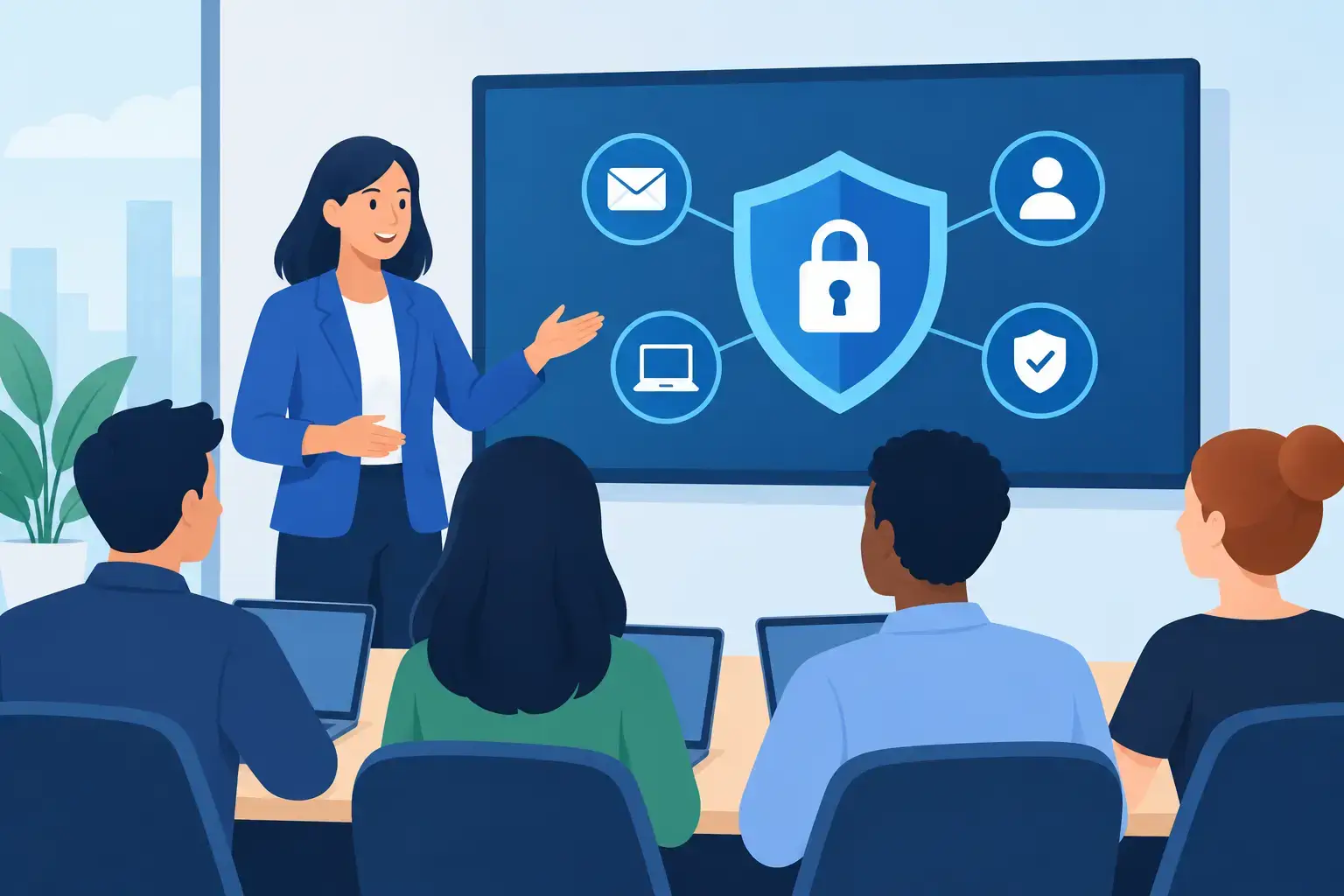
Security awareness training must reflect these scenarios. Employees need a simple, repeatable process: pause when a request is unusual, confirm payment or account changes through a known contact method, and report suspicious messages without fear of blame. Training is most useful when it is short, recurring, and relevant to the work people do each day.
Cloud applications need stronger governance
Remote teams depend on cloud services for email, file sharing, accounting, project management, customer relationship management, and communications. These tools can improve operations, but their convenience can lead to uncontrolled sharing and overlooked access.
A common issue is the shared folder that remains open to former employees, outside contractors, or anyone with a link. Another is employees adopting unapproved applications because they solve an immediate problem. Those tools may store business data without proper security settings, backup coverage, or a clear owner inside the company.
Businesses are responding by identifying approved applications, assigning ownership for each system, and reviewing permissions on a set schedule. This does not require blocking every new tool. It means evaluating whether a tool handles sensitive data, who can access it, and what happens if the vendor has an outage or the employee who created the account leaves.
Home networks and remote support need clearer boundaries
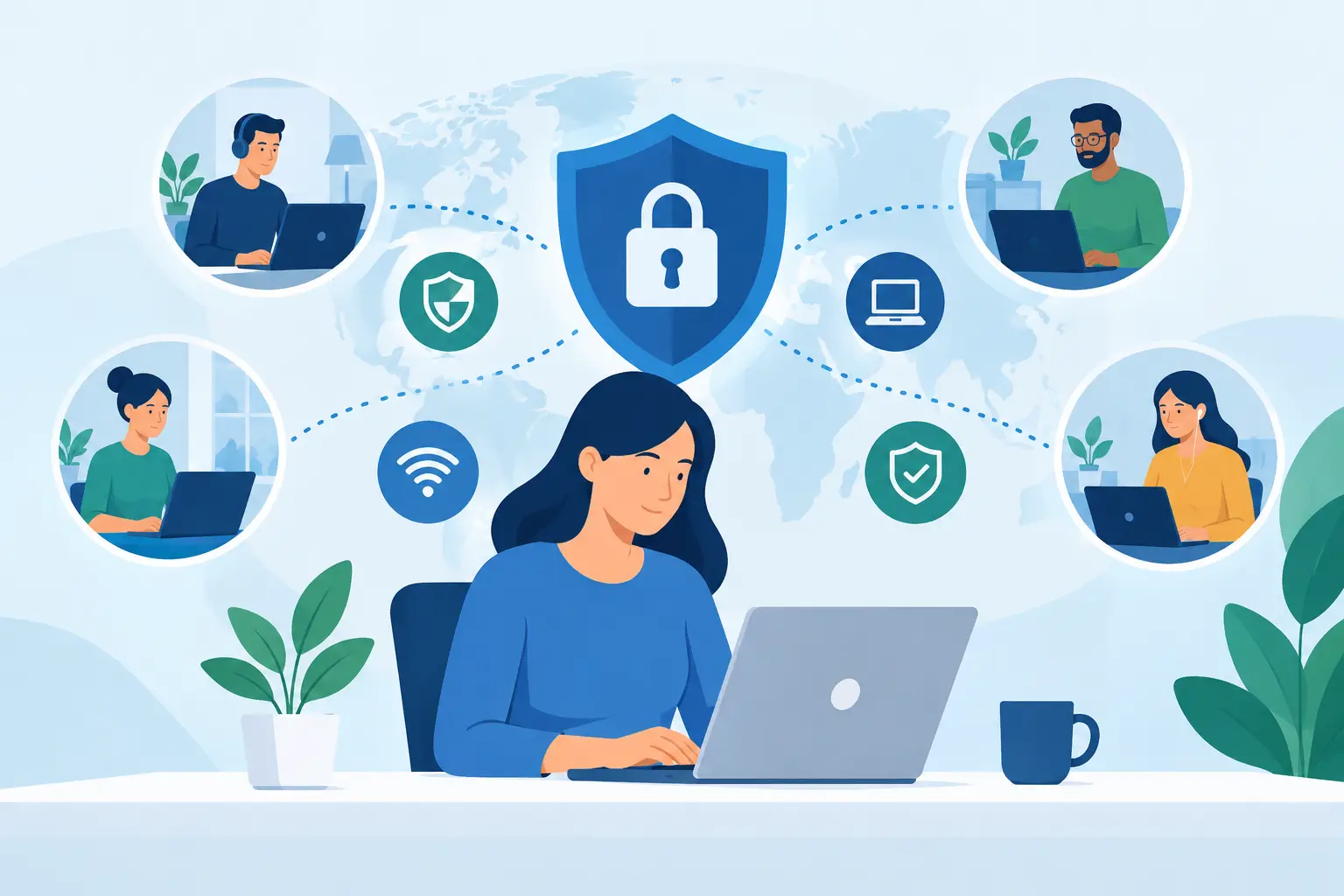
A home Wi-Fi network may include smart televisions, gaming systems, cameras, and personal devices that the business cannot manage. That does not automatically make remote work unsafe, but it does require sensible safeguards.
Employees should use encrypted Wi-Fi, keep home router software updated, and avoid handling sensitive information on public networks without approved protections. Company devices should have secure remote access configured by IT, rather than relying on ad hoc workarounds.
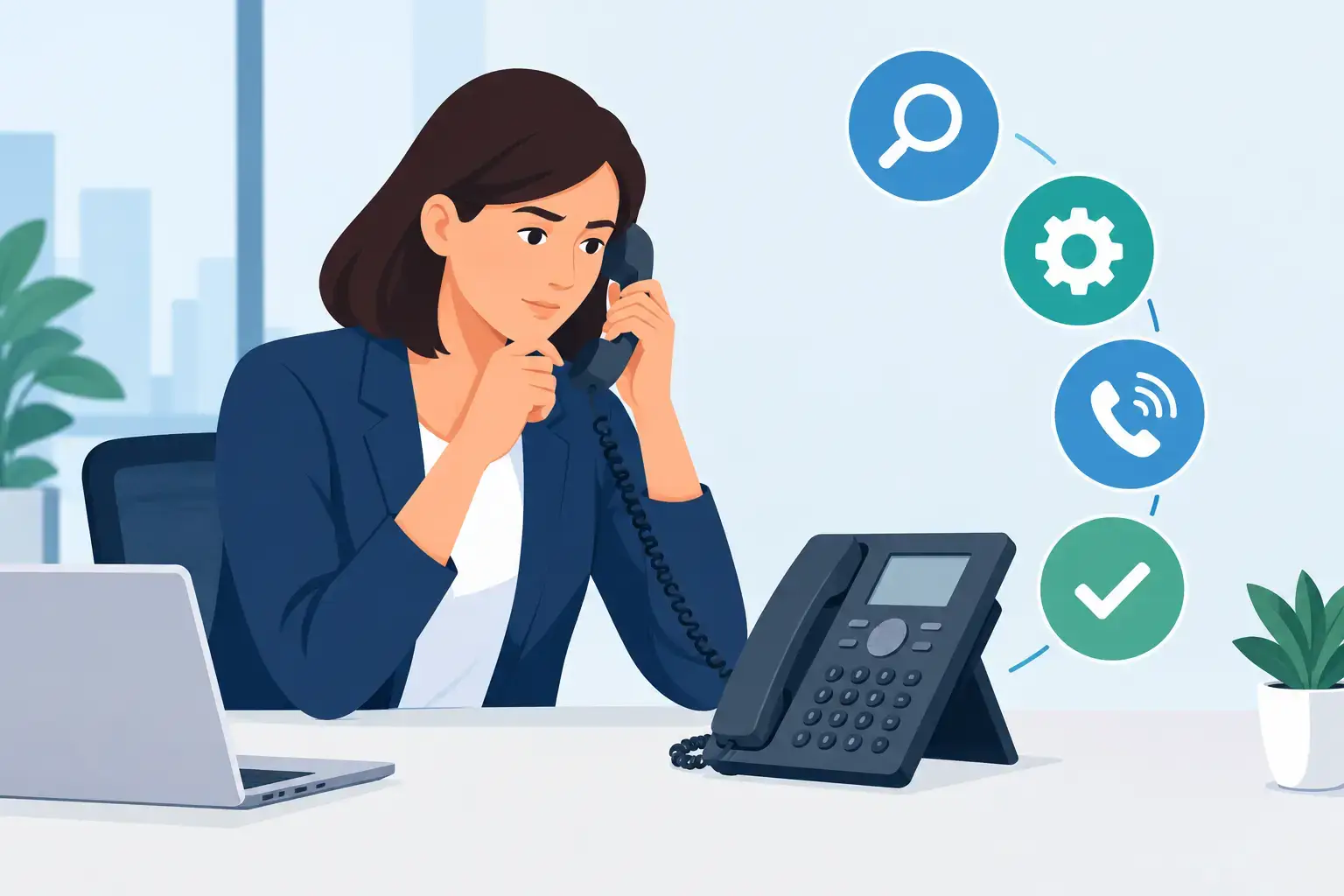
Remote technical support is part of this security picture. When employees cannot access a system, they may search for shortcuts, use a personal email account, or accept help from an unverified caller. Responsive support reduces those risky decisions by giving people a trusted place to turn when technology gets in the way.
Recovery planning is receiving more attention
Prevention matters, but no business can assume every threat will be stopped. Ransomware, account takeovers, accidental deletion, and cloud service outages can still disrupt operations. Remote teams make recovery more complex because employees need to know where to work, how to communicate, and which systems are available if normal access fails.
Current security planning increasingly connects cybersecurity with business continuity. That includes tested backups, documented emergency contacts, alternate communication methods, and clear decision-making responsibilities. A backup is only valuable if it can be restored within the timeframe the business can tolerate.
Turning Security Trends Into a Practical Plan
The most effective remote security programs are not built by buying every available tool. They begin with a clear view of people, devices, applications, and data.
Start by identifying which employees can access financial systems, customer data, email administration, cloud storage, and critical business applications. Then confirm whether their access is appropriate for their role and whether multi-factor authentication is enforced. This review often finds old accounts, excessive permissions, and shared credentials that should be corrected quickly.
Next, establish a consistent process for employee onboarding and offboarding. A new employee should receive an approved device, the right accounts, basic security guidance, and a clear path for getting help. When an employee departs or changes roles, access should be reviewed the same day, not when someone has time to get to it.
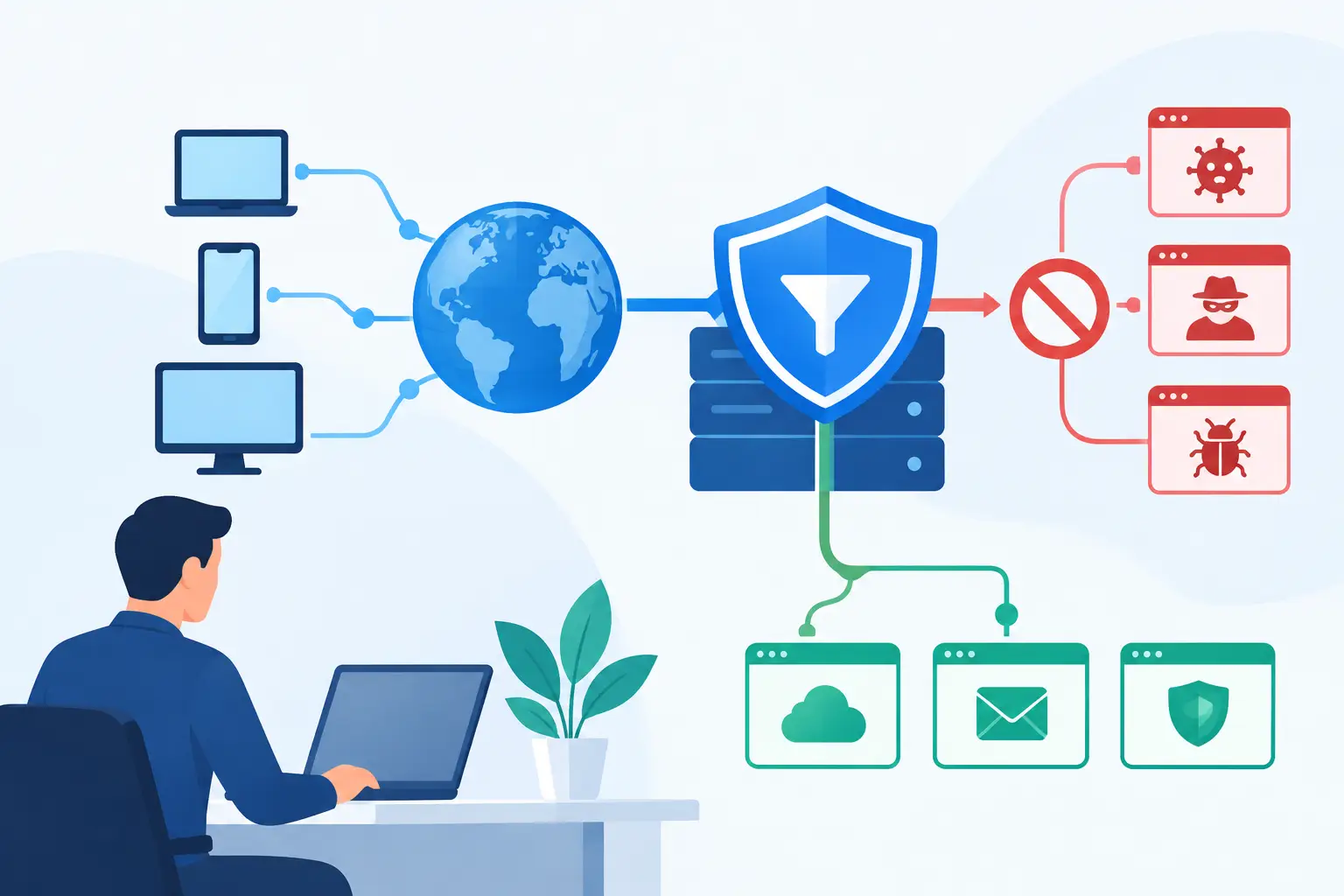
Security monitoring also deserves attention. Small businesses may not have an internal team watching alerts, reviewing device health, and responding to suspicious activity. Managed monitoring can provide that oversight, but it should come with clear communication about what is being monitored, how incidents are handled, and who is responsible for decisions during an event.
Finally, test the plan in ordinary language. Ask whether an employee knows what to do after clicking a suspicious link, losing a laptop, receiving a questionable payment request, or losing access to a key system. If the answer is unclear, the process needs to be simpler.
What These Trends Mean for Business Leaders
Remote workforce security is not solely an IT responsibility or an employee compliance issue. It is an operational responsibility. The decisions made about access, devices, vendor tools, and response procedures directly affect downtime, customer trust, payroll continuity, and the ability to serve clients.
TechFusion helps businesses take a practical approach by managing the technology details after implementation, supporting users, coordinating issues, and strengthening the systems that keep daily operations moving. The right plan will vary by industry, staff size, and the sensitivity of the data involved, but every organization benefits from knowing who has access, what devices are trusted, and how it will recover when something goes wrong.
The best next step is a straightforward review of your remote work setup before an incident forces one. Security should give your team confidence to work from wherever business takes them, with support close at hand when they need it.