A single convincing email can bypass expensive security tools in minutes. It might look like a vendor asking to update payment details, a Microsoft 365 password notice, or a message from the owner requesting an urgent wire transfer. Cybersecurity awareness training gives employees the practical judgment to pause, verify, and report suspicious activity before a routine workday turns into a business disruption.
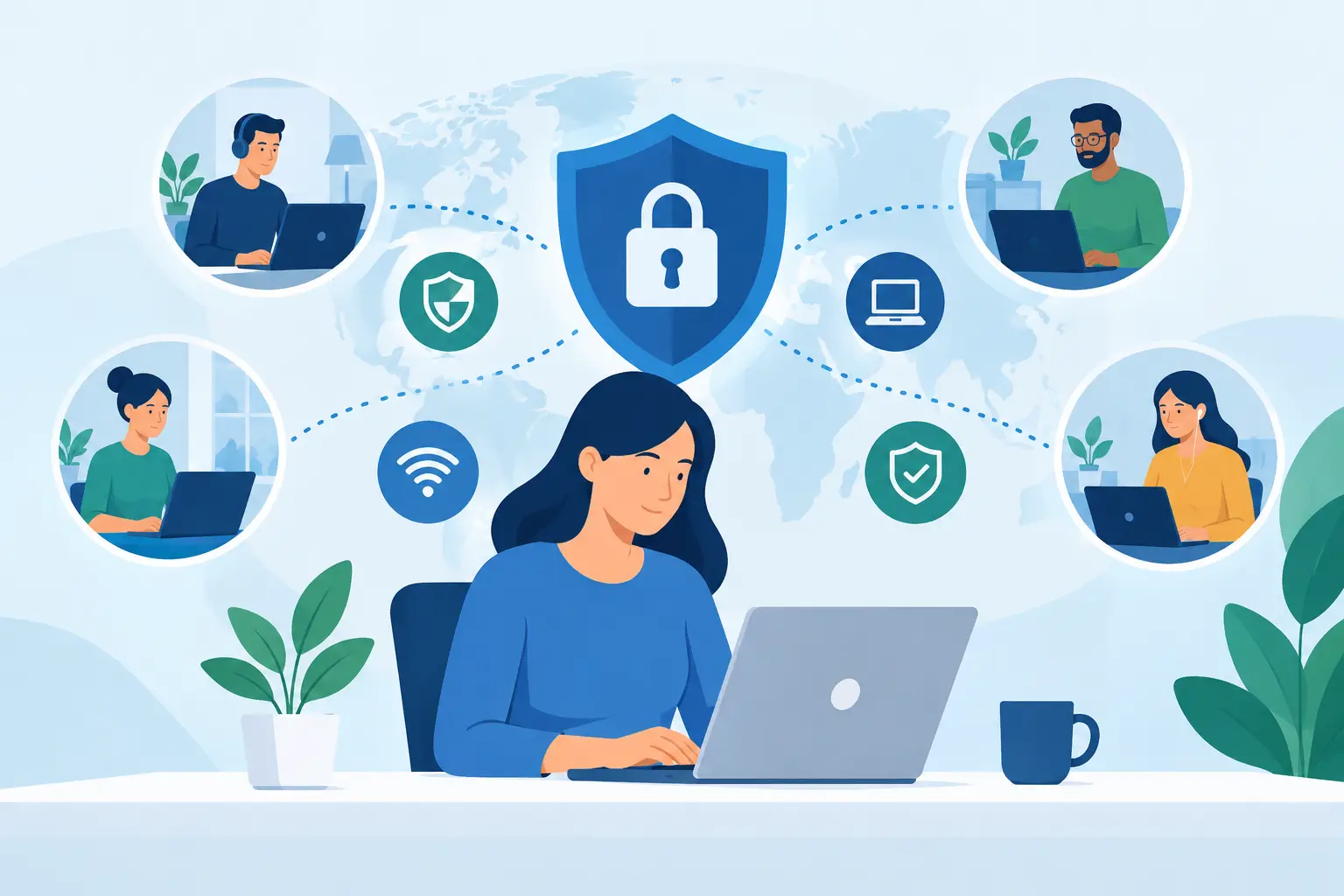
For small and midsize businesses, that judgment matters because employees work across email, cloud applications, mobile devices, vendor portals, and shared files. Security is not only an IT responsibility. It is a daily operational habit that affects client trust, payroll, invoices, access to business systems, and the ability to keep working.
Why Cybersecurity Awareness Training Is a Business Need
Most cyber incidents do not begin with a dramatic system failure. They begin with ordinary work: clicking a link, opening an attachment, reusing a password, or approving a request too quickly. Attackers rely on urgency, familiarity, and distraction because those pressures are common in busy offices.
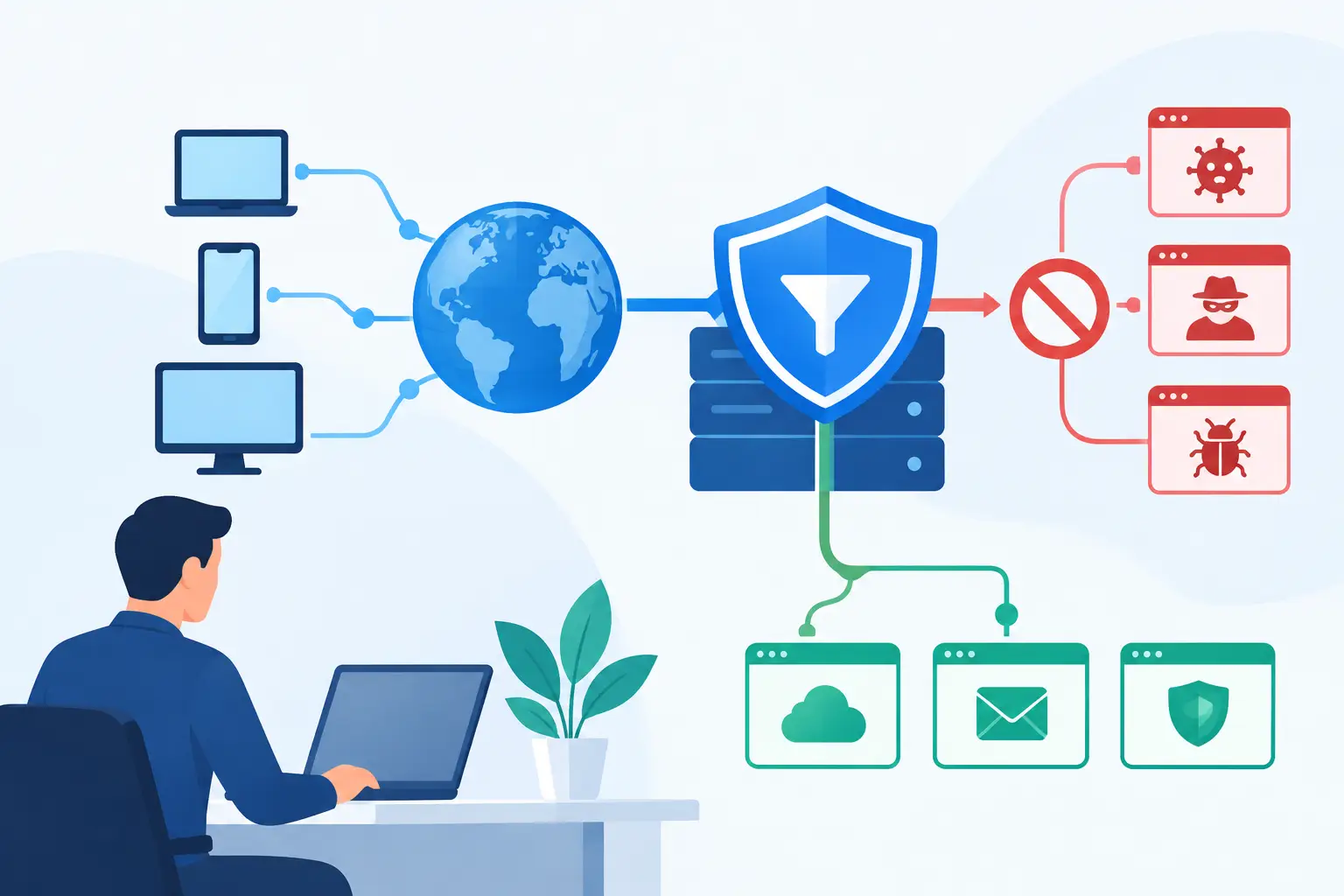
Technical safeguards still matter. Multi-factor authentication, endpoint protection, managed backups, access controls, and security monitoring all reduce exposure. But no tool can fully prevent an employee from voluntarily entering credentials into a fraudulent website or sending sensitive information to an impersonator. Training helps close that gap by making people more likely to recognize suspicious behavior and respond correctly.
The goal is not to turn every employee into a security analyst. A receptionist, accountant, field technician, and executive assistant each need clear guidance that fits the systems and decisions they handle. Good training makes secure behavior practical, not intimidating.
What Employees Need to Recognize
Effective training focuses on the situations employees are most likely to encounter, rather than overwhelming them with technical terminology. The most useful lessons are specific, repeated, and connected to real work.
Employees should understand how to spot phishing attempts, including messages with unusual sender addresses, unexpected attachments, misleading links, payment changes, or urgent demands. They should also know that a polished logo and familiar name do not prove an email is legitimate. Criminals regularly impersonate banks, software providers, delivery services, executives, and trusted vendors.
Password practices deserve the same attention. Employees need unique, long passwords for business accounts and should use an approved password manager when available. Multi-factor authentication adds a valuable layer of protection, but users should also be taught never to approve an authentication prompt they did not initiate. Repeated login prompts can be a sign that someone else has obtained a password.
Training should also cover safe handling of confidential information. That includes knowing where files may be stored, when sensitive data can be emailed, how to share documents securely, and why personal email accounts or unapproved file-sharing tools create risk. A well-meaning shortcut can expose customer records or internal financial information.
Finally, employees need a simple reporting path. If they suspect a message, click a questionable link, lose a device, or accidentally share information, they should know exactly whom to contact. Fast reporting often limits damage. Employees are far more likely to speak up when they know they will receive help instead of blame.
Build Training Around Real Business Risks
Generic annual presentations are easy to check off and easy to forget. A stronger cybersecurity awareness training program reflects how your organization actually operates.
Start by identifying the systems, information, and workflows that matter most. A construction company may need to protect mobile devices and project documents accessed from job sites. A professional services firm may be more concerned with client files, payment instructions, and account credentials. A medical or financial organization may have additional compliance obligations. The priorities differ, but the principle is the same: train for the risks employees genuinely face.
Business email compromise deserves special attention for organizations that send payments or manage vendor accounts. A fraudster may impersonate a company leader or supplier and request a bank change, gift card purchase, or confidential document. Employees should have a documented verification process for financial requests, such as confirming changes through a known phone number or established contact method. Email alone should not authorize a high-risk transaction.
It also helps to address the gray areas employees encounter. Can a team member use a personal phone for work email? Can a departing employee forward files to a personal account? What should someone do when a vendor calls requesting account details? Clear policies prevent employees from having to guess under pressure.
Make Training Ongoing, Not a Once-a-Year Event
People forget information they do not use. Attackers also change their methods, adapting messages to tax season, hurricanes, travel, new software rollouts, and current events. One annual course cannot keep pace on its own.
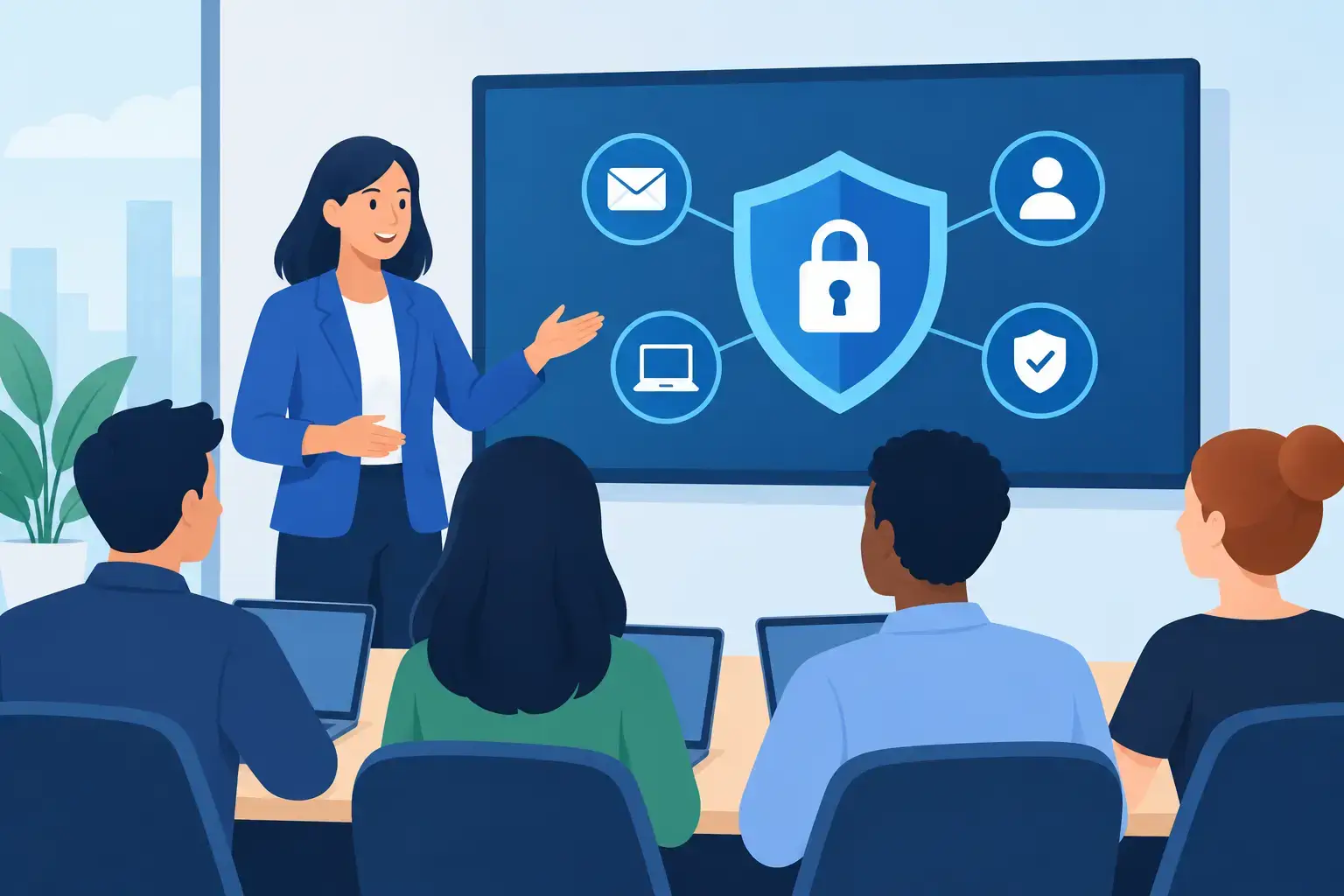
Short, recurring lessons are generally more effective than a single long session. A monthly phishing example, a brief reminder about password prompts, or a quick discussion during a team meeting keeps security visible without taking employees away from their work for hours. The best cadence depends on your organization, but consistency matters more than creating a perfect calendar.
Simulated phishing tests can be useful when handled constructively. They show whether employees can identify suspicious messages in a realistic setting and reveal where more guidance is needed. However, simulations should not be designed to embarrass people or create a culture of fear. If employees feel punished for mistakes, they may hide real incidents. Use results to coach teams, improve controls, and identify patterns.
New-hire onboarding is another critical moment. Employees should receive security guidance before they receive broad access to email, shared drives, cloud platforms, and business applications. Offboarding matters just as much. Promptly removing access, recovering devices, and reviewing shared credentials protects the business when roles change.
Give Employees Simple Actions They Can Remember
When a suspicious message arrives, employees should not need to search through a long policy manual. Give them a short set of actions that can be applied immediately:
- Pause before responding to unexpected requests involving money, credentials, account changes, or sensitive data.
- Verify the request using a known phone number, saved contact, or a separate communication channel.
- Report suspicious emails, links, devices, or login prompts as soon as possible.
- Ask for help when something feels unusual, even if they are not certain it is a threat.
These actions are simple by design. The most valuable security behavior is often a brief pause before an irreversible decision.
Measure More Than Course Completion
Completion rates are useful, but they do not prove employees can apply what they learned. A stronger program measures behavior and business outcomes over time.
Look at how often employees report suspicious emails, how quickly reports reach the right team, and whether repeat mistakes decline after targeted coaching. Review results by department or role when appropriate, since accounting, leadership, and administrative teams may face different threats than warehouse or field personnel. If employees rarely report anything, that may mean your environment is secure, but it can also mean they do not know what to report or do not feel comfortable raising concerns.
Training results should also lead to operational improvements. If phishing simulations show repeated confusion about Microsoft 365 login pages, reinforce multi-factor authentication guidance and review email filtering. If employees struggle to identify vendor payment fraud, tighten your verification process. Training and technical controls work best when they inform each other.
Support Training With Reliable IT Management
Employees should not carry the full burden of cybersecurity. They need an environment that makes the secure choice easier: managed devices, current software updates, protected backups, least-privilege access, monitored networks, and clear support when questions arise.
That is where an ongoing technology partner adds value. TechFusion can help businesses align employee education with practical security controls, onboarding and offboarding processes, backup planning, and day-to-day IT support. This approach gives leaders a clearer view of where risk exists and gives employees someone to call when they need guidance.
The most effective security culture is not built through fear or one-time reminders. It grows when employees understand that asking questions, reporting concerns, and following a few dependable practices helps protect the people and work they care about every day.