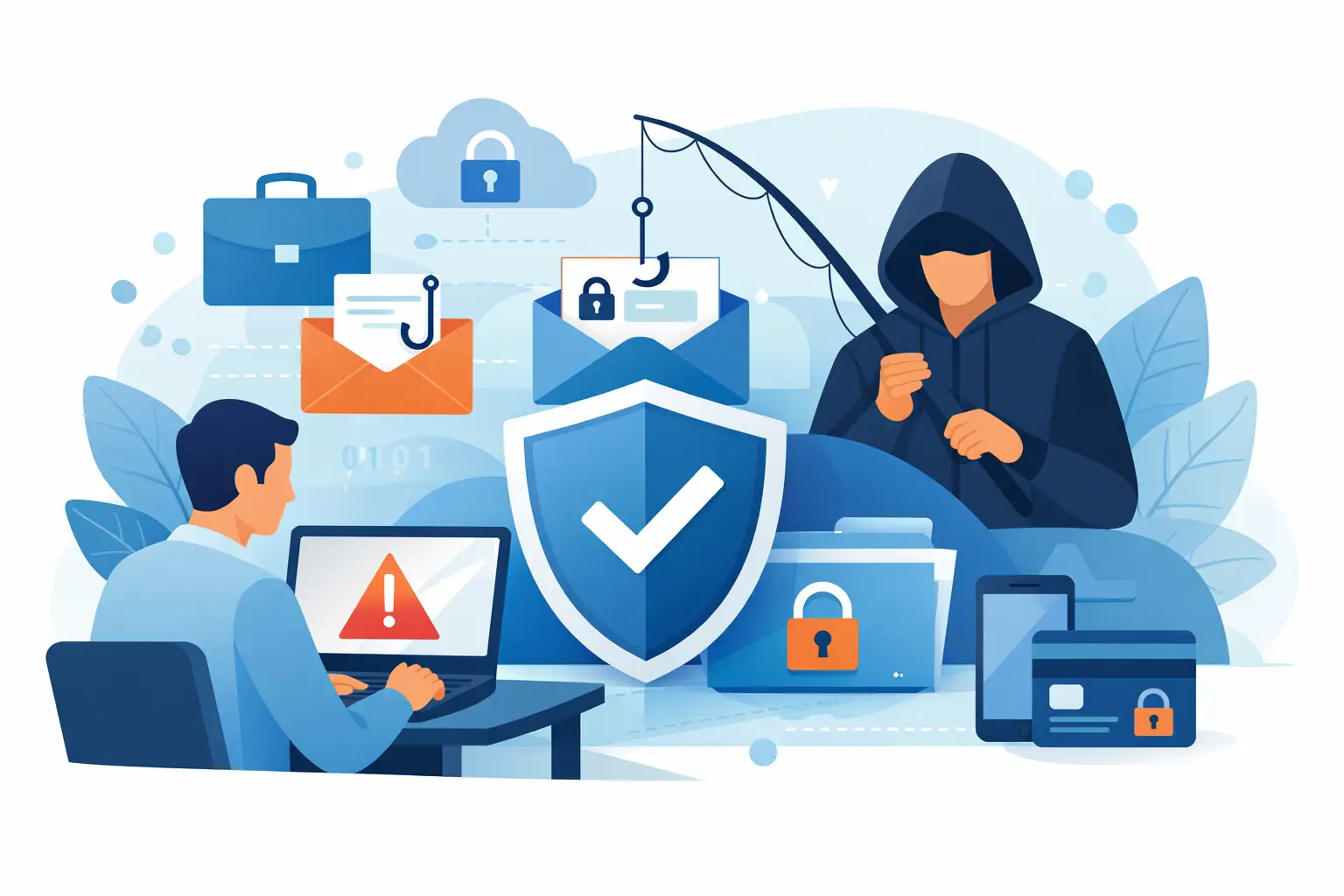
A single convincing email can interrupt payroll, expose customer records, redirect a vendor payment, or give an attacker a foothold in your network. Learning how to prevent phishing attacks at work is not about expecting employees to spot every trick. It is about building simple habits, clear reporting paths, and layered protections that catch mistakes before they become business disruptions.
Phishing works because it targets normal business behavior. Employees receive invoices, password notices, shared documents, delivery updates, and urgent requests from leaders every day. Attackers imitate those messages and create enough pressure that someone clicks before taking a second look.
How to Prevent Phishing Attacks at Work With Daily Habits
The most effective security guidance is practical enough to use during a busy workday. Tell employees to pause when an email, text, chat message, or phone call asks them to act quickly, share information, open a file, or sign in.
Urgency is not proof of fraud, but it should trigger verification. A request to buy gift cards, change direct-deposit details, approve a wire transfer, or reset a password deserves extra scrutiny, especially when it appears to come from an executive, vendor, bank, or IT provider.
Employees should check the full sender address, not just the display name. A message that says it is from a known vendor may come from a misspelled domain or a free email account. They should also hover over links before opening them to inspect the destination. On a phone, where hovering is not available, the safer approach is to open the official app or type the known website address directly into the browser.
A message can still be dangerous even if it has a company logo, proper grammar, and a familiar name. Attackers increasingly use polished writing and compromised email accounts. That is why verification matters more than trying to judge whether an email “looks suspicious.”
For sensitive requests, establish an out-of-band confirmation process. If a vendor asks to update banking information, call the vendor using a known phone number already in your records. If an executive sends an unusual request, confirm it through a known phone number, in person, or through a separate internal channel. Do not reply to the questionable message to verify it.
Make Reporting Easy, Fast, and Blame-Free
Employees are more likely to report suspicious messages when they know they will be thanked, not embarrassed. A reported email gives your IT team the chance to block a malicious sender, remove similar messages from other inboxes, and investigate whether anyone interacted with it.
Give staff one clear process: use the email client’s report-phishing feature if available, or forward the message to a designated security or IT address without clicking links or opening attachments. Define what to do if someone already clicked. The right next step is to report it immediately, disconnect from the network if instructed, and contact IT. Waiting because they fear blame gives an attacker more time.
Leaders set the tone here. When managers openly report suspicious messages and reinforce that reporting is part of doing good work, employees are more likely to act quickly. Security improves when the organization treats a close call as useful information rather than a personal failure.
Train for the Attacks Your Team Actually Receives
Annual compliance training alone rarely changes behavior. Short, recurring training works better when it uses examples relevant to each department. Accounting teams may see invoice fraud and payment-change requests. Human resources may receive fake resumes, benefits notices, and payroll messages. Front-desk employees may face fraudulent delivery alerts or callers claiming to need urgent technical access.
Simulated phishing exercises can be useful, but they should educate rather than punish. The goal is to identify patterns, provide immediate coaching, and show employees what they missed. A simulation that only measures who clicked can create anxiety without improving judgment.
Cover more than email. Phishing can arrive through text messages, collaboration tools, social media, QR codes, and phone calls. A caller may claim to be from Microsoft, a bank, a copier company, or your IT provider. Employees should know that legitimate support teams will follow established verification procedures and should never pressure them to disclose passwords or install unapproved remote-access software.
Put Technical Controls Behind Your People
Training is essential, but no employee can be expected to catch every convincing message. Technical safeguards reduce the number of malicious messages that reach inboxes and limit damage if a credential is stolen.
A practical phishing-defense program should include several controls working together:
- Email filtering that scans for malicious links, attachments, impersonation attempts, and suspicious sender behavior.
- Multi-factor authentication for email, cloud applications, remote access, financial systems, and administrator accounts.
- Endpoint protection and timely security updates for computers, mobile devices, browsers, and business software.
- DNS and web filtering that blocks known malicious sites before a user can reach them.
- Least-privilege access, so one compromised account cannot automatically access every system or sensitive file.
- Reliable, tested backups that help the business recover if phishing leads to ransomware or data loss.
Multi-factor authentication deserves special attention. It can stop many account-takeover attempts, but it is not a complete answer. Attackers may use fake sign-in pages that capture both passwords and one-time codes, or repeatedly send approval prompts hoping someone accepts one. Where possible, use phishing-resistant methods such as security keys or passkeys, and teach employees never to approve an unexpected sign-in request.
Email authentication settings also matter. Properly configured SPF, DKIM, and DMARC records help receiving systems identify messages that falsely claim to come from your company domain. These controls do not prevent every impersonation attempt, but they make it harder for criminals to use your brand against customers, vendors, and employees.
Protect High-Risk Business Processes
Some phishing messages are designed to steal credentials. Others are designed to exploit a business process. Payment fraud, payroll diversion, and fraudulent purchase requests often succeed because approval procedures can be bypassed under pressure.
Review the processes that move money or release sensitive information. Require dual approval for wire transfers and material vendor-payment changes. Separate the person requesting a change from the person authorizing it when practical. Maintain verified vendor contact information outside of email, and require a documented callback before changing bank details.
The right level of control depends on your business. A small company may not have a large accounting department, but it can still require the owner and bookkeeper to confirm significant payment changes together. The few extra minutes are far less costly than recovering funds after they have been transferred to a criminal account.
Know What Happens When Someone Clicks
A phishing incident becomes much harder to contain when no one knows who to call or what to preserve. Create a straightforward response plan before an incident occurs. Employees should know how to report the event, while management should know who is authorized to make decisions about account resets, vendor notifications, insurance contacts, legal guidance, and customer communication.
Your IT team should be prepared to investigate the message, identify affected accounts and devices, reset credentials, revoke active sessions, review mailbox rules, and check for unusual file-sharing or financial activity. If malware is involved, the device may need to be isolated and examined before it returns to normal use.
After the immediate issue is contained, look for the gap that allowed it through. Perhaps an email rule was too permissive, an employee lacked a clear verification process, a former employee account remained active, or a financial workflow relied too heavily on email. The goal is not to assign blame. It is to make the next attempt less likely to succeed.
Build Phishing Defense Into Everyday IT Support
Phishing prevention is an ongoing operational responsibility, not a once-a-year project. New employees need security expectations during onboarding. Departing employees need accounts and access removed promptly. Software, email protections, user permissions, and response procedures need regular review as your business changes.
For many small and midsize businesses, the challenge is not knowing that phishing is dangerous. It is having the time and technical coverage to consistently manage the details. A managed IT partner can help monitor protections, support employees, coordinate response, and keep security aligned with the way your business actually works.
The most useful measure of progress is not whether your team receives phishing messages. Every organization will. It is whether employees know what to do, systems provide a safety net, and your business can respond quickly without losing control of the day.