A Monday morning internet outage can bring a Tampa Bay office to a standstill within minutes. Calls cannot route, cloud files feel out of reach, employees cannot access key applications, and an owner is left trying to coordinate an internet provider, phone company, and computer technician at the same time. The right managed IT services Tampa Bay businesses choose are designed to prevent that scramble and provide a clear path forward when issues still occur.
For small and midsize organizations, technology is no longer a background utility. It affects how quickly staff serve customers, how safely data is handled, how new employees get productive, and how confidently leadership can plan for growth. A managed IT partner takes responsibility for the everyday systems that keep work moving, while giving business leaders practical guidance without burying them in technical jargon.
What Managed IT Services in Tampa Bay Should Deliver
Managed IT is not simply a help desk that answers when a computer breaks. It is an ongoing service relationship focused on maintaining, securing, and improving the systems a business depends on. That includes supporting users, monitoring networks, managing devices, protecting data, coordinating technology vendors, and preparing for disruptions before they become expensive outages.
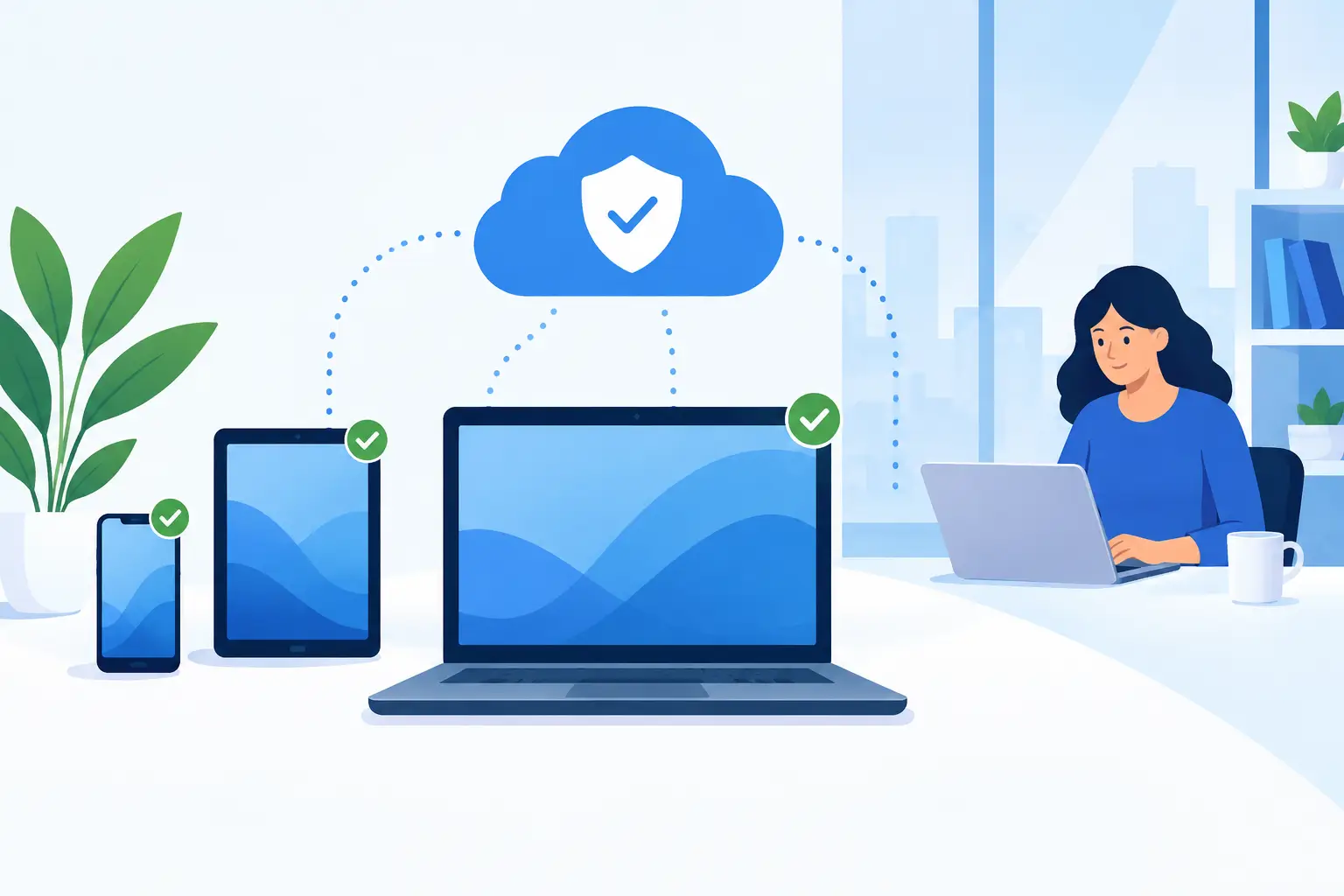
The value is accountability. Instead of calling different providers for Wi-Fi, phones, cybersecurity, cloud access, backup failures, and employee laptops, a business has one technology partner that understands how those pieces work together. When an issue crosses vendors or systems, that partner owns the coordination rather than asking the client to act as the middleman.
That approach matters in Tampa Bay, where businesses range from professional offices and healthcare-adjacent practices to field service companies, retailers, nonprofits, and growing multi-location teams. Their technology needs are different, but their expectations are similar: employees need responsive support, systems need to be available, and leaders need to know that a preventable technical issue is not quietly becoming a business risk.
The Cost of Waiting for Technology to Fail
Break-fix IT support can look less expensive at first. A business pays only when something goes wrong. The trade-off is that the provider has little opportunity to identify aging equipment, risky user access, unreliable backups, or network bottlenecks before they interrupt operations.
That model also creates uncertainty. A slow server may be tolerable until it delays customer work. A former employee’s account may seem harmless until it remains active after departure. A backup may appear to be running until a restore is needed and the business learns the files were never recoverable.
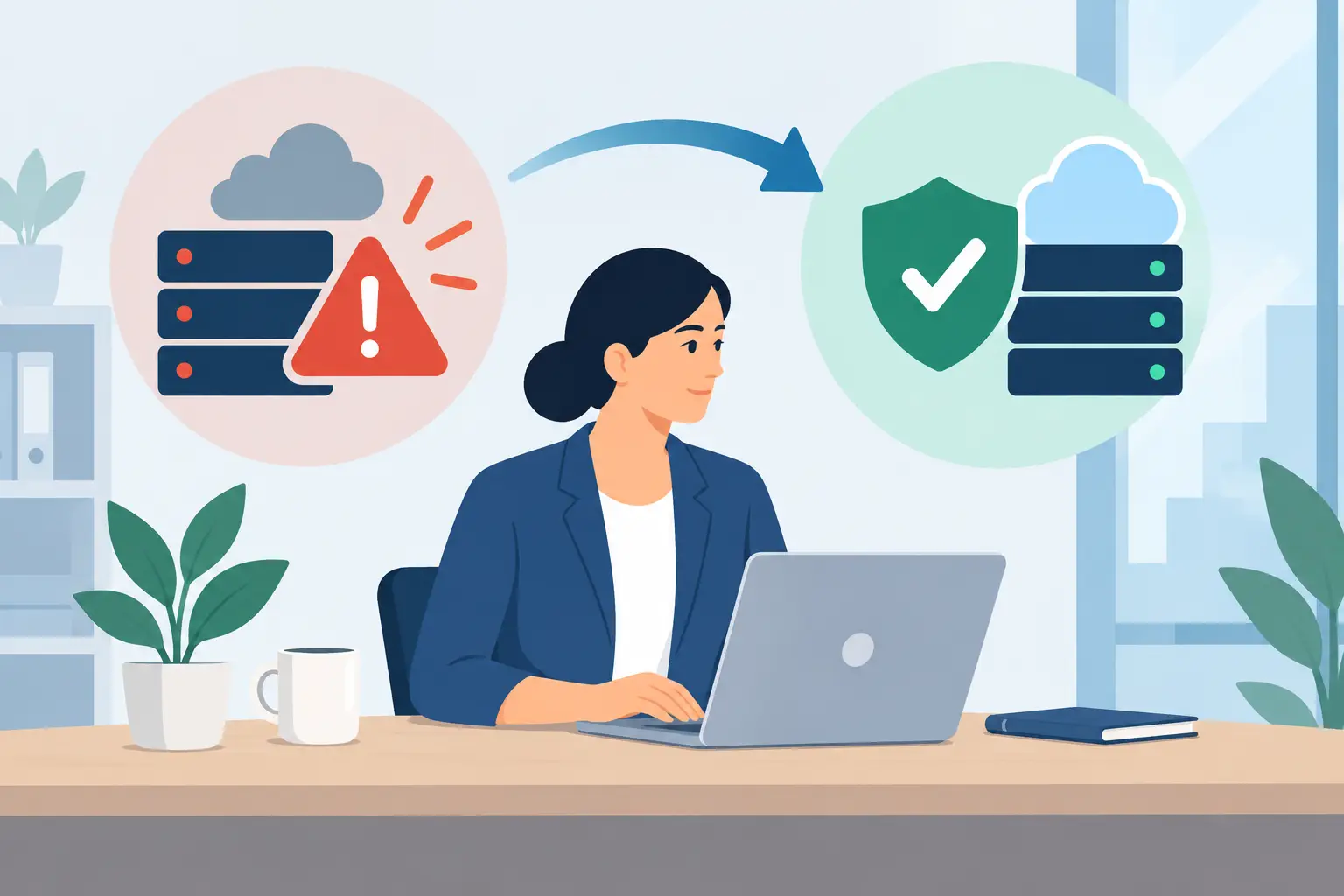
Proactive management changes the conversation from “Who can fix this today?” to “How do we reduce the chance of this happening again?” Monitoring can identify storage problems, failed backups, device health concerns, and suspicious activity early. Regular maintenance helps reduce avoidable disruptions. Documented processes make it easier to respond calmly when an unexpected issue does happen.
No IT provider can promise that technology will never fail. Hardware ages, service providers experience outages, and cybercriminals adapt. A dependable provider can, however, make failures less disruptive by planning for them, responding quickly, and helping the business recover with minimal confusion.
Services That Protect Daily Operations
The strongest managed IT services combine practical user support with behind-the-scenes safeguards. The mix should reflect the business’s size, industry, staff locations, and existing technology, but several capabilities deserve close attention.
Responsive Support for Employees
When employees cannot print, connect to a shared folder, use email, or access business software, productivity slips quickly. Support should be approachable for users with every level of technical comfort. It should also be responsive enough that small issues do not turn into workarounds that create larger security or efficiency problems.
Effective support includes computer setup, software troubleshooting, device maintenance, and help with common day-to-day problems. For a growing company, it also includes setting clear priorities. A single employee’s password issue is important. A company-wide email outage needs an immediate, coordinated response.
Network, Phone, and Internet Coordination
A reliable network is the foundation for cloud applications, voice systems, Wi-Fi, file access, and remote work. Network configuration and optimization can improve performance, segment sensitive systems, and help protect the business from unauthorized access.
Phone and internet support is equally important because an outage is rarely limited to one vendor. A managed IT partner can work directly with providers, document account information, test failover options where appropriate, and explain what is happening in business terms. This saves time for the owner, office manager, or executive assistant who would otherwise be stuck on hold while employees wait.
Cybersecurity That Matches Real Risk
Cybersecurity is not one product. It is a combination of monitoring, access controls, device protection, security awareness, updates, backup planning, and response procedures. The right level of protection depends on the type of data a business handles, compliance requirements, number of users, and tolerance for downtime.
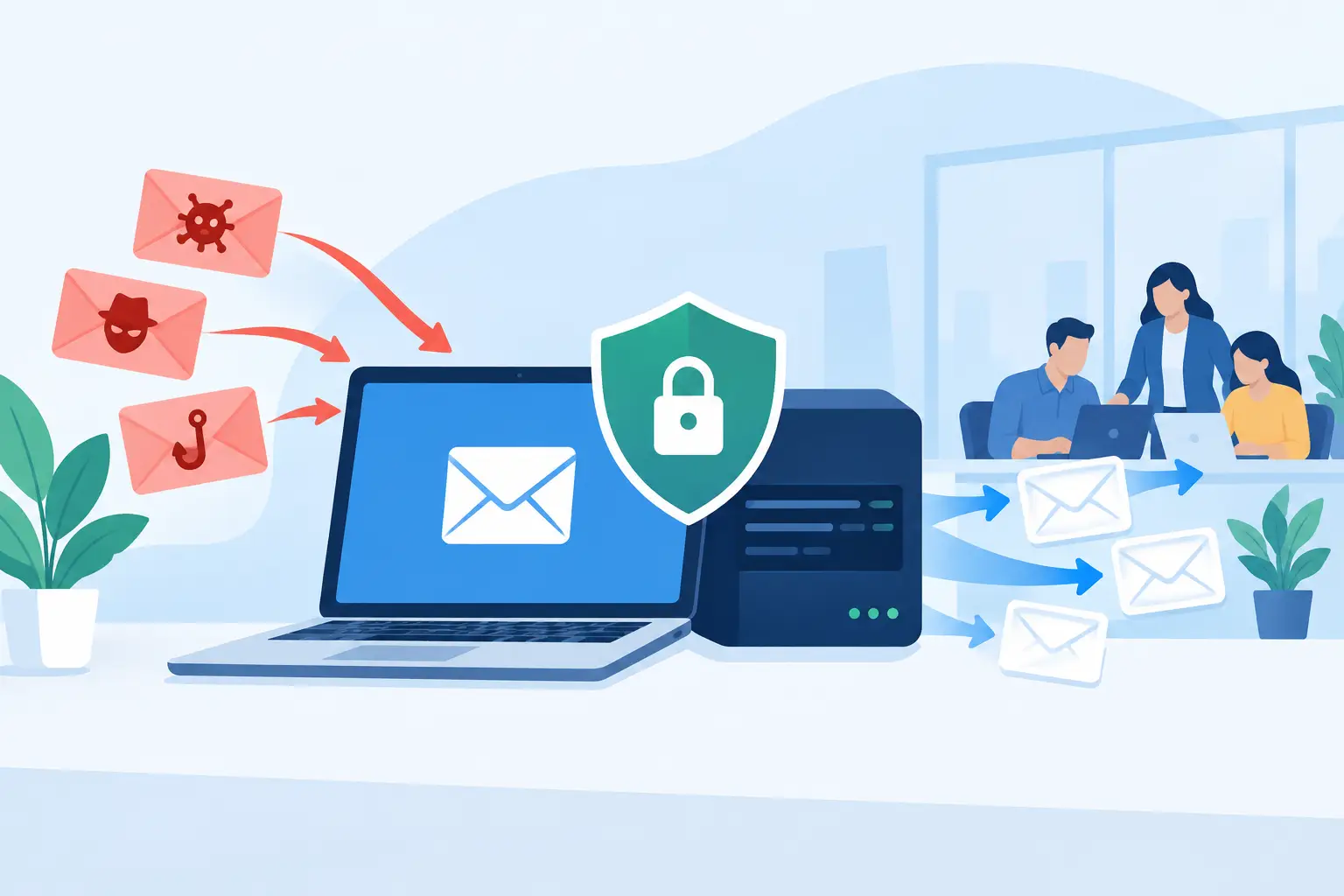
For many small businesses, the most common risks are not movie-style hacking scenes. They are phishing emails, stolen passwords, unpatched devices, accidental data sharing, and accounts that are not removed when staff leave. A managed provider helps close these gaps through ongoing attention, not a one-time security checklist.
Security should also be usable. If controls are so complicated that employees bypass them, the organization has not improved its position. Clear policies, practical training, and support that does not shame users help build safer daily habits.
Backup and Disaster Recovery
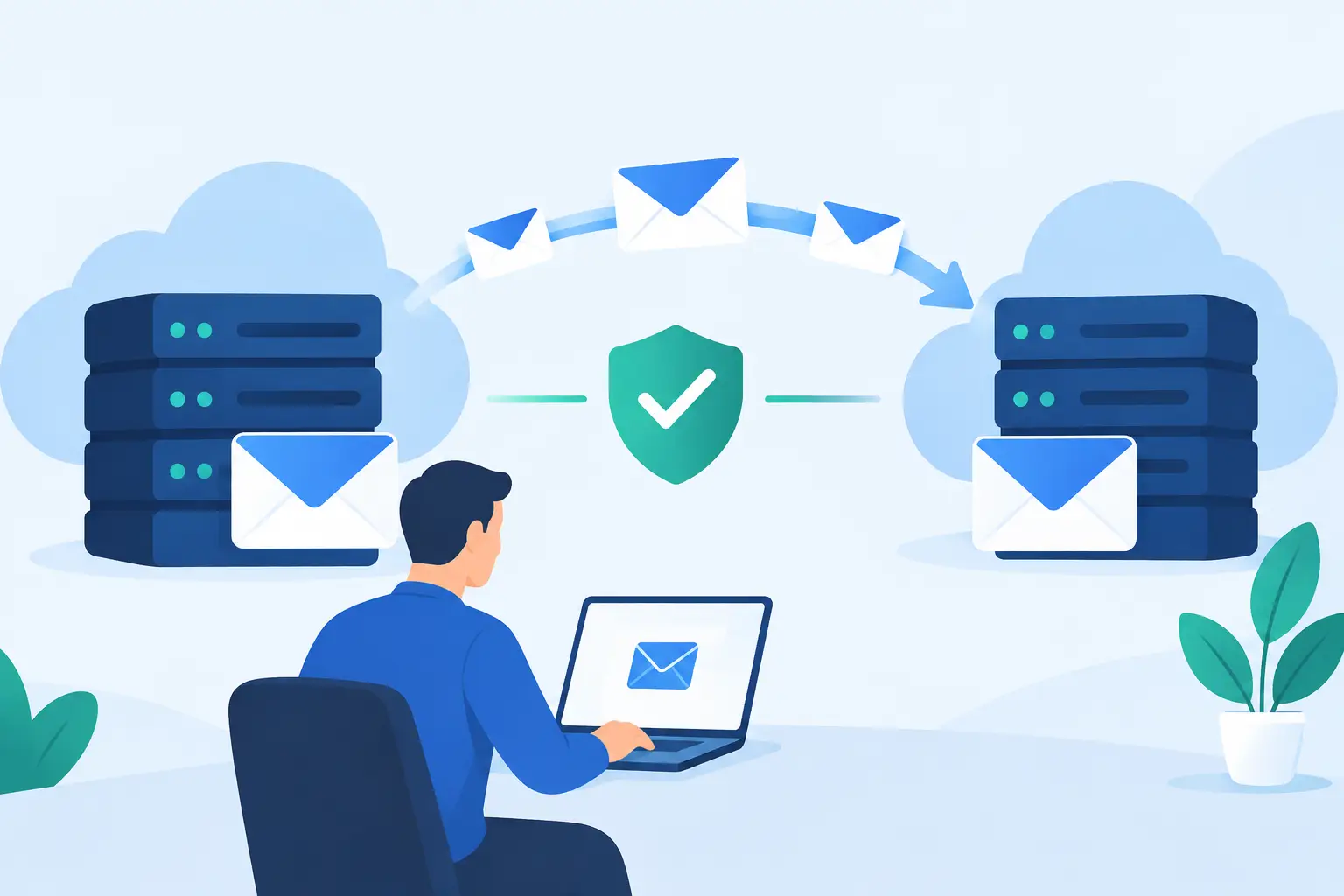
Every business needs a clear answer to a simple question: if our systems or files became unavailable today, how would we restore them and how long would it take? Automated backups are essential, but backup alone is not enough. The restoration process must be tested, the right data must be included, and leaders should understand recovery priorities.
A disaster recovery plan can address ransomware, hardware failure, accidental deletion, office damage, and extended service interruptions. The plan does not need to be complicated to be useful. It needs to be realistic, maintained, and aligned with the operational impact of downtime.
Better Employee Onboarding and Offboarding
Employee transitions are a frequent source of technology gaps. New hires need the right computer, accounts, permissions, phone setup, and access to business tools on day one. Departing employees require a different process: access must be removed promptly, equipment recovered, and business information protected.
A managed IT provider can standardize these steps so managers do not have to remember every account or send scattered last-minute requests. The result is a more professional employee experience and fewer avoidable security exposures.
How to Evaluate a Tampa Bay IT Partner
The best provider is not necessarily the one with the longest list of tools. Look for a partner that asks informed questions about your employees, applications, vendors, security concerns, and growth plans. Their recommendations should connect technology decisions to business outcomes such as less downtime, better customer service, safer data, and predictable support.
Ask how support requests are handled, what monitoring is included, who coordinates third-party vendors, and how backup recovery is verified. Clarify response expectations and what is covered before an emergency occurs. A good partner will be direct about what they can solve, what depends on outside providers, and where additional investment may be necessary.
Communication is just as important as technical capability. Business leaders should receive clear updates, understandable recommendations, and documentation that does not disappear with a single employee or contractor. A provider should make technology feel manageable, not make clients feel dependent on unexplained decisions.
A Long-Term Approach to Business Technology
Technology support should not end after a network is installed or new computers are delivered. Businesses change. They add staff, adopt new software, open locations, support remote employees, face new threats, and find new ways to use data and automation. Their IT strategy needs to change with them.
TechFusion supports Tampa Bay organizations with hands-on management that extends beyond fixing isolated problems. From cybersecurity monitoring and recovery planning to cloud services, communications support, reporting, and practical AI guidance, the focus is on keeping technology aligned with the way the business actually operates.
The right next step is not to replace every system at once. It is to identify the areas where downtime, security exposure, or daily frustration are costing the business the most, then build a practical plan to improve them. With an accountable technology partner in place, leaders can spend less time chasing IT issues and more time serving customers and moving the business forward.