A deleted folder at 4:45 p.m., a ransomware alert overnight, or a failed server after a Florida storm can quickly become a business-wide interruption. Automated backup for small business gives your team a prepared path back to working systems and critical information, without relying on someone to remember a manual backup task at the end of the day.
For a growing business, backup is not simply an IT checkbox. It protects customer records, financial documents, proposals, email, line-of-business applications, and the operational knowledge your employees rely on to serve clients. The real question is not whether data can be copied somewhere. It is whether your business can restore the right data, fast enough, when normal operations are on the line.
What Automated Backup Should Protect
Small businesses usually have more data locations than they realize. Files may live on employee laptops, a local server, cloud storage, email platforms, accounting software, and industry-specific applications. A backup plan that covers only one location can leave meaningful gaps.
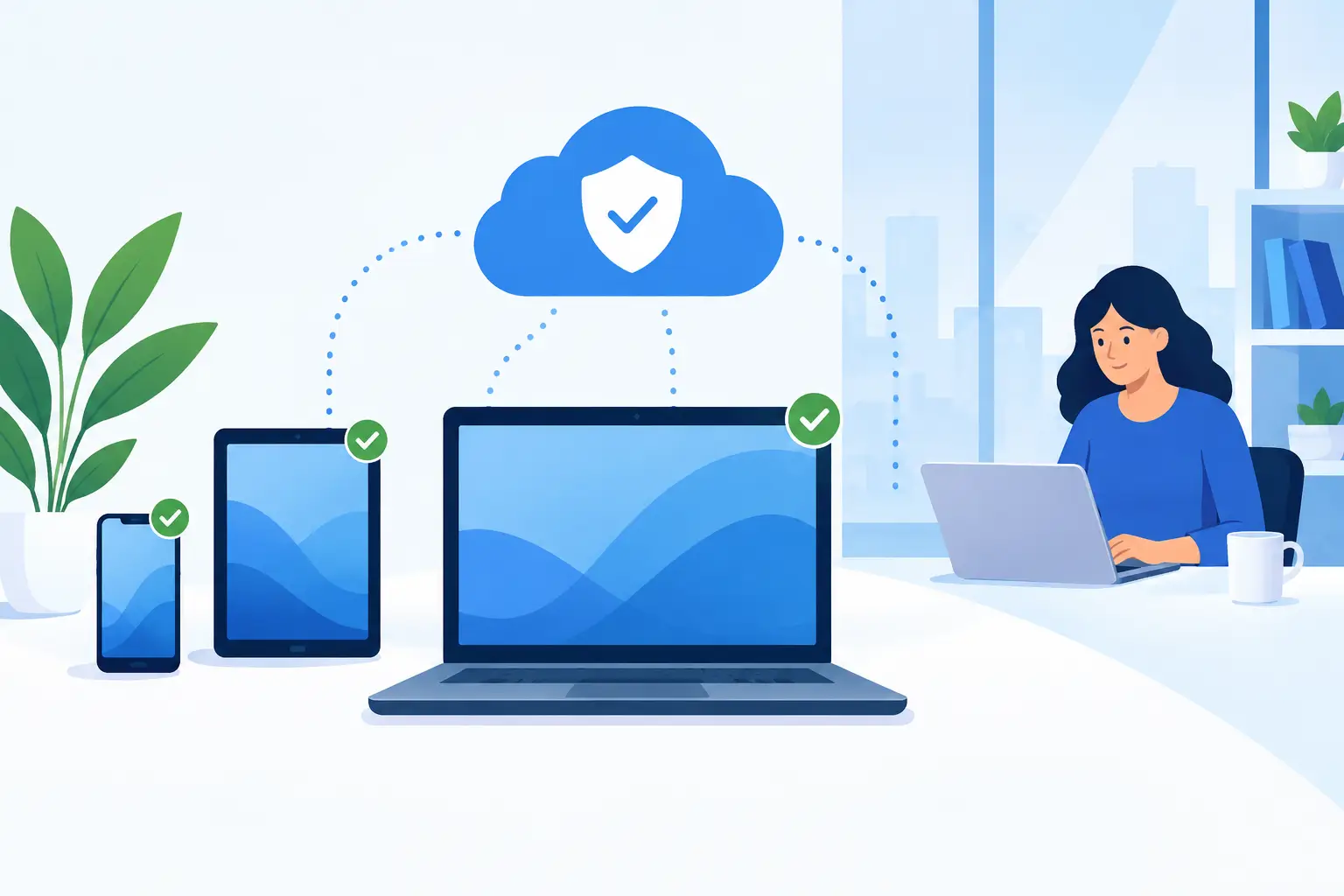
Start by identifying the information your business could not afford to lose. This typically includes shared files, customer and vendor records, accounting data, employee documents, email, databases, and configuration records for critical systems. Do not overlook individual devices. Sales staff, executives, and remote employees often keep current work on their laptops, where a lost or damaged device can create an immediate productivity problem.
Cloud applications deserve special attention. Many business leaders assume that data stored in a cloud platform is fully protected by the provider. The provider may protect its infrastructure, but accidental deletion, overwritten files, compromised user accounts, and retention limits can still affect your data. Independent backups add another layer of recovery control.
Backup Is Different From File Syncing
File-syncing tools are useful for collaboration, but they are not a complete backup strategy. If a corrupted file, accidental deletion, or ransomware-encrypted document syncs across accounts, the bad change can travel quickly too.
A proper backup maintains recoverable versions of data over time. That version history gives your business options: restore a single spreadsheet from yesterday, retrieve a mailbox from last week, or recover an entire server to a known good point. The ability to choose the right recovery point is often what turns a stressful incident into a manageable one.
How Automated Backup for Small Business Reduces Downtime
The value of automation is consistency. Manual backup processes fail for understandable reasons: people get busy, an employee is out, a drive is not connected, or no one knows that a new system needs protection. Automated jobs run on a defined schedule and report whether they succeed or fail.
That does not mean every business needs the same schedule. A firm that enters transactions all day may need frequent backups and a short recovery window. A business with mostly static files may accept nightly backups. The right approach depends on two practical questions.
First, how much recent work can you afford to lose? This is your recovery point objective. If losing four hours of updates would cause serious disruption, a nightly backup is probably not enough. Second, how long can you operate without a key system? This is your recovery time objective. A business that depends on its server for every transaction needs a faster restoration plan than one that can work from cloud tools temporarily.
These targets help turn vague concerns about data loss into decisions that fit your operations and budget. Faster recovery usually requires more planning, storage, and infrastructure. That cost should be weighed against the cost of employees waiting, customers receiving delayed service, and staff trying to rebuild information from memory.
Follow the 3-2-1 Principle
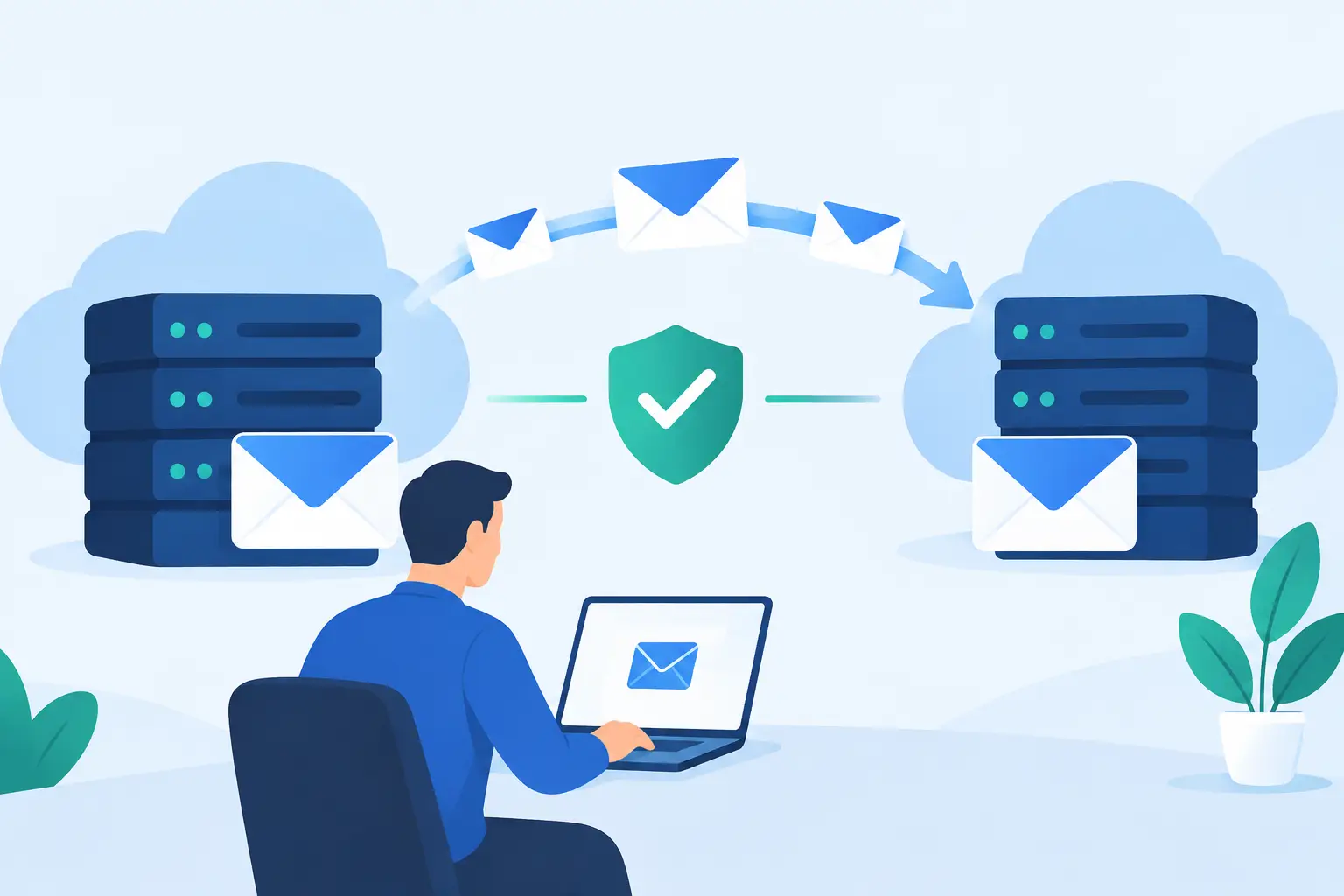
A dependable backup design commonly follows the 3-2-1 principle: keep three copies of your data, on two different types of storage, with one copy kept offsite. This approach reduces the chance that one local failure, such as fire, theft, hardware damage, or power issues, eliminates both your production data and its backup.
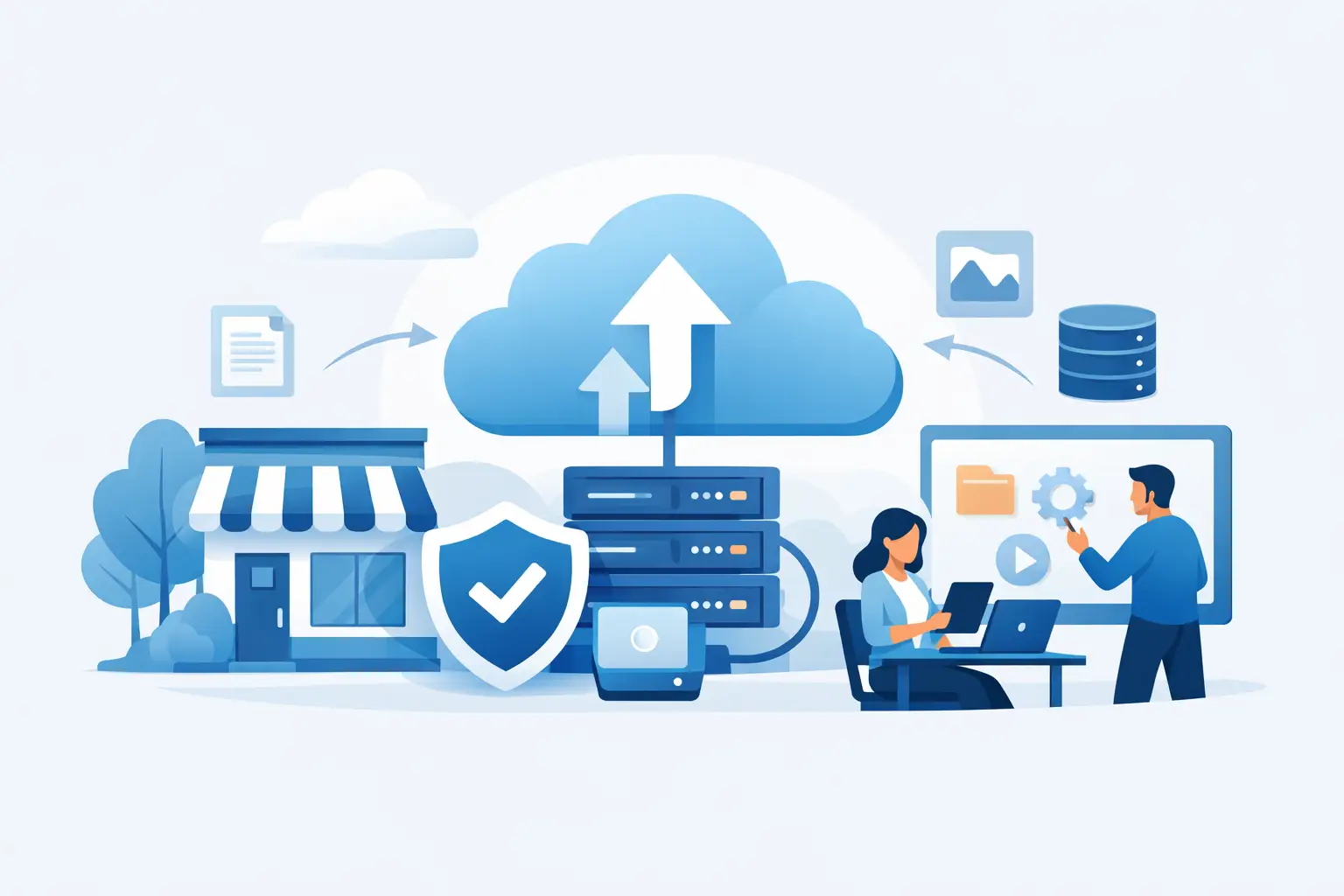
For many small businesses, that means a combination of local recovery capability and protected cloud storage. A local copy can support quicker restores for large files or servers. An offsite copy protects against an incident that affects the office itself. The best mix depends on your systems, internet connection, data volume, and recovery expectations.
Security must be part of this design. Backup data should be encrypted, access should be limited, and administrative accounts should use strong authentication. For ransomware resilience, immutable or protected backup copies can be especially valuable because they are harder for an attacker to alter or delete.
A Backup Plan Must Include Recovery Testing
A backup that has never been tested is an assumption, not a proven recovery plan. Jobs can show as completed while a file is unreadable, a key application is excluded, or the restoration process takes longer than expected.
Regular testing verifies that backup data can be restored and that employees know what to do during an incident. Testing does not always require a full system recovery. It can include restoring a few files, checking an email mailbox, validating a database backup, or confirming that a virtual server can start in a protected environment.
The test should answer practical questions. Can the data open? Is it current enough? Who has authority to begin recovery? Which systems must be restored first? Can employees work from another location if the office is unavailable?
This is also where a managed technology partner provides real value. TechFusion can monitor backup health, investigate failed jobs, coordinate recovery steps, and help keep the backup environment aligned as your business adds users, devices, applications, and cloud services. Ongoing management matters because technology environments change constantly, even when the backup plan does not.
Common Backup Gaps That Put Businesses at Risk
The most common backup failures are rarely dramatic technical mistakes. They are ordinary oversights that accumulate over time.
A server may be protected while employee laptops are not. A cloud email platform may be assumed to have unlimited retention. A new accounting application may never be added to the backup scope. Backup alerts may go to a former employee or an unmonitored mailbox. A business may retain data for only a few days, then discover it needs a document from last month.
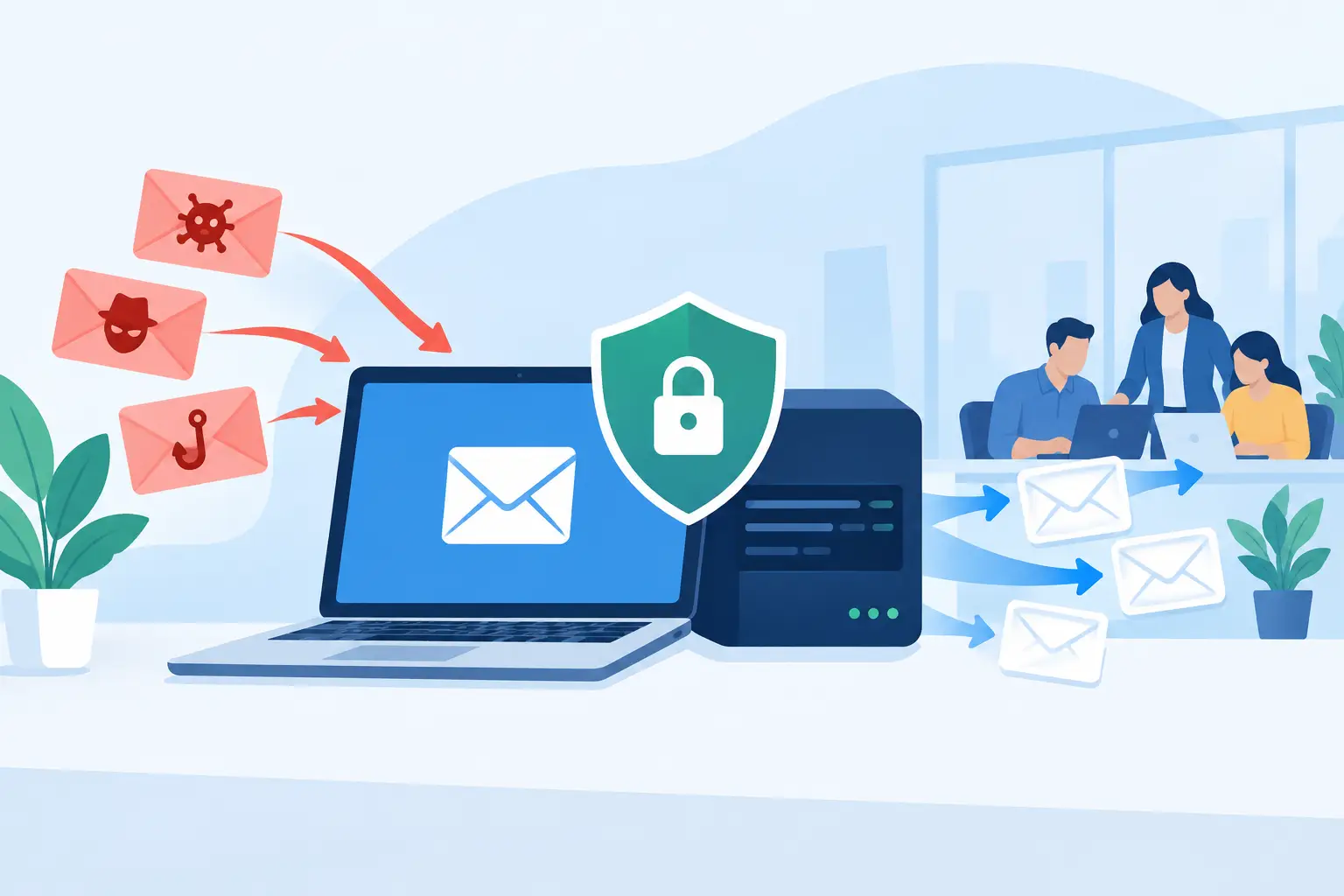
Ransomware adds another concern. If attackers gain administrative access, they may target backups before encrypting production systems. Separating backup credentials from everyday user accounts, applying multi-factor authentication, and maintaining protected offsite copies can make recovery more reliable.
Retention also requires judgment. Keeping every version forever can increase storage costs and complicate management. Retaining too little can leave the business unable to restore information discovered to be missing weeks later. Financial, legal, and industry requirements may affect how long specific records must be kept. Your retention policy should reflect those obligations as well as operational needs.
Questions to Ask Before Choosing a Backup Service
Before selecting a backup solution, ask whether it protects every critical data source, including cloud applications and remote devices. Ask how often backups run, how long versions are retained, where data is stored, and how it is encrypted.
You should also ask what happens after a failure. Who receives alerts? Who responds when a job fails? How quickly can a single file, a workstation, or a server be restored? Is recovery testing included, and will someone help coordinate the process during an actual business interruption?
Be careful with plans that focus only on storage capacity or a low monthly price. Storage is one component. Monitoring, security, documentation, testing, and responsive recovery support determine whether the service will actually help when the pressure is highest.
Build a Recovery-Ready Routine
A useful backup routine begins with a current inventory of systems and data, then assigns recovery priorities based on business impact. Document who owns each application, where its data lives, and what a workable recovery timeline looks like. Review that information whenever you add a new employee group, cloud platform, office location, or major business system.
The goal is not to make your team think about backups every day. It is to make sure your business has a reliable answer on the day something goes wrong. With automated protection, monitored results, and tested recovery procedures, a data-loss event can remain an interruption rather than becoming a long-term business crisis.