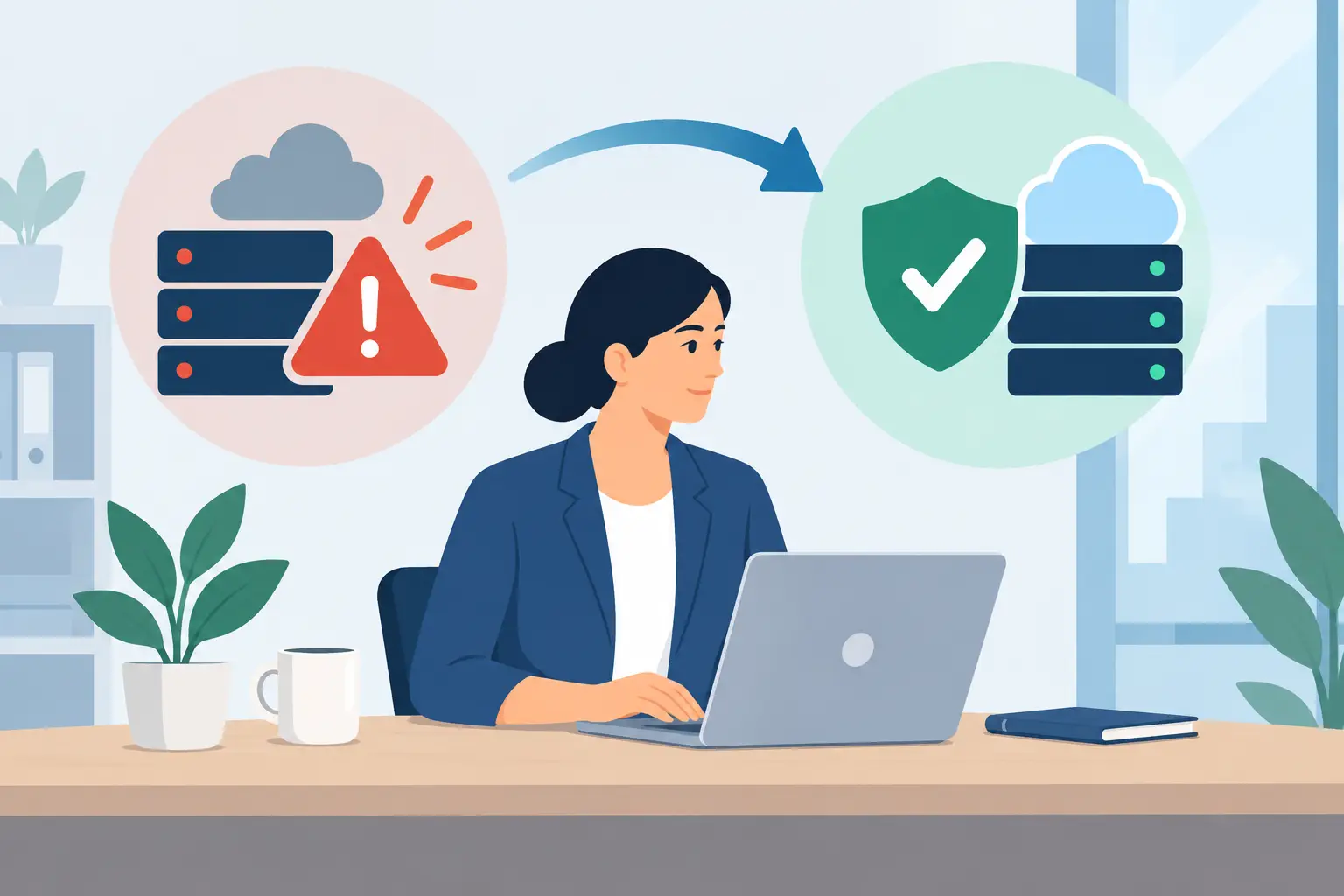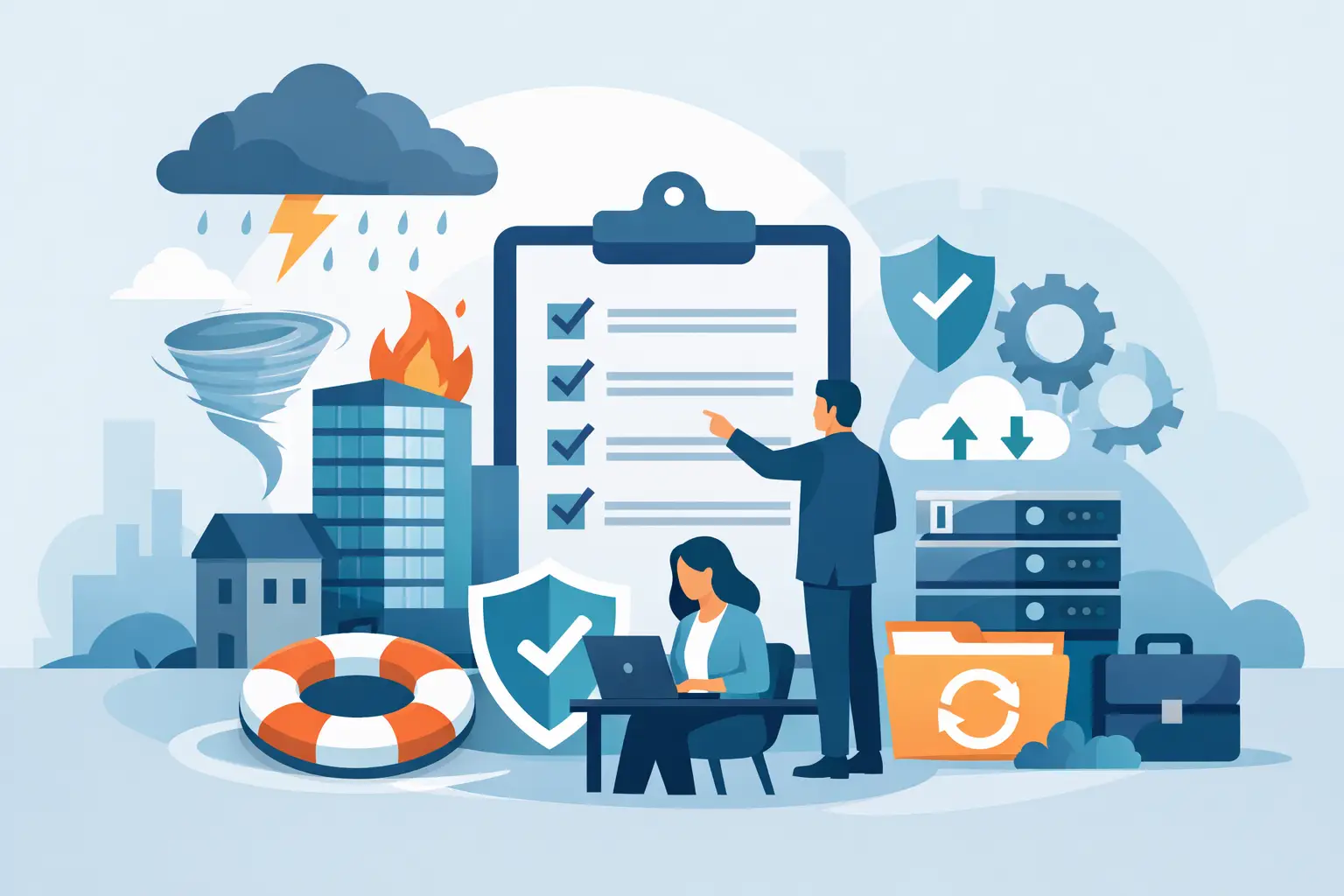
A Florida storm knocks out power. A ransomware message locks the shared drive. An internet outage takes down phones, cloud access, and point-of-sale systems during a busy afternoon. In each case, the first few minutes reveal whether a disaster recovery plan for businesses is a working business safeguard or a document no one has opened since it was written.
Recovery is not only about getting files back. It is about helping employees know what to do, keeping customers informed, protecting revenue, and restoring the systems that matter most in the right order. For small and midsize businesses, a practical plan can mean the difference between an inconvenient interruption and a prolonged operational crisis.
What a Disaster Recovery Plan Actually Does
A disaster recovery plan defines how your business will restore technology, data, communications, and essential operations after a disruptive event. That event may be physical, such as a hurricane, flood, fire, or extended power loss. It may also be digital, including ransomware, hardware failure, accidental deletion, a cloud service outage, or a compromised email account.
The plan should answer direct questions before your team is under pressure: Which systems must be restored first? Where are clean backups stored? Who has authority to make decisions? How will employees communicate if normal tools are unavailable? Which vendors need to be contacted?
Business continuity and disaster recovery are closely related, but they are not identical. Disaster recovery focuses on restoring technology and data. Business continuity addresses how the company continues serving customers while that restoration is underway. A medical office may need access to scheduling and patient records first. A construction company may prioritize estimating files, field communications, and accounting. A retailer may need payment processing and inventory systems back before anything else.
That distinction matters because not every system deserves the same recovery investment.
Start With Business Impact, Not Backup Software
Many companies begin by purchasing backup storage. Backups are essential, but they are only one part of the plan. A backup that cannot be located, restored, or trusted when needed does not solve the business problem.
Start by identifying the applications, data, devices, and services your team cannot operate without. Include line-of-business software, email, cloud file storage, phones, internet connectivity, accounting platforms, customer databases, network equipment, and employee laptops. Then ask what happens if each one is unavailable for one hour, one day, or one week.
This exercise helps leadership set two practical recovery targets.
Recovery Time Objective
The recovery time objective, or RTO, is how quickly a system must be restored after an outage. If your team can work around a file-sharing outage for four hours but cannot process customer payments for more than 30 minutes, those systems need different recovery priorities.
A shorter RTO generally requires more investment. It may involve redundant internet connections, standby hardware, cloud-hosted systems, or managed recovery services. The right target depends on the real financial and operational impact of downtime, not an arbitrary promise that everything will be back immediately.
Recovery Point Objective
The recovery point objective, or RPO, defines how much data loss is acceptable. If files are backed up nightly, a failure at 4:00 p.m. could mean losing an entire day of work. If transaction data changes every minute, nightly backups are unlikely to be enough.
For some systems, hourly or near-continuous backup may be justified. For others, a daily backup is reasonable. The key is making a conscious decision with business leaders, rather than discovering the gap after a failure.
Build a Disaster Recovery Plan for Businesses Around Priorities
A usable plan should be concise enough for people to follow and detailed enough to guide action. It should not depend on one employee remembering every password, vendor phone number, or technical step.
Begin with a simple incident declaration process. Define who can declare an incident, who leads the response, and when the team shifts from normal troubleshooting to recovery procedures. This prevents confusion during outages that affect multiple systems or locations.
Next, document the recovery sequence. In most businesses, the first priority is not restoring every workstation. It is restoring the core services that allow the organization to communicate, access essential data, and serve customers. For example, the sequence may be internet and firewall access, phones and email, identity and password systems, critical cloud applications, shared files, then individual devices.
Your plan should also include these four areas:
- People and roles: Name a primary and backup decision-maker, technical contacts, department representatives, and an employee communications lead.
- Technology inventory: Record key systems, where they are hosted, who manages them, how they are backed up, and their RTO and RPO targets.
- Access and documentation: Securely maintain administrative credentials, recovery keys, vendor contacts, insurance information, network diagrams, and licensing details.
- Communications procedures: Prepare a reliable way to reach employees, customers, vendors, and leadership if email, phones, or office access are unavailable.
Avoid storing the only copy of this plan on the network that may be unavailable during the incident. Keep protected offline and cloud-accessible copies, with access limited to the people who need them.
Protect Backups From the Same Disaster
A backup strategy should account for more than deleted files or a failed server. If ransomware reaches your network, an attacker may try to encrypt or delete backups too. If a hurricane damages the office, locally stored backup equipment may be affected along with production systems.
A dependable approach uses separate backup copies and locations. This commonly includes a local copy for fast restoration, an offsite or cloud copy for physical disasters, and an immutable or otherwise protected copy that cannot be altered by a compromised account. The exact design depends on your applications, data volume, compliance requirements, and recovery targets.
Cloud platforms can improve resilience, but they are not automatically a complete backup strategy. A cloud service may protect its infrastructure while your business remains responsible for accidental deletion, account compromise, retention settings, and configuration errors. Review what your providers cover and what remains your responsibility.
Encryption, multi-factor authentication, limited administrative access, and continuous cybersecurity monitoring also support recovery. The best recovery plan is one that reduces the chance and impact of an incident in the first place.
Plan for the Problems People Overlook
Technology recovery often fails at the edges. A company restores its server but cannot connect because the firewall configuration was not documented. Employees have access to cloud applications but cannot take calls because phone routing was never planned. A key employee is out of town, and no one else has vendor authorization.
Consider how your team will work if the office is inaccessible, internet service is interrupted, or a staff member cannot use their usual computer. Confirm that remote access is secure and tested. Keep a current list of device assignments and critical contacts. Establish approval rules for emergency purchases, replacement hardware, and vendor changes.
For Central Florida businesses, weather planning deserves specific attention. Hurricane season can create long power outages, building access issues, cellular congestion, and supply delays. The best time to verify generators, battery backups, remote-work procedures, and emergency contacts is well before a storm is approaching.
Test Recovery Before You Need It
A plan is only credible when it has been tested. Testing does not always require shutting down your operations for a day. Start with a tabletop exercise where leaders walk through a realistic scenario, such as a ransomware attack or office power loss. Discuss who calls whom, which systems are prioritized, and where decision bottlenecks may occur.
Then test technical recovery. Restore a sample of critical files. Verify that backup images can be started or recovered. Confirm employees can access essential cloud tools from an alternate location. Test failover procedures for internet, phones, and key applications where applicable.
Track what did not work, assign an owner, and update the plan. Changes in staff, software, vendors, office locations, and security controls can quickly make old documentation unreliable. Quarterly reviews are useful for critical environments, while an annual full review may be appropriate for lower-risk operations.
Make Recovery an Ongoing Business Practice
A disaster recovery plan should evolve alongside the business. Adding a new cloud platform, opening another location, hiring remote employees, or changing phone providers can all introduce recovery dependencies. Treat those changes as part of operational planning, not as a separate IT task to address later.
For many small and midsize organizations, maintaining this level of readiness internally is difficult. A managed technology partner can help monitor backups, document systems, coordinate vendors, test recovery procedures, and provide responsive support during an incident. TechFusion approaches recovery as part of ongoing technology management, because resilience depends on the daily condition of your systems, not just what happens during an emergency.
The most valuable plan is the one your team can use calmly when the unexpected happens. Give people clear responsibilities, verify that data can be restored, and keep improving the process while business is running normally. When disruption arrives, that preparation gives your business room to respond with confidence instead of improvising under pressure.