A primary internet circuit can look perfectly reliable right up until a construction cut, carrier outage, power event, or severe Florida storm takes it offline. When that happens, a business internet backup connection can keep cloud applications, phones, payment systems, and remote access available while the primary service is restored. It is not simply an extra line. It is a continuity plan that protects productive time, customer service, and revenue.
For small and midsize businesses, the right approach depends on what your team needs to keep working during an outage. A law office may prioritize access to cloud files and VoIP calls. A retail location may need payment processing and inventory systems. A medical practice may need secure access to scheduling, records, and communications. The goal is the same: reduce disruption without paying for more capacity than the business can use.
What a Business Internet Backup Connection Protects
Internet loss affects more than web browsing. Many essential systems now rely on a live connection, including cloud productivity platforms, hosted phone systems, customer relationship management tools, security cameras, payment terminals, and remote support tools. Even a short interruption can force employees into manual workarounds and leave customers waiting for answers.
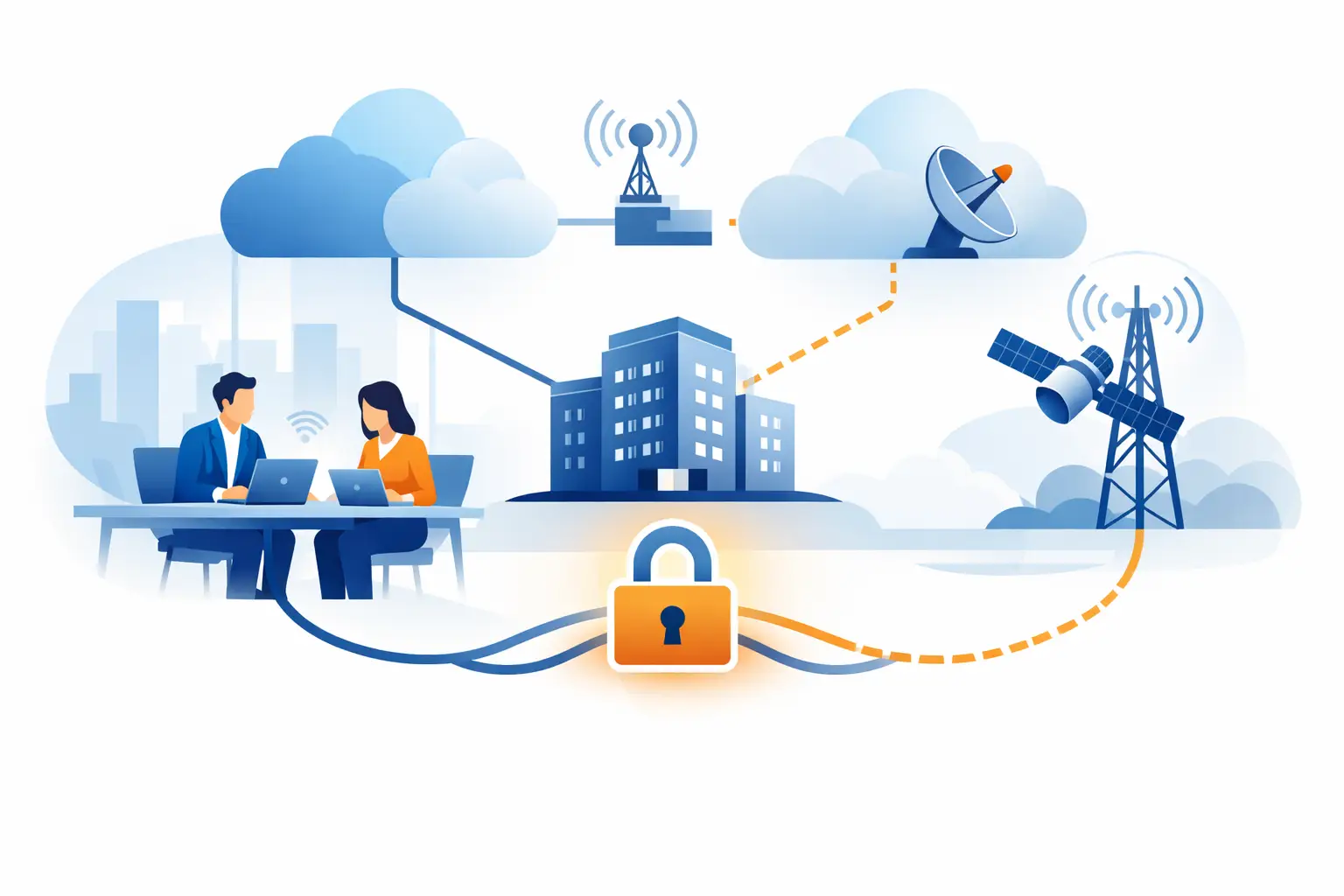
A backup connection gives the network another route to the internet when the main circuit fails. In a properly configured environment, a managed router or firewall detects the outage and shifts approved traffic to the secondary connection. This process is called failover.
The switch may be nearly immediate, but the experience is not always identical to normal operation. A cellular backup, for example, may support email, cloud applications, and phone calls well enough for a temporary event while providing less capacity for large file transfers, video meetings, or guest Wi-Fi. That trade-off is often reasonable. The purpose of backup internet is to keep the business operating, not necessarily to duplicate every convenience of the primary circuit at full speed.
Choose a Backup That Does Not Share the Same Risk
The most common mistake is buying a second internet plan without checking whether it has the same failure points as the first. Two connections from the same carrier may still run through the same local equipment, utility pole route, building entry point, or neighborhood outage zone. If one event affects both circuits, the backup will not help when it matters most.
A stronger design uses a different connection type or provider whenever practical. For example, a business with cable internet as its primary service may use fiber from another carrier, fixed wireless, or 5G cellular as the backup. A business with fiber may use cable or wireless for failover. This is called carrier and path diversity.
There is no single best option for every location. Availability in Tampa Bay and Central Florida can vary by building, plaza, and even suite. Before selecting service, confirm what providers can install, how the circuit enters the property, expected repair response, equipment requirements, and whether the backup plan has data limits or traffic restrictions.
Common Backup Connection Options
A wired secondary circuit, such as cable or fiber, can provide strong performance and is often the best option for offices that need to support many users during an outage. It generally costs more and can take time to install, but it offers dependable capacity for longer disruptions.
Cellular or 5G backup is faster to deploy and can be an excellent fit for smaller offices, retail sites, and organizations that need protection from a last-mile wired outage. Its performance can change with local signal strength, building construction, network congestion, and carrier data policies.
Fixed wireless can be a practical middle ground where it is available. It may offer better capacity than cellular and avoid local cable or fiber infrastructure, but it requires a clear service path and may be affected by weather or building placement.
Satellite can support locations with limited alternatives, particularly remote sites. Latency, weather sensitivity, installation needs, and service costs should be evaluated carefully before making it the primary backup strategy for a business that depends heavily on real-time calls or cloud systems.
Plan Capacity Around Critical Work
The right backup bandwidth starts with a clear answer to one question: what must continue during an outage? Not every device and application needs priority.
Identify the people and systems that keep the organization serving customers. This commonly includes business phones, payment terminals, email, cloud productivity tools, customer service applications, line-of-business software, remote access, and security monitoring. Then identify traffic that can wait, such as software downloads, media streaming, nonessential device updates, guest access, and large cloud synchronizations.
A well-managed network can apply failover rules that protect critical traffic first. Guest Wi-Fi can be paused, automatic updates can be delayed, and large backup jobs can be scheduled to avoid consuming limited cellular data. These decisions help a modest backup circuit serve the business effectively instead of becoming overloaded at the first sign of trouble.
VoIP deserves special attention. Hosted phones can work over a backup connection, but call quality depends on available upload bandwidth, latency, packet loss, and network prioritization. If phones are central to operations, test actual calls during a controlled failover event rather than assuming the backup service will perform adequately.
Automatic Failover Is Only Part of the Solution
A secondary connection does not provide value if someone has to notice an outage, move cables, restart equipment, and call a vendor before it becomes active. For most businesses, failover should be automatic and monitored.
A business-grade firewall, router, or SD-WAN appliance can continuously check the health of the primary connection. When it detects that the circuit is unavailable or unusable, it redirects traffic through the backup path. When primary service returns, the equipment can move traffic back according to a defined policy.
The details matter. Some devices only recognize a complete outage and may not respond to a slow or partially failed circuit. Others can test multiple destinations and make smarter decisions about whether internet access is truly available. Configuration should also account for applications that are sensitive to changing public IP addresses, including certain remote-access tools, security platforms, and vendor-managed systems.
For this reason, backup internet should be treated as part of the broader network design. The equipment, security policies, Wi-Fi configuration, phone system, and vendor contacts should all be documented and managed together.
Test the Failover Plan Before an Emergency
A backup connection that has never been tested is an assumption, not a continuity measure. Testing does not need to disrupt the whole office, but it should happen on a schedule and follow a clear process.
During a test, disconnect or disable the primary circuit in a controlled way and confirm that critical systems continue to work. Make sure employees can access cloud tools, place and receive business calls, process transactions, use approved remote access, and reach necessary vendor portals. Check whether security alerts, cameras, and monitoring services remain connected.
Document what happens during the transition. How long did failover take? Did any applications require users to sign in again? Was call quality acceptable? Did the backup connection approach a data limit? These results turn a technical test into practical improvement.
Testing is also a good time to verify power protection. If a utility outage takes down the modem, firewall, Wi-Fi equipment, or cellular gateway, the backup circuit may be available but unusable. Battery backups can keep essential network equipment operating long enough for short power interruptions, while a generator may be necessary for sites that must remain open during extended events.
Keep Security Consistent During Failover
Backup internet should not become a shortcut around cybersecurity controls. The same firewall rules, content filtering, endpoint protections, VPN requirements, network segmentation, and monitoring practices should continue when traffic shifts to the secondary circuit.
This is especially important for cellular gateways and temporary equipment. A device placed on the network without proper configuration can create an unmonitored access point or expose internal systems to unnecessary risk. Business continuity and security should support each other, not compete.
A managed IT partner can coordinate the internet provider, firewall configuration, phone vendor, and application providers when an issue occurs. That reduces the familiar frustration of being passed from one vendor to another while employees wait for answers. TechFusion helps businesses take this coordinated approach by managing the technology after implementation, including monitoring, testing, and ongoing adjustments as operations change.
Build for the Outage You Can Afford
The best backup plan is not always the fastest or most expensive one. It is the plan that keeps your highest-priority work moving for the length of outage your business can reasonably expect. A small office may be well served by managed 5G failover with clear traffic priorities. A busy multi-user operation may need a second wired circuit with a separate provider and a larger battery or generator plan.
Start with the real cost of downtime: missed calls, delayed orders, idle payroll hours, lost transactions, frustrated customers, and pressure on your team. From there, a properly designed backup connection becomes easier to justify. It gives your business a practical way to keep serving customers even when the primary internet service does not cooperate.