A single unpatched laptop can become the entry point for a company-wide interruption. An employee clicks a convincing email attachment, a password is reused, or a lost device is left unprotected. Suddenly, work stops while your team tries to determine what was accessed and what must be restored. Endpoint security management services reduce that exposure by actively protecting the computers, phones, tablets, and other devices your business relies on every day.
For small and midsize businesses, endpoint security is not just an IT concern. It affects productivity, client trust, insurance requirements, and your ability to keep operating when something goes wrong. The right service gives leaders clear visibility, practical protections, and a responsive team to handle issues before they become expensive disruptions.
What Endpoint Security Management Services Cover
An endpoint is any device that connects to your business network or accesses company information. That includes office desktops, employee laptops, mobile phones, tablets, servers, and even remote work devices. Every endpoint is a potential access point for malware, unauthorized users, or accidental data loss.
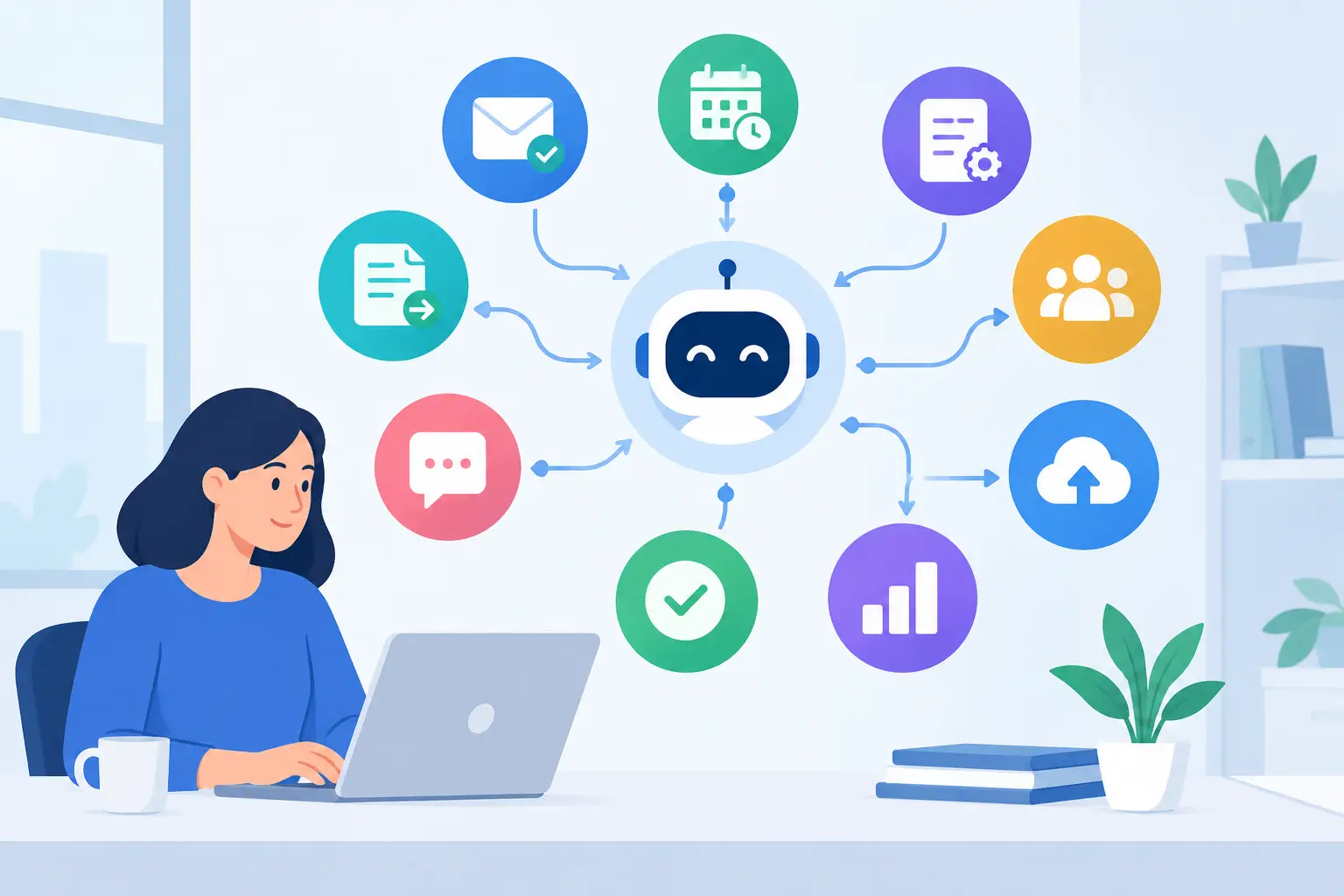
Endpoint security management services bring those devices under consistent oversight. Rather than leaving updates, antivirus alerts, and device settings to individual employees, your IT partner applies policies and monitors protections across the environment. This creates a more reliable security baseline, even when employees work from home, travel, or use different types of devices.
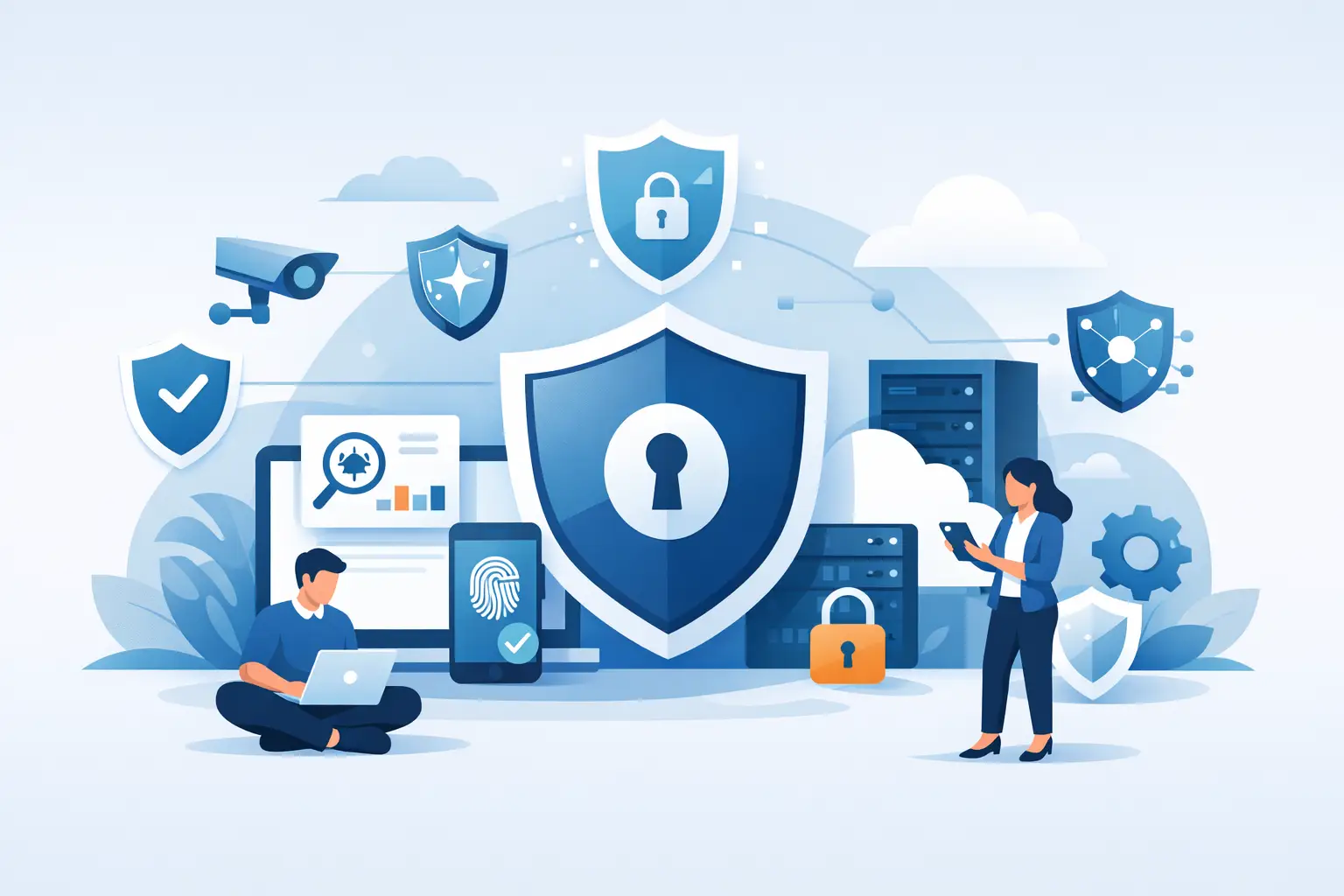
A well-managed program commonly includes:
- Endpoint detection and response tools that identify suspicious activity and help contain threats.
- Antivirus and anti-malware protection that is centrally monitored and kept current.
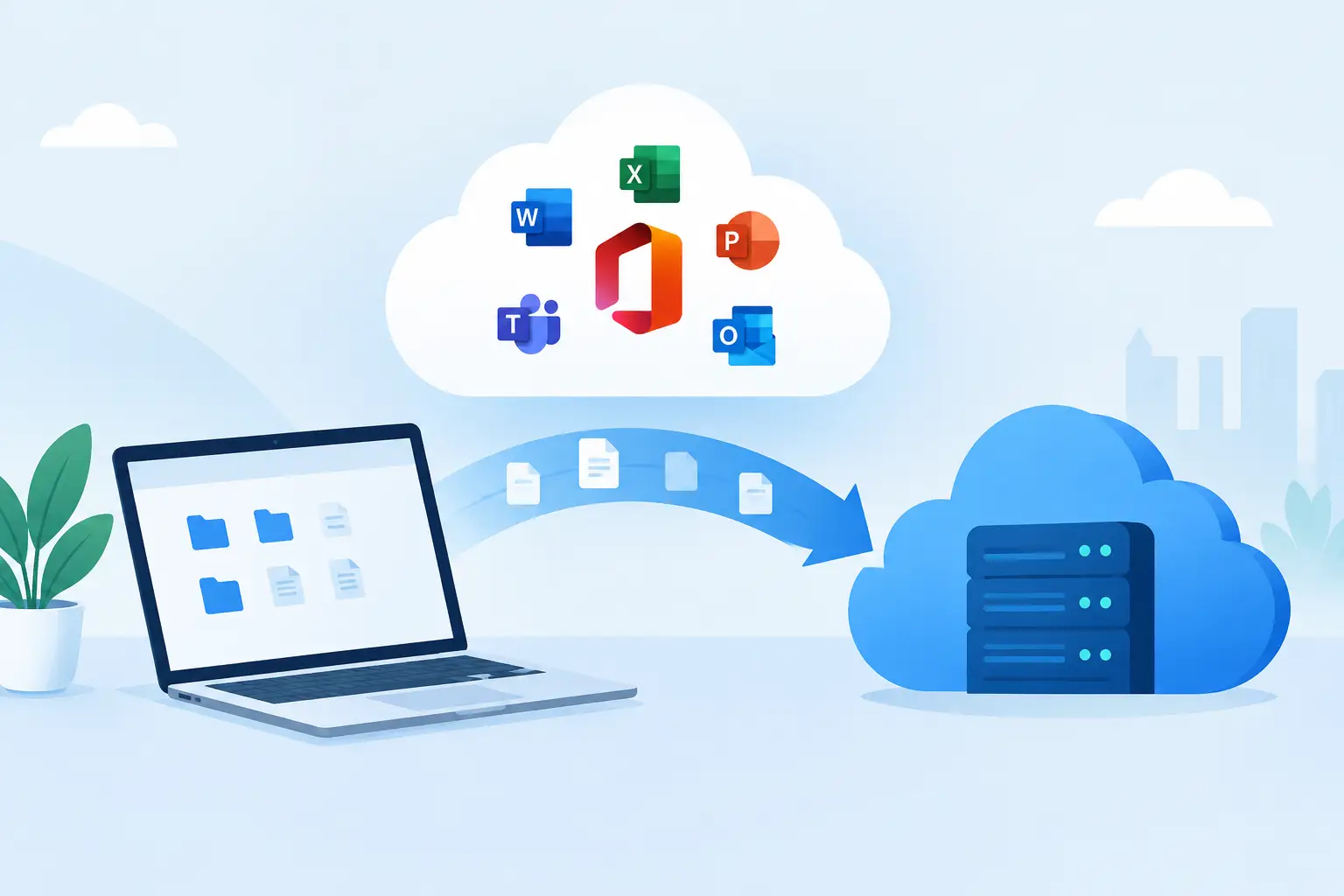
- Patch management for operating systems, browsers, and business applications.
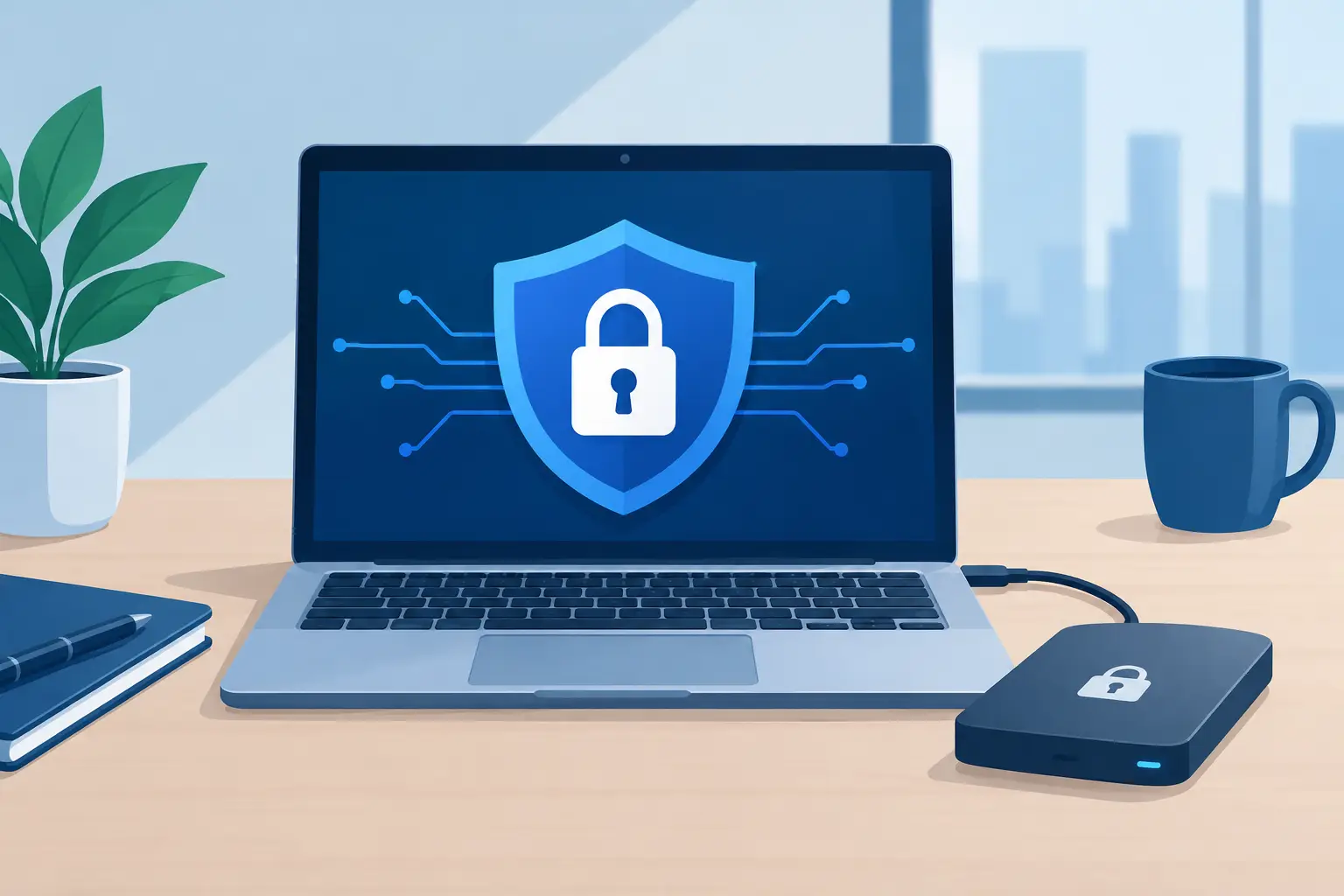
- Device encryption, access controls, and remote lock or wipe capabilities when appropriate.
- Asset tracking that shows which devices are active, protected, outdated, or no longer in use.
The tools matter, but management is what makes them effective. Security software can generate alerts around the clock. A managed service provides the people, processes, and follow-through needed to investigate those alerts and take appropriate action.
Why Device Security Often Breaks Down
Many businesses start with good intentions. They install antivirus software, ask employees to update their computers, and assume the basics are covered. Over time, however, exceptions accumulate. A former employee’s laptop remains active. A manager delays a system update because it interrupts work. A remote employee uses a personal device without the same safeguards as office equipment.
These gaps are common because business leaders are focused on serving customers, managing people, and keeping operations moving. They should not have to track whether every endpoint has the latest security update or determine whether an unusual login needs immediate attention.
The risk is not limited to a dramatic ransomware event. Smaller incidents can be equally disruptive: a compromised email account, a device that cannot connect safely to company systems, or a missing laptop containing sensitive files. Each incident takes time away from operations and can create questions from customers, vendors, insurers, or regulators.
Consistent endpoint management replaces one-off fixes with accountability. It establishes who is responsible for device standards, how new devices are configured, what happens when someone leaves, and how threats are handled when they appear.
The Business Value of Proactive Endpoint Protection
Security investments should support business outcomes, not create another layer of complexity. For Tampa Bay and Central Florida businesses, proactive endpoint protection helps keep staff productive while reducing avoidable interruptions.
Fewer disruptions to daily work
Unmanaged updates are a frequent source of both security exposure and technology problems. When patches are scheduled, tested where needed, and monitored for completion, devices are less likely to fall behind or fail at inconvenient times. Employees spend less time waiting for help, and leaders have fewer unexpected technology issues to manage.
Better control during onboarding and offboarding
Every new hire needs the right equipment, applications, access, and security settings from day one. Every departing employee requires a prompt, orderly removal of access. Endpoint management supports both processes by making devices and permissions easier to identify and administer.
This is especially valuable when an employee transition happens quickly. A clear inventory and documented process reduce the chance that company data remains accessible on an unmanaged device or through an overlooked account.
Faster response when a device is at risk
Speed matters when suspicious activity occurs. If a device shows signs of malware or unauthorized access, the right response may include isolating it from the network, reviewing the activity, removing the threat, and confirming that other systems were not affected.
Not every alert is an emergency, and reacting aggressively to every notification can disrupt legitimate work. That is why experienced oversight matters. The goal is to distinguish normal behavior from meaningful risk and respond in proportion to the situation.
Stronger support for compliance and cyber insurance
Requirements vary by industry and policy, so endpoint protection alone does not guarantee compliance or insurance coverage. Still, centralized patching, antivirus monitoring, encryption, multi-factor authentication, and documented security procedures often support the controls that insurers and compliance frameworks expect.
A managed IT partner can help translate those requirements into practical steps instead of leaving your team to interpret technical questionnaires on its own.
What to Expect From a Managed Security Partner
The best endpoint security approach is not a product purchase followed by silence. It is an ongoing service relationship that adapts as your team, devices, and risks change.
Start with a discovery process. Your provider should identify the devices in use, review current protection, understand how employees access business systems, and flag immediate concerns. This assessment should also account for operational realities. A healthcare practice, professional services firm, construction company, and retail operation may all use laptops, but their data, workflows, locations, and risk tolerance can be very different.
Next comes standardization. Your provider establishes the security tools, update policies, access requirements, and device configurations appropriate for your business. Standardization does not mean forcing every organization into the same package. It means reducing unnecessary variation so every employee is not operating under a different set of rules.
Ongoing monitoring and maintenance are the difference between a security plan on paper and one that works in practice. This includes reviewing alerts, checking protection status, addressing failed updates, responding to device issues, and providing clear communication when action is needed from your team.
At TechFusion, this ongoing model is central to how technology support should work. Businesses need a partner that stays involved after implementation, coordinates the moving parts, and helps employees remain productive without asking leadership to become the internal IT department.
Questions to Ask Before Choosing a Service
Before selecting endpoint security management services, ask how the provider handles more than software installation. You want to know who monitors alerts, how quickly critical concerns are addressed, and what communication you can expect during an incident.
Ask whether patching covers only operating systems or also common third-party applications, since outdated browsers, PDF tools, and other software can create risk. Confirm how remote devices are protected, particularly if employees work from home or access company resources while traveling.
It is also worth discussing offboarding. Can the provider help remove access, secure company devices, and preserve necessary data when an employee leaves? This routine business process is one of the most overlooked areas of endpoint security.
Finally, ask for reporting that a business leader can understand. You should not need to interpret a stream of technical alerts to know whether your devices are protected. Useful reporting shows your security posture, unresolved concerns, completed work, and recommendations for the next priority.
Security Works Best When It Supports Your Team
The strongest endpoint program balances protection with usability. Overly restrictive controls can lead employees to find workarounds. Controls that are too loose leave the business exposed. The right approach depends on the sensitivity of your data, how your people work, the applications you use, and the consequences of downtime.
Your employees should know where to get help when a device behaves unexpectedly, a password prompt looks suspicious, or a system update causes a problem. That support encourages early reporting, which is far better than hoping an issue disappears on its own.
Endpoint security is ultimately about protecting your ability to serve customers, support employees, and keep the business moving. With ongoing management and a partner that takes responsibility for the details, device security becomes a practical part of reliable operations rather than another task competing for your attention.