A former employee’s mailbox still forwarding messages. A part-time worker with access to payroll. A shared administrator password that nobody can trace. These are common reasons to audit employee access permissions before a routine personnel change becomes a security incident. For small and midsize businesses, access reviews are not just an IT task. They are a practical way to protect customer data, financial systems, productivity, and business continuity.
The goal is not to make every employee jump through unnecessary security hurdles. It is to make sure each person has the right level of access for the work they do, and no more. When permissions are organized around real job responsibilities, employees can stay productive while the business reduces avoidable risk.
Why Employee Access Reviews Matter
Employee access grows over time. A team member changes roles, joins a project, covers for a coworker, or receives temporary access during an urgent situation. Often, the original permission is never removed. After several years, one employee may have access to systems they no longer use or understand.
That creates risk from more than malicious activity. An employee can accidentally delete files, change settings, send information to the wrong place, or fall for a phishing attempt that exposes an account with excessive permissions. The more systems an account can reach, the greater the potential impact of a mistake or compromised password.
Access reviews also help businesses respond with confidence during onboarding and offboarding. When leadership and IT know who owns each application, which accounts are active, and what access a role requires, transitions move faster. A new hire receives what they need on day one. A departing employee’s access can be removed promptly without disrupting shared workflows.
Start With a Clear Picture of Your Systems
An effective audit begins with an inventory. List every business system where employees sign in, store data, communicate, manage customers, process payments, or administer technology. This includes obvious platforms such as email, cloud storage, accounting software, and payroll. It should also include phone systems, remote-access tools, website administration, point-of-sale platforms, scheduling tools, vendor portals, social media accounts, and network equipment.
Do not overlook accounts that use shared credentials. Shared logins are difficult to audit because they do not show who made a change or accessed sensitive information. In some cases, a shared account is unavoidable because of a vendor limitation. When that happens, document its owner, store the password in an approved password manager, limit who can retrieve it, and change the credential whenever an authorized user leaves.
For each system, identify the business owner. This is not necessarily the most technical person. It is the manager who understands why the system exists, who needs access, and what would happen if access were lost or misused. IT can manage the technical controls, but department leaders should confirm whether permissions still match business needs.
Focus First on High-Impact Accounts
Not every system carries the same level of risk. Begin with accounts that can expose sensitive data, move money, affect many users, or control the company’s technology environment. Email administrators, cloud platform administrators, financial platforms, payroll, remote access, backup consoles, and domain management deserve immediate attention.
Also look closely at accounts with broad privileges. An administrator account may be necessary for an IT professional, but it is rarely appropriate for every employee who needs to install an application or update a device. Where possible, separate standard daily-use accounts from privileged administrative accounts. This limits exposure if a regular mailbox or workstation is compromised.
How to Audit Employee Access Permissions Step by Step
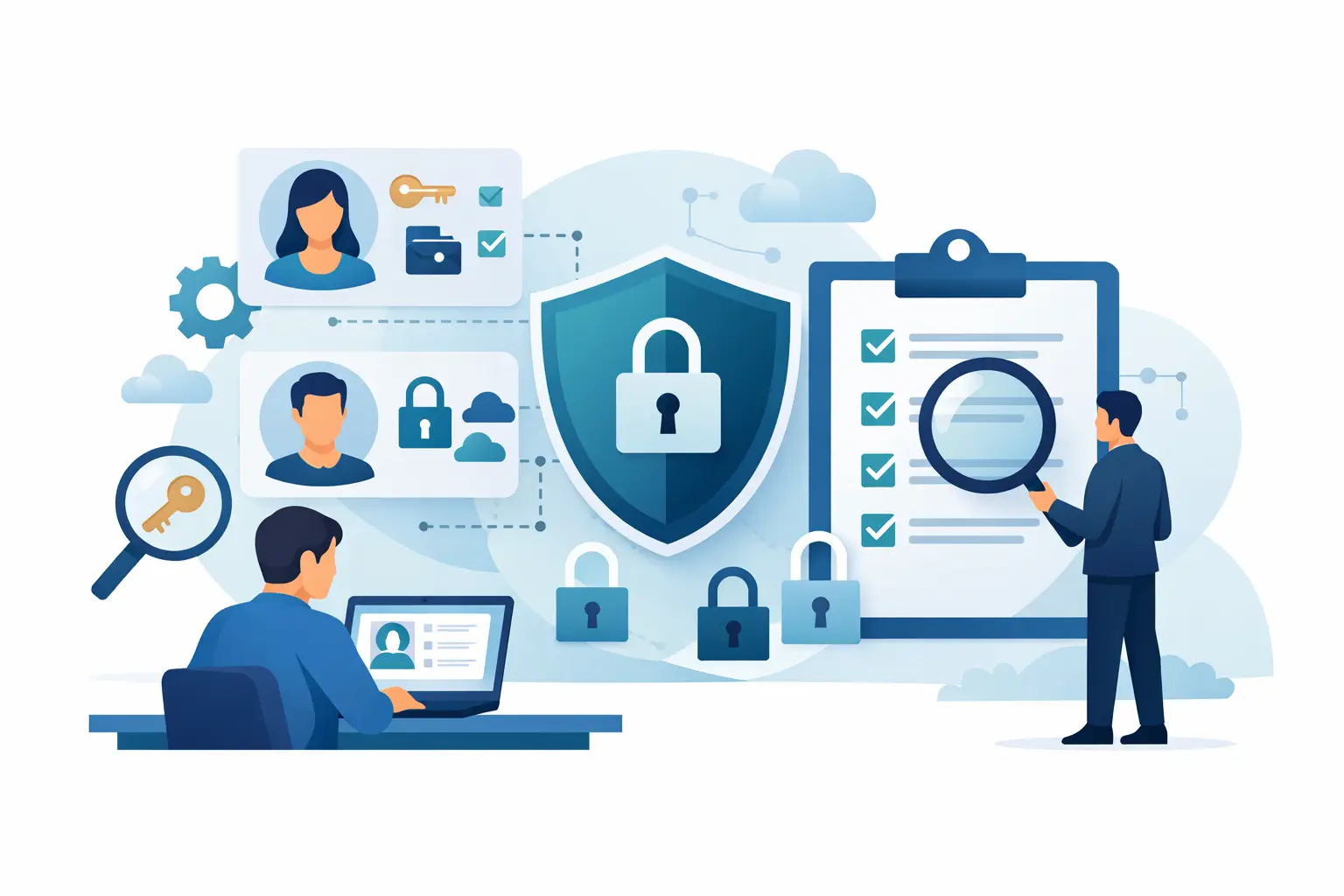
Once you have identified your systems, review access employee by employee and system by system. The process should be documented, repeatable, and assigned to specific people. A spreadsheet may be sufficient for a small organization, while larger businesses may need reporting tools that consolidate identity and access information.
First, pull a current user list from each platform. Capture the employee’s name, email address, role, permission level, account status, manager, and date of last sign-in when available. Flag former employees, duplicate accounts, generic usernames, outside contractors, and accounts that have not been used recently.
Next, ask each department manager to validate access for their team. The question is simple: does this person still need this level of access to perform their current job? Managers are usually best positioned to spot role changes that IT may not have been told about. They can also identify whether a contractor’s project has ended or whether temporary permissions are still active.
Then, compare each user’s access against a role-based baseline. For example, a receptionist may need email, a phone system login, scheduling software, and limited access to shared documents. That role generally does not require access to banking platforms, employee records, backup administration, or network settings. A role-based approach creates consistency and makes future onboarding much easier.
Remove unnecessary permissions carefully. Some access may support an infrequent but valid responsibility, such as a manager approving payroll twice a month. Before disabling an account, confirm whether it is connected to automated reporting, shared mailboxes, scheduled tasks, integrations, or vendor contacts. A thoughtful review avoids replacing one risk with a disruption to operations.
Finally, record what changed and why. Documentation should show who approved the decision, when access was removed or adjusted, and who is responsible for the system going forward. This record is valuable when questions arise later, and it helps demonstrate responsible security practices to clients, insurers, and auditors.
Common Gaps That Put Businesses at Risk
The most serious permission problems are often ordinary oversights. Former employees may retain access because an offboarding notice was sent late or not sent at all. Contractors may remain active after a project closes. Employees may have administrative rights because it was the fastest solution to a software issue months ago.
Another frequent issue is unmanaged cloud access. A team may share files through one platform while a department quietly adopts another tool using personal accounts. The information is still business data, but the company may have no visibility into who can access it or how long it is retained. A permission audit should identify unsanctioned applications and bring legitimate business use into an approved, managed environment.
Multifactor authentication is also part of the conversation. It does not replace appropriate permissions, but it adds a critical safeguard when passwords are stolen. Prioritize multifactor authentication for email, remote access, financial systems, cloud administration, and any account that stores sensitive information.
Make Access Reviews Part of Normal Operations
A one-time cleanup is helpful, but permissions change whenever people, responsibilities, and software change. Most businesses should conduct a full review at least annually. Higher-risk systems, including financial platforms and administrative accounts, may warrant quarterly reviews. The right schedule depends on your industry, team size, turnover, regulatory obligations, and the sensitivity of the data you handle.
The strongest approach connects access management to everyday processes. New employees should receive approved access based on their role, not informal requests sent across several departments. Role changes should trigger a review of both new and old permissions. Offboarding should include a defined checklist that disables accounts, transfers file ownership, secures company devices, changes shared credentials when needed, and confirms that remote access is removed.
This coordination matters because no single person sees the entire picture. Human resources may know an employee’s final day. A manager may know which clients or systems they support. IT understands the accounts, devices, security controls, and vendor relationships involved. A dependable process brings those details together quickly.
When Outside Support Makes Sense
Many small businesses do not have a full-time internal IT department dedicated to identity management. Even organizations with capable internal staff can struggle to keep up with vendor portals, cloud applications, employee changes, and security alerts. In those cases, a managed IT partner can help create access standards, conduct reviews, monitor critical accounts, and support timely onboarding and offboarding.
TechFusion helps businesses turn scattered account management into an accountable process that supports both security and employee productivity. The practical objective is simple: employees should have the tools they need, leadership should know who can access critical systems, and former users should not remain a hidden risk.
A well-run permission audit does more than close old accounts. It gives your business a clearer view of how work gets done, where sensitive information lives, and which controls deserve attention before a small oversight becomes a costly interruption.