A Monday-morning internet outage can stop more than email. Your team may be unable to reach cloud files, process customer payments, answer business phones, or access the applications that keep work moving. To reduce unplanned business downtime, small and midsize businesses need more than a technician to call after something fails. They need an intentional approach to keeping critical technology available, protected, and recoverable.
Downtime is not limited to a server crash. It can start with a failing firewall, an expiring software license, a compromised user account, an internet provider issue, or one employee laptop that cannot connect to essential systems. The common thread is disruption: people cannot do their jobs, customers experience delays, and leaders lose time coordinating a response.
Why Unplanned Downtime Costs More Than Lost Hours
The visible cost of downtime is payroll spent while employees wait for systems to return. The less visible costs can be larger. A delayed proposal may affect a sale. A phone outage can send a prospective customer to a competitor. A ransomware incident can force a business to choose between restoring data slowly, paying criminals, or both.
For many Central Florida businesses, technology problems also pull key employees away from their actual responsibilities. An operations manager becomes the point person for an internet provider. An executive assistant troubleshoots a conference room connection. A business owner spends an afternoon chasing a software vendor for answers. These interruptions add up, especially when nobody has clear ownership of the issue.
Not every interruption is preventable. Storms, utility failures, provider outages, and hardware defects happen. The goal is to limit the likelihood of preventable failures and reduce the time and business impact when an incident does occur.
How to Reduce Unplanned Business Downtime Before It Starts
The most effective downtime strategy is proactive rather than reactive. It combines visibility into your environment, sensible maintenance, dependable recovery options, and a clear response process. The details depend on your business. A medical office, professional services firm, retailer, and construction company do not share the same critical systems or tolerance for interruption.
Identify the systems that cannot be unavailable
Start by defining what “down” means for your organization. For one company, it may be the phone system. For another, it is access to an industry-specific application, accounting platform, customer database, email, payment terminal, or shared files.
Talk with department leaders about which tools they use, what happens when those tools are unavailable, and how long work can continue without them. This creates a practical priority list. It also prevents an IT response from focusing only on the loudest complaint rather than the system with the greatest business impact.
For each critical system, establish two targets: how quickly it should be restored and how much recent data the business can afford to lose. A company may be able to work around a file-sharing outage for several hours, but it may not be able to accept losing an entire day of financial transactions. Those answers guide backup design, network investment, cloud configuration, and support coverage.
Maintain the network and devices people rely on
Many disruptions begin with technology that has been allowed to age without attention. A network may have weak wireless coverage, outdated switches, consumer-grade equipment, or no documentation of how it is configured. Workstations may be running low on storage, missing security updates, or nearing hardware failure.
Routine monitoring and maintenance make these issues easier to address on a planned schedule. That includes reviewing device health, applying approved updates, checking storage capacity, replacing aging equipment, and confirming that network hardware has the correct configuration. Planned maintenance can feel inconvenient, but it is generally far less disruptive than an unplanned midday failure.
Businesses should also keep an accurate inventory of devices, software, warranties, service accounts, and vendor contacts. When a laptop fails or a line of business application stops working, this information shortens the time required to diagnose the problem and route it to the right party.
Treat cybersecurity as an uptime issue
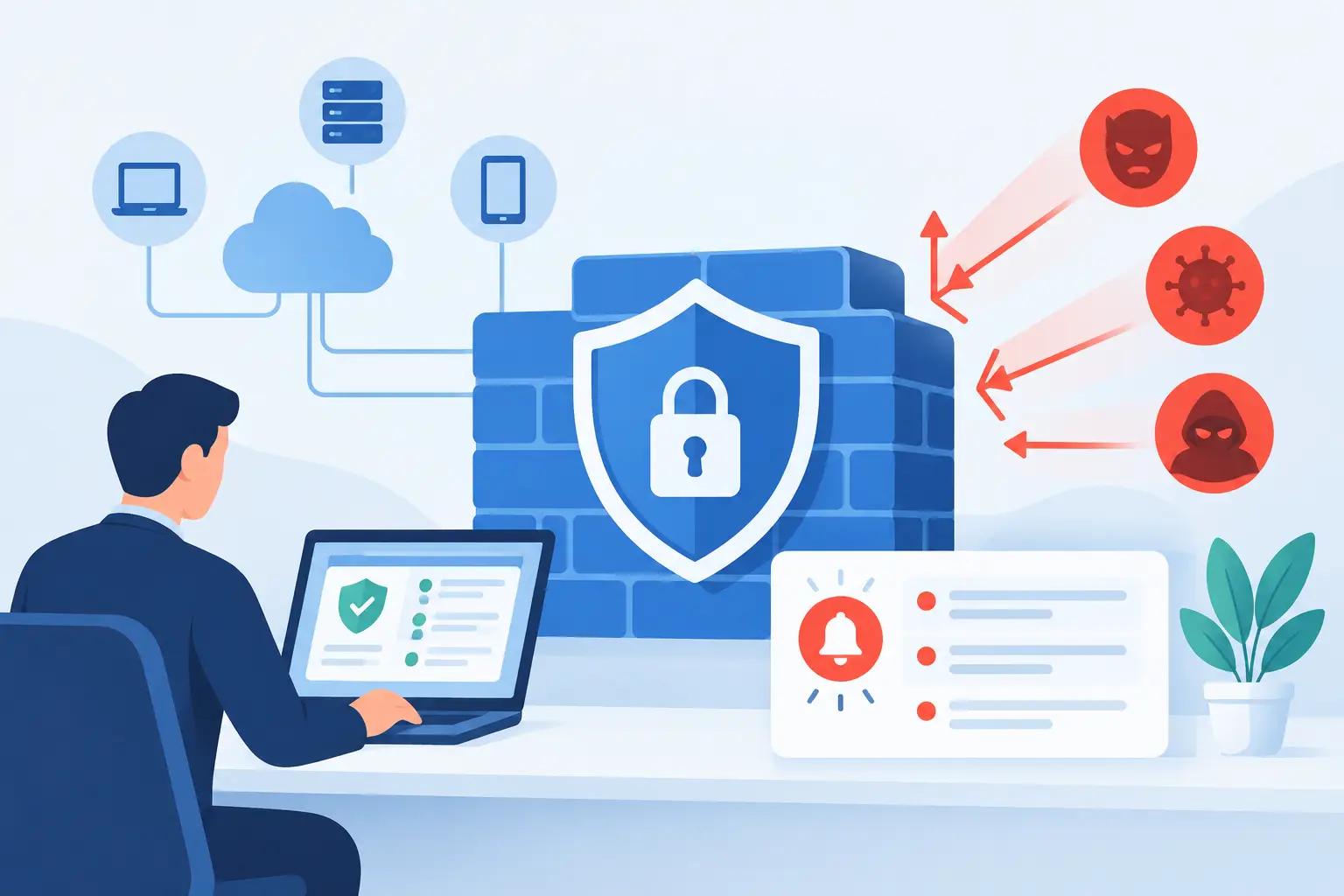
Cybersecurity and business continuity are closely connected. Phishing, stolen credentials, malicious software, and unpatched systems can all create downtime. In a serious attack, the safest response may involve isolating devices or taking systems offline while the issue is contained.
Basic controls make a meaningful difference: multi-factor authentication, monitored antivirus and endpoint protection, timely patching, secure email practices, appropriate user permissions, and employee awareness training. The strongest technical controls can still be undermined by a convincing fraudulent email or a shared password, so staff need clear, repeatable guidance on how to report suspicious activity.
Security also requires offboarding discipline. When an employee leaves, their accounts, device access, and shared credentials must be handled promptly. Delayed account removal creates a security exposure that can become a business interruption later.
Build backups for recovery, not just compliance
A backup that has never been tested is not a recovery plan. Businesses need to know that their backups are completing, protected from unauthorized changes, and capable of restoring the files, applications, or systems they depend on.
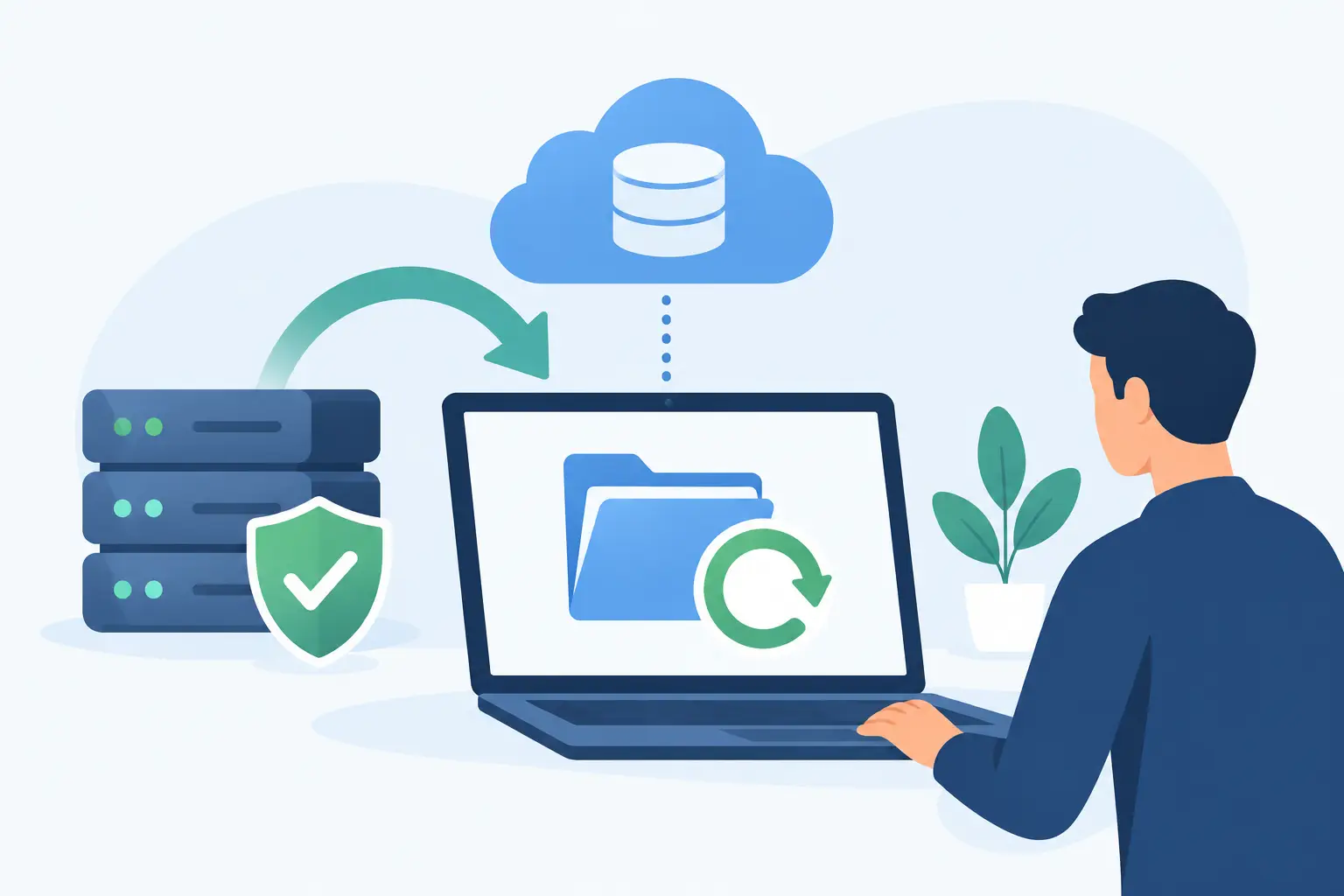
A practical strategy usually includes multiple backup copies, with at least one copy separated from the primary environment. The right setup may include cloud backups, local recovery options, or both. Faster local recovery can be useful for large files and critical systems, while an offsite copy helps protect against theft, fire, severe hardware failure, or ransomware.
Testing is where confidence becomes evidence. Restore a representative file, mailbox, workstation, or application on a schedule that matches the importance of the data. Document what worked, how long it took, and what would need to improve in a real emergency. A recovery test may reveal that a backup exists but does not include a recently added folder, database, or software configuration.
Create a Response Plan People Can Use Under Pressure
During an outage, employees should not have to guess who to call, whether they can reboot equipment, or how to communicate with customers. A short, current incident response plan reduces confusion and prevents well-meaning actions from making a problem worse.
The plan should name the person responsible for declaring an incident, the IT support contact, key vendors, and the business leaders who need updates. It should also outline how employees will communicate if email or phones are affected. Depending on the organization, that may mean a designated mobile number, a messaging application, or a prearranged call tree.
Keep the plan accessible outside the systems it is meant to protect. A document saved only on an unavailable shared drive does little good during a network outage. Review it after major technology changes, staff changes, office moves, or vendor transitions.
Use Vendors and Internet Providers as Part of the Plan
A single provider connection or unmanaged vendor relationship can turn a manageable issue into a long outage. Businesses should know who supports their internet service, phones, cloud applications, security tools, and line of business software, along with which support agreements apply.
Redundant internet service may be appropriate when online access is essential to revenue or daily operations. This can involve a secondary wired connection, fixed wireless service, or cellular failover. There are trade-offs: redundancy adds cost and requires proper configuration and testing. For an office that can work offline temporarily, a documented hotspot process may be sufficient. For a business that depends on cloud applications, payment processing, and internet phones, automatic failover may be worth the investment.
Vendor coordination is equally important. When several parties are involved, someone needs to own the overall incident, translate technical updates into business terms, and keep the issue moving. TechFusion provides that ongoing accountability, helping clients manage systems and coordinate vendors rather than leaving employees to navigate a technical problem alone.
A Practical 90-Day Path to Fewer Interruptions
Improvement does not require replacing every system at once. Begin with a focused review of your biggest operational risks, then address the gaps that offer the greatest reduction in downtime.
- Document critical systems, owners, vendor contacts, and acceptable recovery times.
- Review backup completion and perform a real restore test for priority data.
- Assess network equipment, internet reliability, wireless coverage, and aging devices.
- Verify multi-factor authentication, patching, endpoint protection, and user access controls.
- Create or update an outage communication plan and walk through it with key staff.
After the initial work, make continuity a regular operating practice. Review incidents, even small ones, to understand what caused them and whether the response could be improved. A recurring printer issue, unreliable wireless area, or forgotten account may seem minor until it becomes the problem that interrupts a busy day.
The best time to prepare for a disruption is when your team has time to think clearly. Give your people dependable technology, clear recovery options, and a support partner who takes ownership, so an unexpected outage remains an interruption rather than a business crisis.