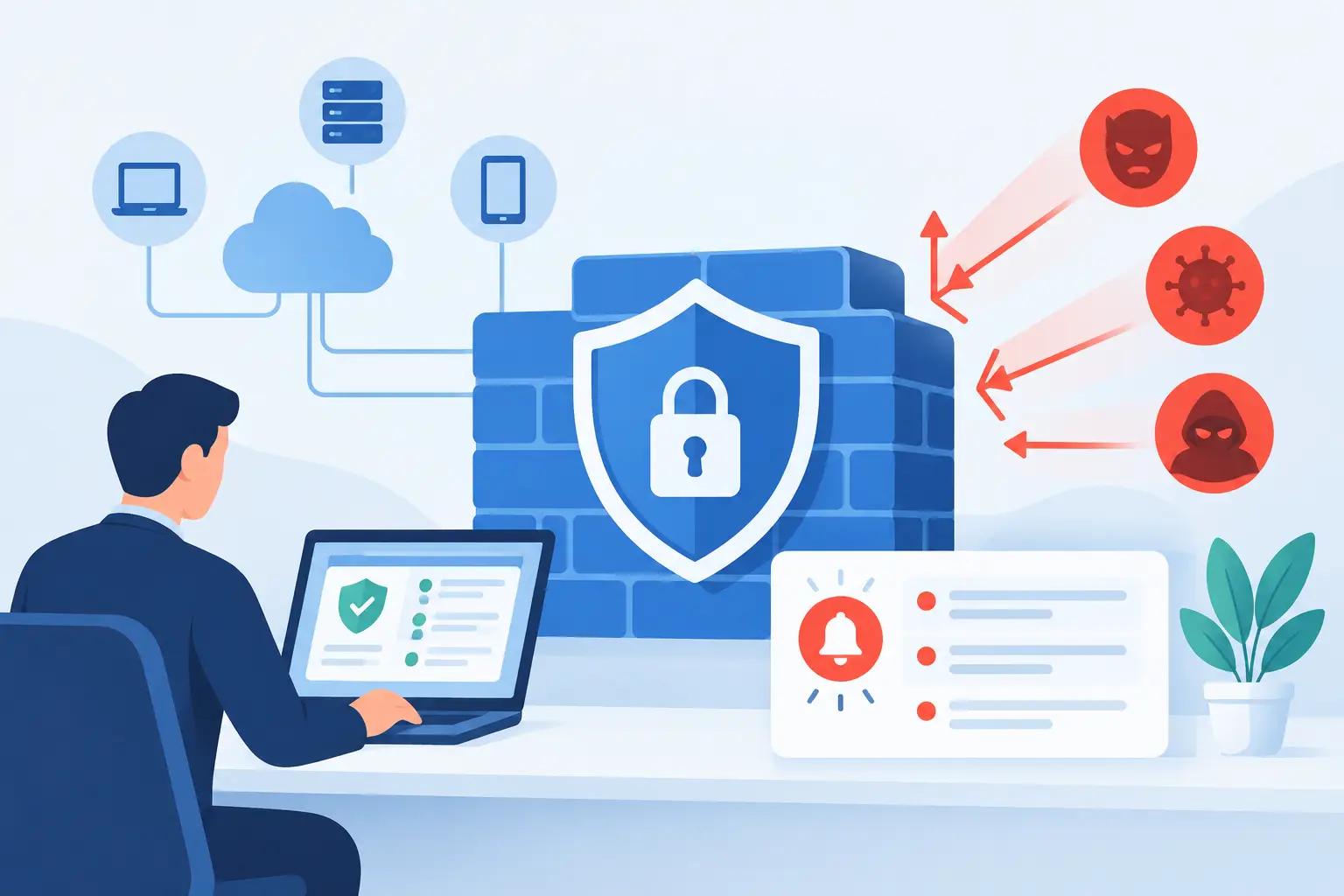
A firewall can block thousands of unwanted connection attempts in a single day. That does not mean your office manager, operations leader, or IT contact should receive thousands of emails about them. When you configure business firewall alerts correctly, your team sees the events that may disrupt operations, expose data, or signal an active attack – without getting buried in routine internet noise.
For small and midsize businesses, alerting is not simply a security setting. It is a business continuity decision. The right alerts help your team respond before a suspicious login becomes an account takeover or before an internet outage leaves employees unable to serve customers. The wrong alerts create fatigue, and eventually, critical warnings get ignored.
Start With the Business Risks Your Firewall Must Detect
A firewall alert should answer a practical question: does this event require someone to act? Begin by identifying the systems and activities that would cause the greatest disruption if they were compromised or unavailable.
For many businesses, those priorities include remote access tools, email and cloud applications, payment systems, line-of-business software, servers, phone systems, and guest Wi-Fi. A medical office may place extra emphasis on protected patient information. A construction firm may focus on remote access to project files and field communications. The settings should reflect the way your business actually operates.
It also helps to document what normal traffic looks like. If staff routinely connect through a virtual private network from home, VPN activity is expected. If no employee should administer a network device from another country at 2:00 a.m., that is a different situation. A useful alert program separates expected behavior from meaningful exceptions.
How to Configure Business Firewall Alerts by Priority
Not every alert deserves the same response. Establishing severity levels keeps attention on the events most likely to affect security or uptime. Most organizations can work effectively with three levels: critical, high, and informational.
Critical alerts should immediately reach the person or provider responsible for responding. These can include a known malicious connection that bypassed a control, a firewall configuration change that was not approved, repeated failed administrator logins, a ransomware-related indicator, or a loss of connectivity affecting a primary business location.
High-priority alerts need prompt review, typically within the same business day or sooner depending on the event. Examples include unusual outbound data transfers, repeated failed VPN logins from a new location, a device attempting to contact a suspicious domain, or a secondary internet connection failing.
Informational alerts are useful for records and trend analysis, but they should not page someone after hours. Standard blocked scans from the public internet, routine policy matches, and successful scheduled maintenance events often belong here. Keeping these notices in a dashboard or daily report preserves visibility without creating unnecessary interruptions.
Alert on Changes to Firewall Access and Rules
Firewall rules determine what traffic is allowed in and out of your network. An unauthorized rule can create an opening for attackers, while an accidental change can prevent employees from reaching a needed application.
Configure immediate notifications for administrator logins, failed administrator login attempts, additions or removals of rules, changes to remote management settings, firmware updates, and configuration backups or restores. Include the username, source IP address, device location, time, and a clear description of the change whenever the platform supports it.
This detail matters. An alert saying “configuration changed” is not enough for a decision-maker or a technician who needs to investigate quickly. A useful alert identifies what changed and whether it came from an approved administrator or managed service provider.
Watch Remote Access Closely
Remote access is essential for many businesses, but it is also a common target for password attacks. Set alerts for repeated failed VPN sign-ins, successful logins after several failures, logins from unfamiliar countries or impossible travel locations, and connections using disabled or former employee accounts.
The correct threshold depends on your environment. Five failed logins may be suspicious for an executive account that rarely uses remote access. The same number may be less meaningful in a large organization where users occasionally mistype passwords. Pair firewall alerts with identity and endpoint monitoring when possible, since the full story often spans more than one system.
Detect Traffic That May Signal Compromise
A compromised computer often behaves differently from a normal employee device. It may try to contact known malicious websites, communicate with command-and-control infrastructure, scan other devices on the local network, or send unusual amounts of data outside the business.
Prioritize alerts for threat prevention detections, connections to malicious or newly identified domains, suspicious outbound traffic, lateral movement attempts, and traffic that violates established application controls. If your firewall includes intrusion prevention, web filtering, DNS security, or malware inspection, make sure those services are enabled and that their alerts are part of the same response process.
A blocked threat is still worth tracking. The immediate danger may be contained, but the device that initiated the connection could need investigation. In some cases, a block reflects an employee clicking a harmful link. In others, it may show that malware is already present on a workstation.
Choose Who Receives Alerts and How They Respond
Sending every notice to a shared inbox is easy, but it is not an effective response plan. Each alert type should have a clear owner, an expected response time, and a defined escalation path.
For critical alerts, use a monitored channel that reaches someone who can take action, such as a managed security operations team, IT provider, or designated internal administrator. Email alone may be appropriate for high-priority events during business hours, while informational messages can feed a daily or weekly security report.
Create a short response procedure for the alerts that matter most. It should state who verifies the event, who can disable an account or isolate a device, when leadership must be notified, and when outside vendors need to be involved. This is especially valuable if your business relies on multiple providers for internet, phone, cloud applications, and line-of-business software.
Keep employee offboarding connected to the process. When a staff member leaves, disable their access promptly and review any remote connections or administrative activity tied to their account. A firewall cannot solve every access problem on its own, but it can provide useful confirmation that old credentials are no longer being used.
Test Alerts Before You Need Them
An alert configuration is only valuable if it works when a real incident occurs. Test it after initial setup and after major network changes, staff transitions, firewall replacements, or changes to your internet service.
A test can be straightforward: attempt an approved failed VPN login, make a documented test change to a nonproduction rule, or simulate a lost internet connection if your environment allows it. Confirm that the alert is generated, delivered to the correct recipient, understood by that recipient, and resolved through the documented process.
Testing also reveals practical gaps. An alert may arrive too late, contain too little information, or go to an employee who is on vacation. Those are manageable issues during a planned test. They are much more costly during a cyber incident or an afternoon outage.
Tune the System Without Hiding Problems
Alert tuning is an ongoing responsibility, not a one-time firewall project. Review notifications regularly to identify repeated false positives, duplicate messages, and events that never lead to action. Adjust thresholds carefully, and document why changes were made.
Do not simply silence a noisy alert category. First determine whether it represents normal behavior, a misconfigured application, an unmanaged device, or a genuine security concern. For example, repeated blocked connections from a printer may be harmless misconfiguration, but repeated blocked connections from a workstation may require a closer look.
Monthly reviews are often sufficient for stable environments, while businesses handling sensitive data, supporting remote workers, or experiencing frequent network changes may need more frequent oversight. The goal is not zero alerts. The goal is alerts that give your business a timely, clear reason to act.
A well-managed firewall should support your employees without becoming another system they have to worry about. TechFusion helps businesses turn firewall events into practical, accountable action so security monitoring supports reliable operations rather than adding more noise to the workday.