A convincing fake invoice can reach an employee at 9:02 a.m., look like it came from a familiar vendor, and trigger a payment request before anyone has time to question it. That is why email security gateway reviews should focus on more than a product’s threat-detection claims. For a small or midsize business, the right gateway must reduce risk without delaying legitimate customer communication or creating another system your team has to manage.
Email remains a primary entry point for phishing, credential theft, malware, and business email compromise. Built-in protections in Microsoft 365 or Google Workspace provide a valuable baseline, but many organizations need another layer of filtering, inspection, and policy control. The challenge is choosing a service that fits your users, budget, email platform, and ability to respond when something suspicious appears.
What an Email Security Gateway Actually Does
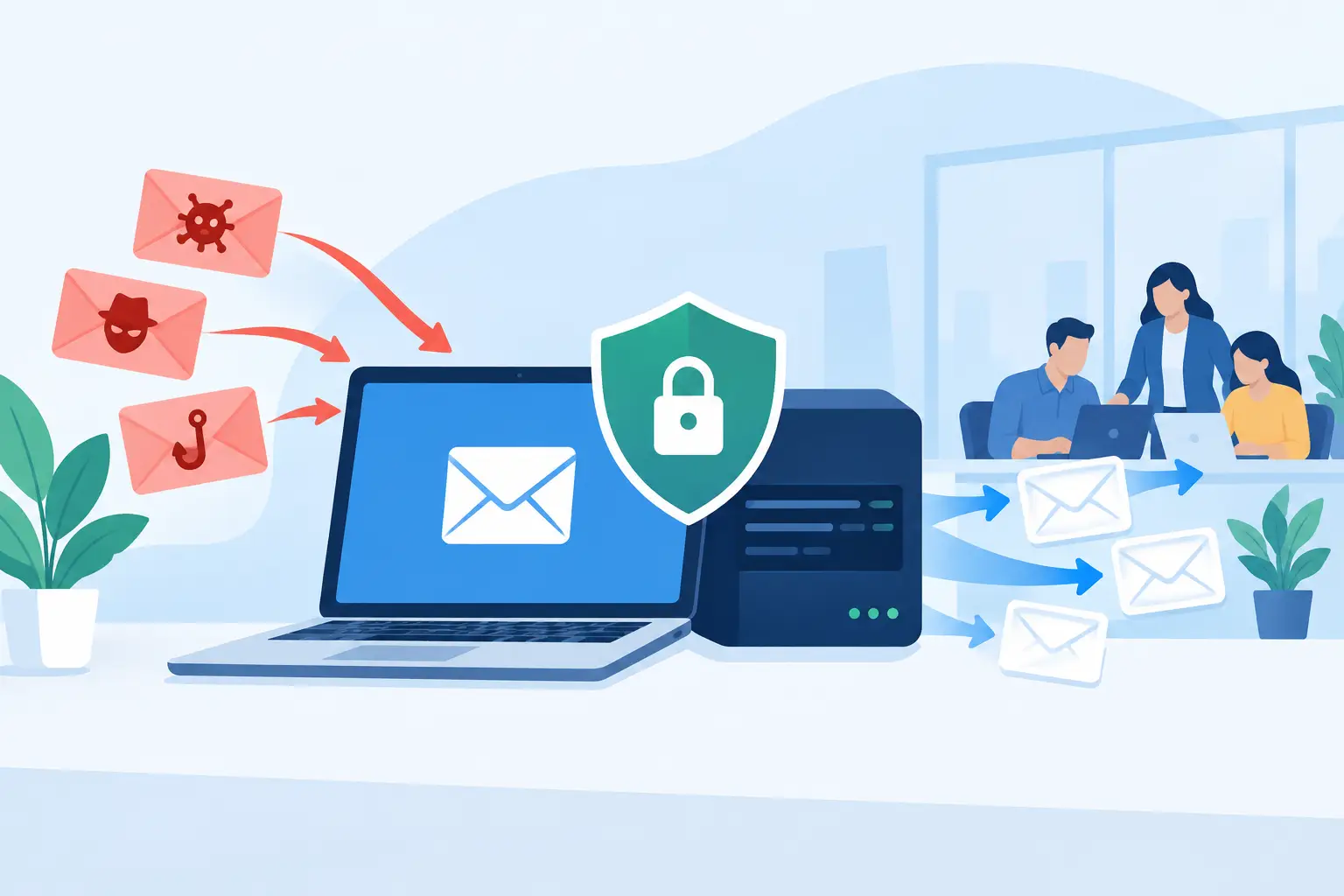
An email security gateway sits between the internet and your organization’s inboxes. It evaluates incoming and, in many cases, outgoing messages before they reach employees or leave the business. Depending on the provider and configuration, it can identify impersonation attempts, suspicious links, malicious attachments, spoofed domains, bulk spam, and accidental sharing of sensitive information.
The best protection is not simply the product that blocks the highest number of messages in a test environment. A gateway has to recognize real threats while allowing invoices, customer requests, scheduling notices, and vendor documents to arrive on time. If a filter sends legitimate messages to quarantine too often, employees work around it. If it lets through carefully crafted impersonation emails, one rushed approval can become an expensive incident.
For business leaders, the practical question is: does this service make email safer and easier to manage without disrupting daily operations?
How to Read Email Security Gateway Reviews
Reviews can be helpful, but they need context. A large enterprise with a dedicated security team may value detailed policy controls and extensive customization. A 40-person professional services firm may care more about straightforward administration, responsive support, and reliable protection that does not burden office staff.
Look for recurring patterns instead of relying on a single five-star or one-star rating. Reviews are most useful when they describe a real operating experience: how long deployment took, whether the product caused false positives, how easy it was to release a legitimate message, and how support handled an urgent issue.
Separate setup impressions from long-term results
Many security platforms receive positive feedback immediately after installation because they reduce visible spam. That is useful, but it does not tell the whole story. Look for comments from customers who have used the service through software updates, employee turnover, changing vendors, and active phishing campaigns.
Long-term reviews often reveal whether the administrative console remains understandable, whether policies stay manageable, and whether the provider responds effectively when a message is incorrectly blocked or a threat reaches an inbox.
Pay attention to false positives
A gateway that blocks every questionable message may sound appealing until it catches legitimate client emails or time-sensitive documents. Businesses with frequent communication from new customers, subcontractors, healthcare providers, real estate contacts, or overseas vendors should pay close attention to this issue.
A good platform provides clear quarantine notices, simple release options, and enough reporting to explain why an email was stopped. The goal is not to eliminate every unwanted message at the cost of productivity. It is to make smart decisions consistently and give your team a safe, manageable way to handle exceptions.
Look beyond the detection score
Independent testing and threat detection rates are useful comparison points, especially for phishing, malware, and URL protection. However, detection scores do not measure every operational concern. Consider whether the provider supports your current email environment, works with your identity tools, protects mobile users, and provides practical visibility into what is being blocked.
A strong score matters. So does knowing who will investigate an alert at 4:30 p.m. on a Friday when an employee reports a suspicious wire-transfer request.
The Criteria That Matter Most for Small Businesses
When comparing email security gateway reviews, evaluate each option through the lens of business continuity. The following areas usually have the greatest impact on security and day-to-day usability:
- Phishing and impersonation protection: The gateway should inspect sender identity, domain lookalikes, message language, links, and attachments. This is especially important for executive impersonation and vendor payment fraud.
- Attachment and link analysis: Look for controlled inspection of attachments and URL scanning that can identify threats even when a message initially appears safe.
- Microsoft 365 or Google Workspace integration: The product should work cleanly with the email platform you already use and support modern authentication standards such as SPF, DKIM, and DMARC.
- Quarantine and reporting: Employees and administrators need a clear way to review blocked messages, release valid email, and understand recurring threats.
- Administration and support: A tool can have excellent technology but still create risk if no one can confidently manage policies, investigate incidents, or resolve delivery issues.
Cost deserves the same practical scrutiny. Per-user pricing may appear low until add-ons, minimum seat counts, advanced threat protection, archiving, encryption, or support tiers are included. Ask for the full expected monthly cost based on your current employee count and likely growth, not just the advertised starting price.
Common Trade-Offs to Expect
No email security gateway is perfect for every organization. More aggressive filtering can reduce phishing exposure but increase the likelihood that valid messages require review. Advanced controls may offer better policy flexibility but require more technical oversight. A lower-cost service may meet basic spam filtering needs while providing less detailed investigation capability or less responsive support.
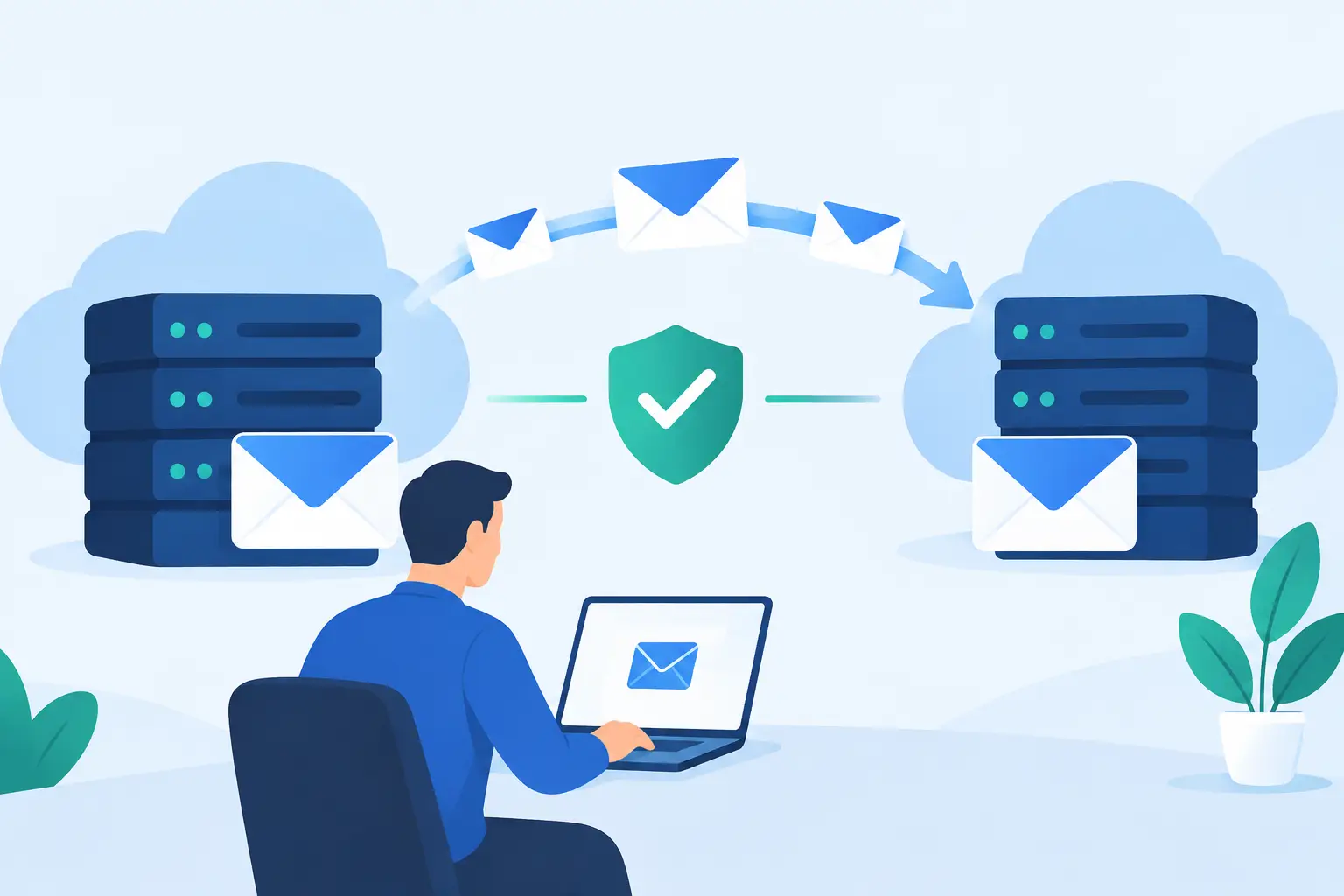
Cloud-based gateways are often easier for small businesses to deploy and maintain, particularly when teams work from multiple locations. However, email routing changes must be planned carefully. A rushed implementation can create delivery issues, confusing quarantine behavior, or gaps in protection during the transition.
It also depends on the type of information your business handles. A company processing payment details, legal documents, protected health information, or confidential client records may need stronger encryption, data loss prevention, and auditing capabilities than a business with lower-risk communication. The right decision should reflect your actual exposure, not a generic feature checklist.
Questions to Ask Before You Buy
A product demonstration should answer practical questions, not just showcase a polished dashboard. Ask how the gateway identifies business email compromise when there is no malicious attachment. Ask what happens when an employee clicks a suspicious link from a mobile device. Ask how quickly policies can be changed if a trusted vendor’s messages are blocked.
You should also ask who owns ongoing administration. Will an internal employee monitor quarantines and alerts? Will the provider assist with tuning policies, reviewing suspicious messages, and responding to changing threats? If your business uses outside IT support, confirm that the gateway will be monitored as part of a broader cybersecurity process rather than treated as a set-it-and-forget-it purchase.
For many Central Florida businesses, this operational piece is where technology decisions become difficult. A security platform can be effective, but it still needs attentive configuration, user guidance, updates, and escalation when something goes wrong. TechFusion helps businesses evaluate and manage protective technologies as part of ongoing IT support, so email security supports the wider goal of keeping people productive and systems protected.
A Better Way to Compare Vendors
Build a short list of two or three options that meet your technical requirements, then compare them using real-world scenarios from your business. Use a sample vendor invoice, a new customer inquiry, a password-reset message, a shared document notification, and a simulated executive request. Consider how each platform would handle the message, how easily users could recover a legitimate email, and what the administrator would see.
Do not overlook implementation responsibilities. Confirm the migration steps, estimated timing, DNS changes, rollback process, user communications, and support available during cutover. A provider that is slightly less feature-rich but easier to deploy and actively supported may deliver better protection than a complex platform that no one has time to manage correctly.
The right email security gateway should give your business more than a cleaner inbox. It should give employees a safer place to work, leaders better visibility into risk, and your organization a dependable process for stopping suspicious messages before they become operational problems.