A new employee starts Monday. Before AI workflow automation, someone may spend Friday afternoon emailing IT, creating accounts, requesting equipment, notifying payroll, and hoping no step gets missed. With the right process in place, those tasks can begin automatically as soon as the hire is approved, while the people responsible receive clear checkpoints for the decisions that need human judgment.
That is where AI workflow automation examples become useful for small and midsize businesses. The goal is not to replace your team with software. It is to remove repetitive coordination work, shorten response times, and give employees more room to focus on customers, revenue, and higher-value decisions.
What AI Workflow Automation Actually Does
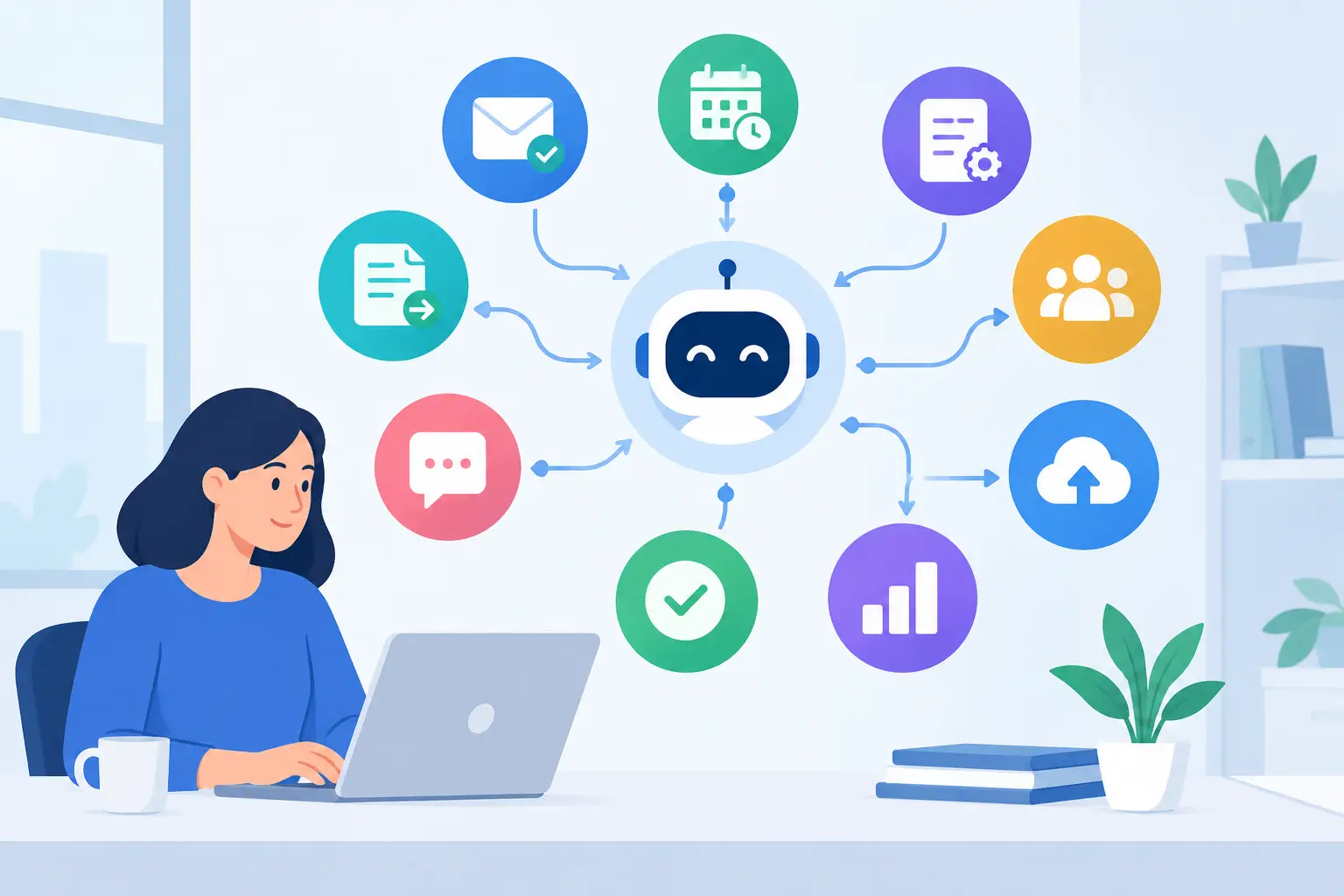
Traditional automation follows fixed rules: when a form is submitted, create a ticket. AI adds the ability to interpret information that is less structured, such as an email, a chat message, a document, or a support request. It can classify the request, summarize the issue, extract key details, draft a response, or send the work to the appropriate person.
For a growing business, this matters because many operational slowdowns happen between systems and departments. Information sits in inboxes, spreadsheets, phone notes, and disconnected applications. A well-designed workflow connects those handoffs without removing the oversight that protects the business.
The best starting point is usually a frequent process with clear inputs, repeatable steps, and an obvious owner. Processes involving payments, employee access, legal commitments, or sensitive customer data should include approval steps and audit records. Automation should make accountability stronger, not blur it.
12 AI Workflow Automation Examples That Save Time
1. IT support ticket triage
When an employee emails, chats, or submits a request to IT, AI can identify whether the issue involves a password, printer, device, software access, network connection, or suspected security incident. It can create a ticket, apply the right priority, suggest basic troubleshooting steps, and route it to the appropriate technician.
This helps prevent simple requests from getting lost behind urgent incidents. It also gives the support team a cleaner queue. A technician should still validate high-priority tickets, especially those involving possible account compromise or business interruption.
2. Phishing report analysis
Employees should be encouraged to report suspicious messages quickly. AI can review a reported email for common warning signs, pull out domains and attachments, compare indicators against security tools, and alert the right people when a message appears dangerous.
The workflow can also send the employee a timely confirmation that their report was received. It should not automatically delete broad categories of email or disable accounts without safeguards. Security response requires fast action, but false positives can disrupt legitimate work.
3. Employee onboarding coordination
A hiring manager can submit one onboarding form containing the employee’s role, start date, department, location, manager, and required systems. AI can translate that information into tasks for IT, HR, payroll, facilities, and the manager.
For example, IT receives requests for a laptop, email account, phone setup, security training, and role-based application access. The manager receives reminders to prepare a first-week plan. A final checklist confirms that equipment, access, and training are complete before the employee starts.
4. Secure employee offboarding
Offboarding deserves the same discipline as onboarding, often with greater urgency. Once an authorized manager or HR representative confirms a departure, a workflow can initiate account disablement, collect company devices, preserve needed business records, and notify relevant leaders.
AI can help summarize open work, identify shared files or customer conversations that may need reassignment, and create a transition checklist. Final access removal should be controlled by approved policies, particularly for executives, finance users, and administrators.
5. Invoice and purchase request processing
Accounts payable teams often spend hours reading invoices, matching them to purchase orders, and asking department leaders for approval. AI can extract vendor names, invoice numbers, due dates, amounts, and line items from incoming documents, then route each item according to your approval rules.
This does not mean approving invoices without review. It means presenting the approver with organized information and flagging exceptions, such as duplicate invoice numbers, price changes, missing purchase orders, or unusually high amounts. That reduces routine data entry while supporting better financial controls.
6. Sales lead routing and follow-up
A prospect who fills out a website form expects a response while interest is high. AI can categorize the inquiry by service, location, company size, or urgency, then assign it to the right salesperson and create a follow-up task with relevant context.
It can also prepare a first-response draft based on approved company messaging. The sales team should review messages that include pricing, contract terms, technical commitments, or claims that require verification. Speed matters, but inaccurate promises create harder problems later.
7. Customer email classification
Shared inboxes can become a bottleneck when every message looks equally urgent. AI can sort incoming communication into categories such as new inquiry, billing question, service request, complaint, appointment change, or vendor message.
For straightforward requests, the workflow can suggest a response and assign an owner. For frustrated customers or situations involving a service failure, it can escalate the issue immediately. The value is not an automated reply to every email. It is making sure the right person sees the right message before the customer has to ask twice.
8. Meeting notes and action tracking
Meetings create decisions, but those decisions often disappear into personal notes. With participant consent and clear policies, AI can turn a meeting transcript or notes into a concise recap, list action items, identify owners, and set due-date reminders.
This is especially useful for project meetings, client check-ins, and internal operations reviews. Team members should confirm the notes before they become a source of record. AI can capture the discussion, but people remain responsible for the commitments.
9. Management reporting and anomaly alerts
Leaders need visibility without waiting for someone to assemble a weekly spreadsheet. AI can collect data from approved business systems, summarize trends, and flag meaningful changes, such as declining sales activity, increased overdue invoices, rising support volume, or unusual inventory movement.
The key word is meaningful. A workflow should be configured around the metrics that drive your business, not every number available. Too many alerts train people to ignore them. Start with a few decisions that would improve if leaders received earlier, clearer information.
10. Backup and disaster recovery monitoring
A backup report can show a technical failure long before anyone notices the business risk. AI can read monitoring alerts, summarize what failed, identify the affected system, compare the event with prior issues, and create a prioritized ticket for remediation.
It can also prepare plain-language updates for business leaders during an outage. However, no AI summary replaces recovery testing. Your team still needs verified backup policies, documented recovery priorities, and regular tests that prove critical systems can be restored when needed.
11. Internet and vendor outage coordination
When internet, phone, cloud software, or a line-of-business application goes down, employees need answers quickly. A workflow can detect the alert, open an internal incident, notify affected teams, gather diagnostic information, and document communications with the vendor.
AI can summarize long vendor email threads and produce status updates that are easier for employees to understand. This reduces the time spent chasing information while preserving a clear record of what happened, who owns the next step, and when the business should expect another update.
12. Internal knowledge search
Employees lose time hunting through folders, old emails, policy documents, and past tickets for answers. AI can provide a controlled internal search experience that retrieves approved information and cites the source document or policy title for review.
A useful implementation limits access based on the employee’s role. HR files, financial records, client data, and security documentation should not become visible simply because they are searchable. Good knowledge automation improves access to the right information, not access to all information.
How to Choose the Right Workflow First
Do not begin with the flashiest AI feature. Begin with the process that causes measurable friction. Look for work that is repeated often, takes several handoffs, creates delays, or depends too heavily on one person’s memory.
Document the current process before automating it. Identify the trigger, the systems involved, the information required, the exception paths, the approvals, and the final outcome. If the existing process is unclear, automation will make confusion happen faster.
Then decide where AI adds value. A fixed rule may be enough for a simple notification or account request. AI is more appropriate when the workflow must interpret unstructured information, summarize content, categorize requests, or generate a useful first draft.
Build Security and Human Review Into the Design
AI workflows can handle sensitive business information, so access control is not optional. Use approved tools, limit permissions, define what data can be processed, and confirm how information is stored and retained. Employees should know when they are using AI and what types of information should never be entered into a public tool.
Human review is equally important. Establish clear approval points for financial transactions, security incidents, access changes, customer commitments, and personnel decisions. Track workflow activity so managers can see what happened and correct problems quickly.
For many Central Florida businesses, the most successful approach is a focused pilot rather than a company-wide rollout. Choose one workflow, set a baseline for time, errors, or response speed, and improve it before expanding. TechFusion can help businesses evaluate processes, connect the right technology, and provide ongoing support after implementation.
The best automation is often the one employees barely notice because work stops getting stuck. Start with the task that repeatedly pulls your team away from customers, then build a process that keeps people informed, systems protected, and ownership clear.