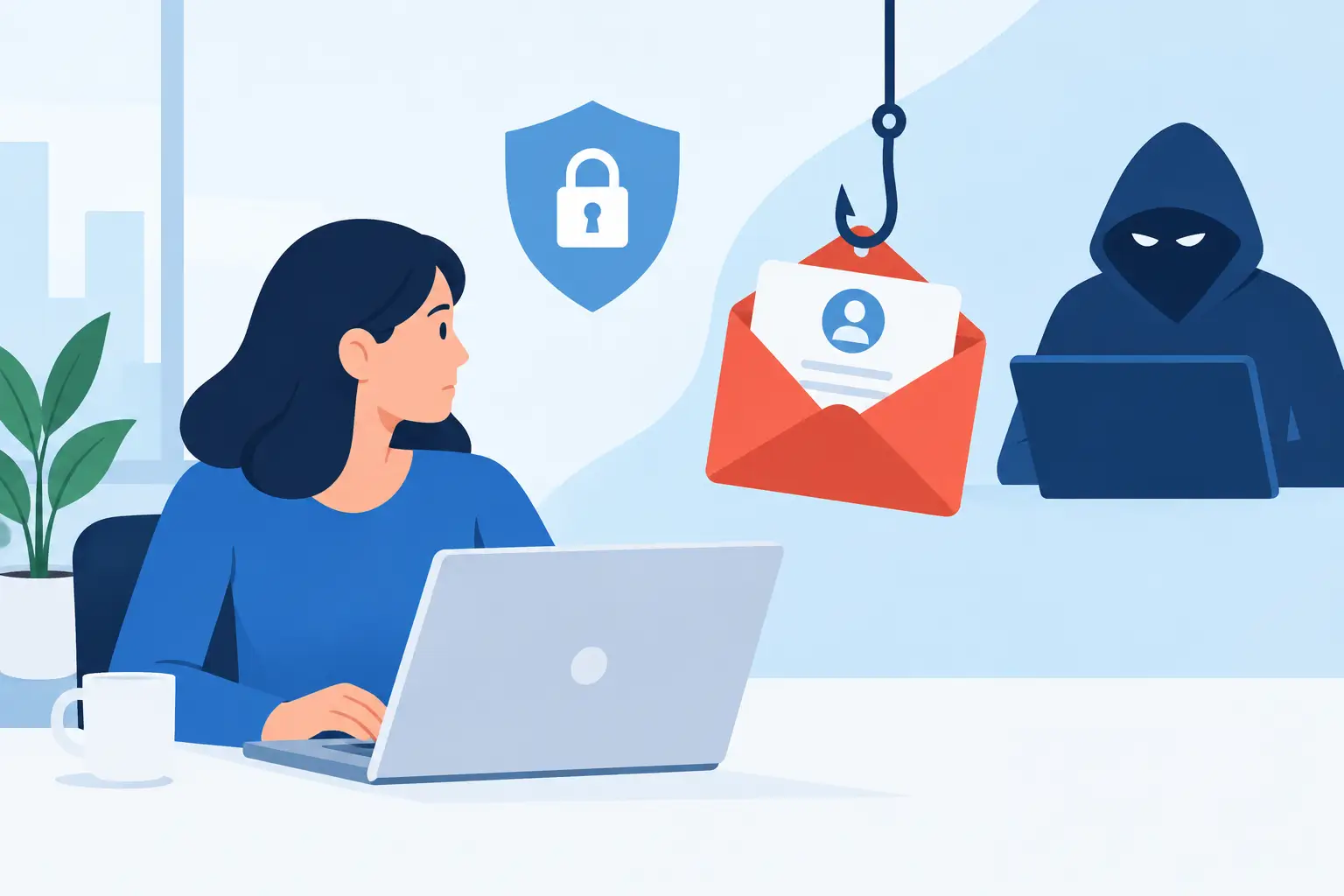
A phishing email rarely announces itself as a threat. It may look like a Microsoft 365 password notice, an overdue invoice from a familiar vendor, a document shared by a colleague, or an urgent request from the CEO. To prepare for phishing attacks, businesses need more than a spam filter and a yearly reminder to be careful. They need clear safeguards that help employees make good decisions when a convincing message lands in a busy inbox.
For small and midsize businesses, one successful phishing attempt can interrupt operations quickly. It can expose client data, redirect a payment, compromise an email account, or give an attacker a foothold in the network. The right preparation reduces that risk while giving employees confidence that they can report a suspicious message without slowing down the business.
Why phishing remains a business risk
Phishing works because it targets people, not just technology. Attackers take advantage of routine business activity: invoices, password resets, payroll changes, vendor requests, package notices, and executive communications. They also use public details from company websites and social media to make messages feel relevant.
The messages have improved. Some contain awkward wording, but many do not. Criminals can copy a vendor’s logo, register a lookalike domain, hijack a legitimate email thread, or use AI to write messages that sound polished and specific. That means employees should not be expected to identify every threat by instinct alone.
A dependable phishing defense combines technical controls, practical policies, employee training, and a response process that people can follow under pressure. Each layer catches problems the others may miss.
Prepare for phishing attacks before an email arrives
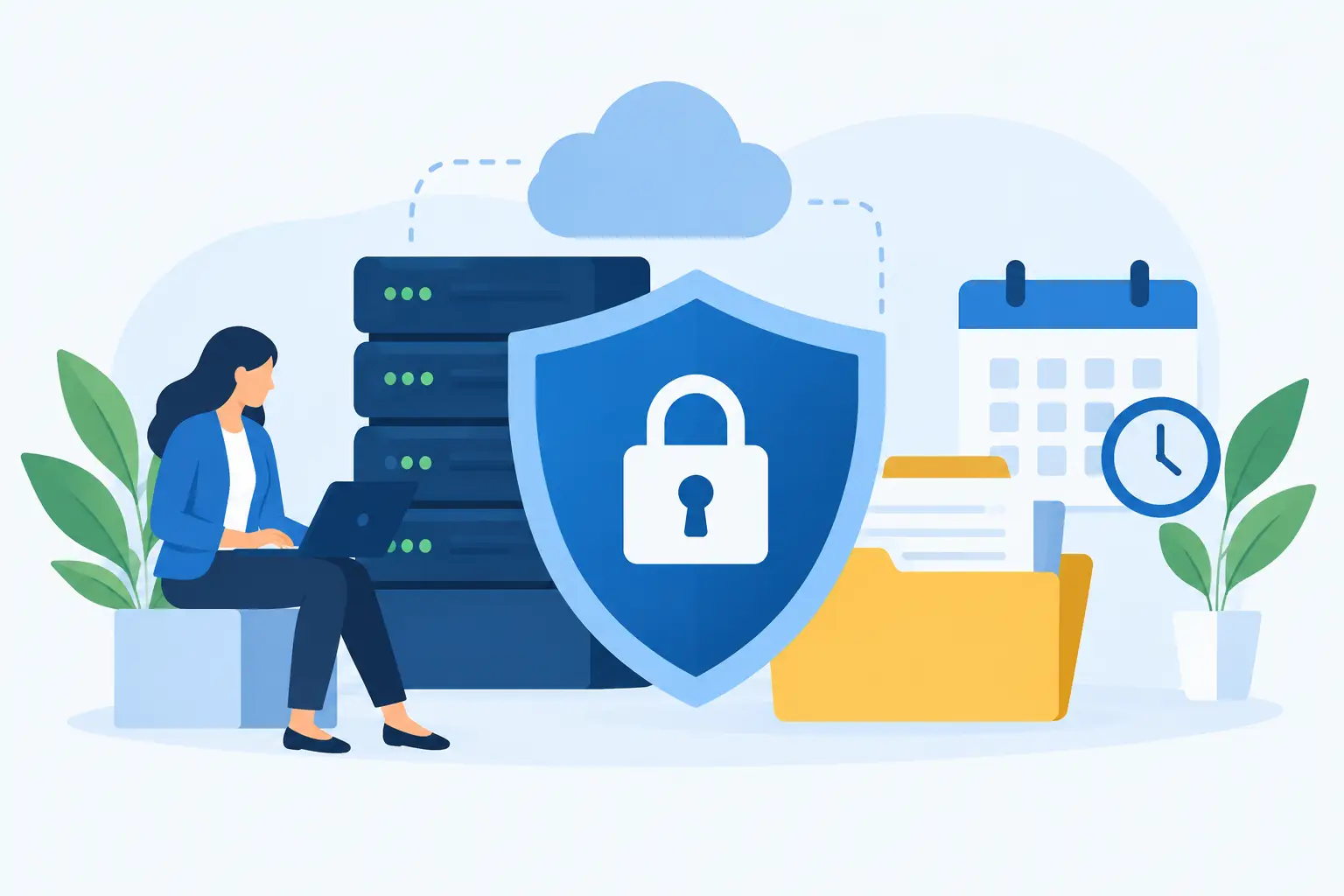
Preparation starts with knowing what your business needs to protect. Email accounts, financial systems, cloud storage, customer records, payroll platforms, and vendor portals all deserve attention. If an attacker gets access to one account, they may use it to reach others.
Require multifactor authentication
Multifactor authentication, or MFA, should be enabled wherever it is available, especially for email, financial accounts, remote access, and cloud applications. A stolen password alone is far less useful to an attacker when a second verification step is required.
Not every MFA method offers the same protection. Authentication apps and security keys generally provide stronger protection than text-message codes, which can be vulnerable to phone number takeover attempts. The right choice depends on the systems you use and the needs of your team, but any properly managed MFA is a meaningful improvement over passwords alone.
Also review who has administrative access. Employees should have the access needed for their role, not unrestricted access by default. Limiting permissions reduces the damage if an account is compromised.
Strengthen email and domain protections
Your email environment should be configured to filter known malicious messages, scan attachments and links, and flag unusual sender activity. Domain protections such as SPF, DKIM, and DMARC help receiving mail systems verify that messages claiming to come from your company are legitimate.
These controls are not a substitute for employee awareness. A malicious email can still come from a real but compromised supplier account, and a well-crafted business email compromise attempt may contain no link or attachment at all. The goal is to reduce exposure before a message reaches an inbox, then give users a reliable way to handle what remains.
Keep systems patched and backed up
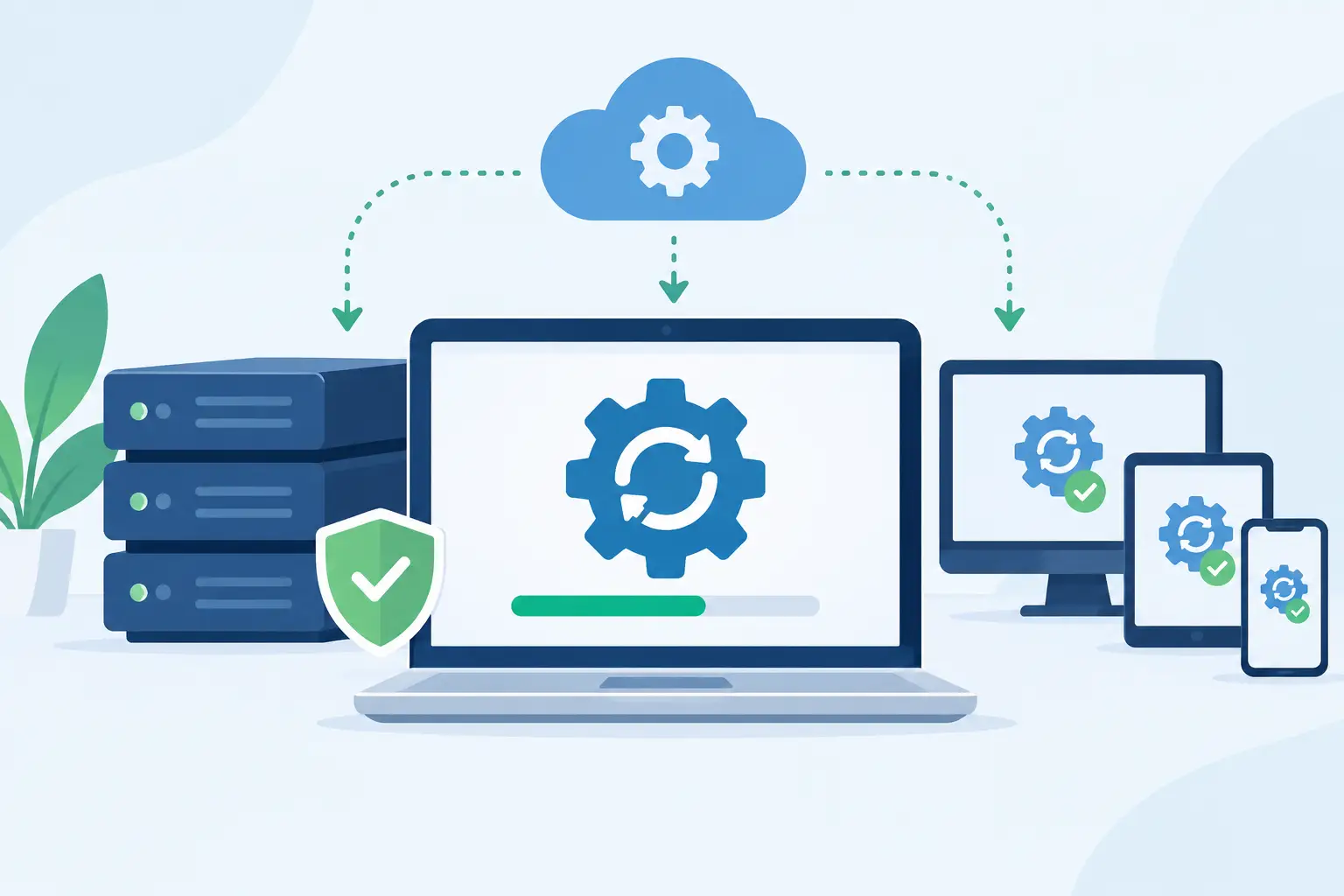
Phishing is often the starting point, not the final event. A clicked link may lead to stolen credentials, malware, or ransomware. Regular software updates, managed endpoint protection, and secure network configuration help contain the impact when a user makes a mistake.
Automated backups are equally important, but they must be tested. A backup that cannot be restored when files are encrypted or deleted does not protect business continuity. Keep backups separated from everyday user access and confirm that your organization can recover critical data within an acceptable timeframe.
Give employees a simple way to spot suspicious messages
Employees do not need to become cybersecurity specialists. They need a short set of checks that works during a normal workday. The most useful habit is to pause before acting on unexpected requests involving credentials, payments, sensitive information, or urgent changes.
Encourage users to inspect the full sender address, not just the display name. A message from “Accounting” may actually come from a misspelled or unrelated domain. They should be cautious with links, especially login links, and use a known bookmark or type the website address directly instead of signing in through an email prompt.
Urgency is another common warning sign. Phrases such as “act immediately,” “keep this confidential,” or “payment must be made today” are designed to bypass normal verification. A legitimate executive or vendor request can be urgent, but urgency should trigger verification, not a rushed decision.
For payment changes, new bank instructions, gift card purchases, or requests for confidential records, establish an out-of-band verification rule. Employees should confirm the request through a known phone number, an existing vendor contact, or another trusted channel. They should not reply to the suspicious email or call a phone number listed in it.
Build training around real work, not fear
Annual security training has value, but one presentation a year is not enough to change habits. Short, recurring training is easier to retain and more relevant to the risks employees face. Use examples that reflect your business: invoices for accounting staff, shared documents for operations teams, benefits notices for HR, and executive impersonation for assistants and managers.
Phishing simulations can help identify where coaching is needed, but they should not be used to embarrass employees. The purpose is to improve reporting and decision-making, not to create anxiety. If people fear being blamed, they may hide a click or delay reporting an incident.
Training should also cover non-email phishing. Attackers may send text messages, place phone calls, use social media, or impersonate technical support. A caller who knows an employee’s name and company may sound credible, but staff should never share passwords, MFA codes, or remote access without following an approved support process.
Make reporting fast and judgment-free
A fast report can turn a serious incident into a contained one. Employees should know exactly what to do when they receive a suspicious message: use the designated reporting option, forward it to the security or IT contact if instructed, and avoid clicking links or opening attachments.
Just as important, they need to know what to do after they click. The message should be clear: report it immediately. Do not delete evidence, try to fix the issue alone, or wait to see whether anything happens. A quick report gives IT the chance to reset credentials, revoke active sessions, check mailbox rules, block malicious domains, and assess whether other users received the same campaign.
A written incident process should identify who handles the technical response, who communicates with leadership, and when outside vendors, legal counsel, insurance carriers, or affected customers may need to be involved. The details will differ by company size and industry, but uncertainty during an incident costs valuable time.
Test your readiness with realistic scenarios
Policies only work when people can apply them. Periodically walk through a phishing scenario with key employees and leaders. For example, what happens if a bookkeeper receives a legitimate-looking request to change a vendor’s banking details? Who verifies it? What records are reviewed? Who has authority to approve the change?
Test technical response as well. Confirm that administrators can disable an account, reset credentials, review sign-in activity, restore files, and communicate with employees promptly. If your business relies on an outside IT partner, make sure escalation contacts and after-hours procedures are current.
This is where ongoing IT management makes a practical difference. TechFusion can help businesses align email security, endpoint protection, backup readiness, employee onboarding, and incident response into one managed approach rather than treating them as separate projects.
Know when to bring in additional support
Internal teams can handle many preventive steps, but certain conditions call for deeper expertise. This includes businesses with regulated data, multiple offices, frequent vendor payments, remote workers, complex cloud environments, or a previous security incident. A professional review can identify overlooked settings, unmanaged devices, outdated accounts, and gaps between written policies and actual practices.
The goal is not to make daily work harder. Security controls should reflect how your team operates. A small office may need simple, well-managed tools and clear approval rules. A growing business may need more formal access controls, monitoring, and documented recovery procedures. The best plan is one employees can follow consistently while the business continues to serve customers.
A suspicious email should never force your team to guess what comes next. When your people know how to verify requests, report concerns, and get immediate support, phishing becomes a manageable business risk instead of a disruptive surprise.