A former employee’s mailbox, an old customer contract, and a five-year-old spreadsheet can all become urgent business records without warning. The problem is that many organizations keep everything indefinitely or delete information inconsistently. Effective data retention policies give your business a clear, repeatable answer to a simple question: what information should we keep, for how long, and how do we protect or dispose of it?
For small and midsize businesses, this is not paperwork for its own sake. A thoughtful policy reduces legal and security exposure, controls cloud storage costs, supports faster recovery after an incident, and helps employees find the information they are actually allowed to use.
What Data Retention Policies Should Accomplish
A data retention policy defines how long an organization stores different categories of business information. It also establishes who is responsible for the information, where it may be stored, how it should be secured, and what happens when its retention period ends.
The policy should cover more than files on a shared drive. Most businesses hold sensitive data across email platforms, accounting software, customer relationship management systems, employee devices, cloud storage, phone systems, backup platforms, and software managed by outside vendors. If the policy only addresses one location, it leaves significant gaps.
The goal is not to save every document forever. Keeping unnecessary records can increase the impact of a cyberattack, complicate legal requests, and make it harder for staff to locate current information. On the other hand, deleting records too soon can create compliance problems, weaken a business dispute, or interrupt daily operations.
The right retention period depends on the type of data, applicable regulations, contractual obligations, insurance requirements, tax rules, and the practical needs of the business. A medical practice, financial services firm, construction company, and professional office will not all use the same schedule.
Where Retention Problems Usually Begin
Retention issues often develop gradually. An employee saves client files on a desktop because it is convenient. A departed employee’s account remains active because no one is sure what should be preserved. A department creates its own cloud folder outside the approved system. Over time, data becomes scattered, duplicated, and difficult to manage.
Email is another common challenge. It can contain contracts, approvals, customer communications, financial details, and confidential internal discussions. Treating every message as permanent creates a growing storage and security burden. Treating email as disposable can erase valuable evidence or records.
Backups can also be misunderstood. A backup protects against accidental deletion, hardware failure, ransomware, and other disruptions, but it is not automatically a long-term records archive. Backup systems are designed to restore operations. Retention decisions still need to account for business records, compliance, and legal obligations.
How to Build Data Retention Policies That Work
The strongest policies are practical enough for employees to follow and specific enough for technology teams to enforce. They should align with the systems your staff already uses rather than relying on memory or informal workarounds.
Start with a data inventory
Before assigning retention periods, identify what information your business collects and where it lives. Include customer records, employee files, financial documents, contracts, email, intellectual property, operational reports, security logs, website submissions, and information maintained by third-party platforms.
For each category, document the business owner, storage location, sensitivity level, and reason for keeping it. You may find that the same customer data exists in several systems. That is useful information because each copy needs the same level of protection and a consistent disposal process.
Classify information by risk and value
Not all data deserves the same treatment. Payroll records, tax documents, signed agreements, patient or client information, and security logs may have clear retention needs. Marketing drafts, temporary exports, duplicate downloads, and routine internal messages may not.
A simple classification structure can make decisions easier. For example, information can be categorized as confidential, internal, public, or restricted. Restricted data such as Social Security numbers, banking details, medical information, and credentials should have tighter access controls and carefully defined retention periods.
Classification also helps during a security event. If ransomware affects a shared drive, your team can prioritize restoring the most critical records first rather than sorting through years of unorganized files under pressure.
Set clear retention schedules
A retention schedule translates policy into action. It should state how long each type of information is kept and identify the event that starts the clock. For a customer contract, the clock might begin when the agreement ends. For an employee record, it may begin after termination. For a financial record, it may begin at the close of a tax year.
Avoid vague directions such as keep records as needed. Employees interpret that phrase differently, and automated systems cannot enforce it. Clear schedules are easier to apply, audit, and explain.
The schedule should be reviewed with legal, financial, human resources, and operational stakeholders. Regulations can vary by industry and record type, so a managed IT provider can help implement the controls, but legal counsel should confirm legal retention requirements for your specific business.
Include legal holds and exceptions
A standard deletion schedule must pause when records are relevant to pending or anticipated litigation, an audit, an insurance claim, or an investigation. This is commonly called a legal hold.
Your policy should identify who can issue a hold, how affected employees are notified, which systems are included, and how the hold is lifted. A legal hold does not mean preserving every file in the company. It means protecting relevant information from routine deletion until the matter is resolved.
Define secure disposal
Data that has reached the end of its retention period should be disposed of securely. Deleting a file from a computer does not always remove it from cloud folders, recycle bins, backups, archived email, or employee devices.
Your process should account for digital records and physical documents. It should also define how company devices are wiped, reassigned, or retired. Secure disposal reduces the amount of sensitive information available to attackers and lowers the risk of old records resurfacing when they are no longer needed.
Make the Policy Work in Daily Operations
A policy stored in a folder and never discussed will not protect the business. Employees need concise guidance that connects to their work: where to save customer documents, how to handle sensitive attachments, what to do when leaving the company, and who to contact when they are unsure.
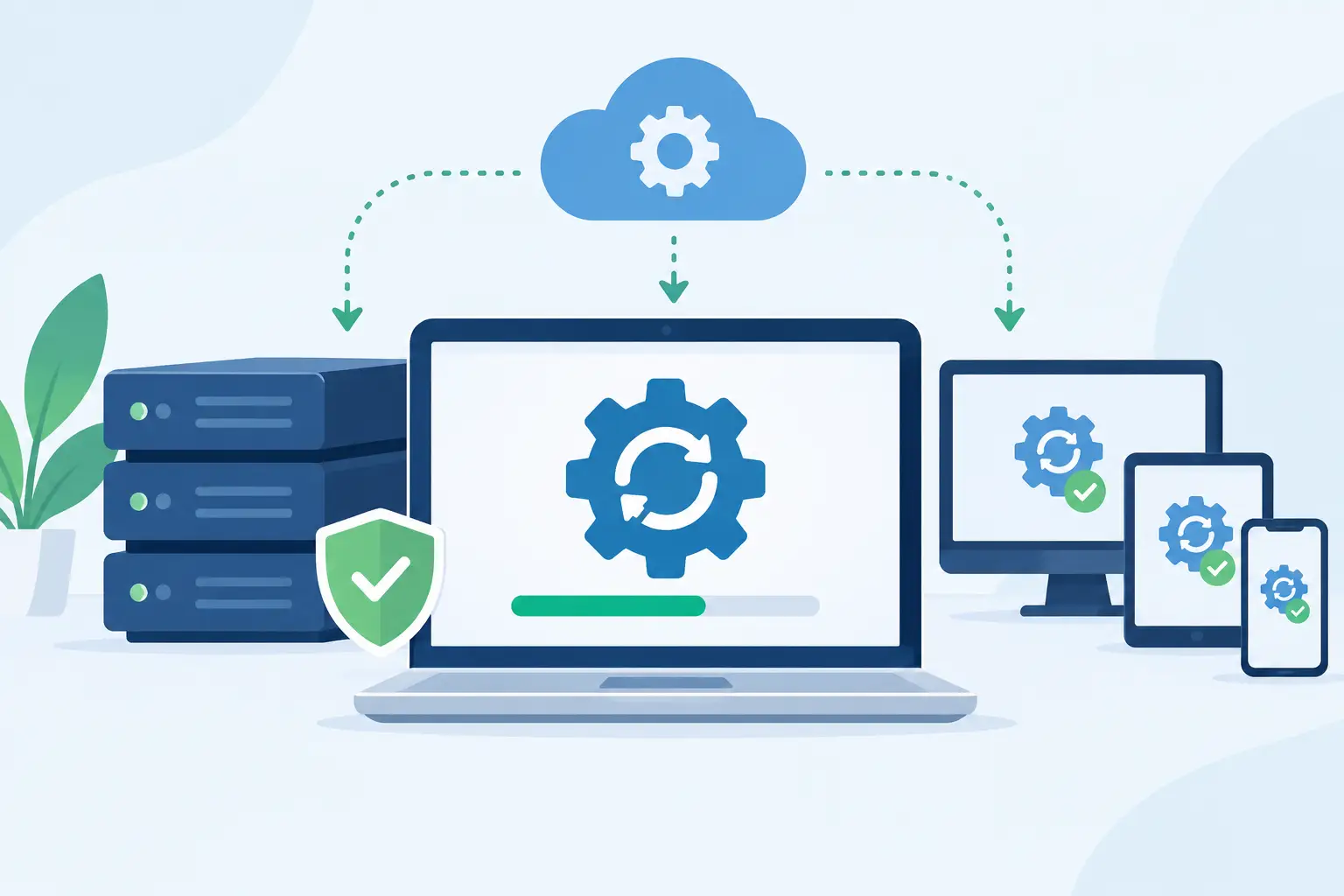
Technology should support the policy wherever possible. Automated retention labels, access controls, encrypted storage, offboarding checklists, backup monitoring, and account management reduce reliance on manual steps. For example, employee offboarding should include a review of the departing employee’s mailbox, cloud files, device data, and business accounts before access is removed.
Regular reviews matter because systems change. A business may adopt a new accounting platform, deploy a new phone system, begin using AI tools, or move more work into cloud applications. Each change can introduce a new location where business data is created or stored.
TechFusion can help businesses map their data environment, strengthen access controls, manage backups, and put practical retention processes into the technology systems employees use every day.
The Balance Between Storage, Security, and Recovery
There is a real trade-off in retention planning. Longer retention can preserve useful history and support compliance, but it also expands the amount of information that must be secured. Shorter retention can reduce storage costs and breach exposure, but it may eliminate records the business later needs.
This balance is especially important when considering security logs and backup data. Short retention may limit your ability to investigate a suspicious event that was discovered months later. Excessively long retention may increase costs and make systems harder to manage. The appropriate timeline depends on your risk profile, regulatory obligations, and recovery objectives.
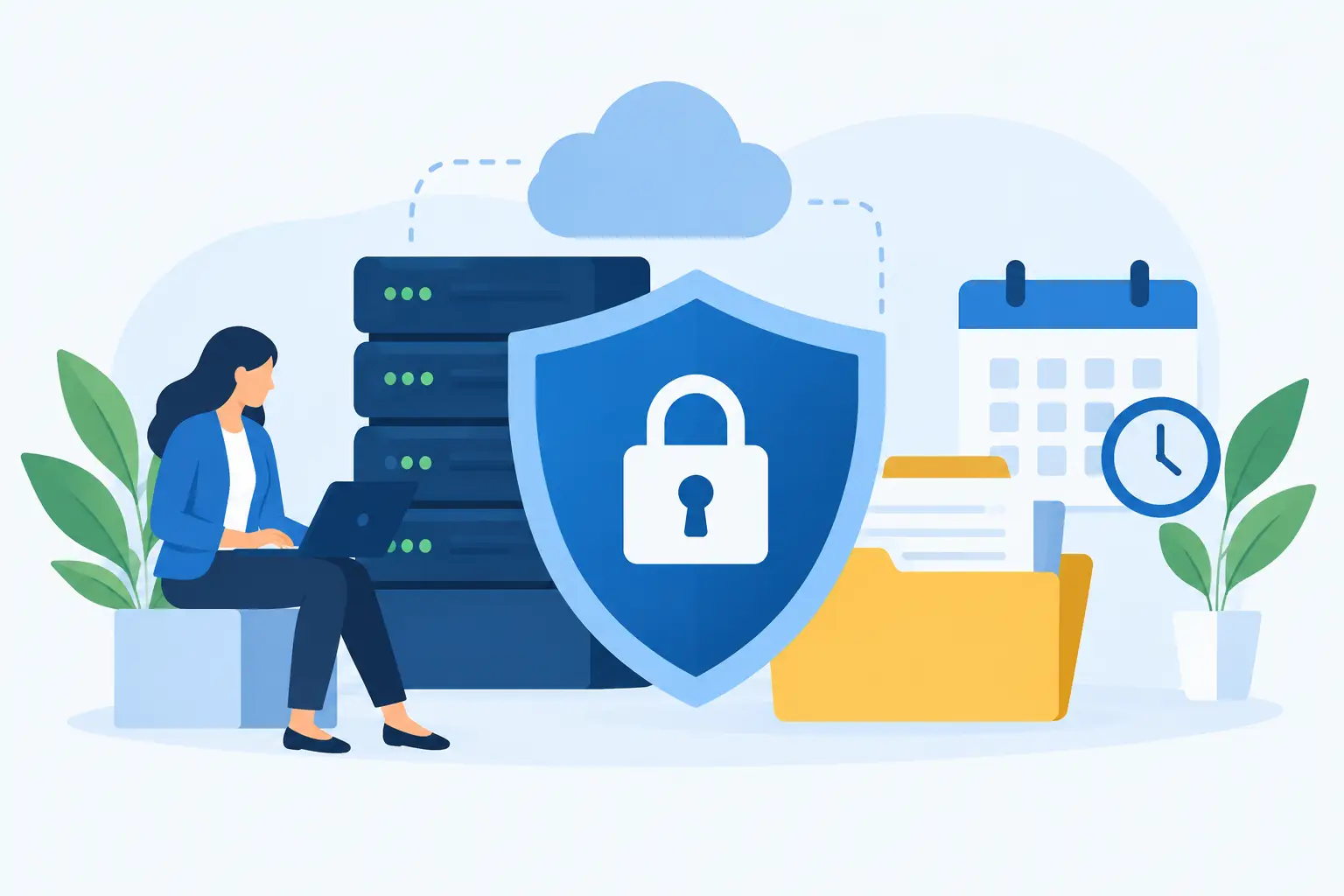
A good policy also distinguishes between preserving data and making it easily accessible. Older records may need to be retained but moved to lower-cost, restricted archival storage. That approach keeps operational systems cleaner while maintaining records that must remain available.
Questions Business Leaders Should Ask
Before approving a retention program, ask whether the business knows where its sensitive information is stored, who can access it, and whether former employees still have accounts or data tied to the organization. Ask whether backups are tested, whether cloud vendors have defined retention settings, and whether important records can be located quickly during an audit or disruption.
Also ask what happens when a record reaches its expiration date. If the answer is that someone deletes it when they remember, the process needs more structure. Consistent automation and documented ownership are usually more dependable than individual judgment.
A well-managed retention policy does more than reduce clutter. It gives your team confidence that critical records will be available when needed, sensitive information will not be kept without purpose, and technology will support the way your business needs to operate.