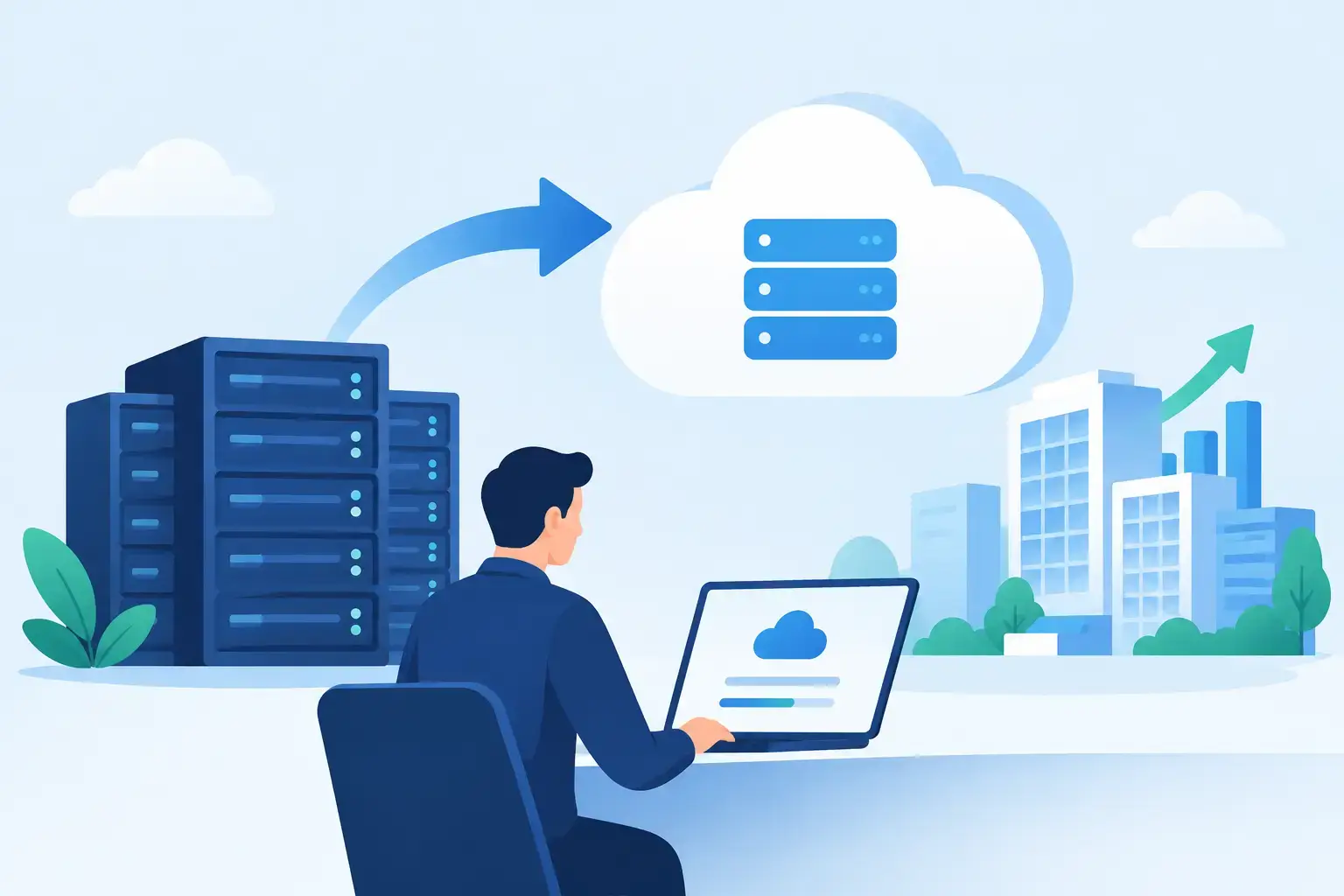
A cloud migration can look simple from the outside: move files, switch on new services, and let employees sign in. For a growing business, it is rarely that simple. This cloud migration case study follows a representative Central Florida company that needed to replace an aging on-premises environment without interrupting the work that kept its customers, staff, and revenue moving.
The example is a composite scenario based on challenges common among small and midsize businesses. It is not a claim about a specific client. Its value is in showing what a well-managed migration should address beyond the technical move itself: security, employee adoption, vendor coordination, recovery planning, and the support required after launch.
The Business Problem Was More Than Old Hardware
The business had approximately 55 employees across an office, remote work locations, and field operations. Its server handled shared files, user access, a line-of-business application, and backups. Over time, the setup became harder to maintain. Storage was nearing capacity, remote access was inconsistent, and a hardware failure could have left the company unable to work for days.
The leadership team did not want to move to the cloud simply because it was fashionable. They wanted practical outcomes: dependable access to files, stronger protection for company data, a more predictable IT budget, and less time spent waiting for technology problems to be resolved.
There were also risks that made a rushed move unacceptable. Some employees worked with sensitive customer information. A few long-tenured staff members were comfortable with familiar processes and concerned about changes. The company’s internet provider, phone vendor, application vendor, and internal department leads all had a role to play. If those moving pieces were not coordinated, the migration could create exactly the disruption it was intended to prevent.
Cloud Migration Case Study: Building the Plan First
The first stage was discovery, not migration. Before selecting a destination for every workload, the IT team documented what the company actually had, who used it, and what would happen if it became unavailable.
That inventory identified shared folders with duplicate data, inactive user accounts, unsupported software, and departments using different versions of the same documents. It also revealed that not every workload belonged in the same cloud service. File collaboration could move to a cloud productivity platform, while a specialized application required a hosted environment with specific performance and access controls.
This is where many migration projects lose value. Moving everything exactly as it exists may preserve clutter, permissions problems, and unnecessary costs. On the other hand, trying to redesign every process during the move can expand the project until it becomes difficult to control. The right approach depends on the business. In this case, the priority was to improve security and reliability first, then address deeper workflow changes after staff had adjusted.
The migration plan established a clear order of operations. Noncritical files and test users moved first. Department data followed in phases. The line-of-business application was scheduled for a low-impact weekend after the application vendor confirmed its requirements. Each phase had an owner, a testing checklist, a communication plan, and a rollback option.
Defining What “Success” Meant
The team set business-focused measures for the project. Employees needed to access approved files remotely without relying on personal email or unmanaged devices. Leadership needed visibility into user access and backup status. The business also needed an agreed recovery process, not just a statement that data was “in the cloud.”
Success did not mean zero employee questions. Any meaningful technology change produces questions. Success meant those questions were anticipated, answered quickly, and did not prevent people from completing their work.
Security Was Designed Into the Move
Cloud platforms can improve security, but only when they are configured and actively managed. A cloud account with weak passwords, broad permissions, and no monitoring is not an improvement over an insecure server room.
For this project, user accounts were reviewed before migration. Former employees were removed, access groups were aligned to job responsibilities, and multifactor authentication was introduced. Administrative privileges were limited to authorized personnel. Device policies helped ensure that company data was accessed from managed, protected systems rather than unsecured personal devices.
Backup and disaster recovery were addressed separately from the migration itself. Cloud storage may retain deleted files or provide version history, but those features are not always sufficient for every business requirement. The company adopted automated backups for critical cloud data and documented how recovery requests would be handled if files were deleted, encrypted by ransomware, or changed in error.
The distinction matters. Availability and recoverability are related, but they are not the same thing. A business may be able to sign in to a cloud application while still needing a reliable way to restore its information after a bad event.
The Migration Happened in Controlled Phases
The technical work began with a pilot group of employees from operations, finance, and management. These users tested sign-in procedures, shared-file access, mobile access, and department-specific workflows. Their feedback identified permission conflicts and naming inconsistencies before those issues affected the entire company.
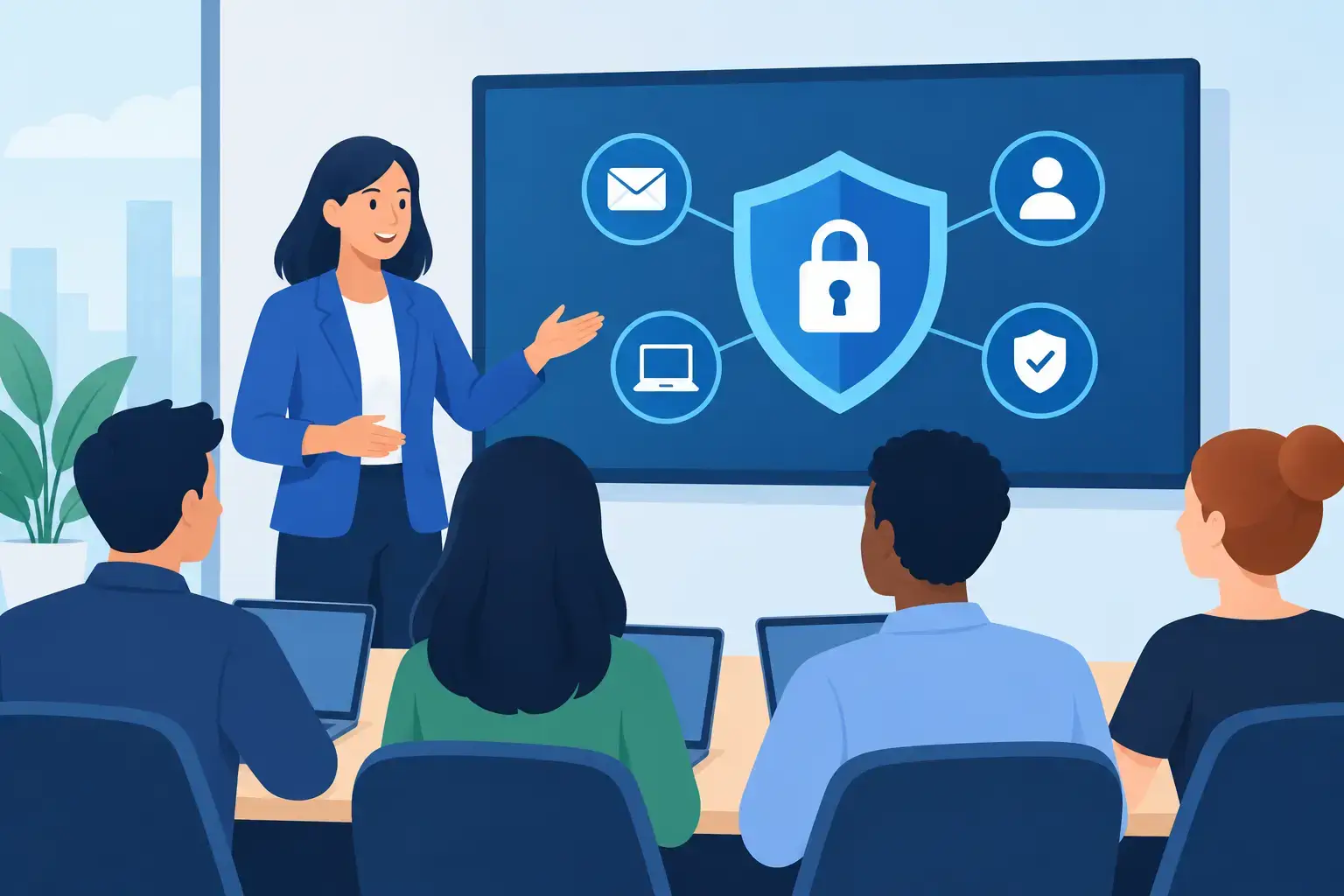
Once the pilot was stable, the team migrated department data in scheduled batches. Employees received clear notices explaining what would change, when it would change, and where to get help. Instead of receiving a technical manual, they were given practical guidance: how to sign in, where to find files, how to share documents safely, and what to do if something did not look right.
During the final cutover, the specialized application was moved with support from its vendor. The IT team monitored connectivity, user authentication, performance, and backup completion. A defined support contact was available for employees the next business day, when the most useful real-world testing began.
The migration required a planned maintenance window, but the business avoided an extended shutdown. Staff could continue working from approved locations, and leadership had a clear escalation path if a critical issue appeared.
What Changed After Go-Live
The most immediate improvement was consistency. Employees had a standard way to access current documents, whether they were in the office, at home, or visiting a customer. Managers no longer depended on a single local server or informal workarounds to share information.
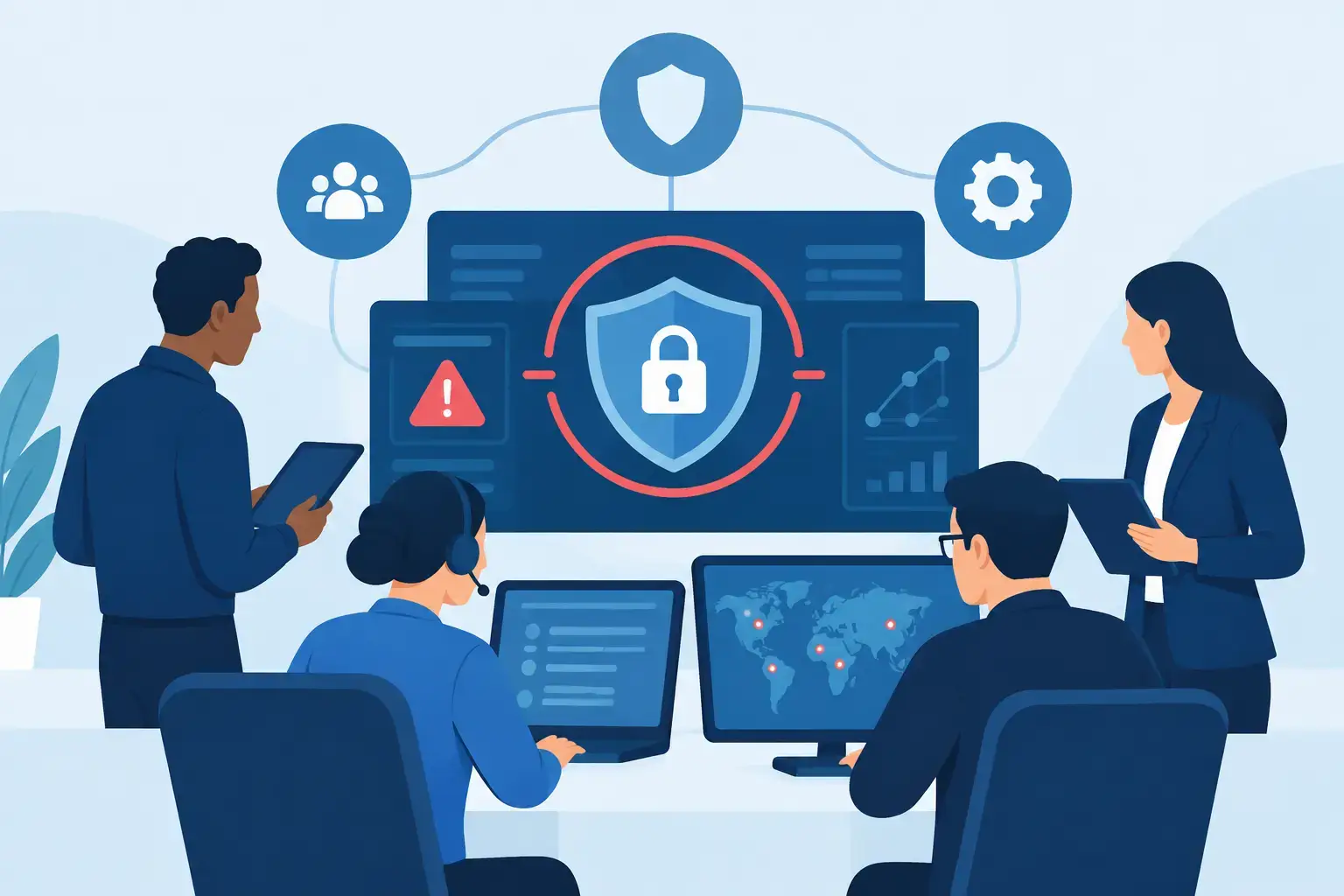
The security posture also improved. User access was easier to review, multifactor authentication reduced the risk associated with compromised passwords, and inactive accounts were no longer left behind. Automated backups and defined recovery procedures gave leadership more confidence that a mistake or cyber incident would not automatically become a business interruption.
There were financial trade-offs. The company exchanged unpredictable server replacement and emergency repair costs for recurring cloud licensing, backup, and management expenses. That was a deliberate decision. Lower upfront hardware spending does not mean the cloud is free, and a responsible provider should explain ongoing costs before a commitment is made.
The company also learned that migration is not the finish line. New employees still needed accounts, devices, applications, and access configured correctly. Departing employees needed prompt offboarding. Cloud services required ongoing security reviews, licensing oversight, vendor coordination, and employee support. Without that operational follow-through, the initial gains would gradually erode.
Lessons for Business Leaders Planning a Move
A successful migration starts with business priorities, not a product list. Ask which systems cannot go down, which data requires the strongest protection, and which employees will need the most support. Those answers should shape the timeline and technical design.
Avoid treating every workload the same way. Some applications can move quickly to cloud services. Others may need to remain where they are temporarily, be replaced, or be hosted in a specialized environment. The best destination depends on performance needs, compliance requirements, vendor support, internet reliability, and budget.
Most importantly, plan for ownership after the cutover. Someone must monitor security alerts, test backups, manage permissions, support users, and coordinate third-party vendors. That ongoing accountability is often the difference between a cloud environment that helps the business and one that becomes another source of frustration.
At TechFusion, the goal is not to hand over a new environment and disappear. It is to help businesses make technology decisions that support daily operations, protect their data, and give employees a dependable place to work. A cloud move should leave your team better prepared for the next busy day, not merely relieved that the project is over.