A cloud bill can look manageable in month one and become a budget problem by month six. A new application, a growing file library, additional backups, or inactive employee accounts can each add recurring costs that are easy to miss. This cloud cost guide gives small and midsize business leaders a practical way to understand what they are paying for, where spending tends to grow, and how to keep cloud investments aligned with daily operations.
The goal is not to choose the lowest-cost option. The right cloud environment should support productive employees, protect business data, and give your company room to grow without paying for resources that no longer serve a purpose.
What Businesses Are Actually Paying for in the Cloud
Cloud spending is more than a single software subscription. Most businesses pay across several categories, often through different vendors and invoices. That makes it difficult for an owner or operations manager to see the full picture.
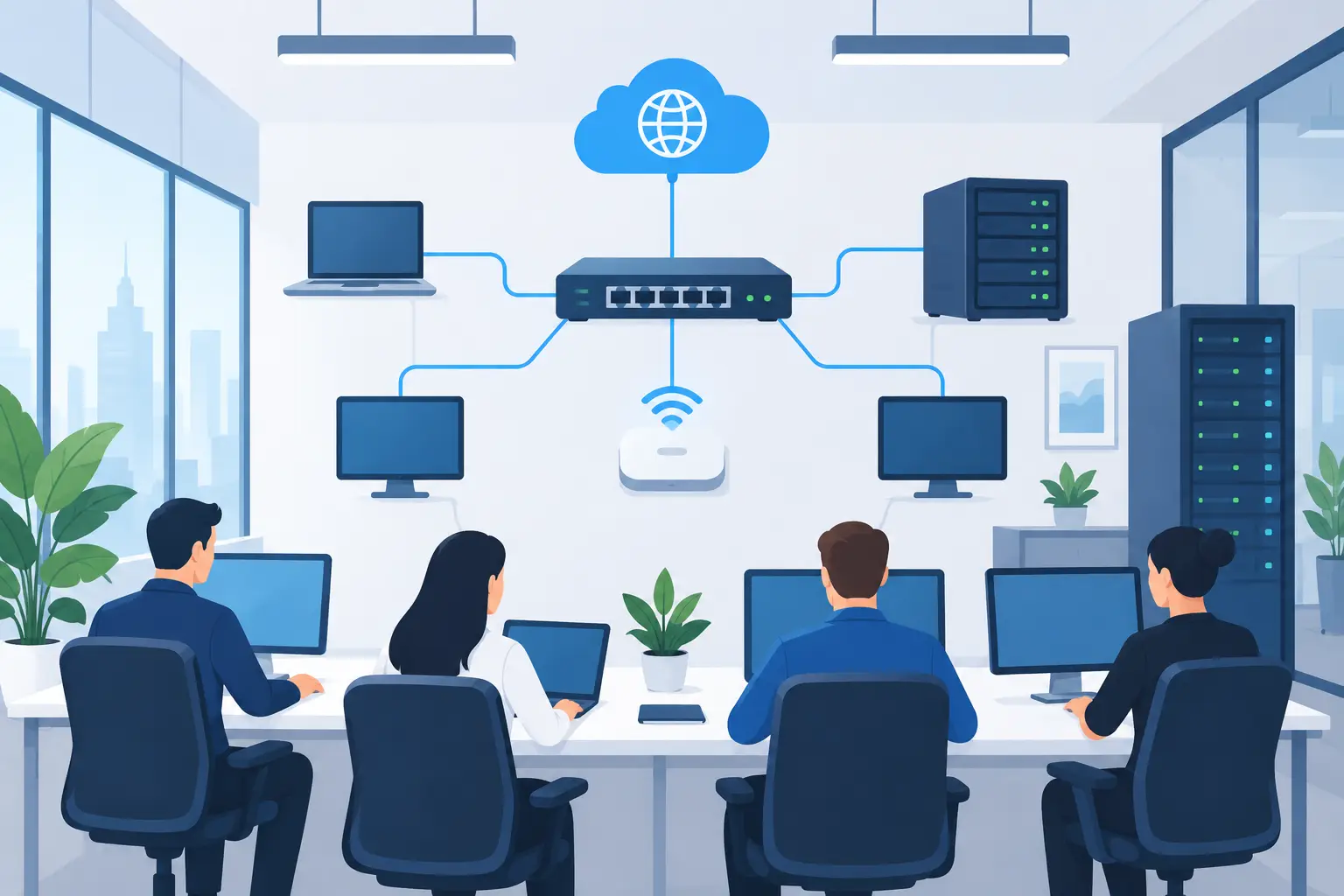
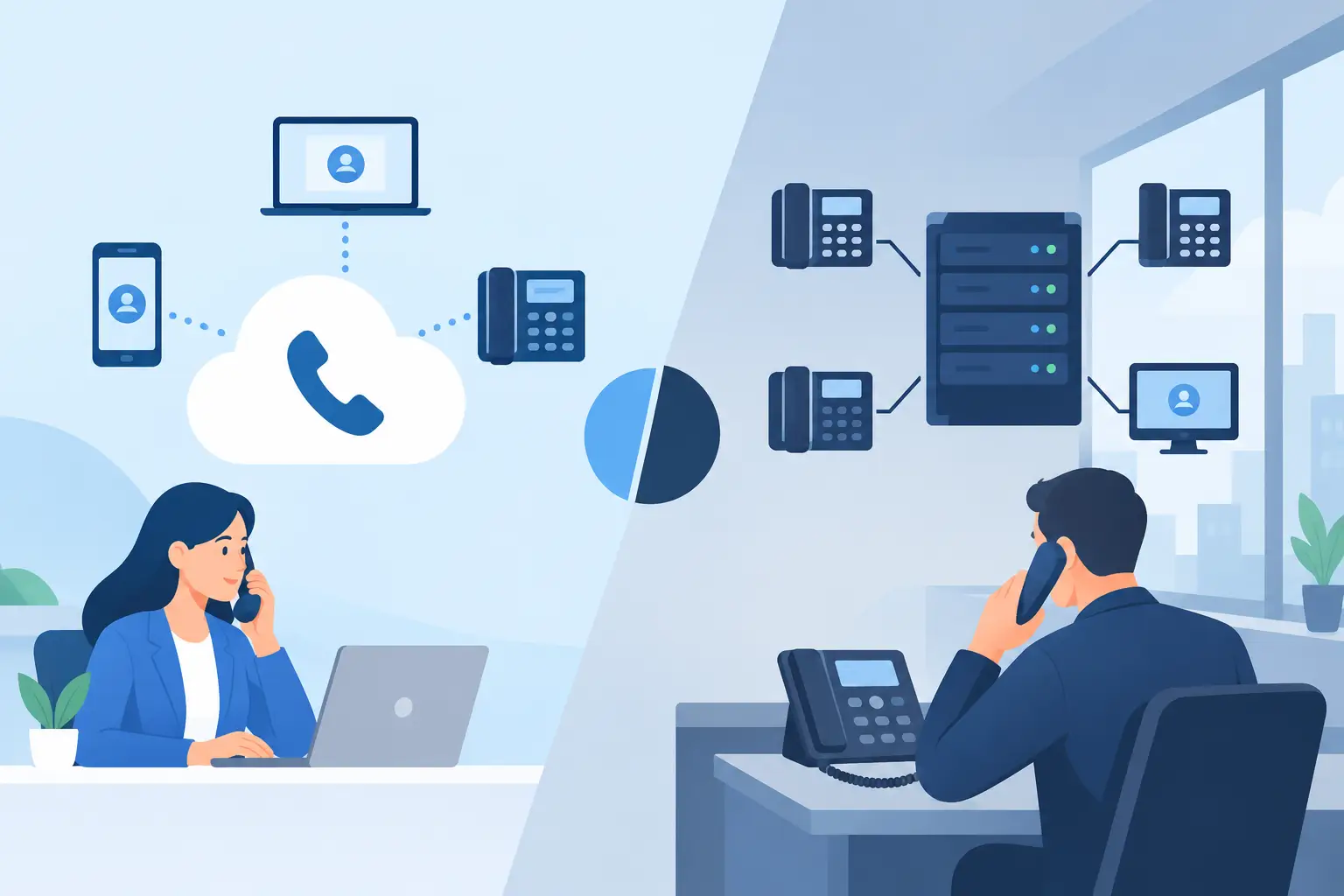
Your costs may include productivity software, email hosting, file storage, accounting or line-of-business applications, cloud servers, cybersecurity tools, backup storage, internet-connected phone systems, and licensing for employees. Some services charge a predictable amount per user each month. Others vary based on storage, processing activity, data transfers, or the number of devices being protected.
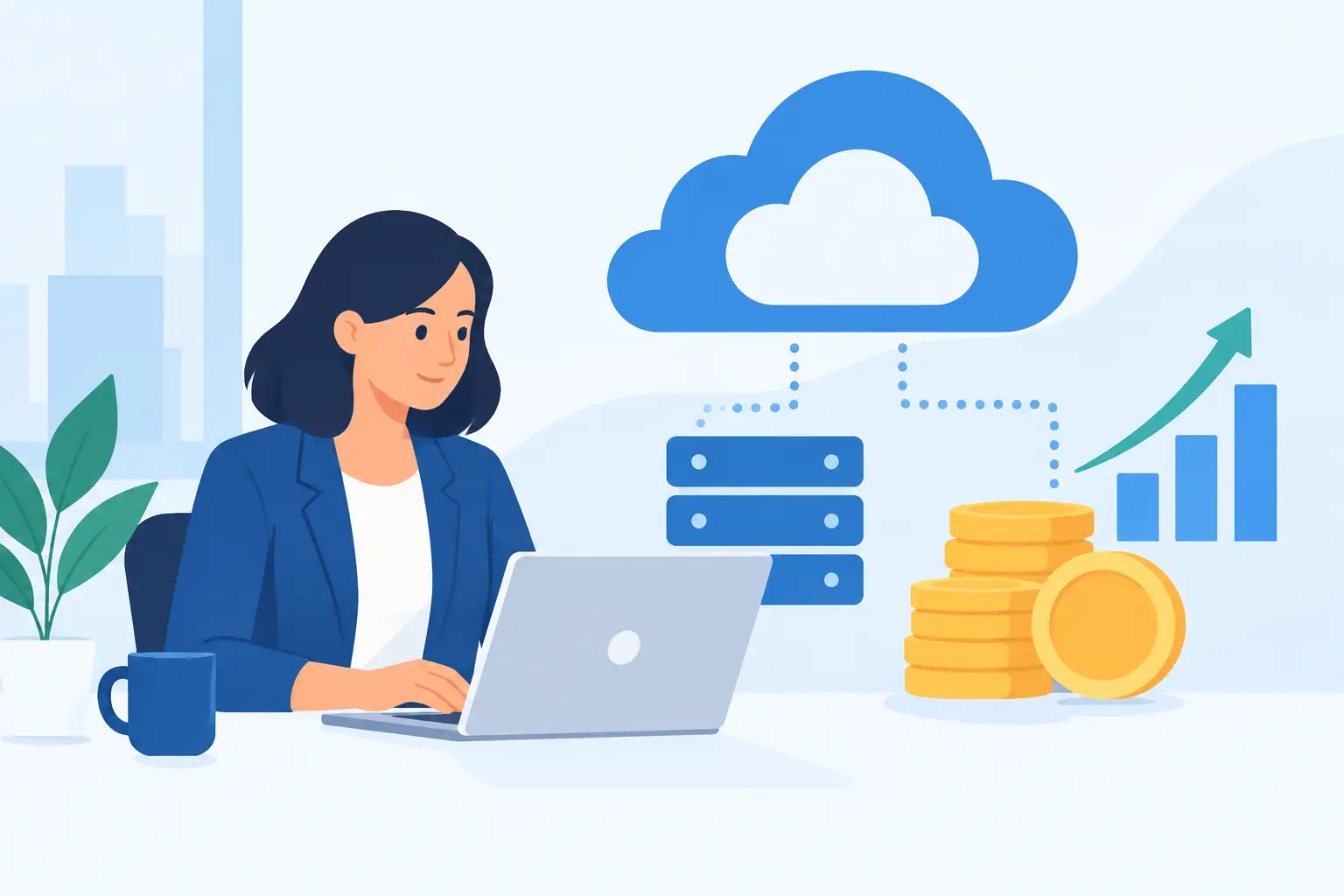
Variable billing is useful because it allows a business to scale without buying large amounts of hardware in advance. The trade-off is that costs can rise quietly when nobody is actively monitoring usage. A cloud server that remains oversized after a busy period, for example, may continue generating unnecessary charges every month.
Cloud Cost Guide: Start With Business Needs, Not Features
Cloud providers offer an overwhelming number of plans, add-ons, and technical options. Businesses get better results when they begin with operational questions rather than a list of features.
Consider what your team needs to accomplish each day. Does your staff need secure access to documents from the office, home, and job sites? Do you need reliable communication between locations? Are you required to retain records for a specific period? How quickly would the business need to recover if a device failed, ransomware disrupted access, or a local outage affected the office?
Those answers determine where it makes sense to invest. A construction company with teams in the field may prioritize secure mobile access and dependable file sharing. A professional services firm handling sensitive client information may place more emphasis on access controls, retention, monitoring, and backup. A growing company with frequent hiring may need licensing and device processes that make onboarding and offboarding efficient.
The most economical cloud plan is not always the least expensive plan. Paying slightly more for the right security settings, responsive support, and recovery capabilities may prevent a much more expensive interruption later.
Build a Clear Inventory of Services and Owners
Before reducing costs, identify every cloud service your company uses and who is responsible for it. This step often reveals duplicate tools, forgotten subscriptions, and accounts that remain active after an employee leaves.
Create a simple inventory that records the service name, purpose, monthly or annual cost, billing method, renewal date, account owner, number of active users, and whether the service contains business data. Include services purchased directly by departments, not just those managed by IT. Marketing platforms, file-sharing tools, scheduling software, and online design applications can all create unplanned technology spending.
For each service, ask three practical questions: Is it actively used? Does another approved tool provide the same function? What happens to the business if the service is unavailable or the vendor account is lost?
This is also the time to remove licenses assigned to former employees and shared credentials that create security and accountability problems. A disciplined onboarding and offboarding process protects more than the budget. It reduces the chance that former staff members retain access to business systems.
Watch the Costs That Change With Usage
Fixed per-user subscriptions are usually straightforward to forecast. Usage-based services require more attention because they can change with business activity, configuration choices, and data growth.
The most common variable cloud costs include:
- File and backup storage that increases as more data is retained
- Cloud servers that run continuously at a larger capacity than needed
- Data transfers, especially when large files move between platforms or locations
- Backup retention policies that keep multiple copies for extended periods
- Security, monitoring, or application services billed by device, event, or usage level
These charges are not automatically wasteful. Long-term backups can be a wise investment for a business that needs strong recovery options or must retain records. The key is matching the configuration to the actual risk and operational requirement.
For example, a business may need fast access to recent backups but can store older archives in a lower-cost tier. Similarly, a server that supports peak activity during specific hours may not need the same capacity overnight or on weekends. Adjustments should be planned carefully, tested, and documented. Cutting capacity without understanding the workload can affect performance when employees need systems most.
Put Guardrails Around Growth
Cloud spending becomes more predictable when it has an owner, a review schedule, and clear approval rules. A monthly review is often sufficient for small businesses, while organizations with complex infrastructure may need more frequent monitoring.
Set a budget threshold that triggers a review when spending exceeds expectations. Ask vendors or your IT partner to provide alerts for unusual usage, expiring commitments, and rapid storage growth. Review upcoming renewals before they automatically renew, particularly when a service has been purchased for a temporary project or a team that has changed.
It also helps to define who can approve new software. Employees often adopt tools to solve immediate problems, and their initiative may be well intended. But unreviewed applications can create duplicate costs, data-sharing risks, and support challenges. A simple request process allows the business to evaluate security, compatibility, cost, and ownership before a new subscription becomes permanent.
Do Not Treat Security and Backup as Optional Costs
When budgets are tight, security monitoring and backup can look like easy places to reduce spending. That decision can create far greater exposure than the monthly savings justify.
Cloud applications improve availability, but they do not remove every risk. Employees can accidentally delete files, accounts can be compromised, vendors can experience outages, and ransomware can spread through connected systems. The details of responsibility vary by provider and service agreement, so businesses should understand exactly what data is protected, how long it is retained, and how quickly it can be restored.
A strong approach includes multi-factor authentication, appropriate access permissions, monitored endpoints, tested backups, and a documented recovery process. These controls should be sized for the business, not copied from a much larger enterprise. The right plan balances protection with cost while giving leadership confidence that a routine incident will not become a business stoppage.
Compare Total Cost, Not Just Subscription Price
When evaluating cloud services, compare the full operating cost over time. A lower subscription price may exclude migration assistance, security configuration, user support, backup, training, or vendor coordination. If internal employees spend hours troubleshooting those gaps, the apparent savings can disappear quickly.
Ask potential providers how pricing changes as your staff, storage, locations, or application needs increase. Clarify whether support is included, what response times apply, and whether there are charges for data recovery, implementation changes, or ending the service. Straight answers are especially valuable for small businesses that need stable expenses and dependable help when something goes wrong.
This is where a managed technology partner can make a meaningful difference. TechFusion helps businesses connect cloud decisions to everyday needs, including employee productivity, secure access, backup readiness, and vendor accountability. Ongoing management also helps ensure that cloud resources remain useful after the initial setup is complete.
Make Cloud Spending a Recurring Business Conversation
Cloud costs should be reviewed alongside staffing, operations, security, and growth plans. When a new location opens, a department expands, or employees begin working differently, your technology requirements change too. Waiting until an invoice spikes or a system fails puts the business in a reactive position.
A quarterly conversation between leadership and IT can keep decisions grounded in priorities. Review what has changed in the business, which tools employees rely on, where support issues are recurring, and whether your recovery plan still meets expectations. Small adjustments made consistently are easier to manage than a major cleanup after years of unchecked subscriptions.
The best cloud environment is one your team can rely on without having to think about it every day. With clear ownership, measured usage, and practical security controls, cloud spending becomes an investment in dependable operations rather than another unpredictable overhead expense.