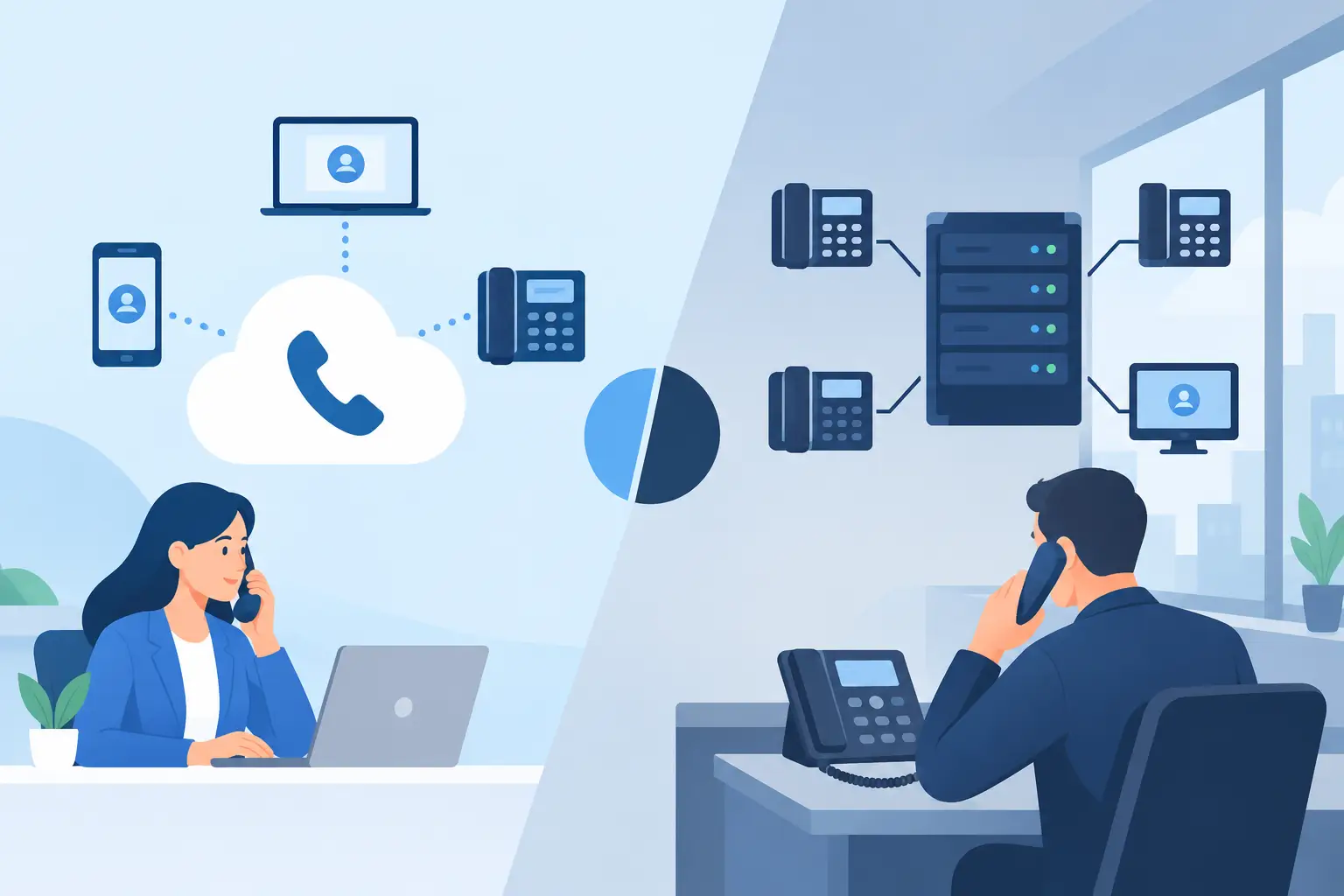
A slow video call, a dropped connection to a cloud application, or a printer that disappears from the network can stop productive work faster than most business leaders expect. A thoughtful office network setup is not simply a collection of routers and cables. It is the operating foundation for communication, customer service, file access, security, and the systems your employees depend on every day.
For a small or midsize business, the goal is not to buy the most expensive equipment. The goal is to build a network that fits how your team works now, protects critical information, and can grow without forcing a disruptive rebuild later.
Start With Business Needs, Not Hardware
Many network problems begin before any equipment is installed. A business purchases a router based on price, adds wireless access points as complaints arise, and connects new devices wherever there is an open port. The result may work for a while, but it is difficult to manage, troubleshoot, or secure.
Begin by documenting what the network needs to support. Consider the number of employees in the office, remote staff who need secure access, guest Wi-Fi use, cloud software, voice systems, cameras, printers, point-of-sale devices, and any specialized equipment. A 12-person accounting firm and a 12-person medical practice may have similar headcounts but very different privacy, bandwidth, and uptime needs.
Ask practical questions: How costly is an internet outage? Do employees regularly move between offices or meeting rooms with laptops and phones? Are large files transferred internally? Does the business handle regulated or confidential data? The answers shape the design, including internet service, network segmentation, wireless coverage, backup options, and security controls.
Build the Office Network Setup Around Reliability
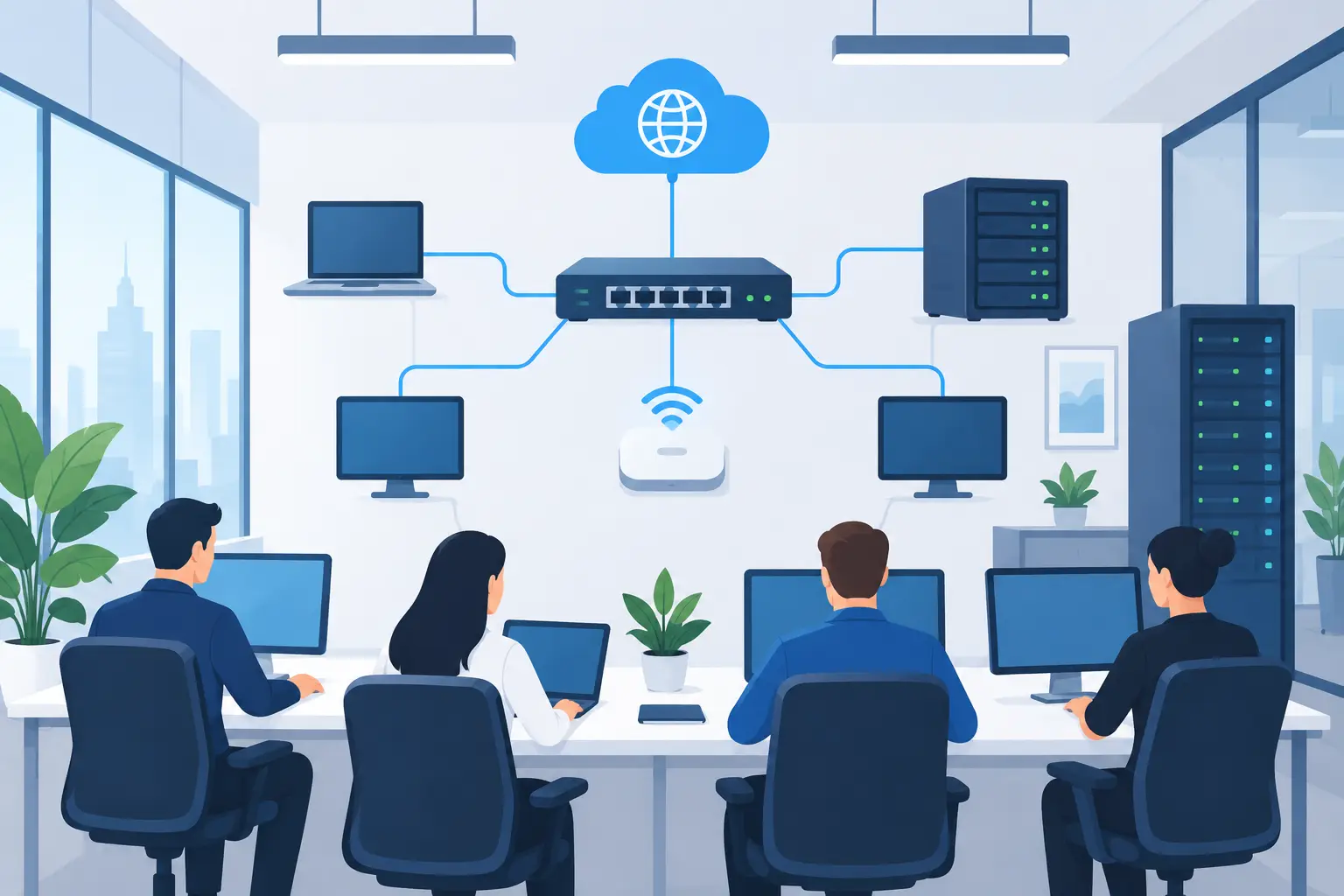
A dependable network usually has several connected layers: an internet connection, a business-grade firewall, managed switches, wireless access points, and properly configured cabling. Each piece has a specific job. Treating them as one interchangeable box makes future support harder.
Choose Internet Capacity for Real Usage
Internet speed should reflect actual activity, not just employee count. Cloud backups, hosted phone calls, video meetings, file synchronization, security cameras, and software updates can all compete for bandwidth. Upload speed deserves as much attention as download speed when teams use cloud platforms or regularly send large files.
For businesses where downtime immediately affects sales, dispatching, client communication, or access to cloud systems, a secondary connection is often worth considering. This could be a second wired provider or a cellular failover service. It does not eliminate every outage, but it can keep essential work moving when the primary connection fails.
Use a Business-Grade Firewall
The firewall is the gatekeeper between your internal network and the internet. Consumer routers may be adequate for a home office, but they rarely provide the visibility, security features, and centralized management a growing business requires.
A properly configured firewall can block known malicious traffic, control access to risky websites or applications, support secure remote connections, and alert your IT provider to unusual activity. Features alone are not enough, however. The firewall needs ongoing firmware updates, configuration reviews, and active monitoring. An unmaintained security device can create a false sense of protection.
Design Wi-Fi for Coverage and Capacity
Good wireless performance is about more than signal bars. An access point placed in the wrong location may provide a strong signal in one office and poor performance in a conference room where the team needs it most. Building materials, walls, storage areas, neighboring wireless networks, and the number of connected devices all affect performance.
A wireless site assessment helps determine the right number and placement of access points. In many offices, ceiling-mounted access points and wired backhaul connections provide better coverage than a single router placed in a closet. The right approach depends on the square footage, layout, and workload in each area.
Separate Devices to Reduce Risk
Network segmentation is one of the most useful protections in an office environment. Instead of placing every device on the same network, separate systems into logical groups. Employee computers, guest devices, phones, cameras, printers, and servers often have different access requirements.
For example, guests should be able to access the internet without seeing shared folders, printers, workstations, or internal systems. Cameras and smart devices should not have unrestricted access to employee computers. This limits how far a problem can spread if a device is compromised or misconfigured.
Segmentation also makes troubleshooting easier. When a phone system, camera network, or guest Wi-Fi connection has an issue, the problem can be isolated without affecting the entire office. It requires careful planning, especially when devices need to communicate across groups, but the security and management benefits are substantial.
Plan for Secure Access Beyond the Office
Work no longer stops at the office door. Employees may need access from home, while traveling, or at a client location. That access should be intentional and controlled rather than based on workarounds such as emailing sensitive files or exposing remote desktop services directly to the internet.
A secure remote access solution should use multi-factor authentication, individual user accounts, and permissions based on job responsibilities. Access should be removed promptly when an employee leaves or changes roles. Businesses should also decide whether remote users can reach the full network or only the applications and files they need.
This is where network design connects directly to onboarding and offboarding. A new employee should receive the correct level of access from day one. A departing employee’s access should be disabled quickly across email, cloud platforms, VPN connections, and business applications.
Do Not Overlook Physical Infrastructure
Cables, racks, power supplies, and labeling rarely receive much attention until they cause trouble. Yet a clean, documented network closet can save hours during an outage or office move. Every switch port, patch panel connection, access point, and internet circuit should be labeled clearly.
Use business-grade switches with enough capacity for current devices and reasonable expansion. Power over Ethernet, or PoE, can simplify installations by sending power and data to access points, phones, and cameras over one cable. An uninterruptible power supply can keep essential equipment running through short power interruptions and provide time for an orderly shutdown during longer events.
Physical security matters as well. Network equipment should be kept in a controlled area, not an unlocked common closet where cables can be unplugged accidentally. Environmental risks such as heat, moisture, and poor ventilation can shorten equipment life.
Make Cybersecurity Part of Network Configuration
An office network setup is not complete when users can browse the internet. It is complete when the environment is configured to support secure operations over time. That means changing default passwords, using unique administrator credentials, disabling unused services, applying updates, and maintaining an accurate inventory of connected devices.
Security monitoring helps identify suspicious login attempts, unusual network traffic, and devices that may not belong on the network. Automated backups and a tested disaster recovery plan are equally important. A secure network reduces risk, but no business can assume prevention will stop every incident, hardware failure, or human error.
The practical standard is resilience: prevent what you can, detect issues early, and recover quickly when something goes wrong. For many organizations, this includes documented procedures for a lost internet connection, failed firewall, ransomware event, and critical hardware outage.
Avoid Common Setup Shortcuts
The quickest installation is not always the least expensive over time. Common shortcuts include relying on one consumer Wi-Fi router, sharing passwords among employees, allowing guest devices onto the business network, leaving equipment undocumented, and delaying updates because everything appears to be working.
Another costly shortcut is treating the project as finished after installation. Networks change as employees join, software moves to the cloud, offices expand, and threats evolve. Hardware warranty dates, internet provider contacts, administrator access, and configuration records should all be kept current.
Ongoing management turns a one-time installation into a reliable business asset. A managed IT partner can monitor performance, apply updates, coordinate with internet and phone vendors, respond to user issues, and recommend changes before small problems become business interruptions. TechFusion supports Central Florida businesses with that hands-on approach, helping leaders focus on operations rather than chasing network issues.
Measure Whether the Network Is Doing Its Job
A network should be reviewed through business outcomes, not technical jargon. Are employees able to work without recurring connection complaints? Are calls clear? Do cloud applications perform consistently? Can your team recover from an outage without confusion? Are guest and business systems separated? Is someone accountable for monitoring and maintaining the environment?
If the answer to several of these questions is no, the network may still be functioning, but it is carrying unnecessary operational risk. A proactive assessment can identify weak coverage areas, aging hardware, security gaps, capacity limits, and single points of failure before they interrupt a critical workday.
The best time to improve your network is while it is still supporting the business. A clear plan, the right equipment, and ongoing expert oversight give your team room to work confidently as the business changes.