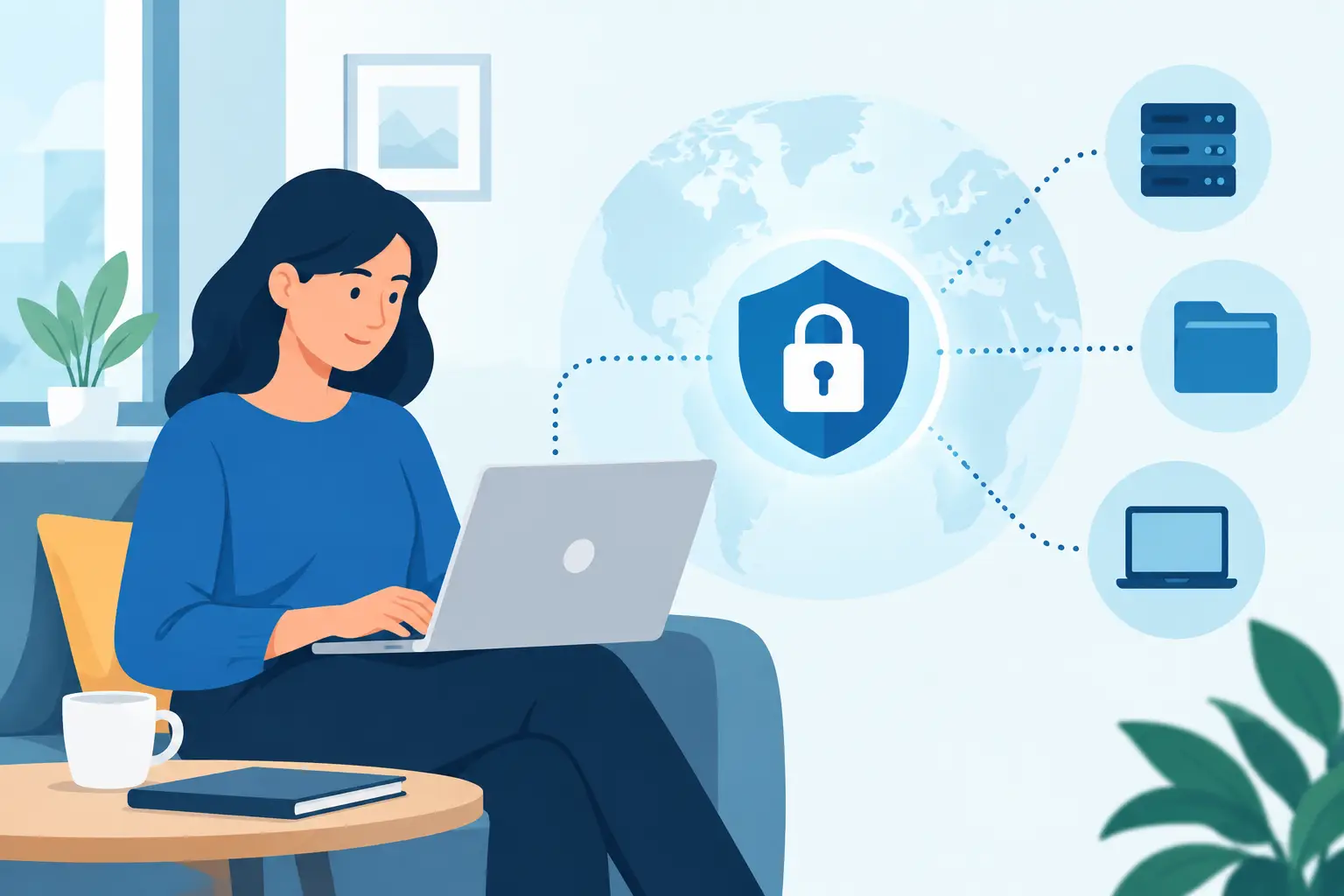
A remote employee who cannot reach a critical application can lose hours of productive time. A remote employee with unrestricted access to that same application can create an even larger problem if their account or device is compromised. The goal is to set up secure remote access that gives people what they need to do their jobs without exposing business systems, customer data, or daily operations.
For small and midsize businesses, remote access is no longer limited to full-time work-from-home arrangements. It supports traveling executives, field teams, after-hours troubleshooting, employees recovering from an illness, and vendors who need controlled access to specific systems. The right approach makes this flexibility practical without treating security as an afterthought.
Start With the Work People Actually Need to Do
Secure remote access should be designed around business roles, not around the broadest possible level of access. Before selecting a tool or opening a connection, identify which employees need remote access, which systems they need, and when they need them.
A salesperson may need email, a customer relationship management platform, and cloud files. An accounting employee may need a line-of-business application and secure access to financial records. An IT administrator may need elevated access for maintenance, but that access should be tightly controlled and monitored. These are different use cases and should not receive the same permissions.
This review also reveals where remote access may not be necessary. If an employee can complete their work through a secured cloud application, they may not need a direct connection to the office network. Reducing unnecessary pathways into your environment reduces risk and simplifies support.
Document systems, users, and access levels
Create a simple access inventory that records the user, their device, the applications or files they need, their level of permission, and who approved the access. This is particularly useful when employees change roles or leave the company. It gives your team a reliable way to confirm that access still matches the employee’s responsibilities.
Do not overlook third-party access. Accountants, software vendors, phone providers, and other partners may occasionally need to reach a business system. Their access should be time-limited, approved in advance, and removed when the task is complete. A vendor account that remains active indefinitely can become an overlooked security gap.
Choose a Remote Access Method That Fits the Risk
There is no single remote access solution that fits every organization. The best choice depends on the applications involved, the sensitivity of the data, the number of users, and how much internal IT capacity you have to manage the environment.
A virtual private network, or VPN, can provide an encrypted connection from an approved device to internal business resources. It remains a practical option for organizations that use on-premises file servers or older applications that are not available through a browser. However, a poorly configured VPN can give users more access to the network than they require. It also requires consistent patching, careful user management, and monitoring.
Cloud-based applications often reduce the need for network-level access. When a business uses properly secured software as a service platforms, employees can connect to the applications they need without entering the entire office network. This can limit exposure, though it still requires strong account protection, sensible sharing settings, and clear controls over downloaded data.
Remote desktop tools can be useful when an employee needs to work on a specific office computer or use software that cannot run elsewhere. The trade-off is that remote desktop access must be configured carefully. Never expose remote desktop services directly to the public internet. Place them behind an approved secure connection, require multifactor authentication, and limit access to the right users and devices.
Build Identity Security Around Every Connection
Passwords alone are not enough to protect remote access. Passwords are reused, guessed, stolen through phishing, and exposed in unrelated breaches. Multifactor authentication, or MFA, should be required for every remote entry point, including email, VPNs, cloud applications, administrator accounts, and remote support tools.
MFA adds a second proof of identity, such as an authenticator app, security key, or approved device prompt. An authenticator app or hardware security key is generally safer than a text message, which can be vulnerable to phone-number fraud. The best method depends on your workforce, but the requirement should be consistent.
Use separate administrator accounts for employees who manage systems. An IT employee should not browse email, open attachments, and perform elevated administrative work under the same account. Separating those activities limits damage if a routine user account is compromised.
Apply least-privilege access
Least privilege means each person receives the minimum access needed to complete their assigned work. It is not about making work difficult. It is about ensuring a compromised account cannot reach every folder, application, and device in the company.
Review permissions regularly, especially after promotions, departmental changes, mergers, and employee departures. Offboarding should include disabling accounts, revoking active sessions, removing access from shared systems, collecting company devices, and transferring business files or ownership where appropriate. Delays in offboarding are a common and avoidable risk.
Secure the Devices Connecting to Your Business
A secured login cannot fully protect your business if the device used for remote work is infected, unpatched, or shared with others. Company-managed devices give businesses more control because IT can apply security updates, encryption, endpoint protection, screen-lock rules, and remote support tools.
Bring-your-own-device arrangements can work, but they need defined boundaries. At a minimum, personal devices used for business should have current operating systems, antivirus or endpoint protection, encrypted storage, a strong screen lock, and separate business accounts. For more sensitive roles, a company-issued device is usually the safer choice.
Keep software and firmware updated. Cybercriminals frequently exploit known weaknesses after patches have been released. Automated patching helps, but it should be monitored so failed updates do not quietly leave systems exposed.
Endpoint detection and response tools add another layer of visibility by identifying suspicious behavior, such as unusual login activity, ransomware indicators, or unauthorized software. These tools are especially valuable when employees work from varied locations and networks.
Protect the Network Without Trusting Every Wi-Fi Signal
Employees may work from home, hotels, client sites, airports, or coffee shops. Public Wi-Fi is convenient, but it should never be assumed to be safe. A properly configured VPN can protect traffic when users must connect through an untrusted network, but users should still avoid sensitive work on public connections whenever possible.
At home, employees should secure their router with a strong unique password, current firmware, and modern Wi-Fi encryption. They should also avoid using a shared family computer for business access. These steps may sound basic, yet they prevent many common exposures.
Your office network also needs internal controls. Segment sensitive systems so that a compromised standard user device cannot freely reach servers, backup infrastructure, phone systems, or financial data. Network segmentation is particularly helpful for organizations that connect operational technology, guest Wi-Fi, cameras, or other specialized devices to the same environment.
Monitor Access and Prepare for the Moment Something Goes Wrong
Remote access is not a one-time project. Accounts change, employees adopt new tools, devices are replaced, and threats evolve. Logging and monitoring help your business spot problems before they become a major interruption.
Review unsuccessful login attempts, access from unfamiliar locations, unexpected administrator activity, and large or unusual file transfers. Not every alert indicates an incident, but patterns matter. A prompt response to a suspicious sign-in can stop an account takeover before data is accessed or ransomware spreads.
Your backup and disaster recovery plan should also account for remote work. Confirm that critical data is backed up, backups are protected from unauthorized deletion, and recovery procedures are tested. If a server, cloud account, or employee device becomes unavailable, your team should know who to contact and how essential work will continue.
Train employees for the real-world risks
Technology controls are stronger when employees understand why they exist. Teach staff how to recognize phishing messages, approve MFA prompts only when they initiate a login, report a lost device immediately, and avoid sharing credentials through email, text, or chat.
Training should be practical and recurring rather than a single annual presentation. A brief reminder after a new scam appears or a new access tool is introduced can be more effective than a long policy employees never revisit.
Make Secure Access Part of Ongoing IT Management
The safest remote access environment is one that receives regular attention. Quarterly access reviews, patch reporting, user onboarding and offboarding checklists, device health checks, and tested recovery processes turn security from a reactive task into an operating habit.
For many businesses, the challenge is not understanding that these controls matter. It is maintaining them while also supporting users, coordinating vendors, and keeping daily operations moving. TechFusion helps organizations manage that responsibility with practical guidance and ongoing IT support tailored to how their teams work.
Remote access should let your people respond quickly, work confidently, and stay productive beyond the office walls. When permissions, devices, networks, and monitoring are managed together, flexibility becomes an advantage rather than an unplanned security risk.