A phone system decision becomes urgent when a customer cannot reach the right person, a remote employee misses calls, or an office move exposes outdated equipment. When comparing hosted VoIP versus premises systems, the better choice is not always the newest option or the lowest monthly price. It is the system that keeps your team reachable, supports how they work, and can be managed without creating another technology burden.
For small and midsize businesses across Tampa Bay and Central Florida, the decision usually comes down to control, cost structure, flexibility, and resilience. Both approaches can provide reliable business calling. Their differences become clearer when you look beyond the phone on each desk.
Hosted VoIP Versus Premises Systems: The Core Difference
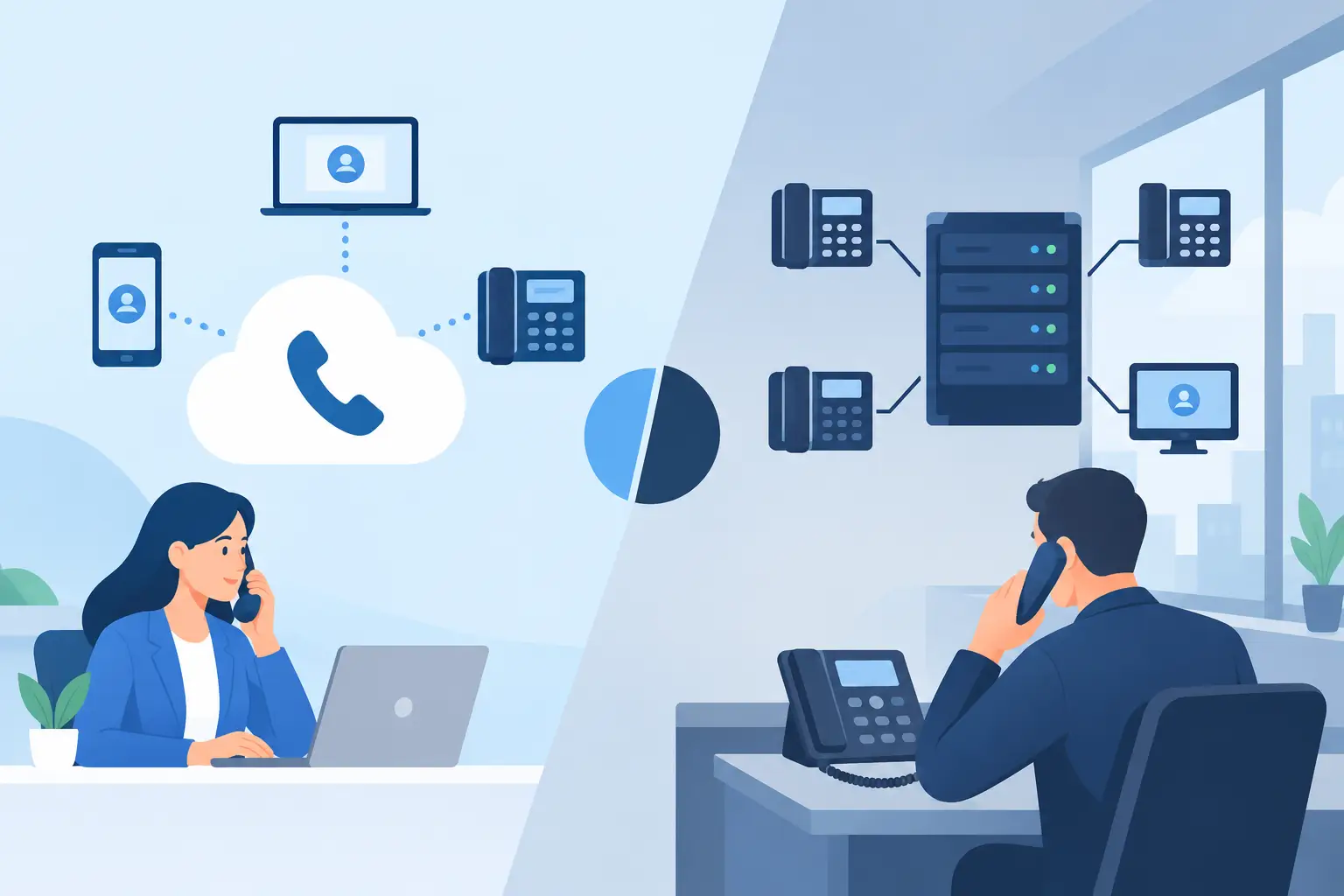
A hosted VoIP system delivers phone service through an internet connection, with the phone platform operated in a provider’s data center. Employees can use desk phones, mobile apps, computers, or softphones to make and receive business calls. Features such as auto attendants, voicemail-to-email, call queues, and call reporting are typically managed through an online administration portal.
A premises-based system, often called an on-premises PBX, places the primary phone server and related equipment at your location. Your business owns or leases the hardware and is responsible for maintaining it, either through internal IT staff or an outside technology partner. Calls may still travel over internet-based SIP trunks, but the call-control system remains in your office.
The distinction matters because it determines where responsibility lives. Hosted VoIP shifts much of the platform maintenance, software updating, and infrastructure management to the provider. A premises system gives your organization more direct control, but it also puts more of the maintenance and recovery responsibility on your team.
Cost: Upfront Investment or Predictable Monthly Spending?
Premises systems often require a larger upfront investment. You may need to purchase a PBX server, licensing, desk phones, switches, power protection, and installation services. There can also be ongoing costs for support agreements, replacement hardware, software upgrades, carrier services, and specialized administration.
Hosted VoIP generally uses a per-user monthly model. This can make budgeting easier and reduce the capital expense associated with a new phone deployment. It is especially appealing for organizations that need modern calling features without purchasing and maintaining a phone server.
That does not mean hosted service is automatically less expensive over every timeframe. A stable organization with a large number of users and an existing, well-maintained premises system may find that keeping its equipment is financially sensible in the short term. However, leaders should account for less visible expenses: aging hardware, emergency repairs, limited feature sets, time spent coordinating vendors, and the cost of a disruption when no one can quickly resolve a phone issue.
The most useful comparison looks at total cost of ownership over three to five years. Include equipment, licensing, carrier charges, support, upgrades, moves and changes, and the staff time needed to manage the environment.
Flexibility Matters When Your Team Is Not Always in One Office
Hosted VoIP is usually the stronger fit for businesses with hybrid staff, multiple locations, field teams, or frequent hiring. A new employee can often receive an extension and calling access before their first day, whether they work at headquarters, from home, or on the road. If your office relocates, the phone numbers and call flows can usually move with you without transporting a PBX server.
This flexibility also improves business continuity. If a building loses power or becomes inaccessible, calls can be redirected to mobile devices, alternate offices, or a remote answering team. That capability is valuable during severe weather, internet outages, construction issues, and other interruptions that can affect Florida businesses.
A premises system can support remote calling, but it commonly requires more planning and configuration. Remote access must be designed carefully, secured, and maintained. For a business with a fixed workforce in one location and very specific call-routing requirements, that may be acceptable. For a growing organization, it can become a constraint.
Scalability deserves the same attention. Adding ten employees to a hosted platform is generally a licensing and provisioning task. Adding ten employees to an older premises system may require capacity planning, additional cards or licenses, new hardware, and technician time. The difference is not just speed. It affects how confidently a business can respond to growth.
Reliability Depends on Planning, Not Just Platform Choice
Some business owners assume an on-premises system is more reliable because the equipment is physically in the office. Others assume the cloud removes every risk. Neither assumption is fully accurate.
A premises PBX can continue operating internally during some external service interruptions, especially if it has power protection and properly configured local connectivity. But if the office loses power, the server fails, or the building is unavailable, that advantage can disappear. Recovery depends on the quality of your backup power, spare equipment, documented configuration, and technical support.
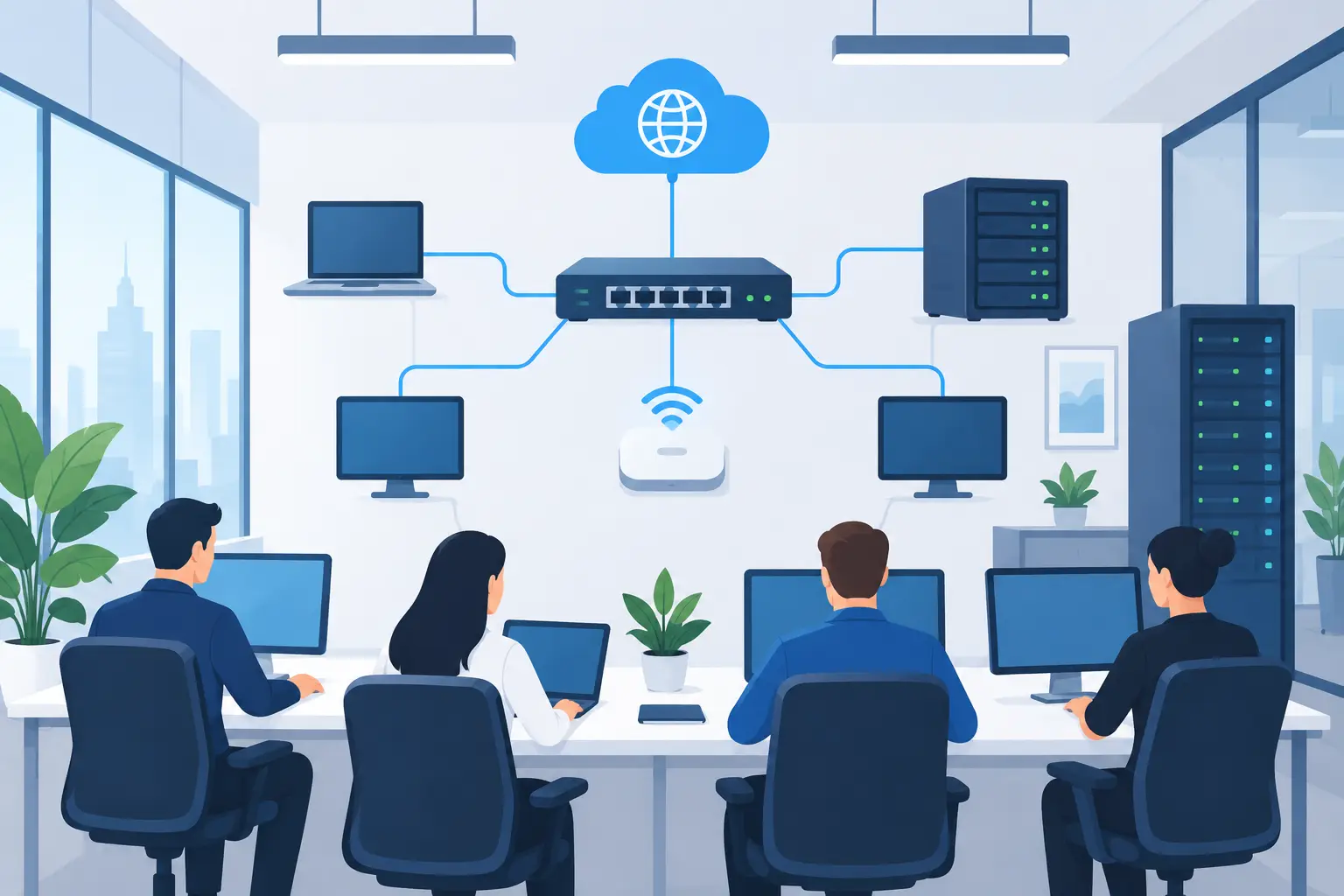
Hosted VoIP avoids dependence on a phone server in your office, but it relies on a healthy internet connection. Call quality can suffer when the network is congested, Wi-Fi is poorly designed, or bandwidth is not sufficient for voice traffic. A hosted deployment should include a network assessment, quality-of-service configuration where appropriate, reliable switching and firewall equipment, and a backup internet connection for critical operations.
For many organizations, the best resilience plan combines hosted calling with dual internet connections, battery backup for network equipment, and automatic call forwarding rules. If the office network goes down, employees can still answer calls from approved mobile devices or another location. The right plan should reflect how costly an hour of missed calls would be for your business.
Security and Management Should Be Part of the Decision
Business phone systems are connected systems. They can be targeted for toll fraud, account compromise, phishing attempts through voicemail or text messaging, and unauthorized configuration changes. Security is not a reason to avoid either model. It is a reason to make ownership and accountability clear.
With hosted VoIP, the provider typically manages the underlying platform security, availability, and software updates. Your business still needs strong user access controls, multifactor authentication where available, secure administrator accounts, and a process for removing access when employees leave. Your network also needs to be configured to protect connected phones and voice traffic.
With a premises system, your organization has more control over configuration and data handling, but it also assumes responsibility for patching the PBX, maintaining firewall rules, monitoring logs, backing up configurations, and replacing unsupported equipment. This may be a reasonable approach for organizations with internal expertise, strict operational requirements, or a technology partner that actively manages the environment.
The key question is not who owns the hardware. It is who will notice a problem, who has the authority to fix it, and how quickly that work will happen.
When a Premises System Still Makes Sense
Hosted VoIP is a practical choice for many small and midsize businesses, but premises systems still have a place. They may fit organizations with highly customized call workflows, existing equipment that remains supported and reliable, specialized analog devices, or compliance and control requirements that favor local infrastructure.
A manufacturing facility, medical office, hospitality business, or organization with legacy paging, door access, alarm, or fax requirements may need a more careful design. In some cases, a hybrid approach works best: retain necessary local devices while moving standard business calling to a hosted platform.
Do not let a legacy device become the sole reason to preserve an aging phone system. Identify what the device actually needs, whether an adapter or replacement is available, and what operational risk it creates. A good assessment separates real technical requirements from habits that have simply been carried forward.
Choose the System Your Business Can Support Well
The best phone system supports your employees without demanding constant attention from them. Start with practical questions: How often does your team work away from the office? How quickly are you adding staff? What happens if the building or primary internet connection is unavailable? Which call features are essential for customer service? Who will manage changes, security, vendors, and troubleshooting after installation?
TechFusion helps businesses evaluate phone and internet environments as part of the larger technology picture. That includes the network behind the phones, the security controls around user access, and the support process your employees rely on when something is not working.
Before replacing a phone system, document your current call flow and test the failure points that matter most. The right choice should make it easier for customers to reach you, easier for employees to work, and easier for your business to keep moving when the unexpected happens.