A Monday morning network outage can stop far more than internet access. Employees may lose access to cloud applications, phones, shared files, payment systems, printers, and the tools they need to serve customers. The following network outage recovery examples show what effective response looks like when a business has a clear plan, the right technical support, and people accountable for moving operations forward.
For small and midsize organizations, recovery is not simply about getting a connection back. It is about restoring the business functions that depend on that connection, confirming systems are safe to use, and communicating clearly while the issue is being resolved.
What Network Outage Recovery Actually Means
A network outage can result from an internet service provider failure, failed firewall, power loss, damaged cabling, faulty switch, incorrect configuration change, cyberattack, or an issue at a cloud provider. The cause matters, but the first priority is determining the scope: Is one employee affected, one office, a specific application, or the entire organization?
Recovery should follow a practical order. First, contain any risk and identify what failed. Next, restore the most business-critical services through a primary fix or temporary workaround. Then, validate connectivity, security controls, phone service, applications, and user access before declaring the incident closed. Finally, document what happened and make improvements that prevent a repeat.
A fast response without verification can create a second problem. For example, restoring an internet connection by bypassing a firewall may get employees online quickly, but it can expose the business if that temporary change remains in place.
Network Outage Recovery Examples for Common Business Problems
1. Internet provider outage at a busy office
A professional services office loses its primary internet connection at 9:15 a.m. Employees cannot access cloud-based case files, the hosted phone system is unavailable, and appointments are beginning to arrive. The first signs point to a provider-side outage rather than an internal network failure because the firewall is operating normally and the local network remains available.
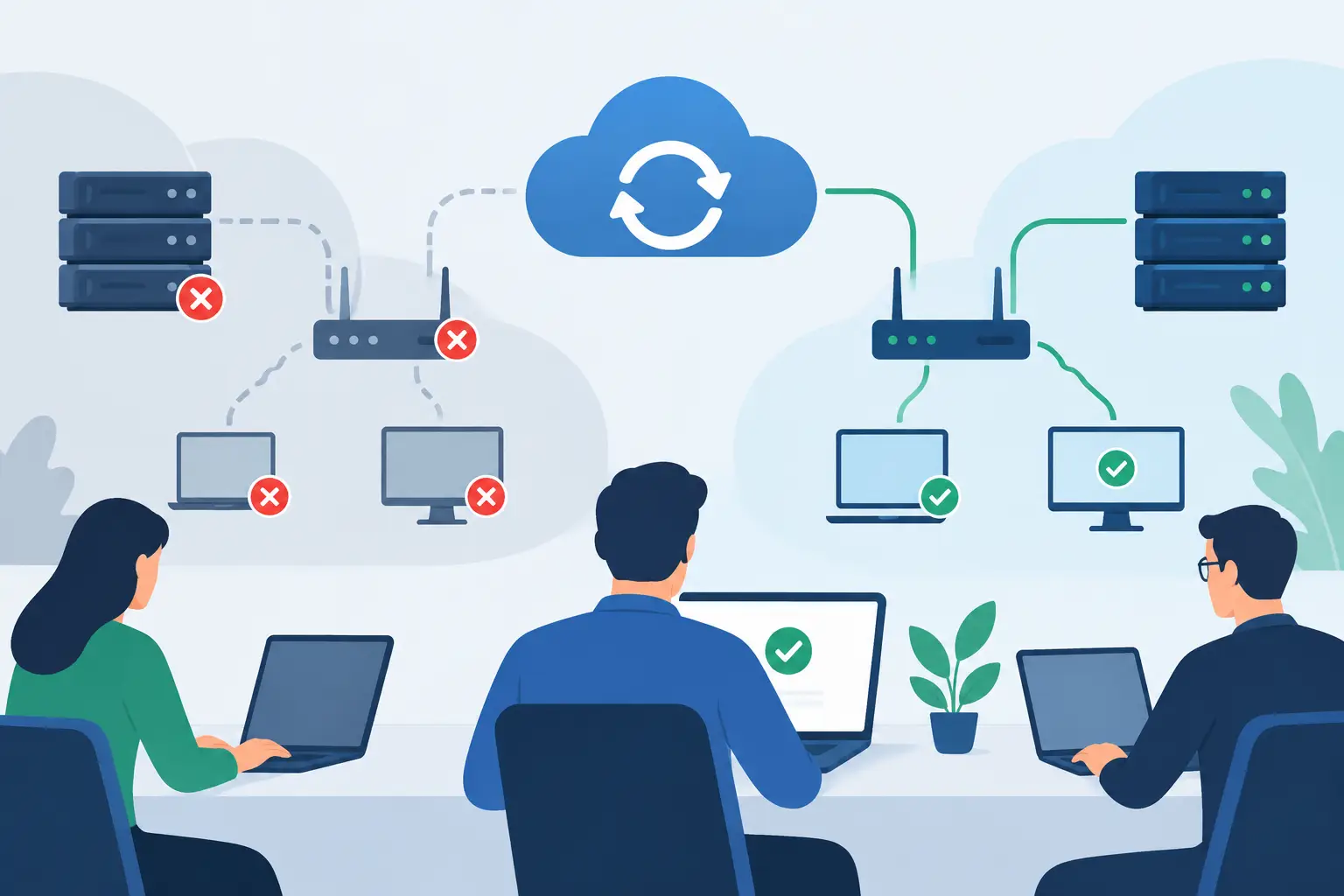
The recovery team confirms the provider incident, opens a support ticket, and activates a preconfigured secondary connection. Depending on the office, that may be a second wired internet provider or a managed cellular connection. Traffic shifts through the backup connection, allowing staff to access essential cloud tools and receive calls while the primary circuit is repaired.
The trade-off is that a backup connection may have less bandwidth than the primary service. Video meetings, large file transfers, and software updates may need to wait. The business can still prioritize customer communications, core applications, and secure remote access. After service returns, the team tests automatic failback and reviews whether the backup capacity matches the organization’s real operational needs.
2. A failed network switch takes down one department
A growing company finds that accounting and operations employees have no network access, while the rest of the office is working normally. Phones in that area may also be offline because they use Power over Ethernet from the same switch. This is a contained outage, but it affects invoice processing and order fulfillment.
A technician checks the affected switch, cabling, power source, and switch management interface. If the hardware has failed, recovery is much faster when the business keeps a compatible spare on site or has an IT partner that can source and configure one quickly. The replacement switch receives the approved configuration, including the correct network segments, voice settings, and security controls.
Before reconnecting every device, the technician tests a workstation, a phone, a printer, and access to required applications. This step catches common configuration errors, such as placing devices on the wrong network segment. Once service is restored, the failed switch should be reviewed for warning signs such as overheating, insufficient power capacity, or a lack of monitoring alerts.
3. A firewall change blocks cloud applications
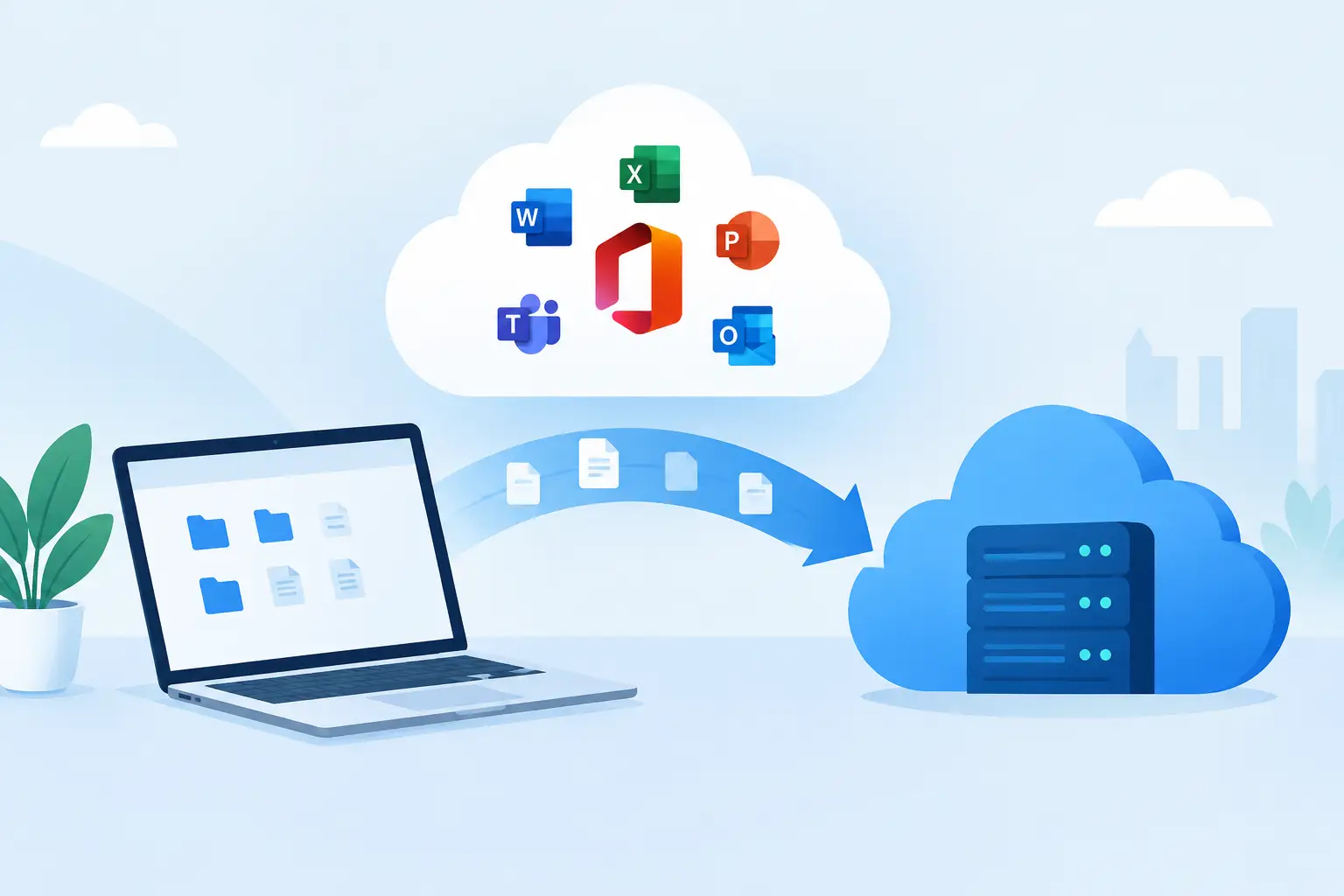
Not every outage is caused by broken equipment. A well-intentioned firewall or network configuration change can prevent employees from reaching a cloud application, remote desktop environment, or vendor portal. These incidents often occur after hours and become visible only when users arrive the next morning.
The safest recovery is not to make several additional changes until something works. The team should identify the exact change, compare it with the prior approved configuration, and roll it back if appropriate. Configuration backups and documented change records turn this from a prolonged investigation into a controlled restoration.
After access returns, the team can test the original change in a controlled manner. The lesson is not that changes should be avoided. Security updates, new applications, and network improvements are necessary. The lesson is that changes need a rollback plan, defined testing, and a clear owner who confirms that business-critical systems still work.
4. A ransomware event disrupts network access
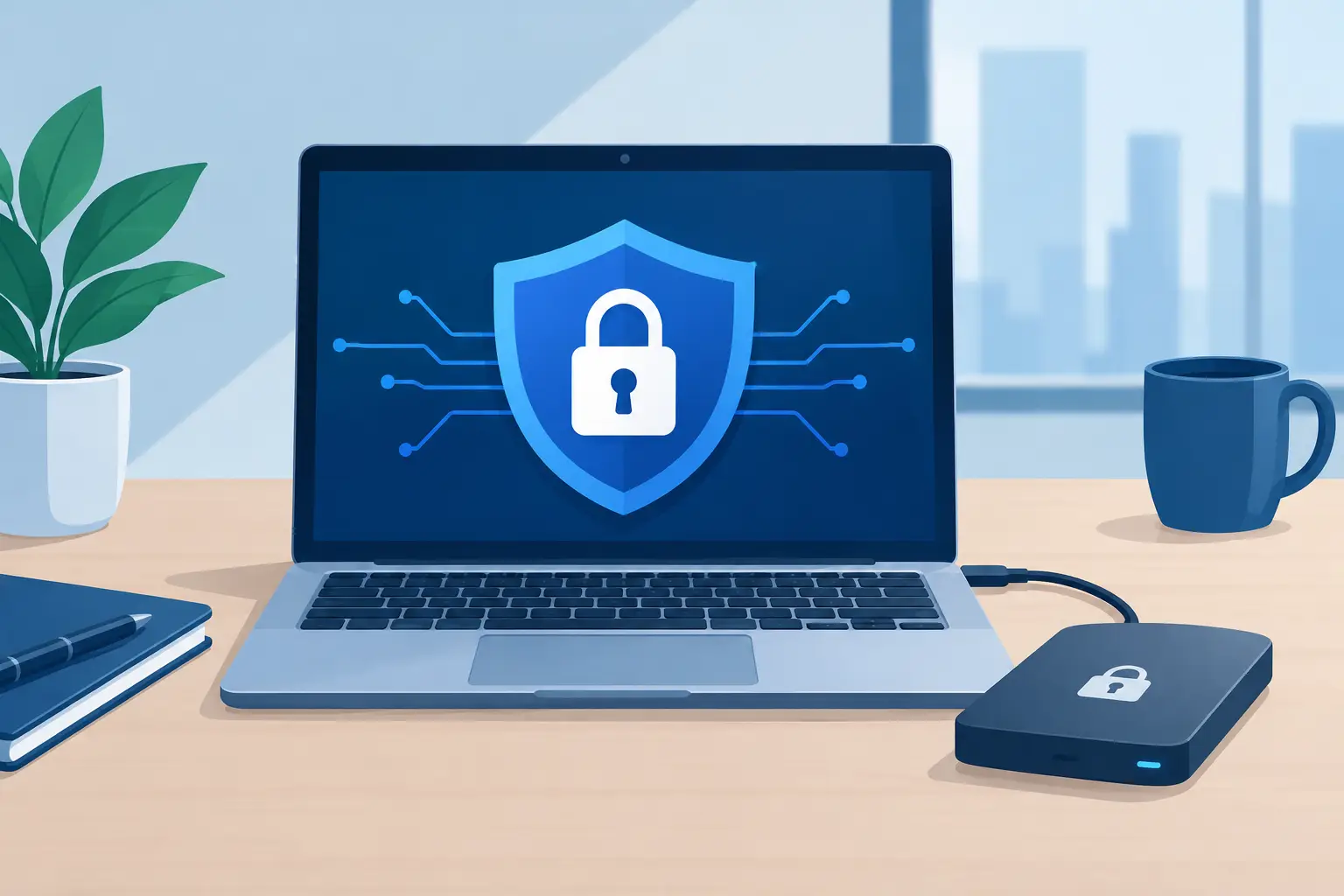
An employee reports that shared files have unusual names and cannot be opened. At the same time, antivirus alerts indicate suspicious activity on a workstation. In this case, restoring normal connectivity immediately may be the wrong move. The first objective is limiting the spread of the attack.
The affected device is isolated from the network, potentially along with impacted file shares or user accounts. Security logs, endpoint alerts, and backup status are reviewed to determine the scope. If files are encrypted or systems are compromised, recovery may involve restoring clean versions from protected backups rather than attempting to repair damaged data in place.
Business continuity procedures keep essential work moving. Employees may use approved alternate communication methods, work from unaffected systems, or follow manual processes for a limited period. Once the organization has contained the incident, removed the threat, reset credentials where needed, and validated restored data, it can reconnect systems gradually.
This example demonstrates why backup alone is not enough. Backups must be monitored, protected from unauthorized deletion or encryption, and tested for restoration. A recovery plan also needs clear decision-making authority, because a cyber incident can involve legal, insurance, customer, and vendor considerations.
5. A power issue disrupts phones, Wi-Fi, and core systems
A brief power fluctuation does not always create a brief outage. If network equipment lacks battery backup or shuts down in the wrong order, an office may lose Wi-Fi, phones, security cameras, and internet access even after utility power returns.
A prepared response starts with safe equipment checks. The team verifies the electrical source, uninterruptible power supply status, network hardware startup sequence, and internet equipment. Critical systems should be brought back in a controlled order, typically beginning with the firewall and core network equipment before access points, phones, and less critical devices.
The long-term fix may include properly sized battery backup units, surge protection, monitored power equipment, and a documented restart procedure. For businesses with stricter uptime needs, a generator or cloud-based phone continuity plan may be warranted. The right investment depends on the cost of downtime, not simply the price of the equipment.
The Recovery Practices Behind Better Outcomes
The strongest network outage recovery examples have a few things in common. They begin with visibility: someone can quickly see whether a device, connection, or service is down. They include current network documentation, known vendor contacts, secured administrative access, and backups of critical configurations.
They also account for people. Employees need to know where to report an issue, who will provide updates, and which temporary process to use if a system is unavailable. Leadership needs plain-language answers about business impact, expected next steps, and whether customer communication is necessary.
For many Florida businesses, vendor coordination is a major part of recovery. An outage can involve the internet provider, phone vendor, cloud application provider, building management, hardware manufacturer, and cybersecurity contacts. Having a single technology partner manage escalation and keep stakeholders informed prevents internal teams from spending hours trying to determine who owns the problem.
Build Recovery Into Daily Operations
The most useful time to test an outage plan is before a real outage creates pressure. Review critical systems, identify acceptable downtime for each one, and test backup internet, data restoration, phone routing, and key employee access. Even a short tabletop exercise can reveal gaps, such as an outdated vendor phone number or a backup connection that cannot support the systems the business depends on.
TechFusion helps businesses turn these preparations into practical, managed processes, from network monitoring and configuration backups to disaster recovery and vendor coordination. A recovery plan should give your team confidence that when technology fails, work does not have to stop with it.