A computer failure at 9:12 a.m. can affect far more than one employee. When a sales representative cannot access email, a front-desk team loses its phone connection, or an accounting workstation locks up before payroll, work stops while the problem is sorted out. To reduce business computer downtime, Florida business leaders need a plan that addresses the full technology environment, not just the device that happened to fail.
Downtime is rarely caused by one dramatic event. More often, it begins with overlooked software updates, an aging computer, a weak Wi-Fi signal, an expired license, or a backup that was never tested. The right approach combines proactive maintenance, responsive support, and clear recovery procedures so small problems are handled before they disrupt the workday.
How to Reduce Business Computer Downtime Before It Spreads
The most effective downtime strategy is preventive. Waiting for employees to report an issue means the business is already losing time. A proactive IT process tracks the condition of devices, networks, security tools, and critical applications, then addresses warning signs early.
This does not mean every computer needs to be replaced at the first sign of age. It means making informed decisions about which devices are slowing employees down, which equipment presents a security or reliability risk, and where an affordable repair can extend useful life. A computer that takes 15 minutes to start each morning may not feel like an emergency, but across a team, that lost time adds up quickly.
Reliable support also matters when an issue cannot be prevented. Employees should know exactly where to turn for help and should not have to spend an hour searching for a fix, calling an internet provider, or trying to explain a technical issue to multiple vendors. Fast triage keeps a localized problem from becoming an operational bottleneck.
Identify the Systems That Cannot Be Offline
Not every technology issue has the same business impact. A temporary problem with a secondary conference room display is inconvenient. An outage affecting your point-of-sale system, phones, file access, customer relationship management platform, or internet connection may stop revenue, customer service, or internal operations.
Start by identifying the systems your team needs to operate each day. Include the devices, applications, internet connections, cloud platforms, shared files, phones, and vendor-managed tools involved in critical workflows. Then consider what happens if each one is unavailable for an hour, a day, or longer.
This exercise helps set practical priorities. A business may decide that a spare laptop is sufficient protection for general office users, while a key workstation requires faster replacement options, documented settings, and a tested backup. The right level of protection depends on the cost of interruption, not on a one-size-fits-all technology checklist.
Maintain Devices Before They Fail
Computers tend to give warning signs before they become unusable. Frequent freezing, slow startup times, storage warnings, unexpected restarts, and repeated application crashes should be investigated rather than accepted as normal. Scheduled maintenance can identify failing hardware, outdated operating systems, insufficient storage, and software conflicts before an employee loses access at a critical moment.
Standardizing business computers also makes support faster and more predictable. When every employee uses a different device model, software version, and setup, diagnosing problems takes longer. A more consistent environment allows an IT team to manage updates, replace equipment, and configure new devices with fewer surprises.
A practical device lifecycle plan should document purchase dates, warranties, user assignments, installed applications, and expected replacement windows. It also gives leadership a clearer view of future costs. Replacing a few computers on a planned schedule is usually less disruptive than dealing with several emergency failures at once.
Protect the Network Behind Every Workstation
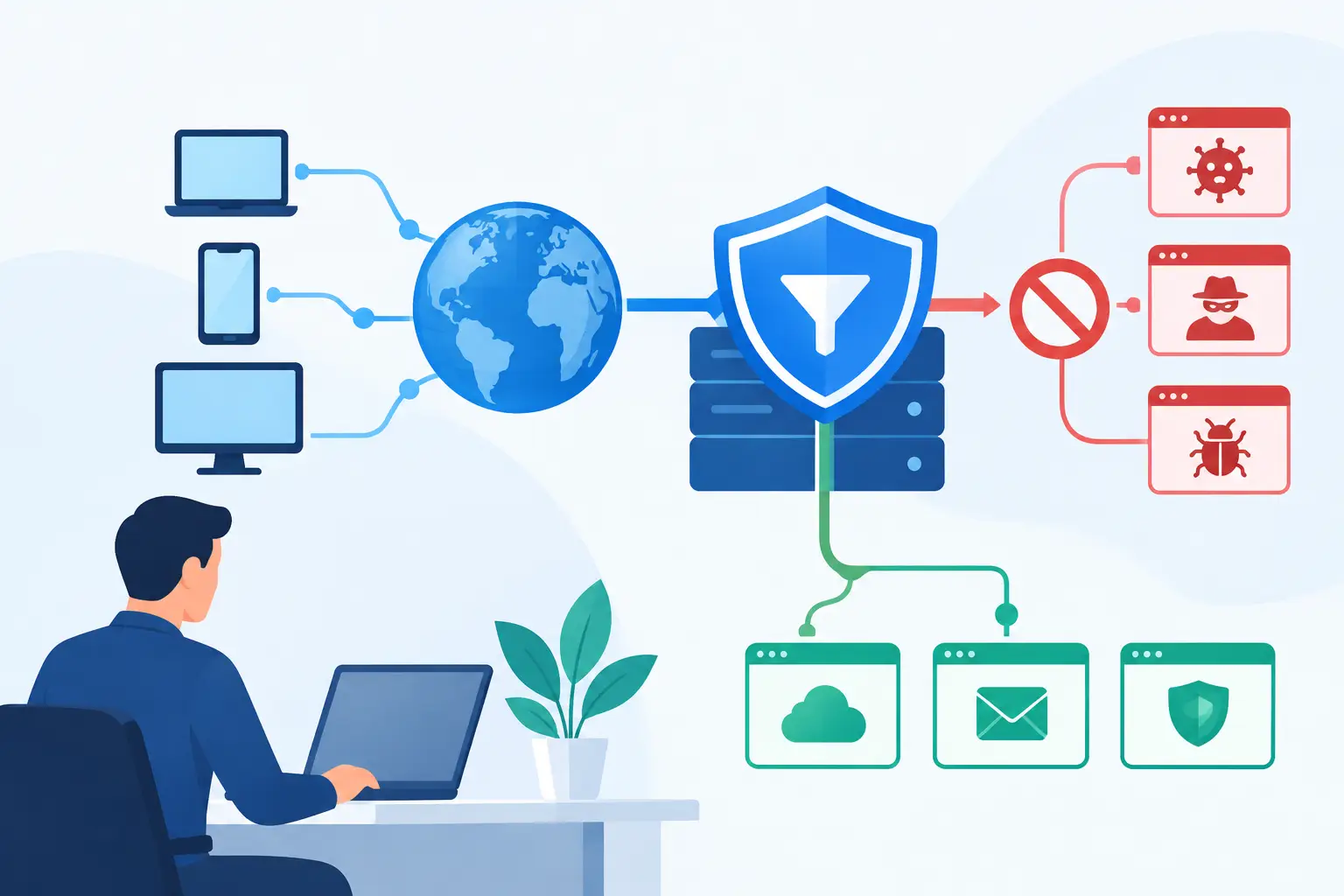
Many issues that appear to be computer problems are actually network problems. Employees may report that files will not open, cloud applications are slow, calls are dropping, or printers are unavailable. The device may be working properly while a weak wireless signal, overloaded connection, failing switch, or incorrect network configuration is causing the disruption.
Network monitoring and routine optimization help uncover these issues early. This includes checking Wi-Fi coverage, reviewing internet performance, keeping network equipment current, and separating guest access from business-critical systems. For offices with cloud applications and internet-based phone systems, dependable connectivity is part of day-to-day business continuity.
It is also wise to have a plan for an internet outage. Depending on the business, that may include a backup connection, mobile failover, or documented procedures for working from an alternate location. A backup option has a cost, so the decision should reflect how much a disconnected office would cost in missed work and missed opportunities.
Use Backups That Can Actually Restore Work
A backup is only valuable if it can be restored quickly and correctly. Businesses sometimes discover too late that a backup missed a key folder, ran inconsistently, or cannot recover a needed version of a file. Automated backup and disaster recovery should protect the data and systems that keep the organization moving, including shared files, cloud data, applications, and critical configurations where appropriate.
Testing is the difference between having backups and having recovery capability. Periodic restore tests confirm that files can be retrieved, access is available, and the recovery process is understood. They also reveal whether the business can meet its own recovery expectations. If a department needs a system back within four hours but restoration takes two days, the plan needs adjustment.
For some organizations, cloud-based tools reduce the impact of a device failure because employees can sign in from a replacement computer. That is helpful, but it does not eliminate the need for account security, backup planning, and documented access procedures. Cloud services improve resilience when they are configured and managed intentionally.
Treat Cybersecurity as an Uptime Issue
Cybersecurity is often discussed as a compliance or data-protection concern. It is also a downtime concern. Ransomware, compromised email accounts, malicious downloads, and unauthorized access can lock teams out of files and systems for days. Recovery may involve investigation, containment, password resets, communication with vendors, and data restoration.
Basic protections should include managed security updates, endpoint protection, multifactor authentication, secure access controls, and ongoing monitoring for suspicious activity. Employee awareness is equally important because many incidents begin with a convincing email, a reused password, or a rushed click.
Security measures should be practical for the way your team works. Controls that are too complicated may be ignored or bypassed. The goal is to reduce risk while giving employees clear, workable steps for protecting business systems.
Build Better Employee Transitions and Daily Habits
Onboarding and offboarding are common sources of preventable technology disruption. A new employee who receives a computer without the right applications, permissions, email setup, or phone access loses productive time from the first day. A departing employee whose accounts remain active creates security and access risks that can complicate operations later.
Documented onboarding checklists ensure each new team member receives the tools they need, while offboarding procedures remove access promptly and preserve business information. These processes are particularly valuable for growing companies that add employees quickly or work with remote and hybrid staff.
Daily habits matter, too. Encourage employees to report unusual computer behavior early, save work in approved locations, and avoid installing unapproved software. Small actions can prevent the kind of hidden issues that later become a major interruption.
Create an Incident Plan for the Problems You Cannot Prevent
Even well-managed technology can experience an outage. A storm can damage local infrastructure, a vendor can have a service interruption, or a hardware component can fail unexpectedly. The difference between a manageable incident and a costly one is often the clarity of the response.
Your incident plan should establish who contacts IT support, who communicates with employees and customers, which systems are restored first, and how the business will operate while a critical service is unavailable. Keep vendor contacts, account details, equipment information, and recovery instructions current and accessible to authorized personnel.
Run through realistic scenarios at least occasionally. What would your team do if email were unavailable for a morning? What if the office lost internet access? What if a key employee’s laptop failed before a client presentation? These discussions expose gaps while there is time to address them calmly.
Choose Ongoing Support, Not Just Emergency Repair
Break-fix support can resolve an immediate problem, but it often leaves the underlying pattern untouched. Businesses that depend on technology benefit from a partner that understands their systems, documents their environment, coordinates with vendors, and actively looks for ways to prevent disruptions.
TechFusion provides that ongoing support model for businesses that need technology to remain dependable as they grow. The focus is not simply on getting a computer working again. It is on protecting productivity through managed devices, responsive assistance, network oversight, backup planning, security monitoring, and practical guidance that aligns with how the business operates.
The best time to prepare for downtime is when everything is working. A few deliberate improvements now can spare your team the confusion, lost productivity, and customer frustration that follow an avoidable outage.